
本文章介绍的是 NV 显卡训练。CPU 训练 仅供参考,部分不同的地方请前往官方网站获取信息。
官方地址:
必须要安装的环境
Python 3.9(3.10):初期测试一直有问题后作者改为
3.9,如果有需要自行验证3.10:https://www.python.org/Python:是执行脚本的关键词,需要配置环境变量,下面的很多组件都需要配置环境变量,具体的请参考互联网信息。pip: 作者本身不会 Python,这个理解应该是一个安装的插件。可以安装第三方库,如果 pip3 无法执行 可以切换成 pip,具体原因不明。pip网络问题: 可以在使用 pip 的时候加参数-ihttps://pypi.tuna.tsinghua.edu.cn/simple
例如:pip install -i https://pypi.tuna.tsinghua.edu.cn/simple pyspider,这样就会从清华这边的镜像去安装 pyspider 库。
- CUDA
https://developer.nvidia.com/cuda-downloads
作者安装的是 10.2 的版本
- CUDNN
https://developer.nvidia.com/cudnn
下载之后覆盖保存到 CUDA 目录
- PaddleOCR
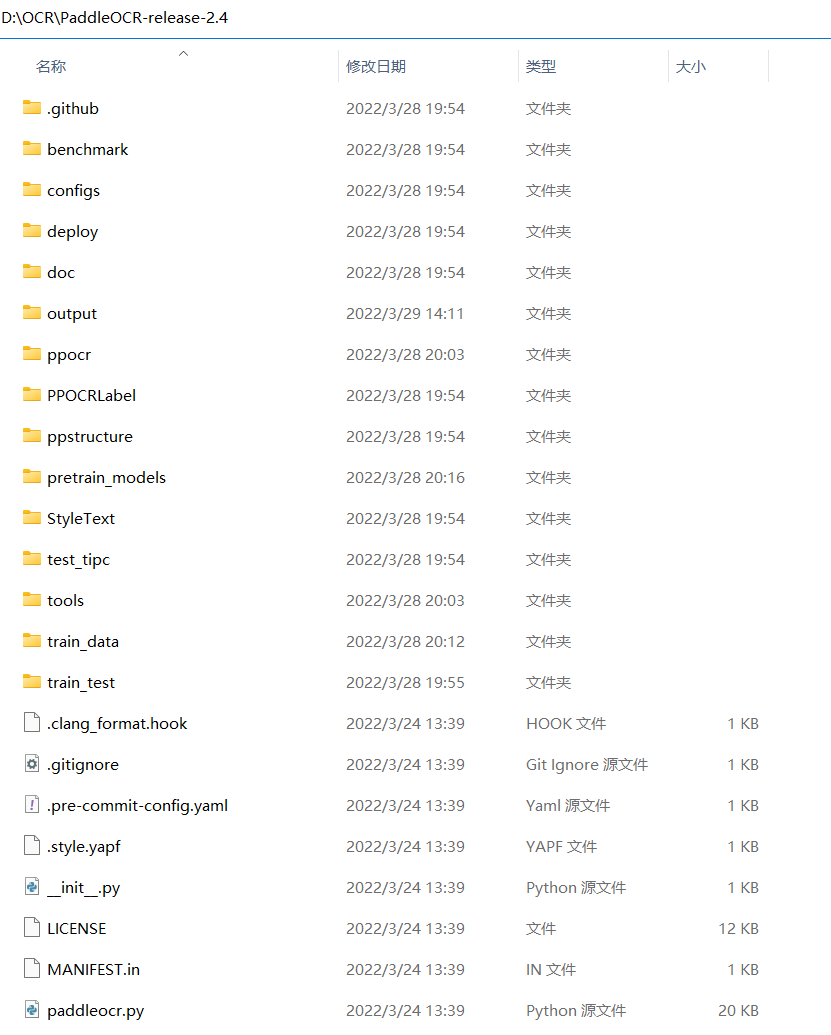
https://github.com/PaddlePaddle/PaddleOCR
把项目克隆到本地
- cd PaddleOCR
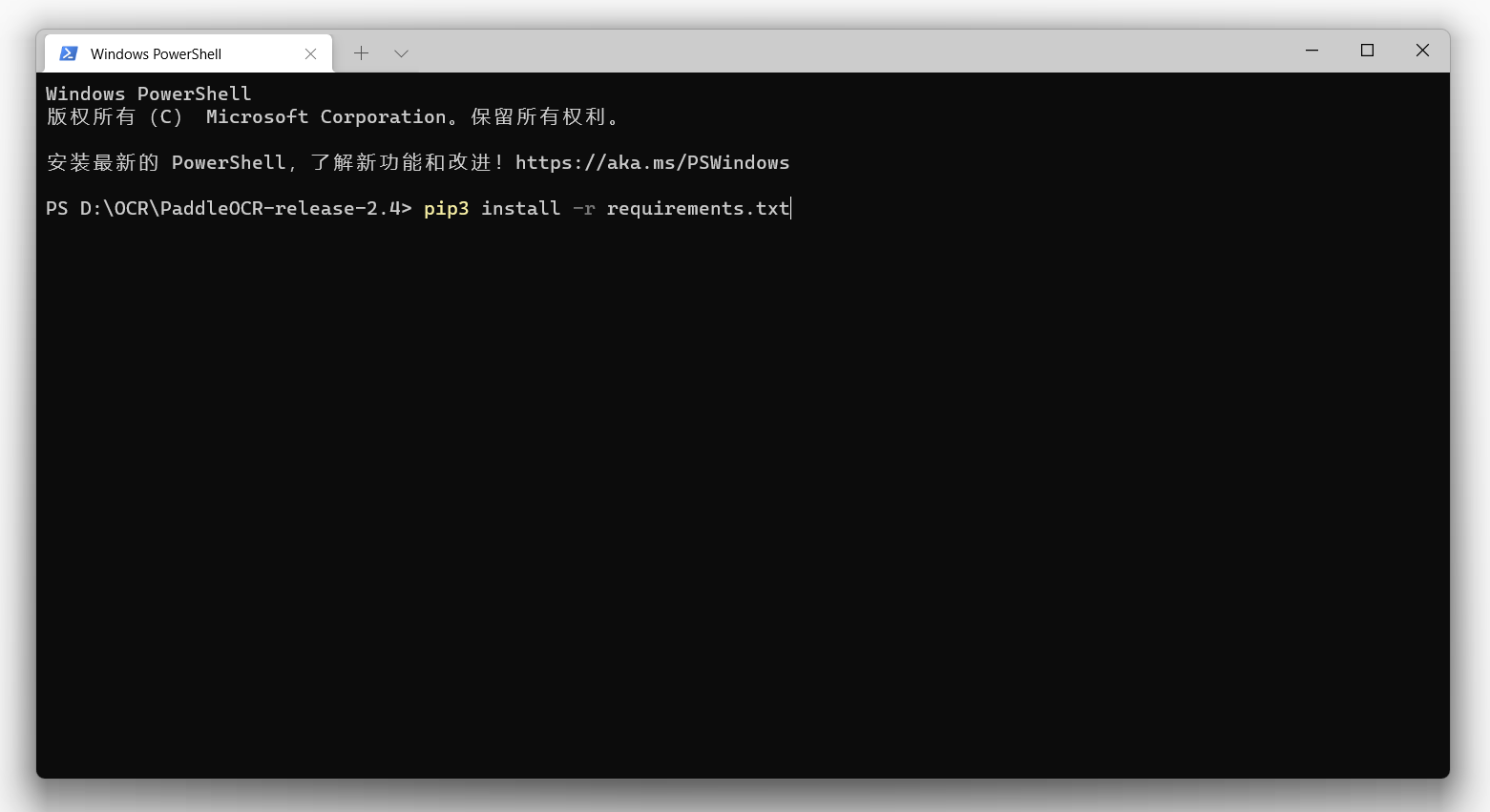
pip3 install -r requirements.txt
安装 OCR 需要的第三方 python 库
- PPOCRLabel

这是创建学习数据的,标注工具,不是必要的,但是很方便。
cd ./PPOCRLabel # 将目录切换到PPOCRLabel文件夹下
pip install pyqt5 # 安装QT5 运行环境
pip3 install -r requirements.txt
python PPOCRLabel.py --lang ch # 启动工具,如果启动没反应那么就是缺少环境
- ch_ppocr_mobile_v2.0_rec
预训练模型(其他模型可以参考地址:models_list.md)
ch_ppocr_mobile_v2.0_rec_pre.tar
- 训练参数文档
本地配置文件路径: PaddleOCR-release-2.4\configs\rec\ch_ppocr_v2.0\rec_chinese_lite_train_v2.0.yml
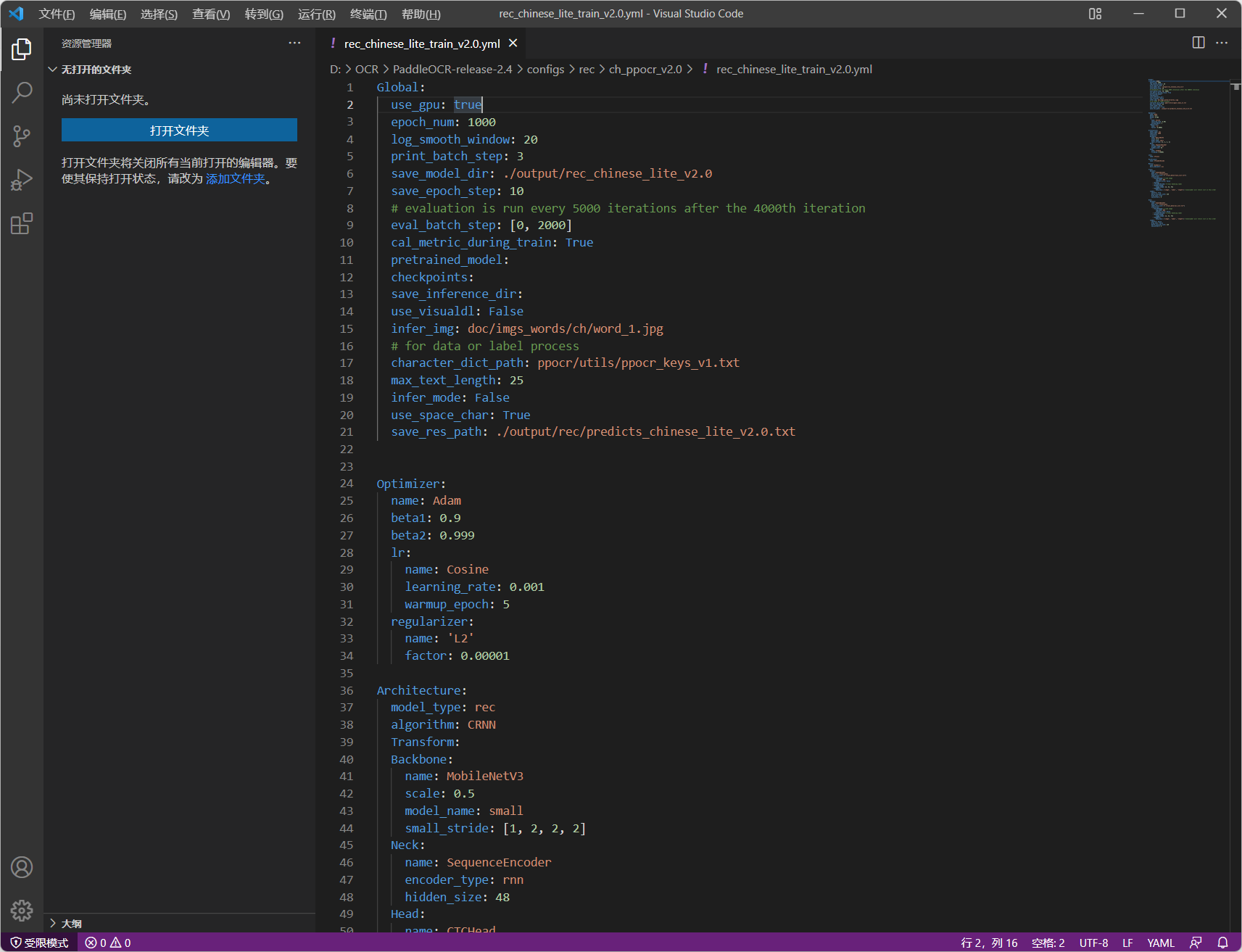
- 修改的值:
epoch_num: 1000 #循环次数
data_dir: ./train_data/ #训练数据目录
label_file_list: ["./train_data/train_list.txt"] #训练数据的比对文本
batch_size_per_card: 128 #使用的数量(太大启动不起来,可以自行修改)
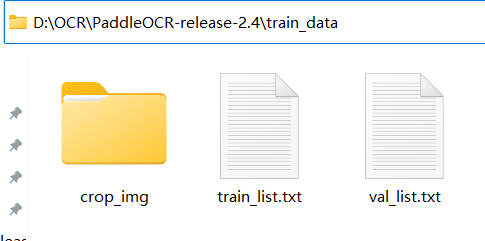
- 训练目录解释
PaddleOCR-release-2.4\train_data
PaddleOCR-release-2.4\train_data\crop_img #用工具做好的图片放到这里
PaddleOCR-release-2.4\train_data\train_list.txt #训练的文本信息
PaddleOCR-release-2.4\train_data\val_list.txt   #验证文本信息 (目前作者使用的和训练文本一样的内容)内容如下
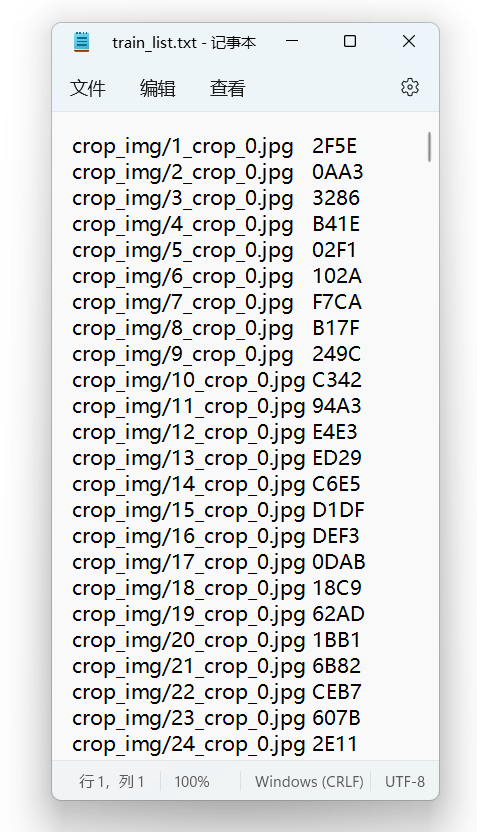
PaddleOCR-release-2.4\pretrain_models  #从官网下载的预训练模型放到这里
PaddleOCR-release-2.4\output #训练输出目录
PaddleOCR-release-2.4\output\inference #最终导出模型
- 训练脚本
//训练模型
python tools/train.py -c configs/rec/ch_ppocr_v2.0/rec_chinese_lite_train_v2.0.yml -o Global.pretrained_model=./pretrain_models/best_accuracy
//导出模型
python tools/export_model.py -c configs/rec/ch_ppocr_v2.0/rec_chinese_lite_train_v2.0.yml -o Global.checkpoints=output/rec_chinese_lite_v2.0/latest Global.save_inference_dir=output/inference
//使用训练预测(预测文件夹)
python tools/infer_rec.py -c configs/rec/ch_ppocr_v2.0/rec_chinese_lite_train_v2.0.yml -o Global.checkpoints=output/rec_chinese_lite_v2.0/latest Global.load_static_weights=false Global.infer_img=trainTest/
//使用训练预测(预测单个文件)
python tools/infer_rec.py -c configs/rec/ch_ppocr_v2.0/rec_chinese_lite_train_v2.0.yml -o Global.checkpoints=output/rec_chinese_lite_v2.0/latest Global.load_static_weights=false Global.infer_img=trainTest/1000.jpg
//使用导出模型预测
python tools/infer/predict_rec.py --image_dir="./trainTest/" --det_model_dir="./ch_PP-OCRv2_det_infer/"  --rec_model_dir="./output/inference/" --cls_model_dir="./ch_ppocr_mobile_v2.0_cls_infer/"
作者:Dream.Machine
网站:www.dmskin.com