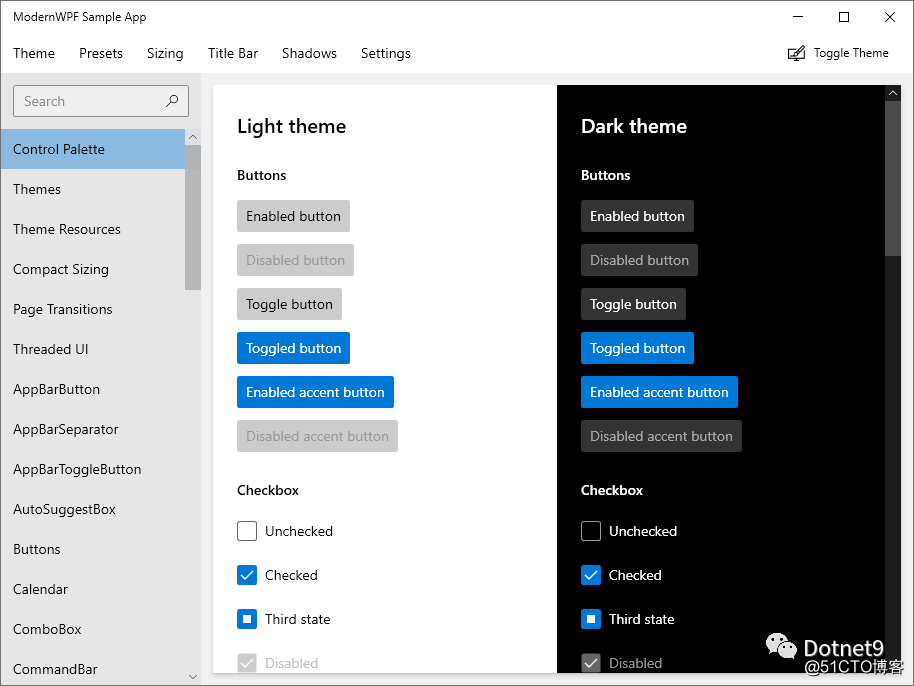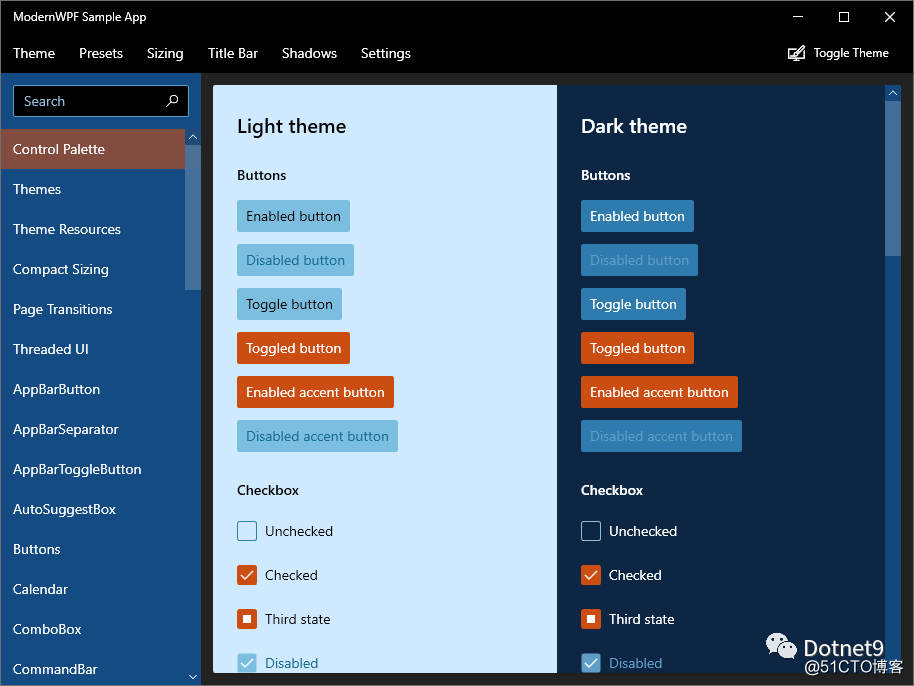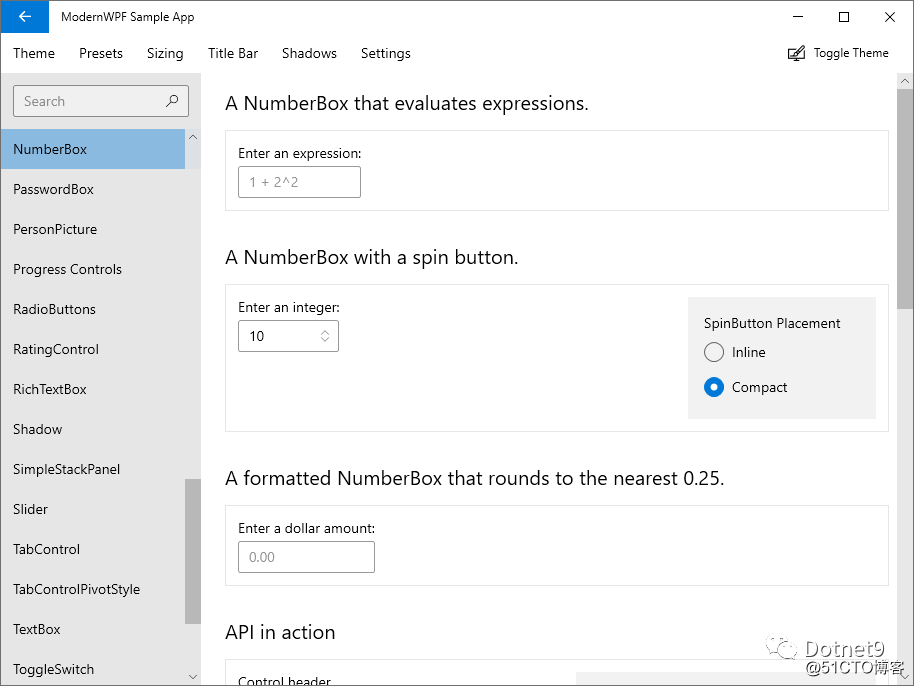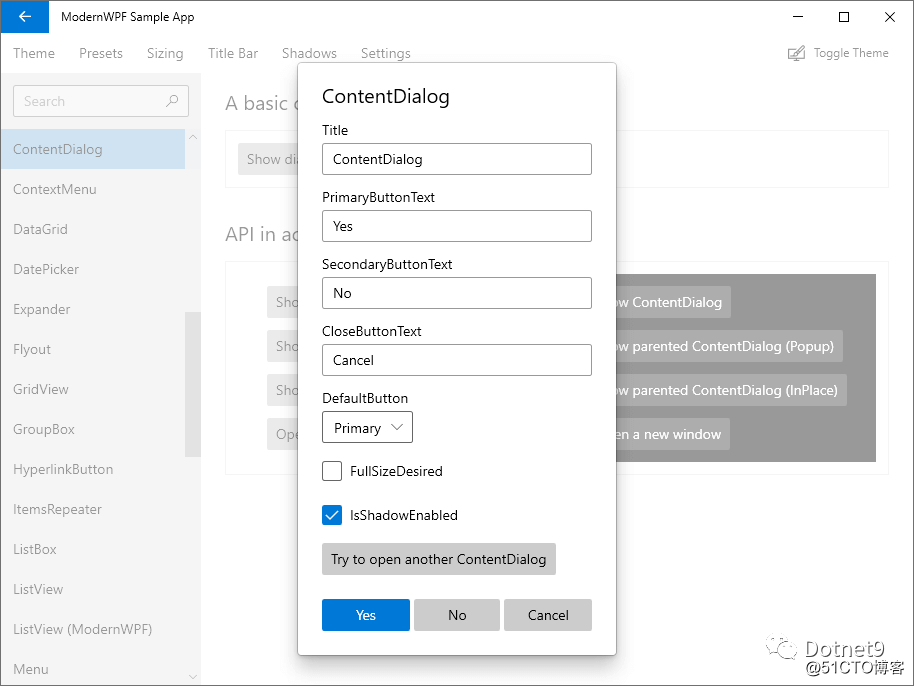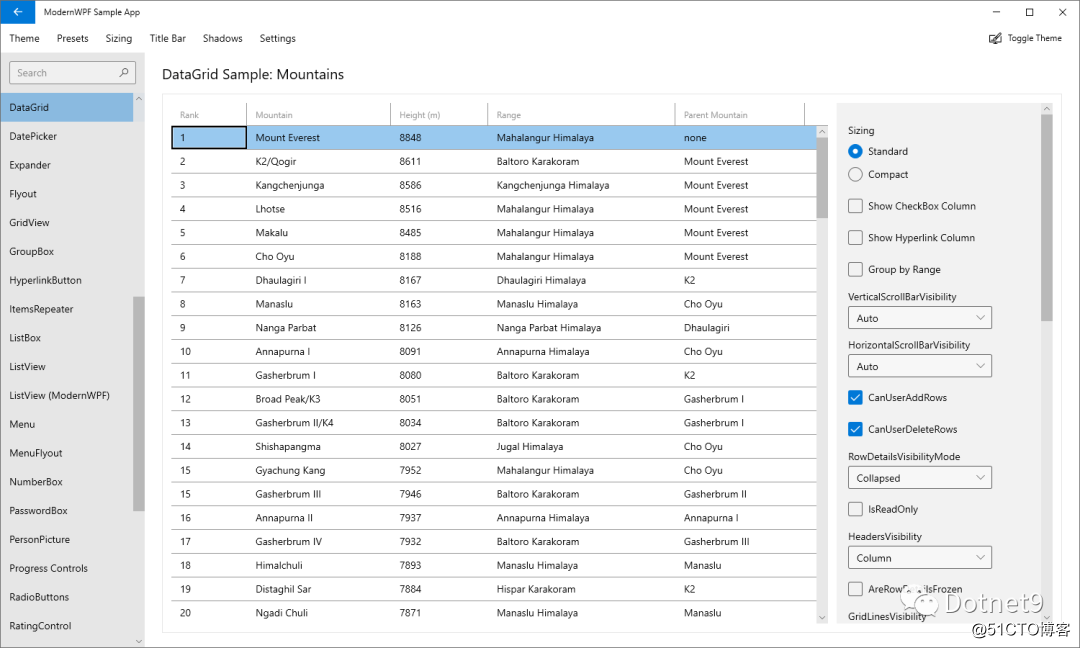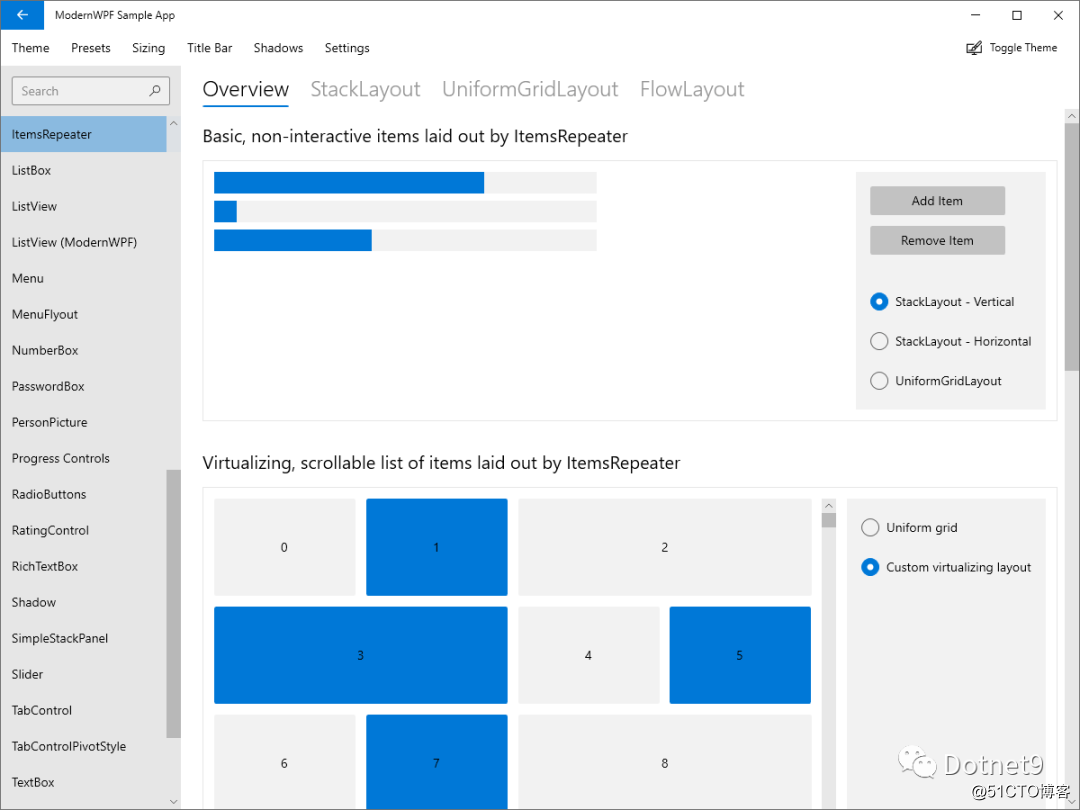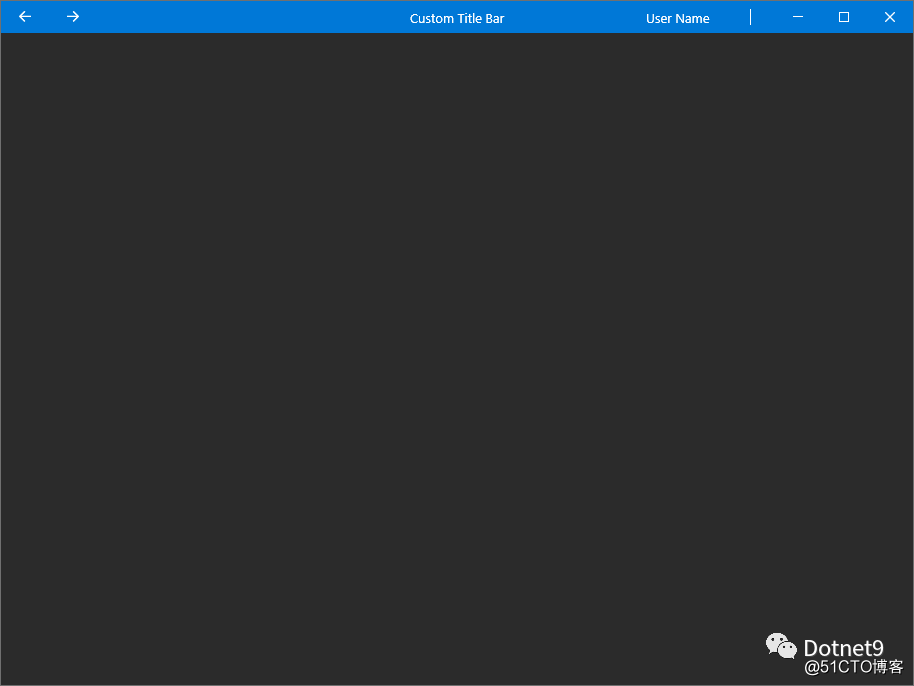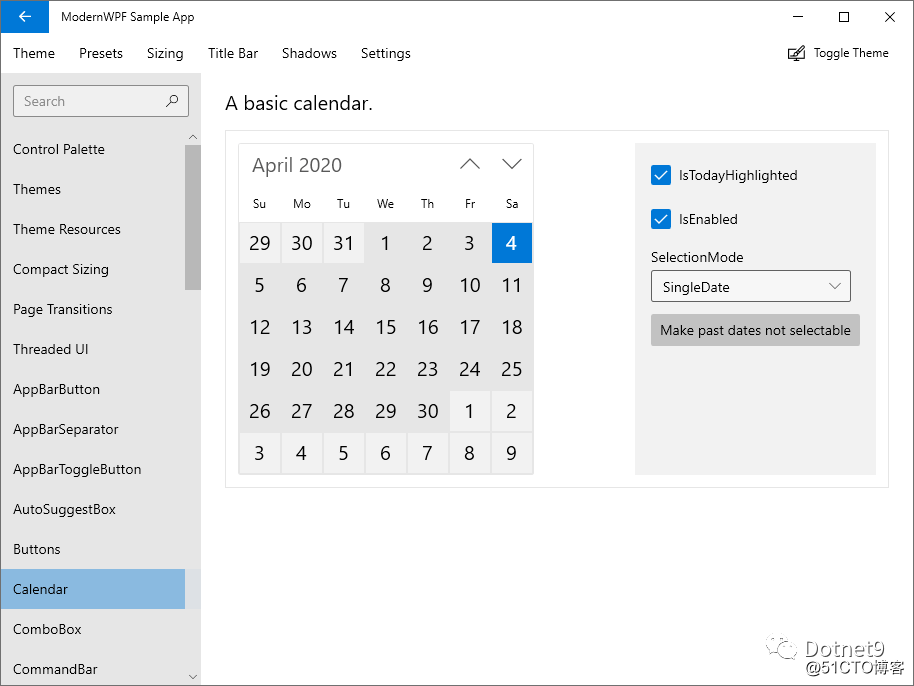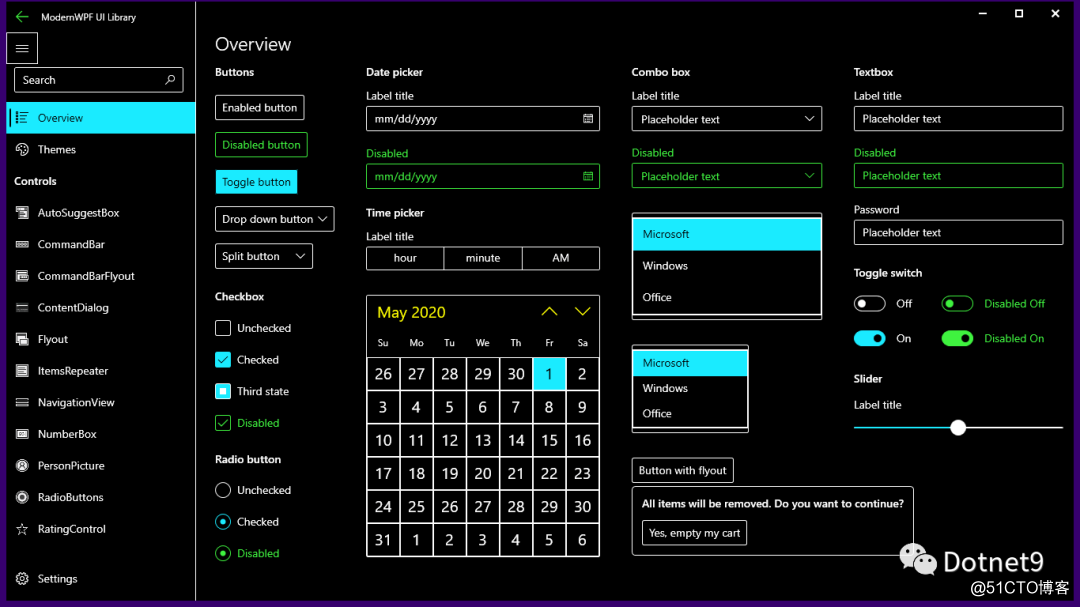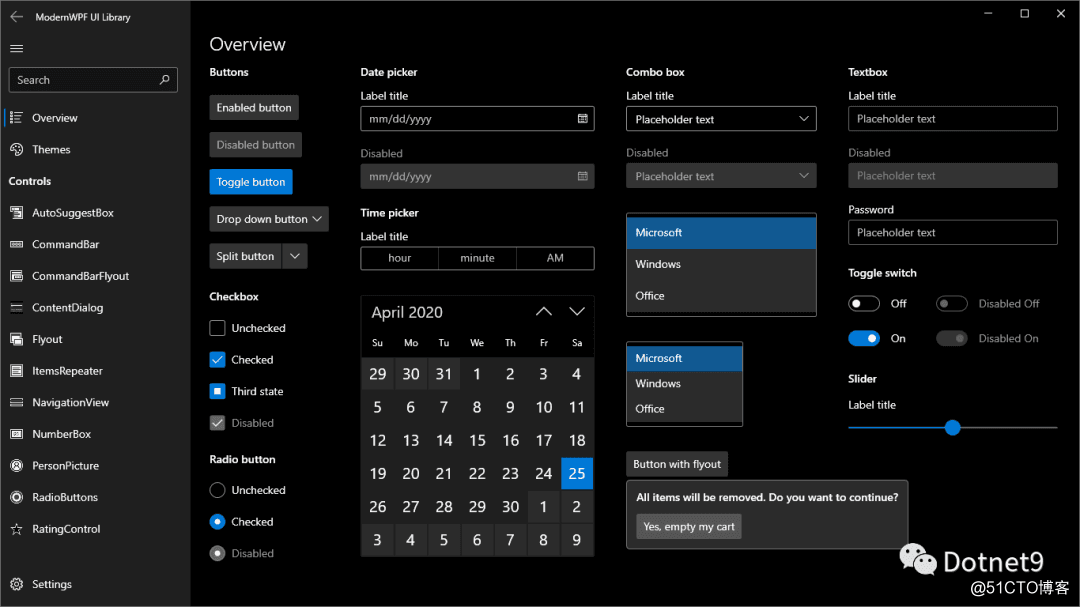
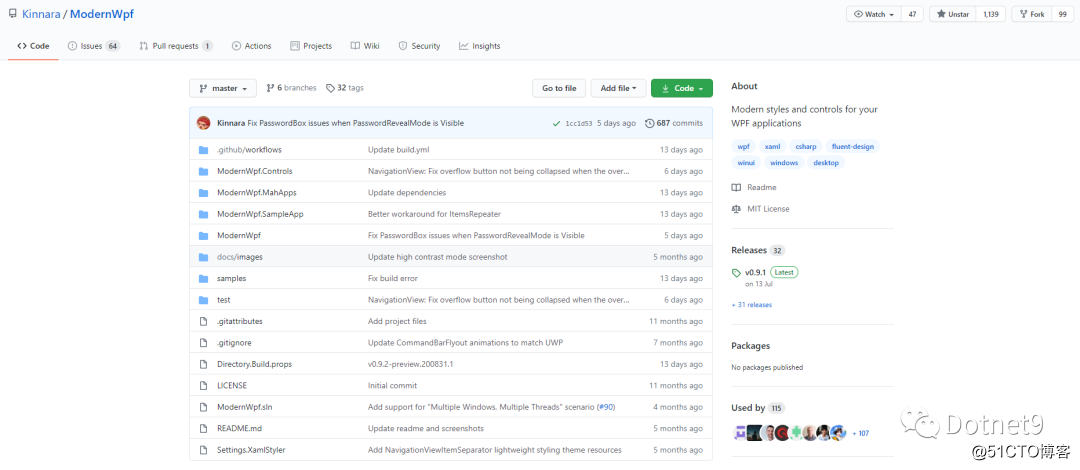
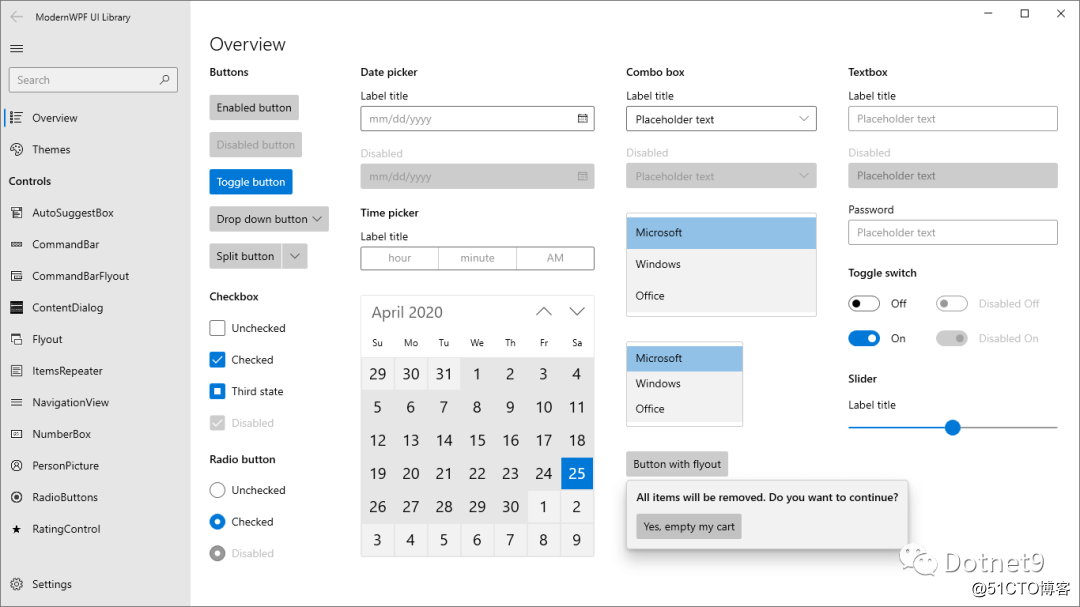
站长从博客园 林德熙 处了解到此控件库,通过 clone、编译、运行,发现这库确实不错,正如 林德熙 所言:“有十分漂亮的界面,整个都是 Win10 风,界面部分和默认 UWP 相近, 这个库支持了 .NET Framework 4.5 和以上的版本,以及 .NET Core 3.0 和以上的版本,可以在 Windows Vista SP2 和以上的系统运行。” 本人遂从该仓库中将 readme 搬运过来,希望让更多人知道有这个库的存在,能给 WPF 开发者多一个 UI 库选择。
快速开始
- 创建一个 WPF 应用
- 从 NuGet 中安装包 ModernWpfUI.
- 编辑 App.xaml:
<Application
    ...
    xmlns:ui="http://schemas.modernwpf.com/2019">
    <Application.Resources>
        <ResourceDictionary>
            <ResourceDictionary.MergedDictionaries>
                <ui:ThemeResources />
                <ui:XamlControlsResources />
            </ResourceDictionary.MergedDictionaries>
        </ResourceDictionary>
    </Application.Resources>
</Application>
- 编辑 MainWindow.xaml:
<Window
    ...
    xmlns:ui="http://schemas.modernwpf.com/2019"
    ui:WindowHelper.UseModernWindowStyle="True">
    <ui:SimpleStackPanel Margin="12" Spacing="24">
        <TextBlock Text="My first ModernWPF app" Style="{StaticResource HeaderTextBlockStyle}" />
        <Button Content="I am a button" />
        <Button Content="I am an accent button" Style="{StaticResource AccentButtonStyle}" />
    </ui:SimpleStackPanel>
</Window>
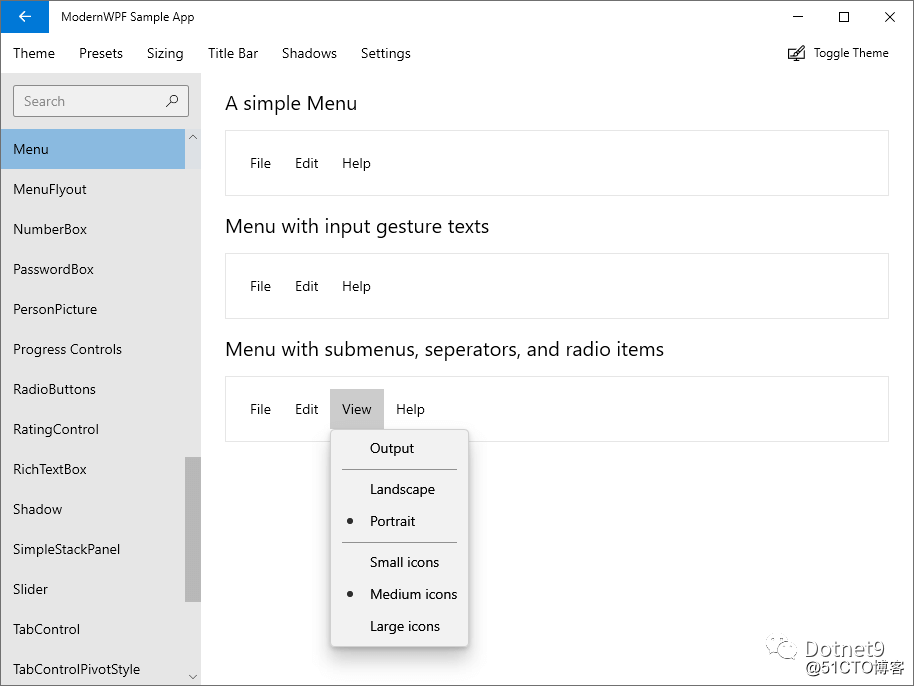
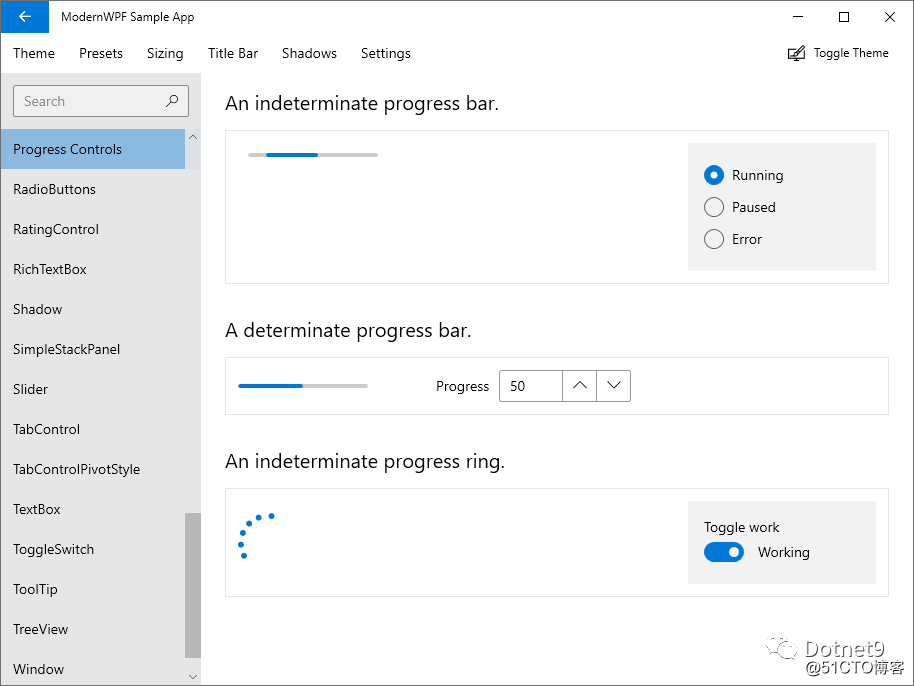
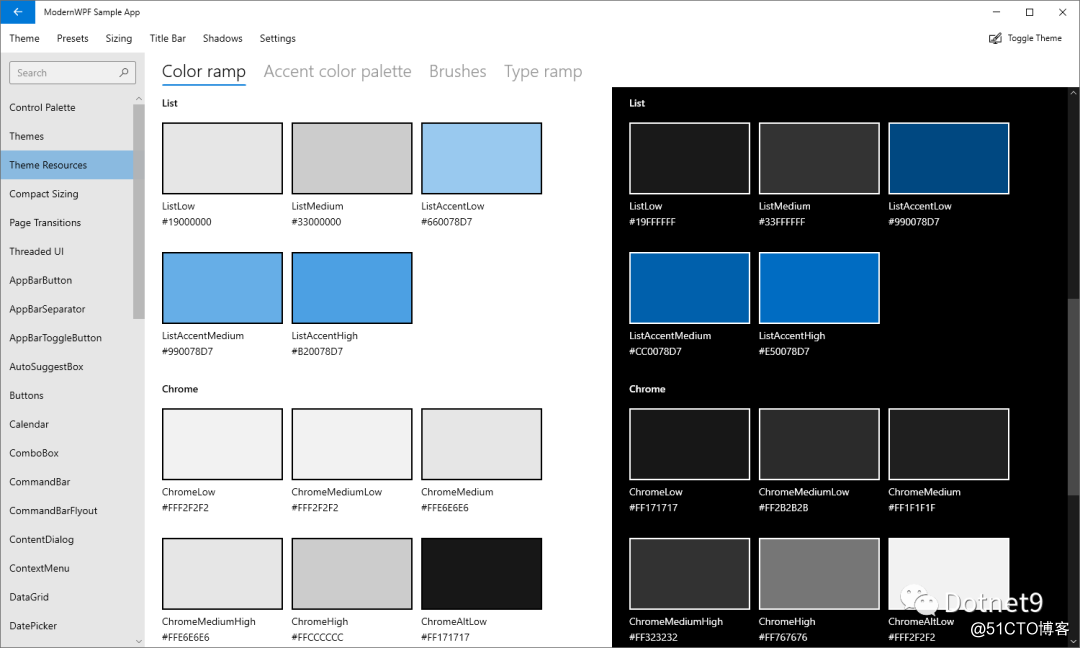
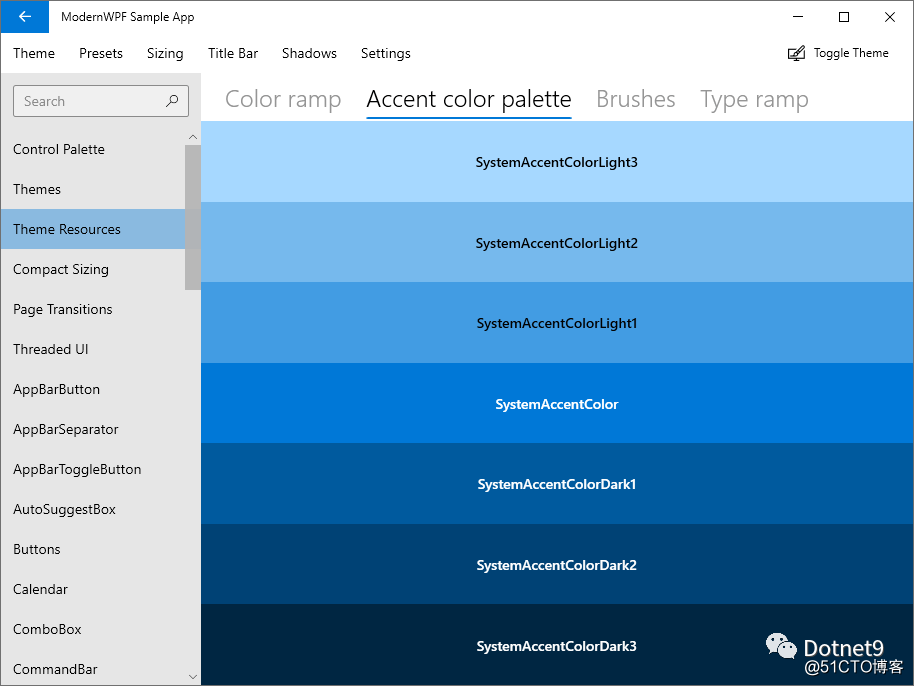
部分截图