

简介
async/await 的辅助库。
支持 netstandard1.3 (包括 .NET 4.6, .NET Core 1.0, Xamarin.iOS 10, Xamarin.Android 7, Mono 4.6, and Universal Windows 10).
安装
安装 NuGet 包 Nito.AsyncEx
Install-Package Nito.AsyncEx -Version 5.1.2
使用
AsyncLock
构造AsyncLock函数可以采用异步等待队列;传递自定义等待队列以指定您自己的排队逻辑。
private readonly AsyncLock _mutex = new AsyncLock();
public async Task UseLockAsync()
{
  // AsyncLock can be locked asynchronously
  using (await _mutex.LockAsync())
  {
    // It's safe to await while the lock is held
    await Task.Delay(TimeSpan.FromSeconds(1));
  }
}
AsyncLock也完全支持取消
public async Task UseLockAsync()
{
  // Attempt to take the lock only for 2 seconds.
  var cts = new CancellationTokenSource(TimeSpan.FromSeconds(2));

  // If the lock isn't available after 2 seconds, this will
  //  raise OperationCanceledException.
  using (await _mutex.LockAsync(cts.Token))
  {
    await Task.Delay(TimeSpan.FromSeconds(1));
  }
}
AsyncLock 也有一个同步 API。 这允许一些线程异步获取锁,而其他线程同步获取锁(阻塞线程)。
public async Task UseLockAsync()
{
  using (await _mutex.LockAsync())
  {
    await Task.Delay(TimeSpan.FromSeconds(1));
  }
}

public void UseLock()
{
  using (_mutex.Lock())
  {
    Thread.Sleep(TimeSpan.FromSeconds(1));
  }
}
AsyncContext
该AsyncContext类型提供了执行异步操作的上下文。await关键字需要返回一个上下文。对于大多数客户端程序,这是一个 UI 上下文;对于大多数服务端程序,这是一个线程池上下文。AsyncContextThread是一个单独的线程或任务,它运行AsyncContext。 AsyncContextThread不是从Thread类派生的。AsyncContext线程在创建后立即开始运行。AsyncContextThread将一直停留在其循环中,直到另一个线程调用JoinAsync。 处置 an AsyncContextThread 也会要求它退出。
class Program
{
  static async Task<int> AsyncMain()
  {
    ..
  }

  static int Main(string[] args)
  {
    return AsyncContext.Run(AsyncMain);
  }
}
AsyncMonitor
在监视器中,任务可能决定通过调用来等待信号WaitAsync。在等待期间,它会暂时离开监视器,直到收到信号并重新进入监视器。返回的任务EnterAsync将进入Completed监视器后的状态。如果在等待满足之前发出信号,则相同的任务将进入Canceled状态;CancellationToken在这种情况下,该任务不会进入监视器。
返回的任务WaitAsync会Completed在收到信号后进入状态,重新进入监视器。如果在等待满足之前发出信号,则相同的任务将进入Canceled状态;CancellationToken在这种情况下,任务将等待进入Canceled状态,直到它重新进入监视器。请记住,从WaitAsync被调用到其返回任务完成的时间,调用任务已经离开了监视器。
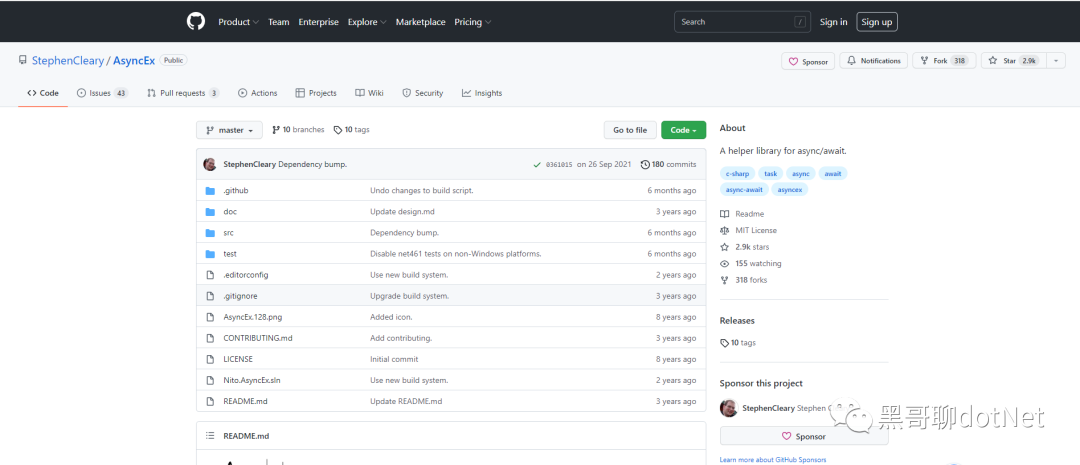
- GitHub 地址:https://github.com/StephenCleary/AsyncEx
最后大家如果喜欢我的文章,还麻烦给个关注并点个赞, 希望 net 生态圈越来越好!