This article is contributed by a netizen.
Author: A rarely seen handsome guy
Original title: WPF Version Troubleshooting Record
Original link: https://www.cnblogs.com/akwkevin/p/17288814.html
This article is contributed by a netizen. The example repository: Dotnet9WPFControls. Usage guide: WPF | Quickly Add Newbie Guide (Supports MVVM). If the example runs fine, type 1; if it fails, type 0, and feel free to leave a complaint...
The original text follows:
Let's get the conclusion first: Cherish your life, stay away from unknown third-party component libraries [Site owner: ...]
Problem Description
This morning while slacking off, I came across Brother Wolf's open-source project Dotnet9WPFControls, and I was really interested! But after cloning it, it wouldn't run? Huh? Am I doing it wrong? Okay, I'll try again! Still couldn't run it. Had no choice but to ask Brother Wolf himself. He cloned it on his machine but couldn't reproduce my bug. Since the offending library was pulled from NuGet, let's first look at the error screenshot:

Troubleshooting Journey
The third-party library is: "MaterialDesignThemes.Wpf"
The problem is obvious: it's caused by an assembly version mismatch due to the library's dependencies. We just need to locate the PresentationFramework assembly and find the correct version. Seems straightforward.
Alright, following this line of thought, let's start:
First, check the storage location of the currently referenced PresentationFramework on the local machine:

So we navigate to that directory:

Initially, the folders 6.0.2 and 6.0.16 didn't exist — I downloaded them later to fix the issue.
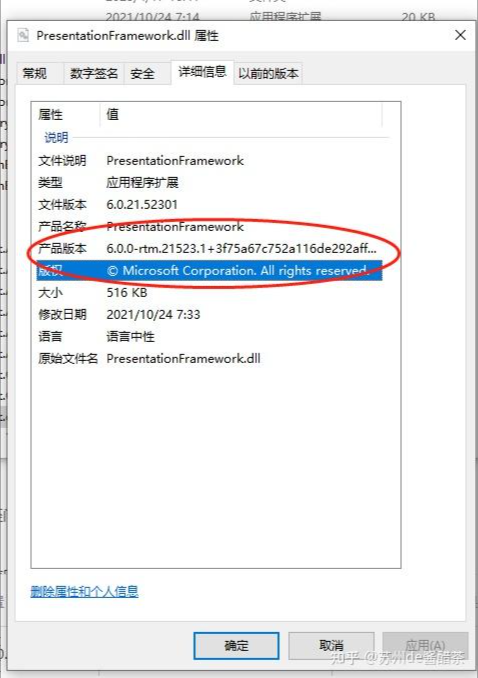
Then we click into the folder and see:

This PresentationFramework is the version 6.0.0 causing the error. According to our solution, we just need to replace it with version 6.0.2 and the problem would be solved, right?
New Problem Arises
So, let's get to it. But a new problem arises: where can I find the 6.0.2 version of PresentationFramework?
I observed a few other similar DLLs for PresentationFramework and noticed that the 6.0.0 version is tied to the .NET SDK version. That means if I download the .NET 6.0.2 SDK, I can find the PresentationFramework 6.0.2 version.
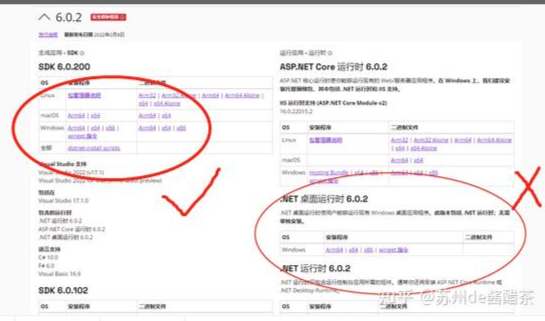
So off to the Microsoft official website to download:

Note when downloading: based on my testing, downloading the desktop runtime on the right doesn't work. You must download the one on the left.
Solve It
After downloading, how do we replace the reference?
Simple. I thought of a sneaky but very convenient method (since I only wanted to run the project, not release it, this is acceptable. But if you need to release, absolutely do not do this!)
That's right — file renaming. After downloading the 6.0.2 version, the reference folder looks like this:

Let's pull a fast switch!
Rename 6.0.2 to 6.0.0:

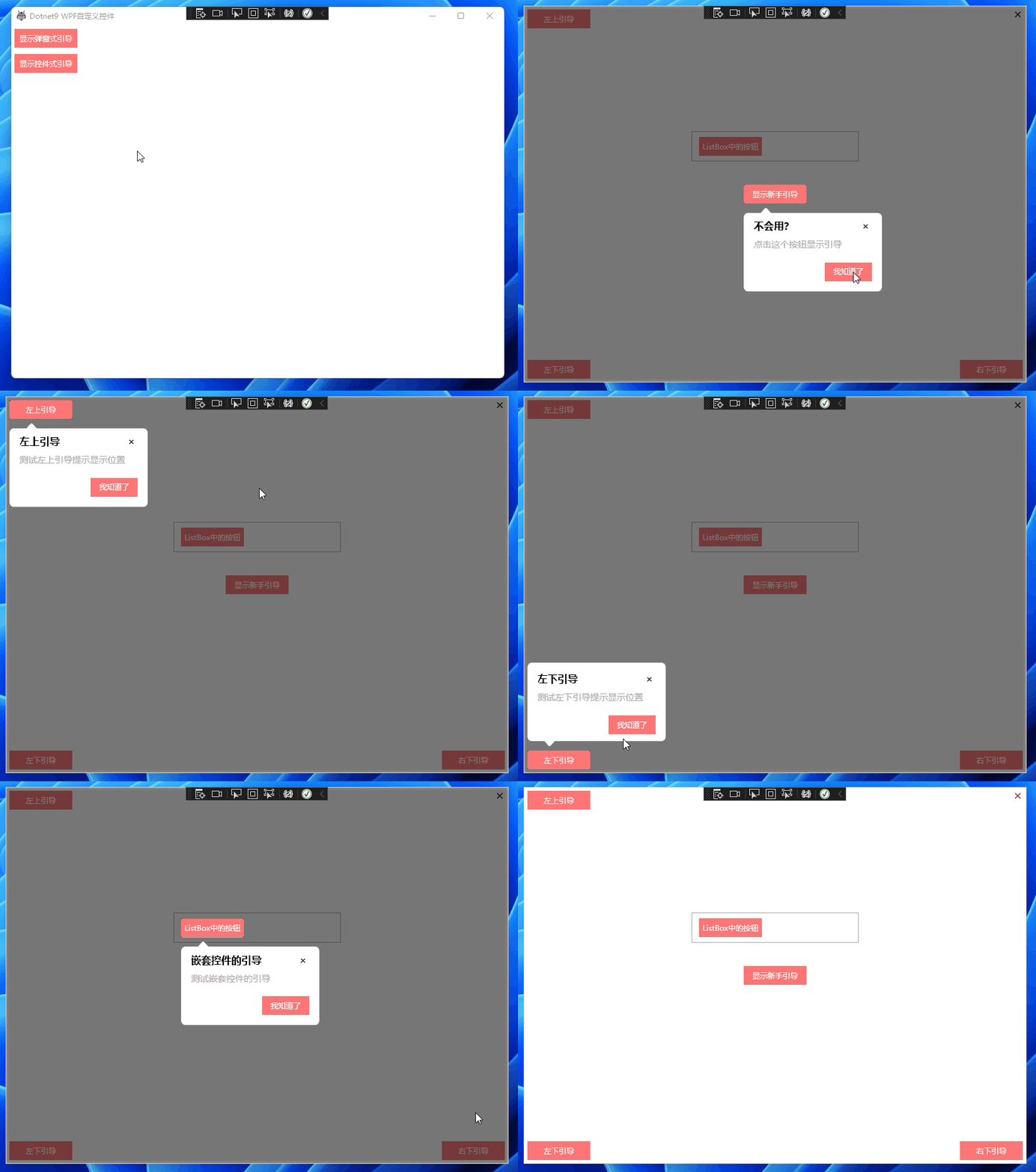
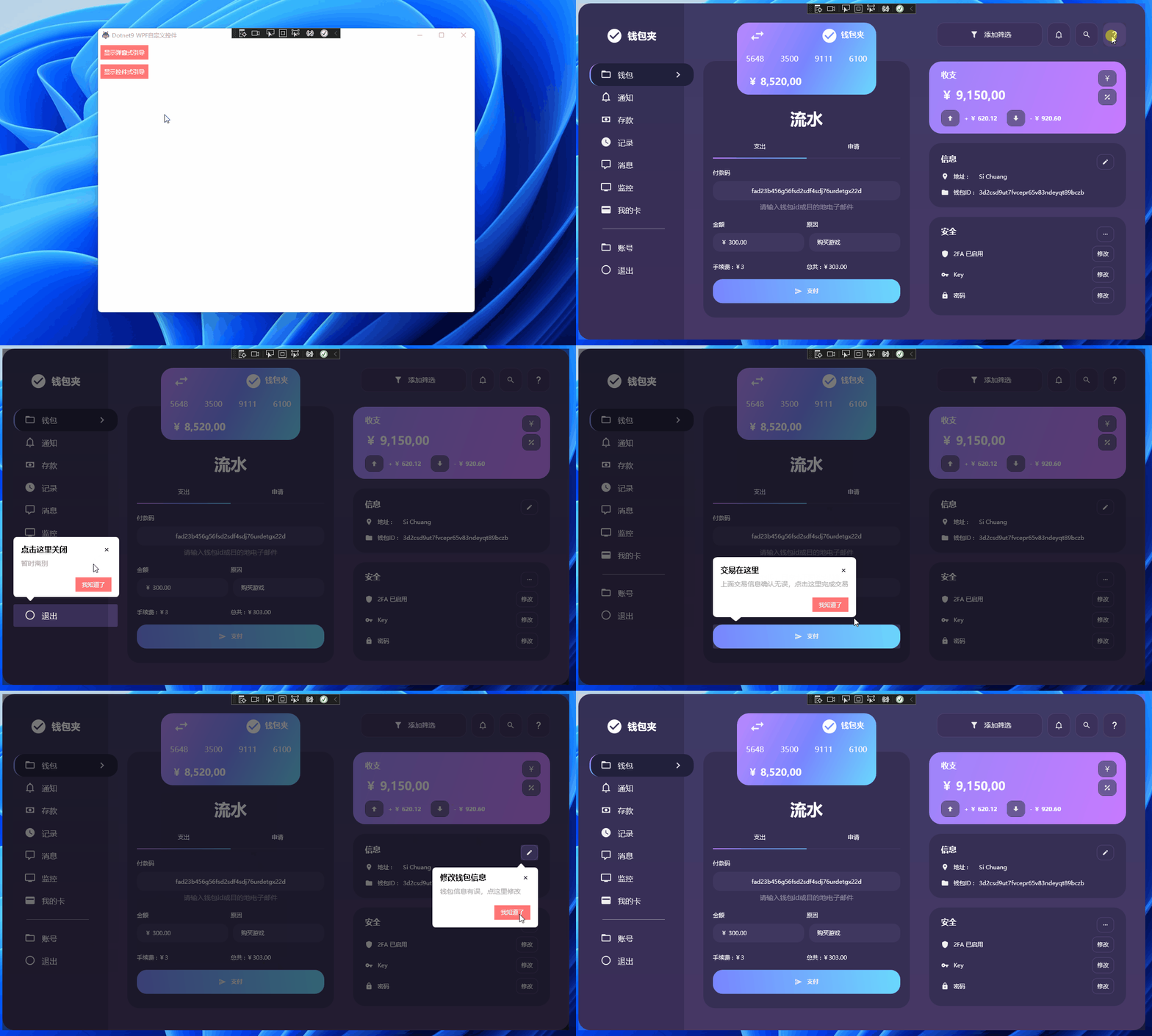
Finally, restart the project. Problem perfectly solved and it runs successfully:


Summary
The site owner's machine also has a fresh environment and runs fine. Feel free to leave comments for discussion.