Hello everyone, I'm Wolf at the End of the Desert.
This article was first published on Dotnet9, introducing how to use dnSpy to debug third-party .NET library source code. The article is organized as follows:
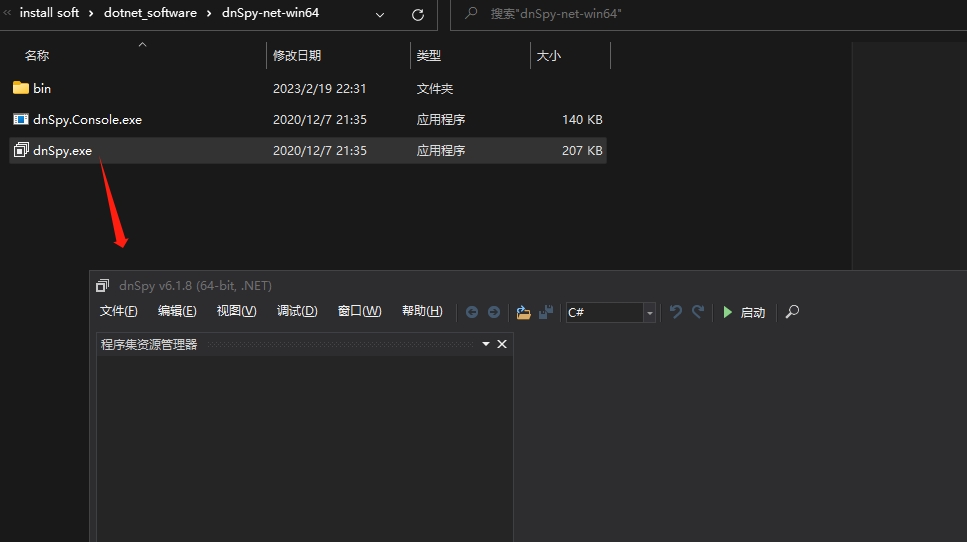
- Installing dnSpy
- Writing a sample program
- Debugging the sample program
- Debugging native .NET library methods
- Summary
1. Installing dnSpy
dnSpy is a powerful .NET program decompiler. It can decompile .NET programs, replace the functionality of library documentation, and even restore lost or corrupted code. Therefore, it allows you to debug programs instantly without any source code, and you can even modify the program!
GitHub provides both a precompiled binary executable and the source code for self-compilation. This article uses the former. The GitHub address is: https://github.com/dnSpy/dnSpy

2. Writing a Sample Program
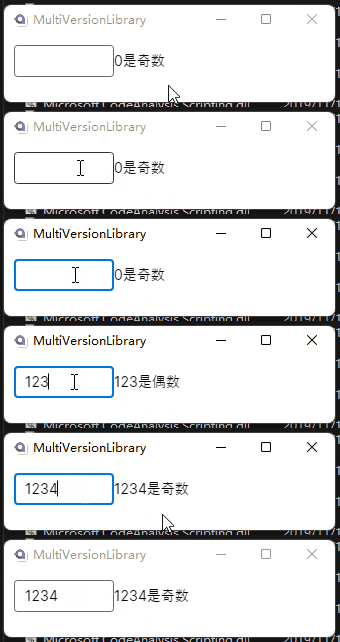
The sample is a desktop application. Enter a number, and the right side displays whether the input number is odd or even:

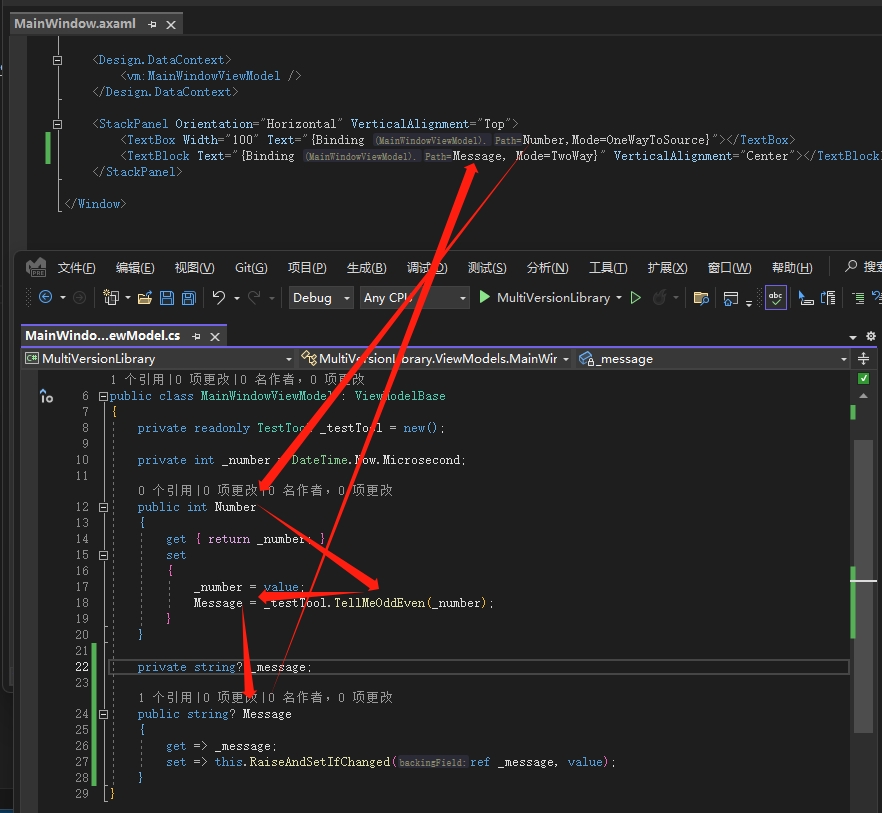
The sample code is relatively simple. The interface binding and ViewModel relationship can be seen in the screenshot:

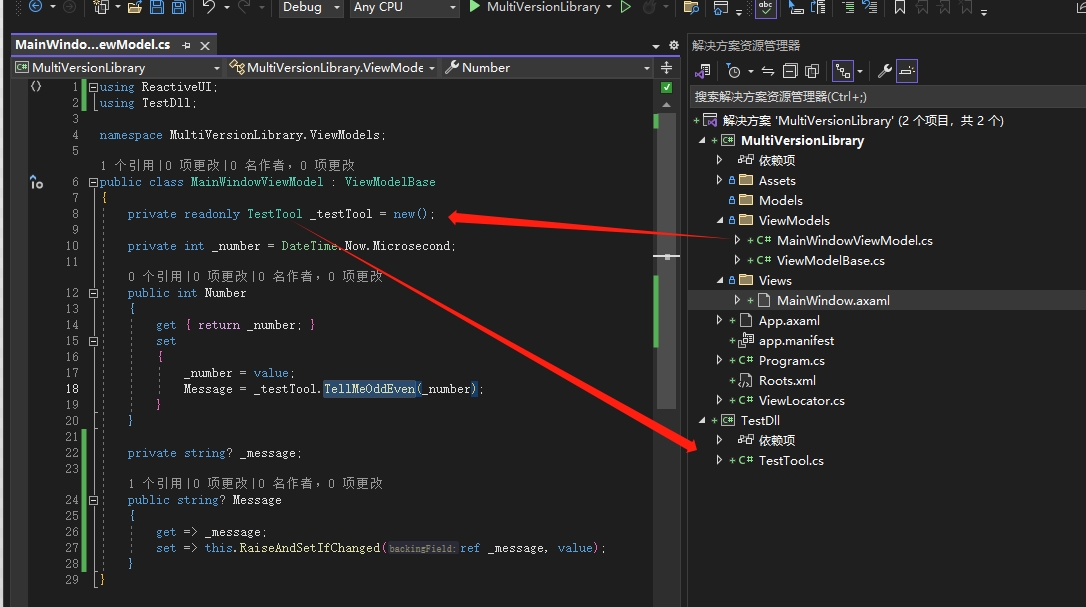
The odd/even judgment is returned by the TellMeOddEven method of the TestTool class. Looking back at the output, hmm, 0 is odd? 1 is even?
The TestTool class is defined in another library. I'll pretend you don't have the source code, even though you do:

The specific class definition is as follows:
namespace TestDll;
public class TestTool
{
public string TellMeOddEven(int number)
{
if (number % 2 == 1)
{
return $"{number} is even";
}
return $"{number} is odd";
}
}
3. Debugging the Sample Program
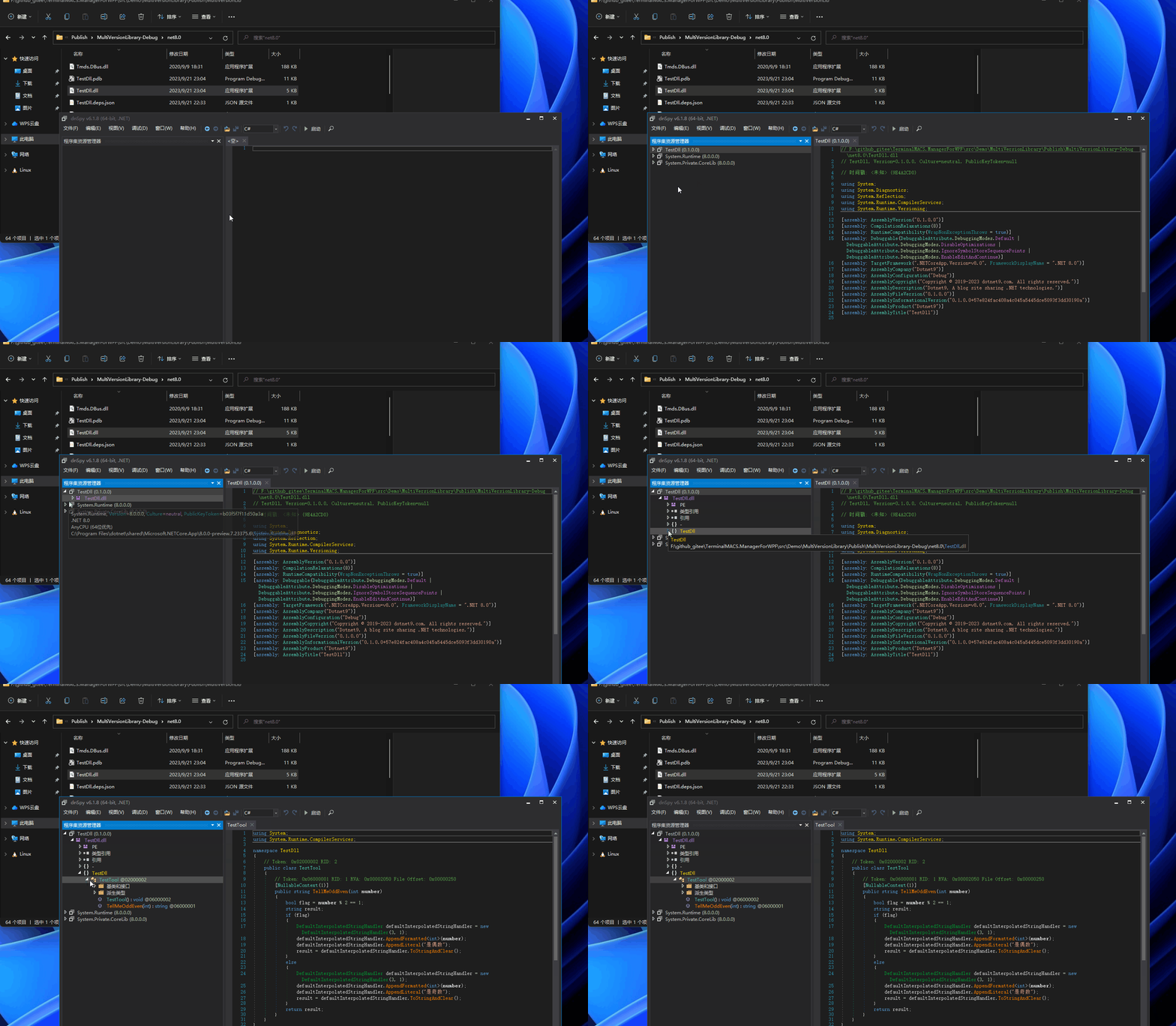
Open dnSpy and drag the TestDll referenced by the main program into it:

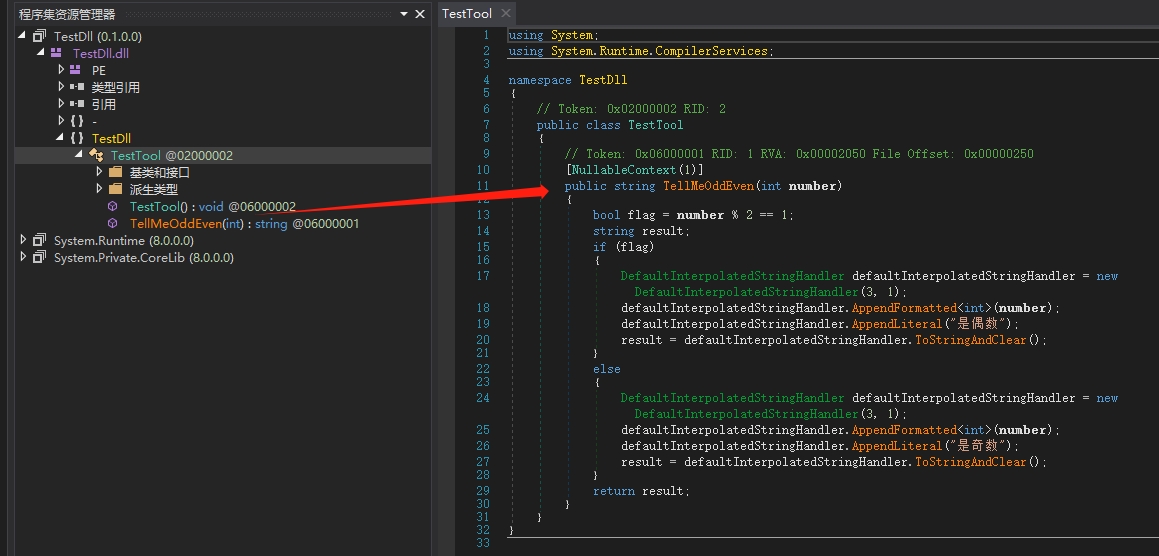
You can see the decompiled code:

The decompiled method definitions may differ from the original third-party source code. Some factors that can cause different decompilation results are:
Compiler optimizations: Different compiler versions may apply different optimizations, such as using different algorithms, data structures, or code reordering. These optimizations can cause the decompiled code structure and order to differ. The sample in this article is developed using .NET 8. Libraries compiled with .NET Framework may decompile almost identically to the source code.
Decompiler updates: dnSpy itself is continuously updated to adapt to new .NET versions and compiler features. These updates may change decompilation algorithms and strategies, leading to inconsistent decompilation results between different dnSpy versions.
The code is simple. Compare the source code with the decompiled code: for an integer parameter, take modulo 2 and if the result equals 1, it's judged as even; otherwise, it's odd. This is obviously wrong. If the code logic is complex, you can use dnSpy for debugging.
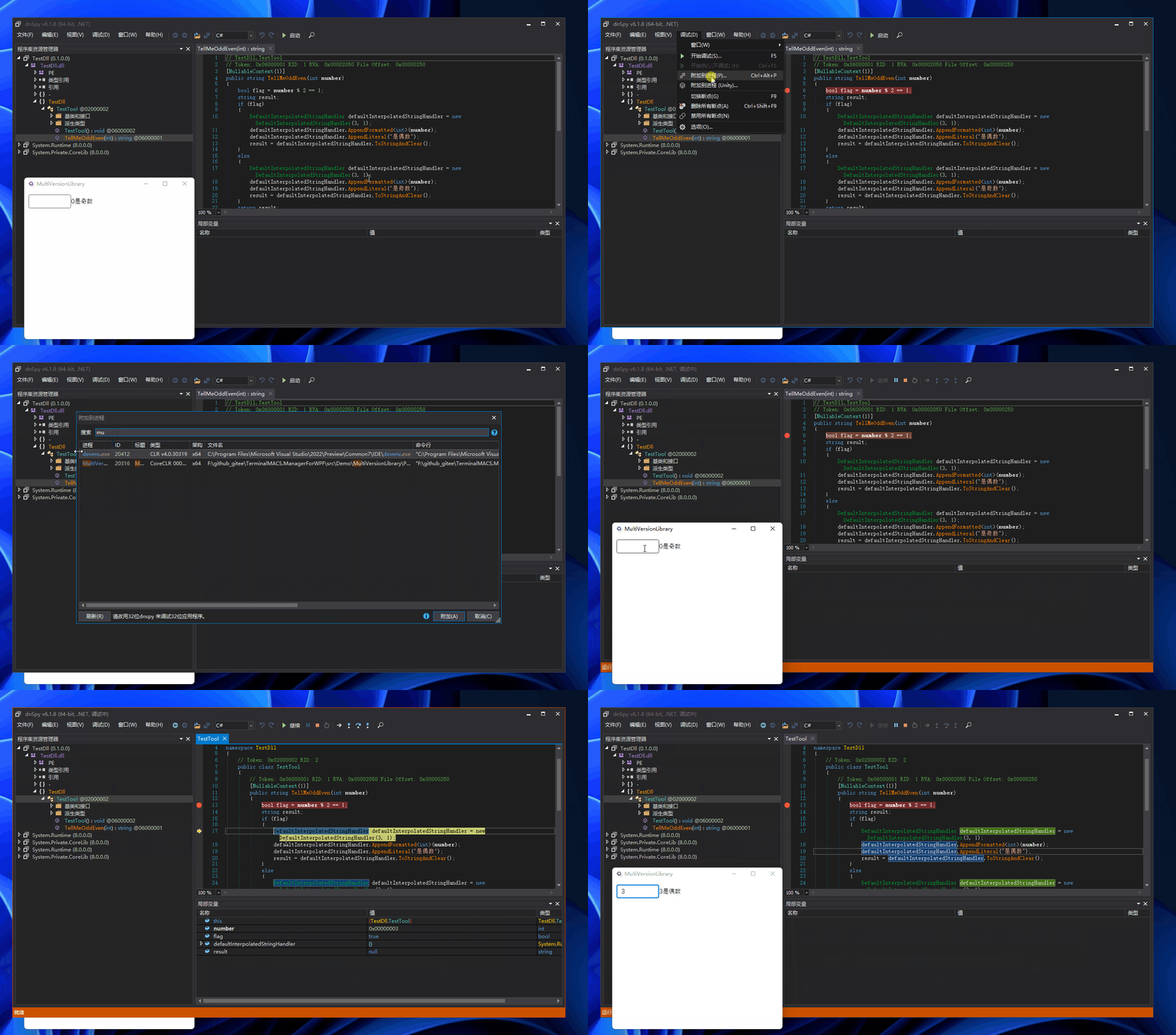
Run the test program, set a breakpoint on the method in dnSpy, and attach the test program from the debug menu—similar to operations in Visual Studio:

4. Debugging .NET Library Methods
The approach for debugging the sample program above can also be applied to other third-party .NET libraries. What about .NET's own library methods?
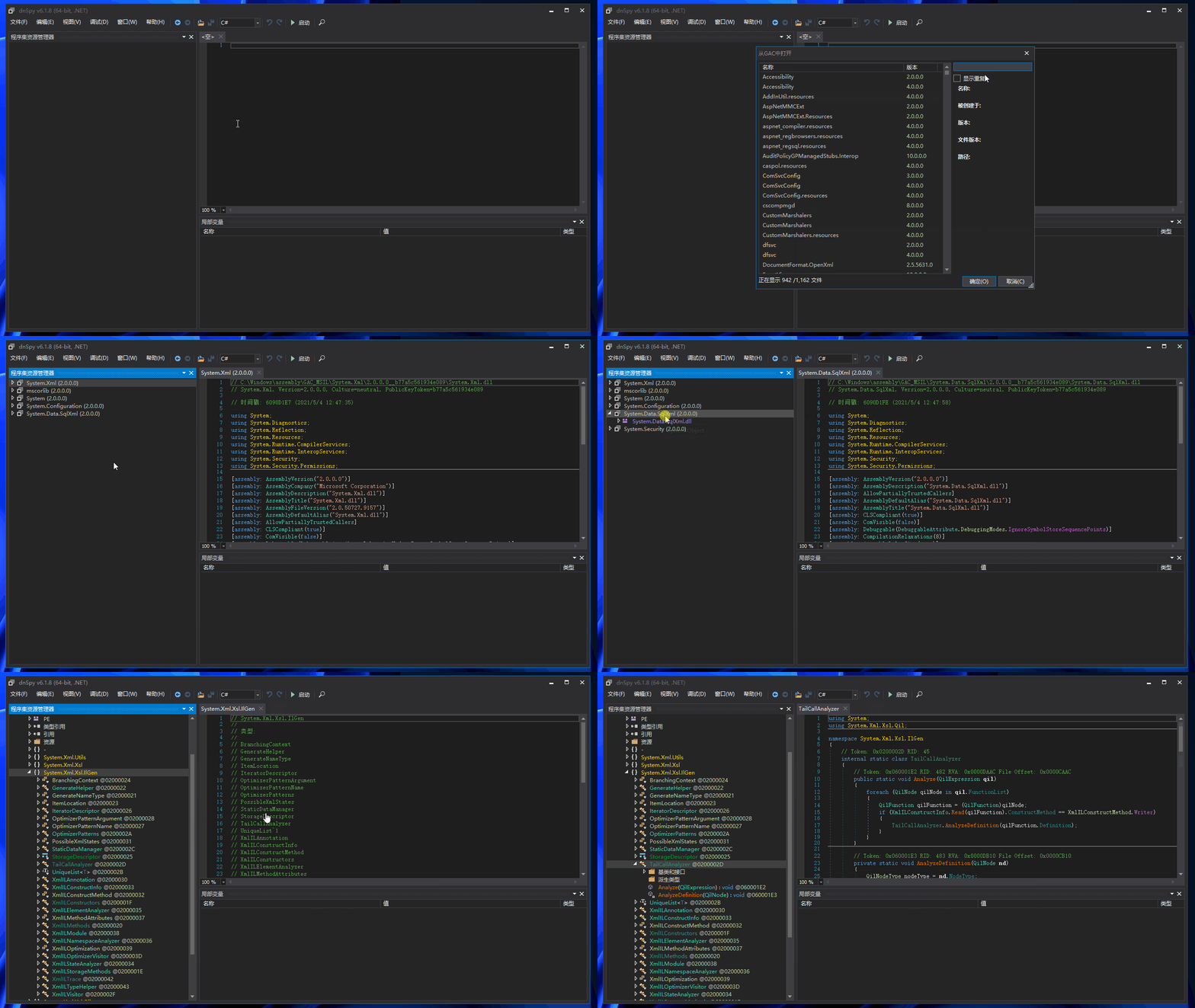
The method is similar: locate the corresponding class and method in the .NET library, run the target program, and then set a breakpoint. To find .NET library methods: click [File] > [Open from GAC] > search for the target library, double-click the library, and then find the target method. The subsequent debugging steps are the same:

5. Summary
- For technical discussions and joining the group, please add the site owner's WeChat: codewf
- Sample code in the article: MultiVersionLibrary
dnSpy is very powerful. You can directly monitor variables in third-party code, modify values, etc., just like using Visual Studio to develop your own programs. To learn more, please visit the link given at the beginning of the article: https://github.com/dnSpy/dnSpy. This article by another expert is also worth reading: "Like dnSpy, modify .NET programs without source code".
Oh, by the way, the odd/even judgment in the sample program is incorrect. What if I don't have the code and want to fix it?
To solve this problem, you can refer to the article above. In the next article, I'll continue to explain third-party library interception, which can modify method logic and return results without modifying the third-party library. You can preview Learn this skill - .NET API interception technique in advance. Of course, the next article will include new knowledge: interception techniques for non-public class non-public methods.
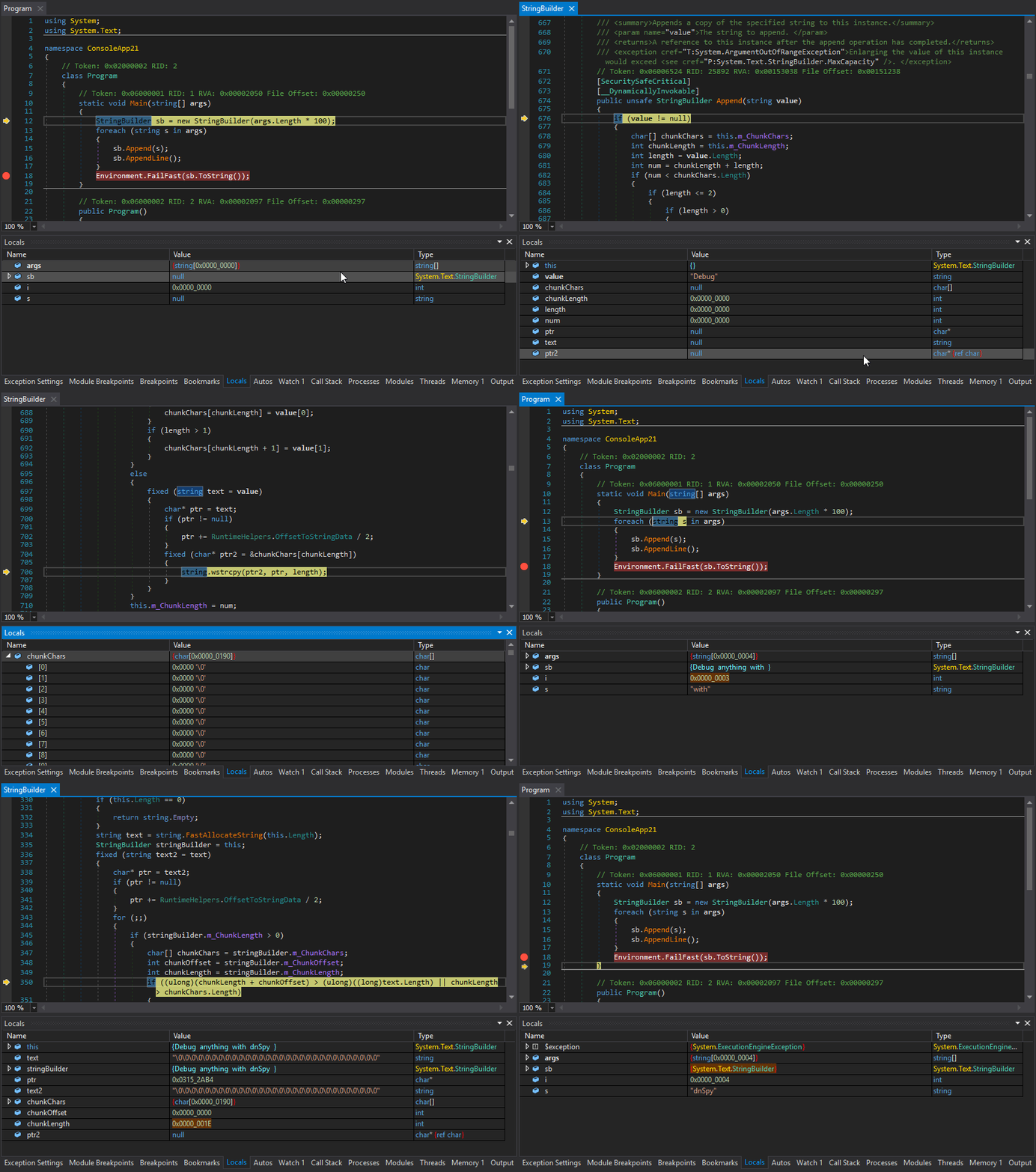
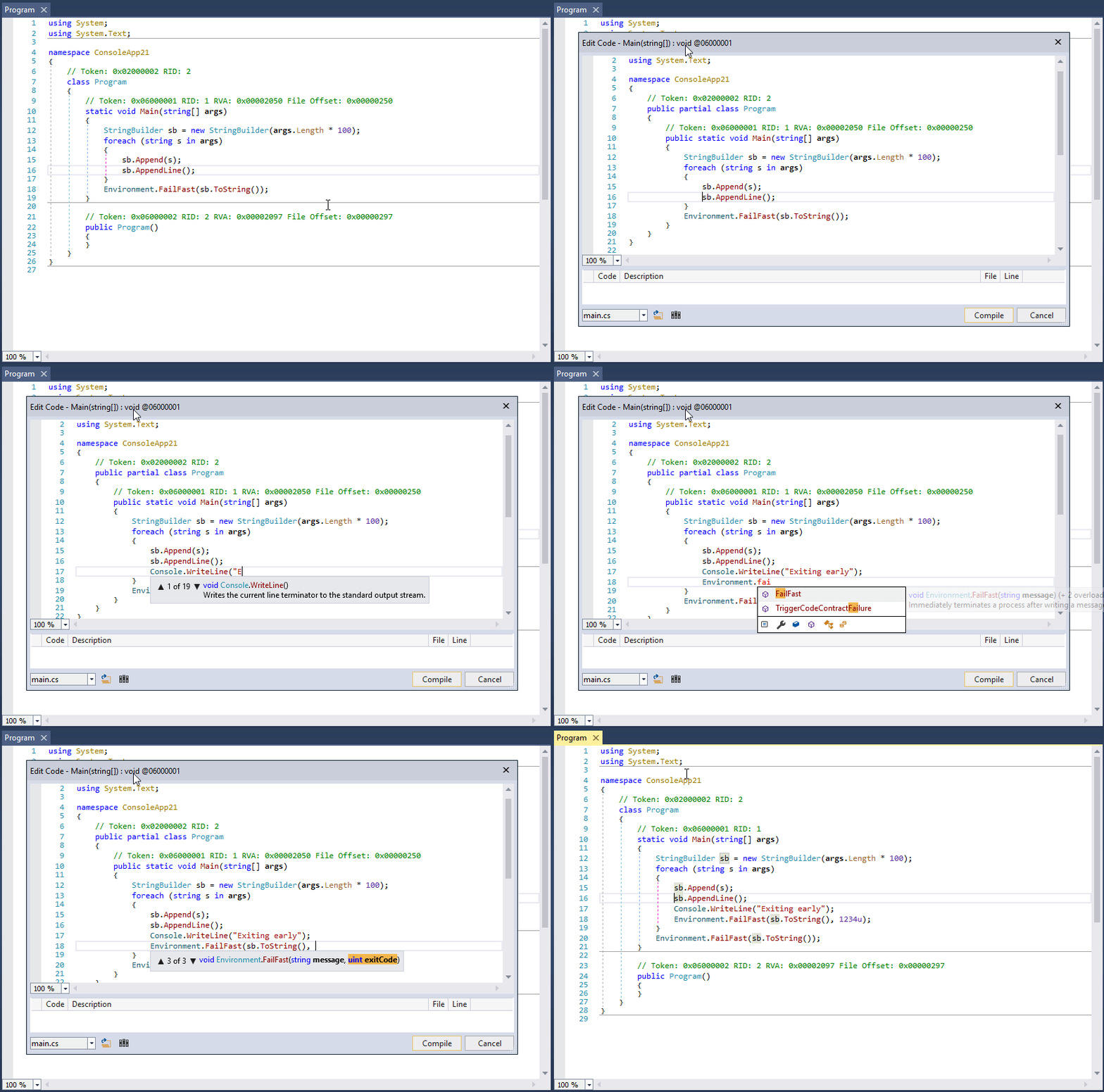
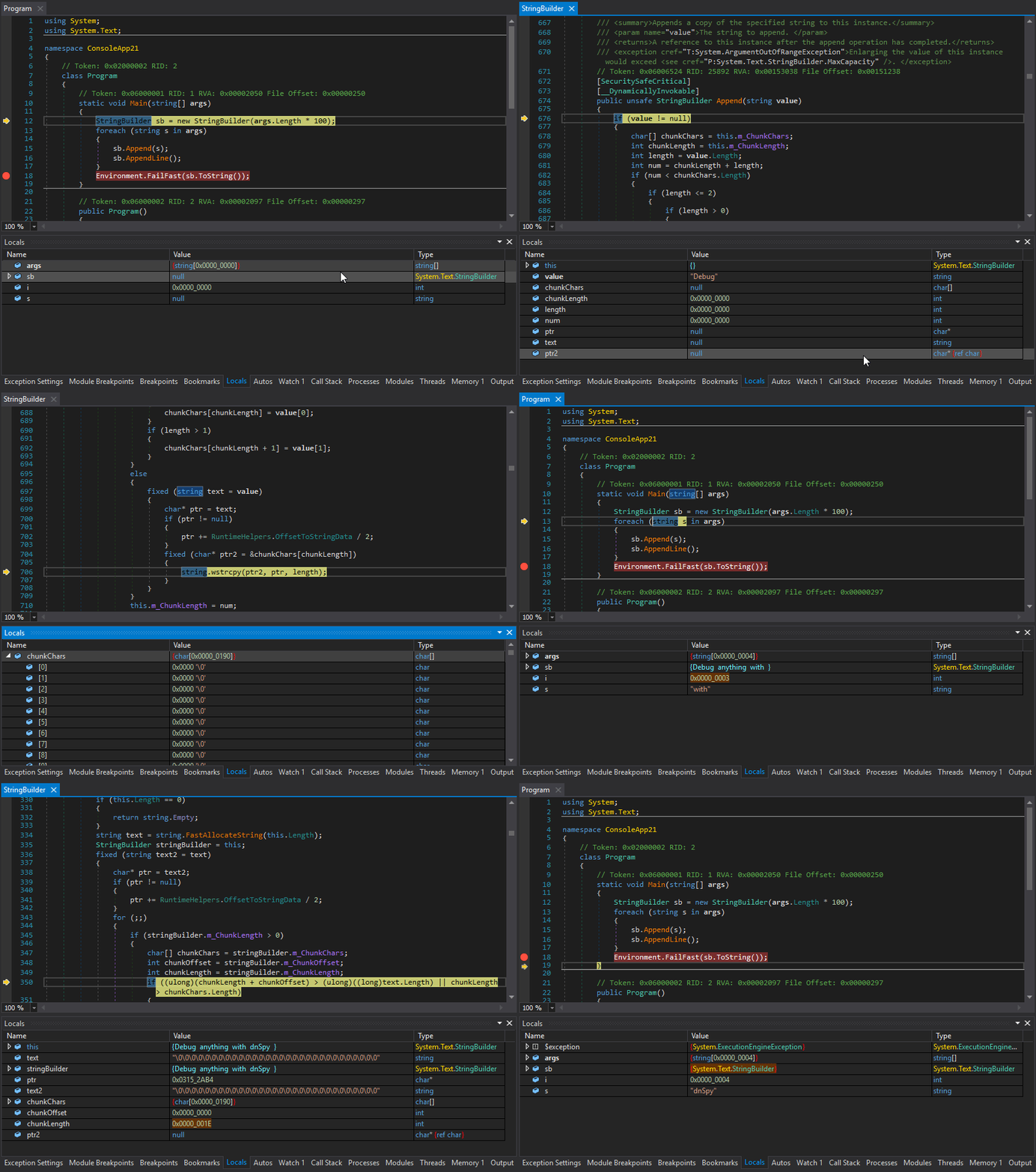
Let's end this article with two animated images from the original repository showing dnSpy debugging of a third-party library: