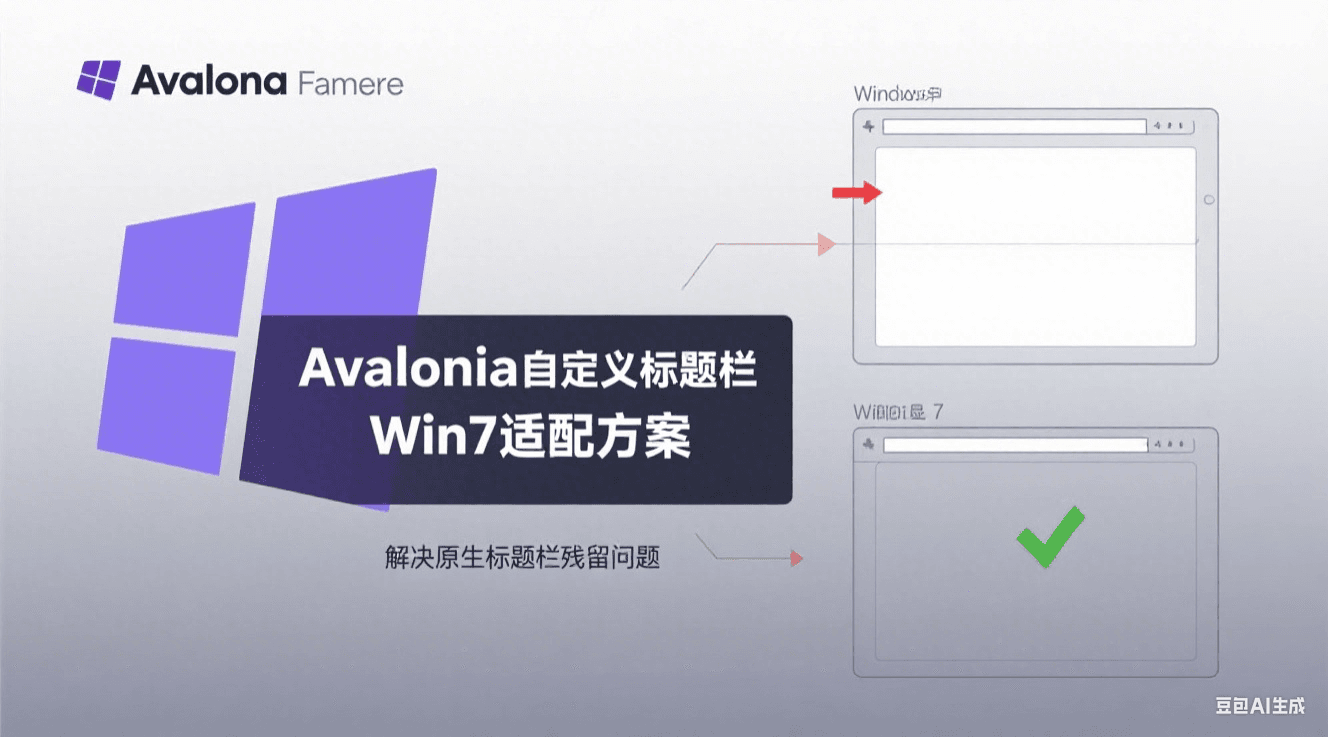
Avalonia Custom Title Bar Adaptation Solution for Windows 7 Environment

Avalonia Custom Title Bar Adaptation Solution for Windows 7 Environment

Detailed explanation of the root cause and perfect solution for the native title bar remnant issue when using a custom title bar in Avalonia applications on Windows 7, including complete code examples and version compatibility analysis

Last updated 7/23/2025 11:45 PM
沙漠尽头的狼
2 min read
Category
Avalonia UI
Tags
.NET C# Avalonia UI Compatibility Handling Avalonia

Problem Description

When implementing a custom title bar with Avalonia on Windows 7, a compatibility issue may prevent the native title bar from being hidden, resulting in abnormal interface display:

Figure 1: Abnormal title bar display on Win7

Figure 1: Abnormal title bar display on Windows 7

Technical Analysis

Special thanks to the members of the WeChat 【Avalonia Development Discussion Group】 for their assistance:

Figure 2: Technical discussion in WeChat group

Figure 2: Technical discussion in WeChat group

The Avalonia framework handles window decorations differently across Windows versions:

  1. Windows 10/11: Native support for modern window styles; custom title bars can hide the native title bar normally.
  2. Windows 7: Due to system compositor limitations, system decorations must be explicitly disabled.

The SystemDecorations property controls the display of window borders and title bar, with the following enumeration values:

  • Full: Full system decorations (default)
  • BorderOnly: Only borders displayed
  • None: System decorations completely disabled
  • ResizeBorder: Only resizable borders retained

Solution

By explicitly setting the SystemDecorations property to None in the window initialization code, the native title bar can be forced to hide:

public partial class MainWindow : Window
{
    public MainWindow()
    {
        InitializeComponent();

        // Key setting: disable system decorations to support custom title bar
        // Must be explicitly set on Windows 7; can be omitted on Win10+
        if (OperatingSystem.IsWindows() && !OperatingSystem.IsWindowsVersionAtLeast(6, 2)) // Windows 7 and below
        {
            SystemDecorations = SystemDecorations.None;
        }
    }
}

After applying the fix, the native title bar is successfully hidden, and the custom title bar displays correctly:

Figure 3: Title bar display after fix

Figure 3: Title bar display after fix

Also, to support AOT execution on Windows 7, do not forget to add the NuGet package:

<PackageReference Include="YY-Thunks" Version="1.1.8-Beta4" />
Keep Exploring

Related Reading

More Articles