

站长 15 年开始使用Prism 4,去年(2020 年 😊)也使用Prism 8做开源项目,今天分享处理Prism Region的一个问题。
问题描述
一般客户端项目常规操作流程是:弹出登录窗口=》账号验证成功=》关闭登录窗口=》弹出主窗口=》在主窗口作业。
常规登录流程
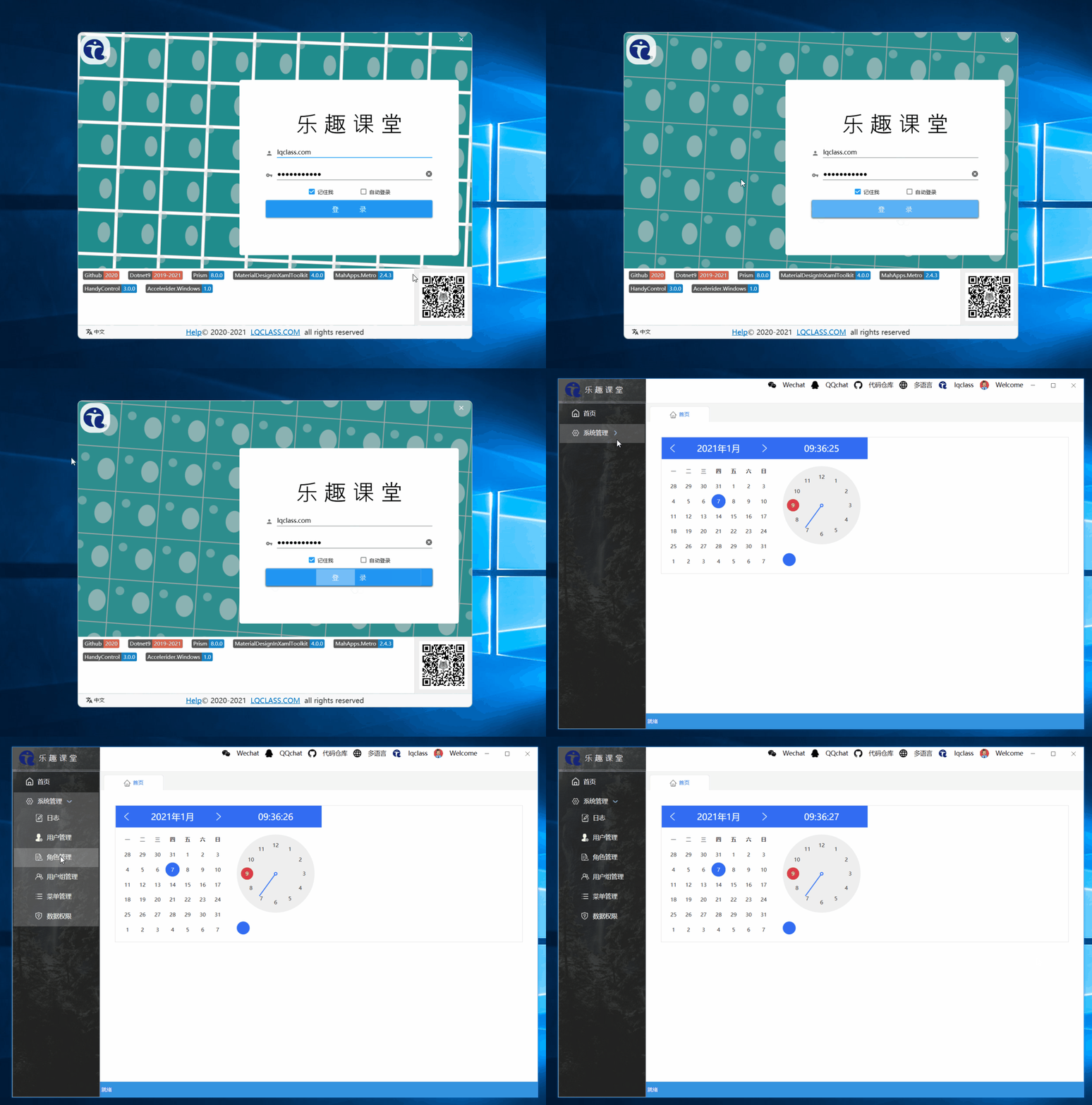
像上面的 gif 图主窗体,左侧是一棵树,右侧是 TabControl,使用 Prism 模块中注入视图代码:
public class ModuleOfLogModule : IModule
	{

		public void RegisterTypes(IContainerRegistry containerRegistry)
		{
			containerRegistry.RegisterForNavigation<MainTabItemView, MainTabItemViewModel>(KEY_OF_CURRENT_MODULE);
		}
	}
主工程 TabControl 为模块视图显示区域:
<TabControl
  prism:RegionManager.RegionName="{x:Static inf:RegionNames.MainTabRegion}"
/>
点击左侧菜单树时,动态导航模块视图:
private void RaiseSelectedItemHandler(CustomMenuItem menuItem)
{
  // 此处省略N多代码
  region.RequestNavigate(menuItem.Key);
  // 此处省略N多代码
}
实际运行时发现导航没有起作用,原来的操作是登录成功,直接 New 的主窗体弹出,app.xaml.cs 中注册的登录窗体视图:
protected override Window CreateShell()
{
  return Container.Resolve<LoginView>();
}
百度到也有人遇到这个问题:
- WPF Prism 框架下先登录窗体再打开主窗体(CSDN 讨论帖,原链接已不再维护)
讨论区很火,没看到想要的结果。
这篇给出的答案是手动再注册区域管理器,站长没有采用。
RegionManager.SetRegionName( theNameOfTheContentControlInsideThePopup, WellKnownRegionNames.DataFeedRegion );
RegionManager.SetRegionManager( theNameOfTheContentControlInsideThePopup, theRegionManagerInstanceFromUnity );
这个代码是将登录与主窗体作为用户控件,app.xaml.cs 中注册 shellview,shellview 中设置一个区域,两个用户控件通过导航在这个区域切换,效果是没问题,主窗体内的区域能正常使用,但自定义的登录界面和主界面,一般标题栏啥的都不一样,这种做法比较麻烦,不推荐使用。
看问题 3 类似的描述:Prism MVVM 应用 登录后切换主窗体实现
应用场景
    使用Prism7开发WPF程序,编码采用MVVM形式。当程序启动时,首先进入一个登录界面,进行登录认证,认证成功后转入程序布局主窗口。

设计思路
    WPF程序框架搭建后,程序中存一个Shell.xaml,相当于表演者的唯一舞台。登录窗体(以下简称 LoginView)和程序布局主窗体(以下简称 MainView),分别利用IRegionManager进行管理,根据需要在不同时机相继出场表演。所有操作均由各自ViewModel(简称VM)代码完成。
    1.当程序启动后,Shell通过VM,使用RegionManager的Add方法激活LoginView,(注:站长补充描述=登录验证成功,注销LoginView,再通过Add方法激活MainView)
站长采用的解决方案
baidu 基本上没有找到比较合适的方案了,这个问题纠结了我几天(每天晚上搞 2、3 个小时,站长平时工作已经不做 WPF 了)。
还好我有科学上网的方法,在 YouTube 上Adding a Prism Login Screen找到一个答案。
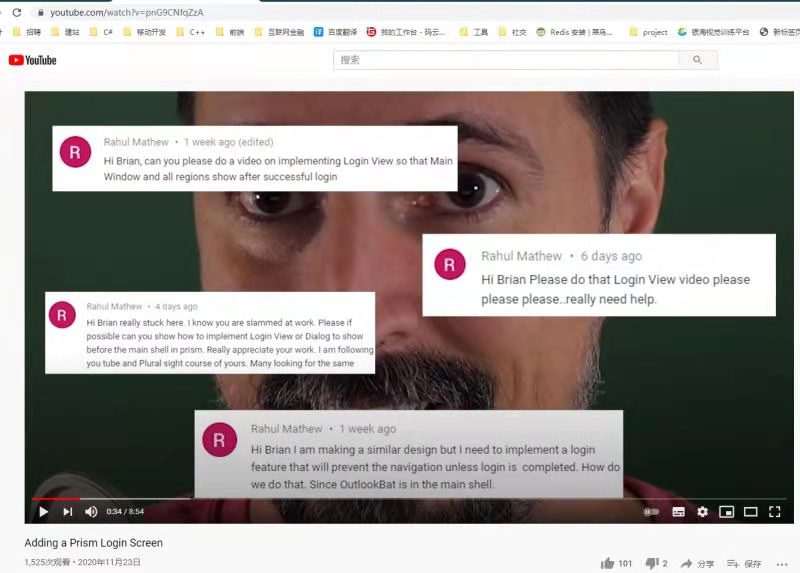
解决方案的代码很简单,在 app.xaml.cs 中添加如下代码,在初始化 shell 之前(InitializeShell,shell指CreateShell()注册的主窗体),先弹出登录窗口,验证成功再初始化 shell(base.InitializeShell(shell)):
protected override void InitializeShell(Window shell)
{
  LoginView loginView = new LoginView();
  if (loginView.ShowDialog() == true)
  {
    var shellVM = shell.DataContext as MainWindowViewModel;
    shellVM.InitData();
    base.InitializeShell(shell);
  }
  else
  {
    Application.Current.Shutdown(-1);
  }
}
文末探讨
其实该解决方案还是有问题的,在调用InitializeShell(Window shell)之前,站长调试发现模块视图已经执行了初始化,按道理说应该是登录成功后模块才执行初始化的,更多思考留给你,有什么建议欢迎Dotnet9网站留言。