

来源|https://urlify.cn/IFzQRb
因为某些原因,github 访问速度确实太慢了,图片经常刷不出来,甚至会出现项目无法下载的情况。码云虽好,可目前还是无法代替 github 在编程界的地位,所以今天猪哥给大家推荐几种提高 github 访问速度的方案,挑自己喜欢的尝试就好!
1. GitHub 镜像访问
这里提供两个最常用的镜像地址:
也就是说上面的镜像就是一个克隆版的 GitHub,你可以访问上面的镜像网站,网站的内容跟 GitHub 是完整同步的镜像,然后在这个网站里面进行下载克隆等操作。
2. GitHub 文件加速
利用 Cloudflare Workers 对 github release 、archive 以及项目文件进行加速,部署无需服务器且自带 CDN.
以上网站为演示站点,如无法打开可以查看开源项目:gh-proxy-GitHub(https://hunsh.net/archives/23/) 文件加速自行部署。
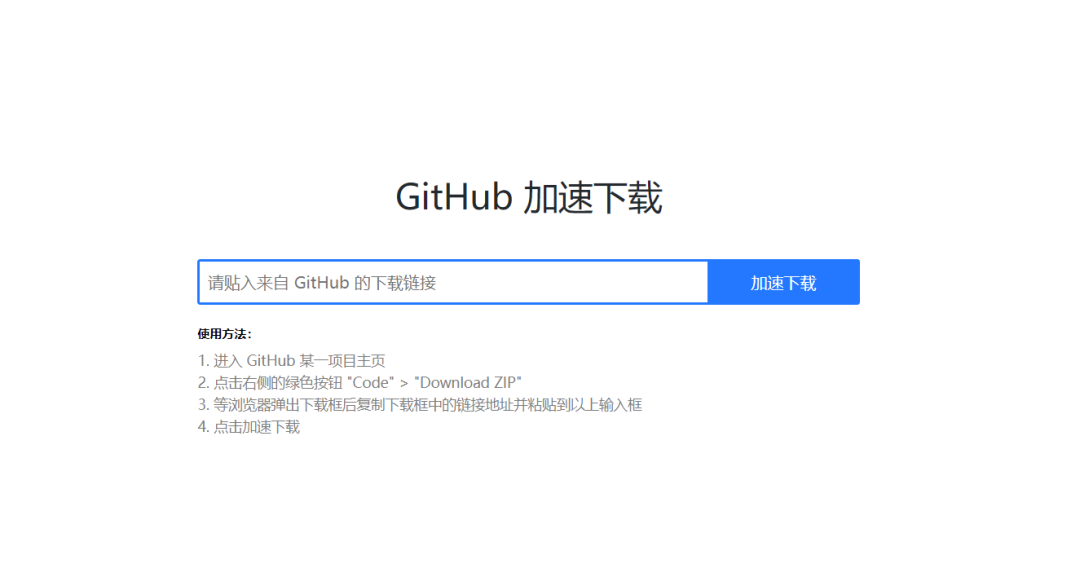
3. GitHub 加速下载
只需要复制当前 GitHub 地址粘贴到输入框中就可以代理加速下载!
地址:http://toolwa.com/github/
4. 加速你的 GitHub
输入 GitHub 仓库地址,使用生成的地址进行 git ssh 等操作
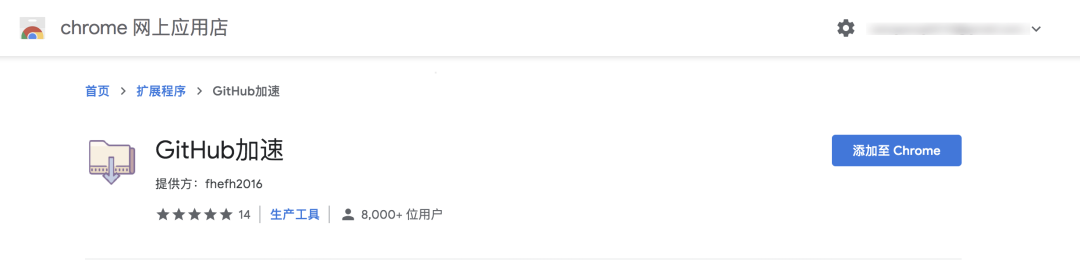
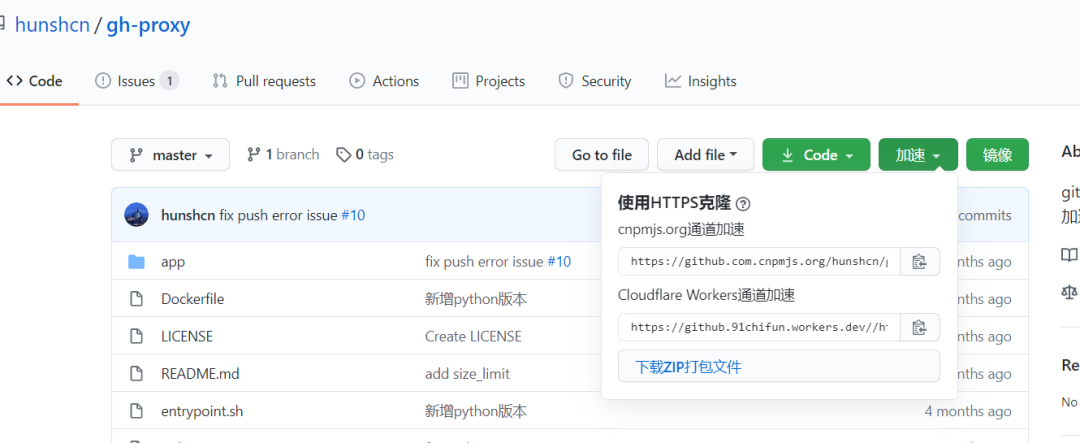
5. 谷歌浏览器 GitHub 加速插件(推荐)
6. GitHub raw 加速
GitHub raw 域名并非 github.com 而是 raw.githubusercontent.com,上方的 GitHub 加速如果不能加速这个域名,那么可以使用 Static CDN 提供的反代服务。
将 raw.githubusercontent.com 替换为 raw.staticdn.net 即可加速。
7. GitHub + Jsdelivr
jsdelivr 唯一美中不足的就是它不能获取 exe 文件以及 Release 处附加的 exe 和 dmg 文件。
也就是说如果 exe 文件是附加在 Release 处但是没有在 code 里面的话是无法获取的。所以只能当作静态文件 cdn 用途,而不能作为 Release 加速下载的用途。
8. 通过 Gitee 中转 fork 仓库下载
网上有很多相关的教程,这里简要的说明下操作。
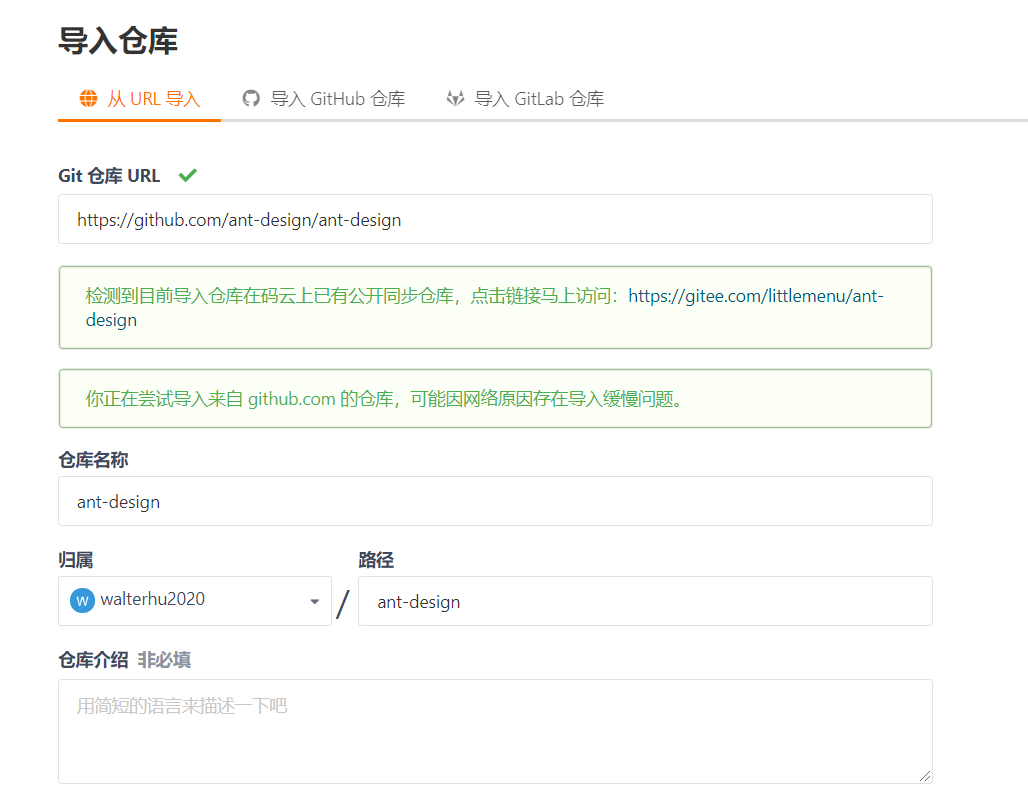
访问 gitee 网站:https://gitee.com/ 并登录,在顶部选择“从 GitHub/GitLab 导入仓库” 如下:
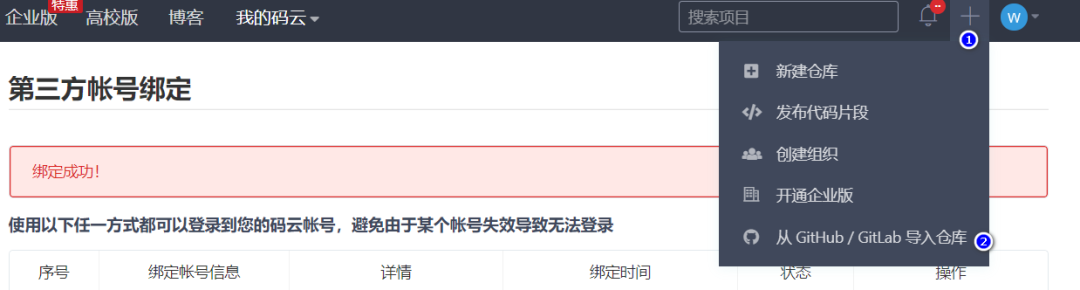
在导入页面中粘贴你的 GitHub 仓库地址,点击导入即可:
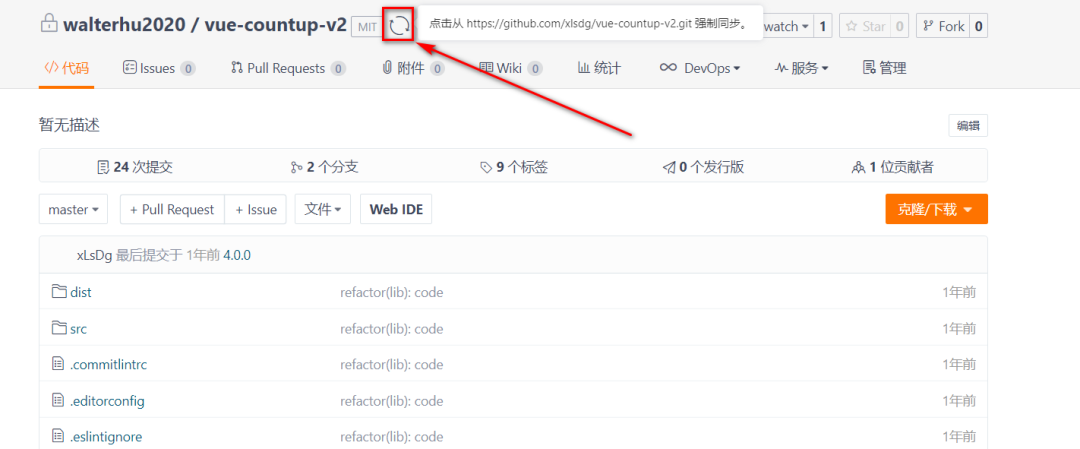
等待导入操作完成,然后在导入的仓库中下载浏览对应的该 GitHub 仓库代码,你也可以点击仓库顶部的“刷新”按钮进行 GitHub 代码仓库的同步。
9. 通过修改 HOSTS 文件进行加速
手动把 cdn 和 ip 地址绑定。
第一步:获取 github 的 global.ssl.fastly 地址访问:http://github.global.ssl.fastly.net.ipaddress.com/#ipinfo 获取 cdn 和 ip 域名:
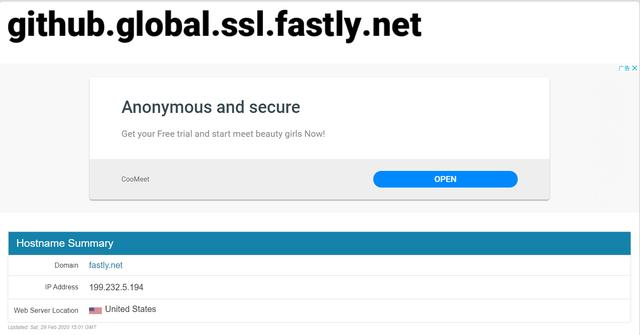
得到:199.232.69.194 https://github.global.ssl.fastly.net
第二步:获取 github.com 地址
访问:https://github.com.ipaddress.com/#ipinfo 获取 cdn 和 ip:
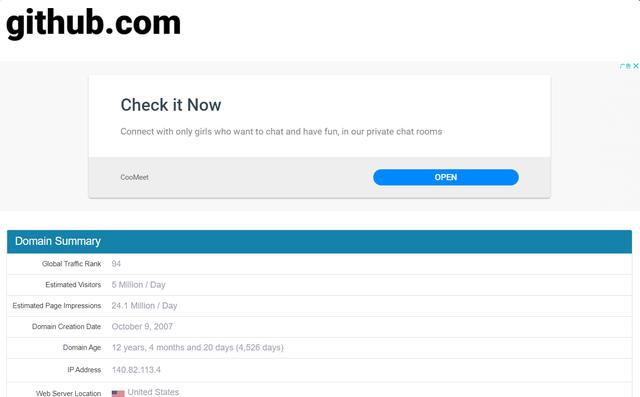
得到:140.82.114.4 http://github.com
第三步:修改 host 文件映射上面查找到的 IP
windows 系统:
1、修改 C:\Windows\System32\drivers\etc\hosts 文件的权限,指定可写入:右击->hosts->属性->安全->编辑->点击 Users->在 Users 的权限“写入”后面打勾。如下:
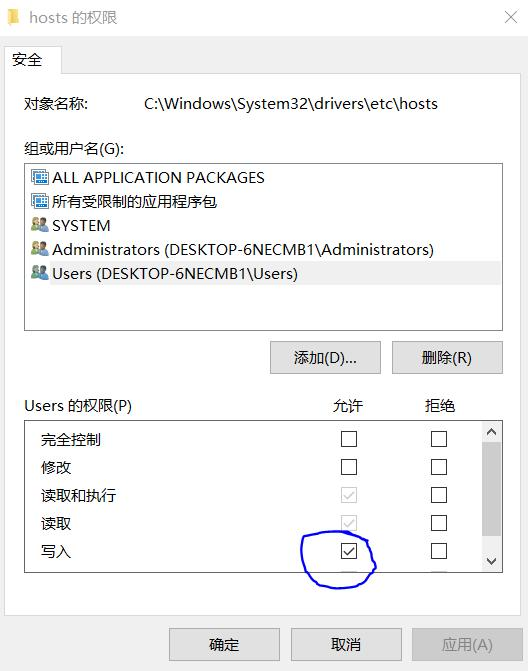
然后点击确定。
2、右击->hosts->打开方式->选定记事本(或者你喜欢的编辑器)->在末尾处添加以下内容:
199.232.69.194 github.global.ssl.fastly.net
140.82.114.4 github.com