1. Preface
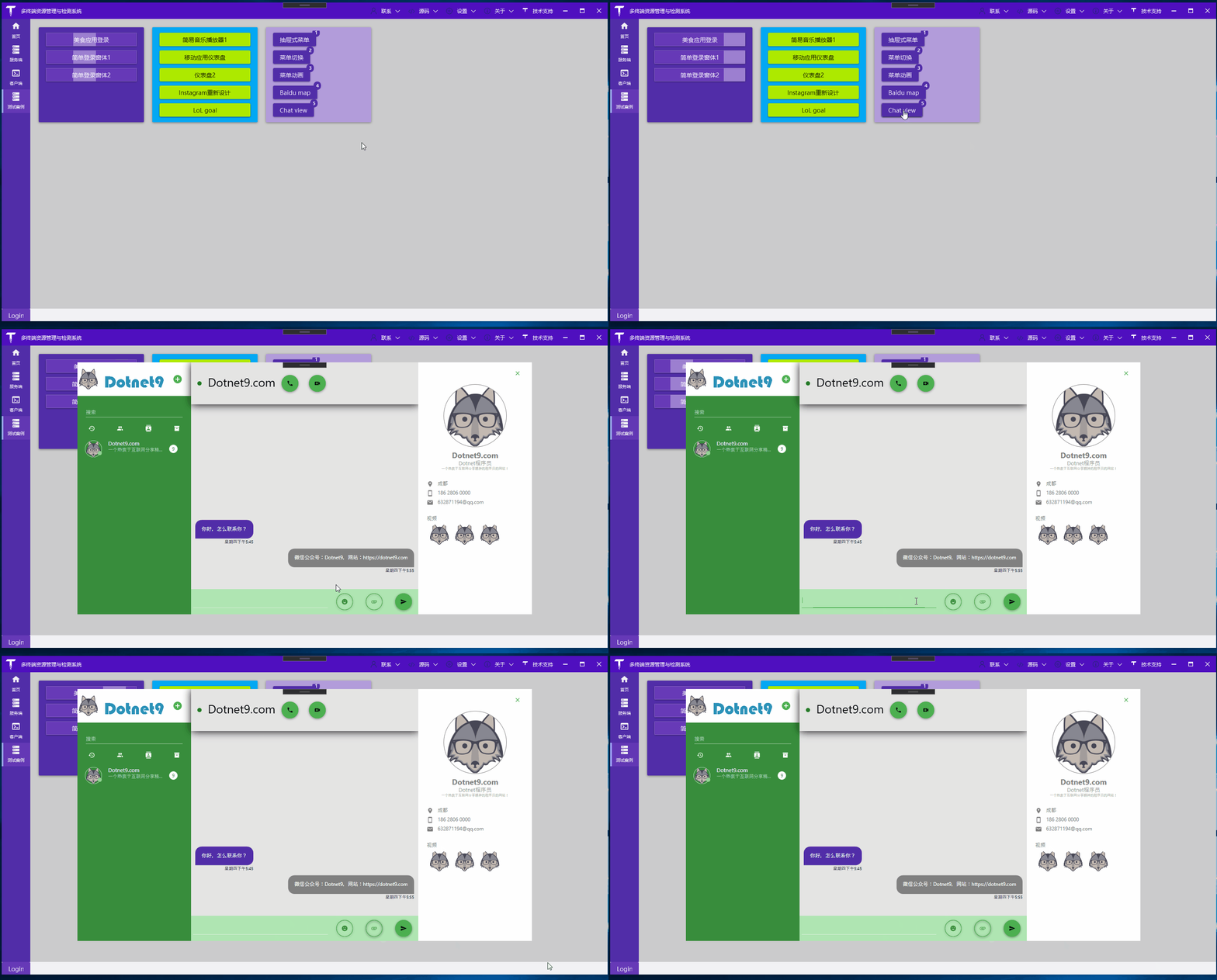
Today I'm introducing a series of WPF design videos by a big YouTube creator. Each video has no narration, only background music and the creator's coding process.
I found this WPF series during the pandemic in 2020 while stuck at home. At that time, I had just started playing with WeChat Official Accounts, so I watched one of his videos every day, followed along writing the code, and then shared it through my WeChat Official Account.
For those working with WPF, some of his interface designs are worth learning, and you can even copy them directly for your own use.
2. Video Details

3. Transfer Details
Almost all of the creator's videos have been transferred. The site owner has also recorded them in the WeChat Official Account (Dotnet9) and the code repository (links below). I recommend watching the creator's videos (click to view) and coding along, especially since some videos include Blend operations.
If you're familiar with Blend, you'll be more efficient in WPF development. Don't listen to some old-school programmers who say you should write WPF without a designer and that hand-coding is the only way to be cool—they just don't know how to use it. Use tools that improve productivity whenever you can.
- GitHub: https://github.com/dotnet9/TerminalMACS.ManagerForWPF
- Gitee: https://gitee.com/dotnet9/TerminalMACS.ManagerForWPF
- WeChat Official Account: Dotnet9, articles published around late 2019 and early 2020

4. Summary
4.1 Domestic Recommended WPF Resources
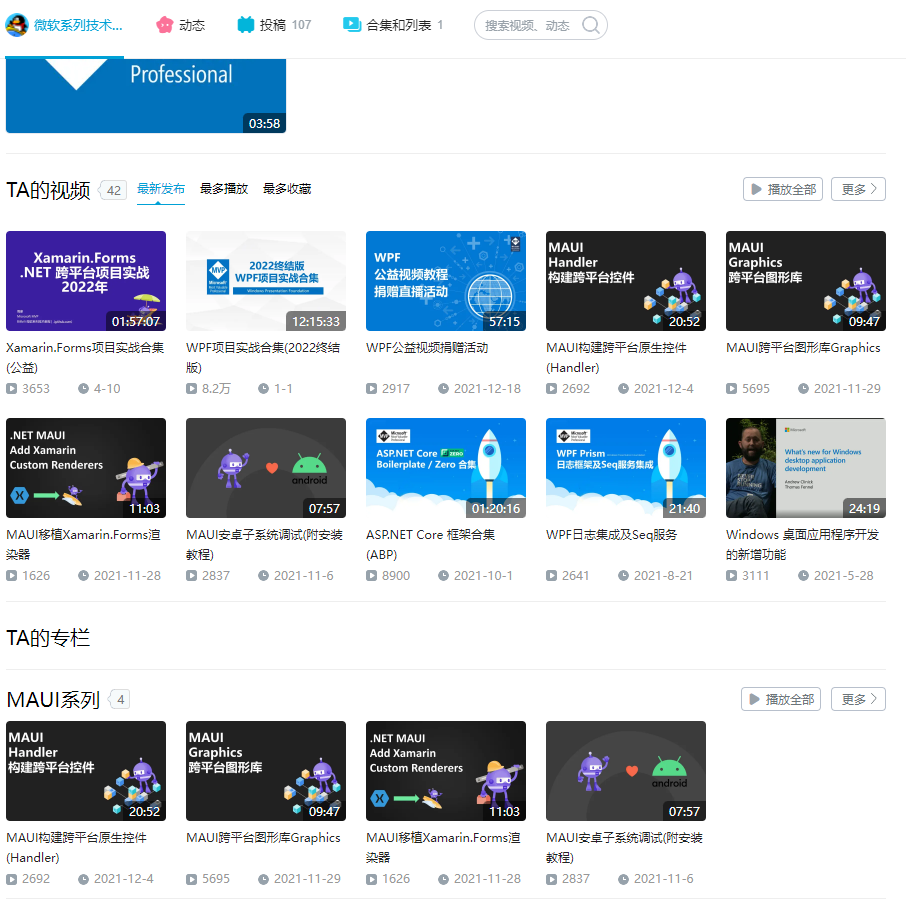
Good design needs to be referenced. Currently, the most prolific WPF technical sharer in China should be HenJi (only on Bilibili). His videos are quite systematic and worth following and learning from:
- Bilibili: Microsoft Series Technology Tutorials

4.2 Bilibili is a Learning Paradise
Besides HenJi's sharing, there are many WPF-related videos on Bilibili. For example, open Bilibili search for WPF. There are 36 results per page, with 28 pages total:

4.3 Go Beyond
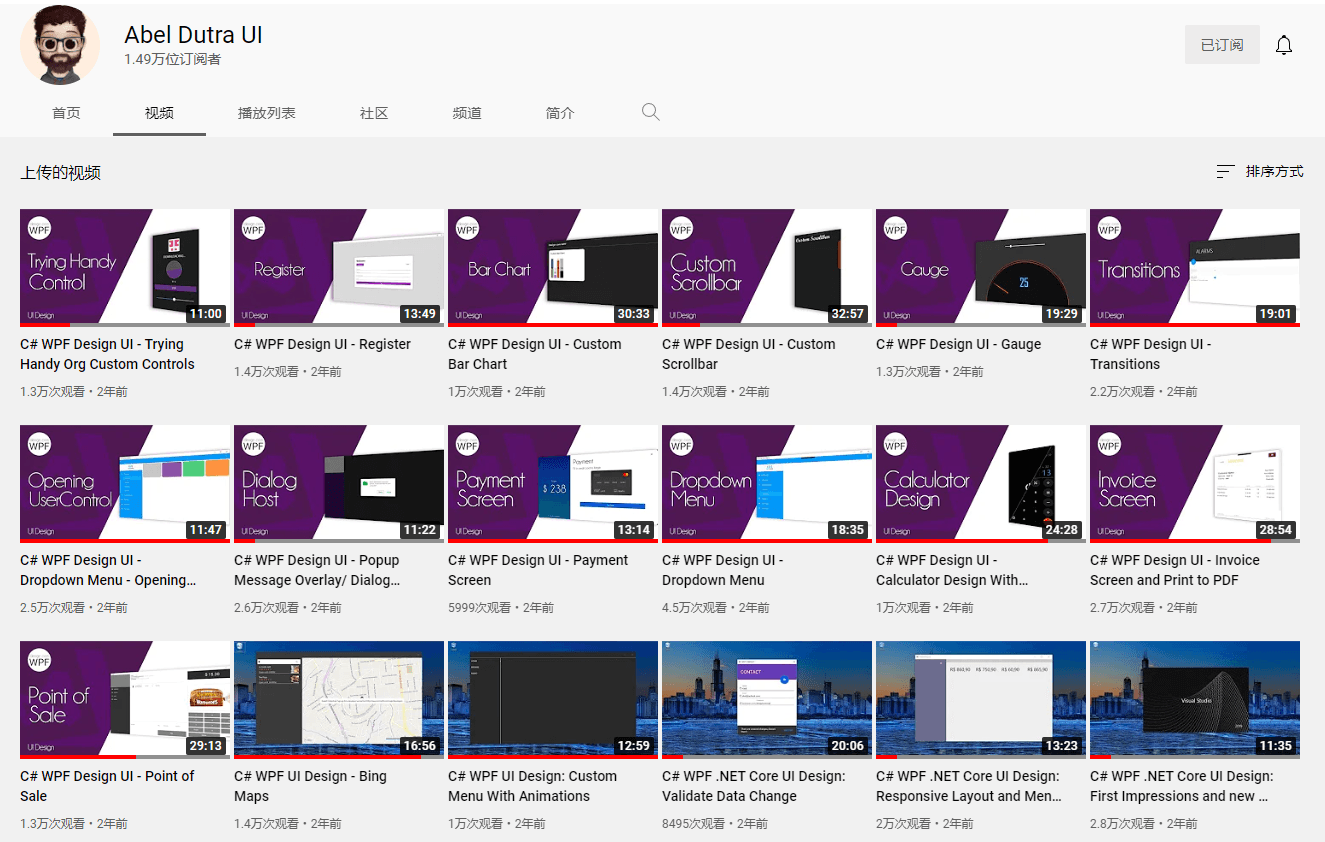
If you have the means, open YouTube. Besides the series by the creator I shared (click to view), you'll feel like you've discovered a new world—the outside world is full of wonders:

4.4 Personal Advice for C/S Developers
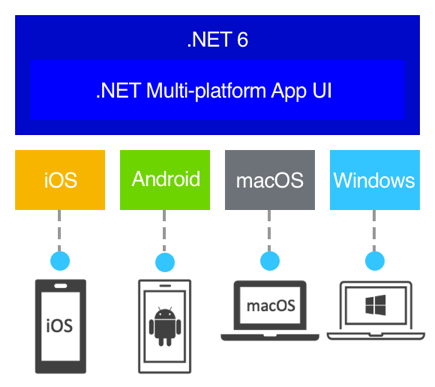
Finally, for those working on C/S (client-server) applications, my personal suggestion is to explore Maui: What is .NET MAUI?
.NET Multi-platform App UI (.NET MAUI) is a cross-platform framework for creating native mobile and desktop apps using C# and XAML.