
介绍
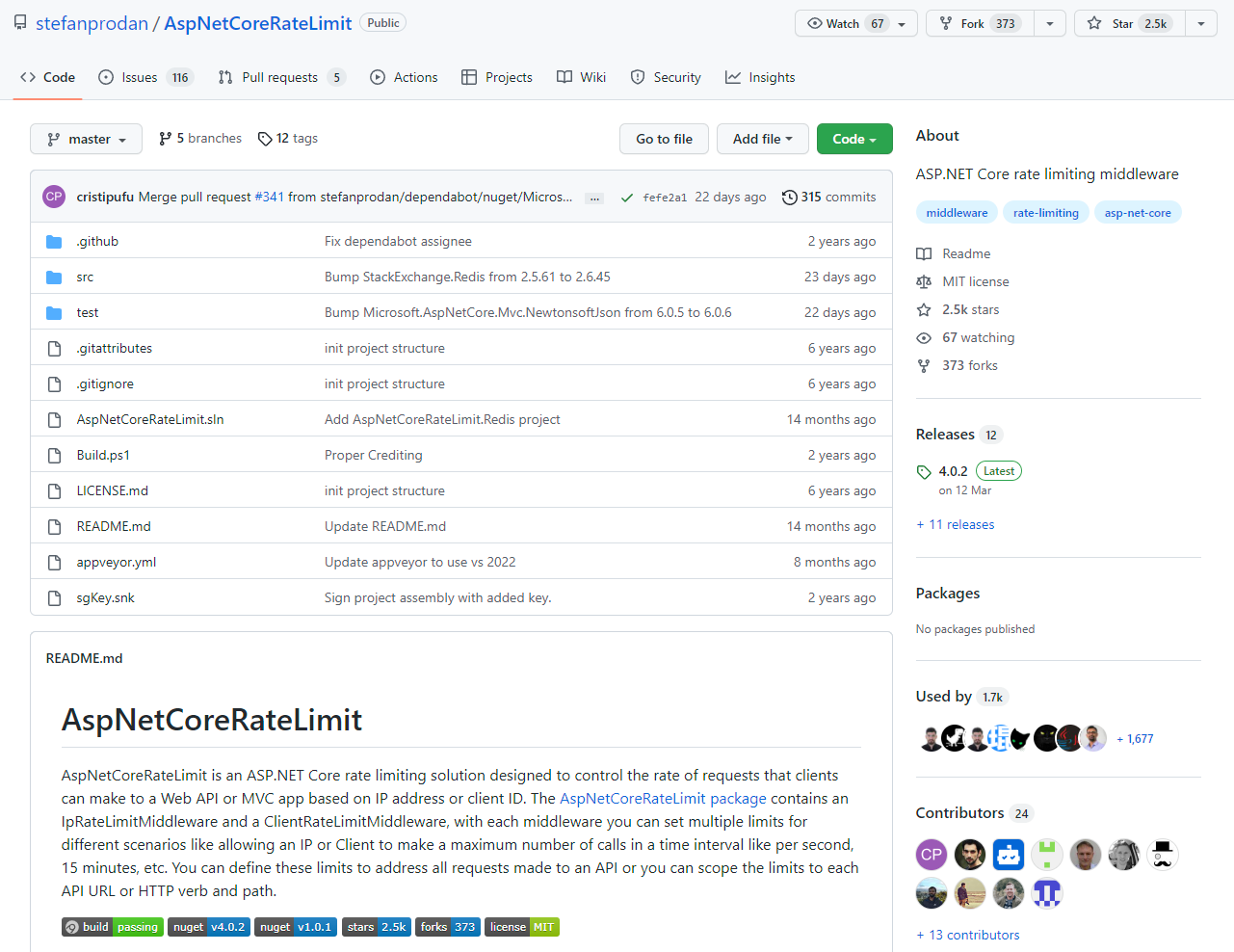
AspNetCoreRateLimit 是一种 ASP.NET Core 速率限制解决方案,旨在控制客户端可以根据 IP 地址或客户端 ID 向 Web API 或 MVC 应用程序发出请求的速率。AspNetCoreRateLimit 包包含一个 IpRateLimitMiddleware 和一个 ClientRateLimitMiddleware,对于每个中间件,您可以为不同的场景设置多个限制,例如允许 IP 或客户端在每秒、15 分钟等时间间隔内进行最大调用次数。您可以定义这些限制来解决对 API 发出的所有请求,或者您可以将限制范围限定为每个 API URL 或 HTTP 动词和路径。
地址: https://github.com/stefanprodan/AspNetCoreRateLimit
功能
基于客户端 IP 的速率限制
- 设置和配置
- 定义速率限制规则
- 行为
- 运行时更新速率限制
基于客户端 ID 的速率限制
- 设置和配置
- 定义速率限制规则
- 行为
- 运行时更新速率限制
高级配置
- 自定义配额超出响应
- IP / ClientId 解析贡献者
- 使用 Redis 作为分布式计数器存储
使用(基于客户端 IP 的速率限制)
NuGet 安装:
Install-Package AspNetCoreRateLimit

Install-Package AspNetCoreRateLimit.Redis
Startup.cs 代码:
public void ConfigureServices(IServiceCollection services)
{
  services.AddOptions();
  services.AddMemoryCache();
  services.Configure<IpRateLimitOptions>(Configuration.GetSection("IpRateLimiting"));
  services.Configure<IpRateLimitPolicies>(Configuration.GetSection("IpRateLimitPolicies"));
  services.AddInMemoryRateLimiting();
  services.AddMvc();
   services.AddSingleton<IRateLimitConfiguration, RateLimitConfiguration>();
}

public void Configure(IApplicationBuilder app, IHostingEnvironment env)
{
  app.UseIpRateLimiting();

  app.UseMvc();
}
appsettings.json:
"IpRateLimiting": {
    "EnableEndpointRateLimiting": false,
    "StackBlockedRequests": false,
    "RealIpHeader": "X-Real-IP",
    "ClientIdHeader": "X-ClientId",
    "HttpStatusCode": 429,
    "IpWhitelist": [ "127.0.0.1", "::1/10", "192.168.0.0/24" ],
    "EndpointWhitelist": [ "get:/api/license", "*:/api/status" ],
    "ClientWhitelist": [ "dev-id-1", "dev-id-2" ],
    "GeneralRules": [
      {
        "Endpoint": "*",
        "Period": "1s",
        "Limit": 2
      },
      {
        "Endpoint": "*",
        "Period": "15m",
        "Limit": 100
      },
      {
        "Endpoint": "*",
        "Period": "12h",
        "Limit": 1000
      },
      {
        "Endpoint": "*",
        "Period": "7d",
        "Limit": 10000
      }
    ]
  }
如果 EnableEndpointRateLimiting 设置为 false,则限制将在全局范围内应用,并且仅适用于端点的规则*。例如,如果您设置每秒 5 次调用的限制,则对任何端点的任何 HTTP 调用都将计入该限制。
如果 EnableEndpointRateLimiting 设置为 true,则限制将适用于每个端点,如。例如,如果您为*:/api/values 客户端设置每秒调用 5 次的限制,则每秒可以调用 GET /api/values5 次,但也可以调用 5 次 PUT /api/values。
如果 StackBlockedRequests 设置为 false,则拒绝的呼叫不会添加到节流计数器。如果客户端每秒发出 3 个请求,并且您设置了每秒一个呼叫的限制,则其他限制(例如每分钟或每天计数器)将仅记录第一个呼叫,即未被阻止的呼叫。如果您希望被拒绝的请求计入其他限制,您必须设置 StackBlockedRequests 为 true.
用于在您的 RealIpHeaderKestrel 服务器位于反向代理之后时提取客户端 IP,如果您的代理使用不同的标头,则 X-Real-IP 使用此选项进行设置。
ClientIdHeader 用于提取白名单的客户端 ID 。如果此标头中存在客户端 ID 并且与 ClientWhitelist 中指定的值匹配,则不应用速率限制。
这里只写了基于客户端 IP 的速率限制,如果对此项目感兴趣,更多文档请前往 AspNetCoreRateLimit 官网。
最后大家如果喜欢我的文章,还麻烦给个关注, 希望 net 生态圈越来越好!