Creating a Simple Chat App with WPF and Blazor Hybrid

Creating a Simple Chat App with WPF and Blazor Hybrid

Spent 4-5 hours in the evening learning the WPF + Blazor hybrid development model. It feels good.

Last updated 10/28/2022 1:09 AM
沙漠尽头的狼
3 min read
Category
WPF Blazor
Tags
.NET C# Blazor WPF

Hello everyone, I'm Wolf at the End of the Desert.

Today I tried WPF hybrid Blazor development. It felt good, so I'll briefly share the test program: a simple chat program built with WPF and Blazor.

Tech stack used:

Building a WPF + Blazor Application

The best place to learn the Hello World of WPF + Blazor hybrid development is the Microsoft documentation:

https://learn.microsoft.com/en-us/aspnet/core/blazor/hybrid/tutorials/wpf?view=aspnetcore-7.0

Results

The UI uses Masa Blazor. I personally think the effect is quite good – it would be much more trouble to implement it with WPF alone. Below are a few screenshots:

User List Window

Uses the list component from Masa Blazor. The code is almost directly copied from the reference link Masa Blazor Lists:

User List

Chat Window

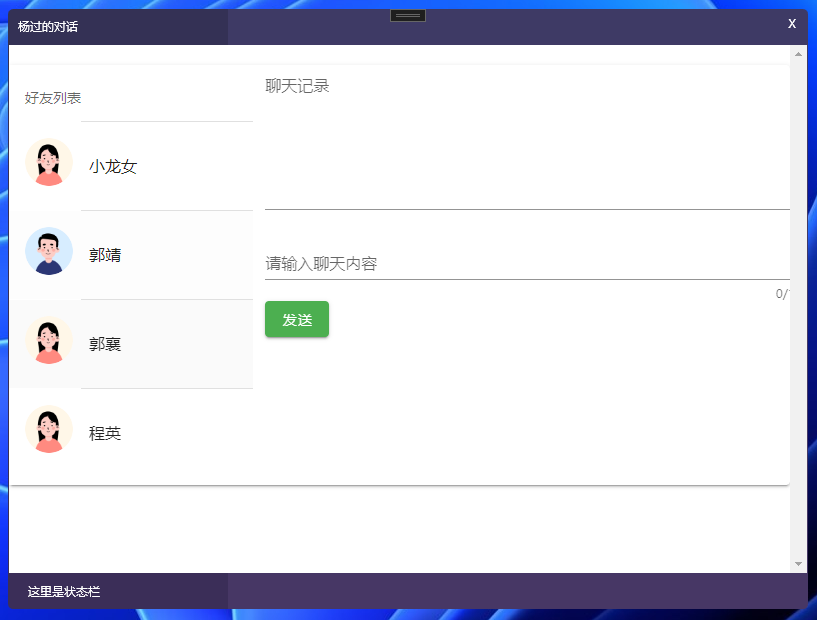
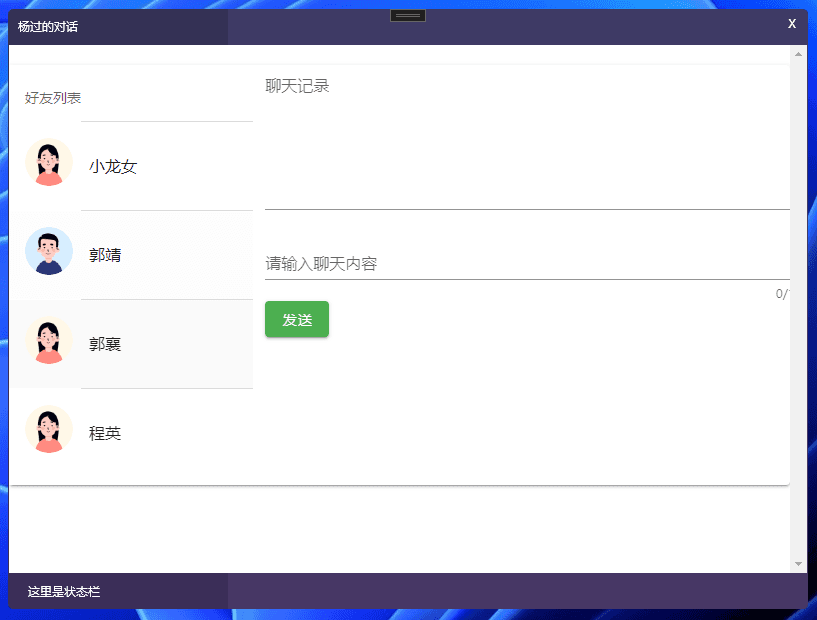
This one is simple: the left side is a list similar to the user list above, except the blue MToolbar at the top and the detailed user description have been removed. The right side contains a multi-line text box showing chat history, a single-line text box for typing instant messages, and a send button (brief description, no code – the repo link is below).

Chat Window

Opening a Child Window

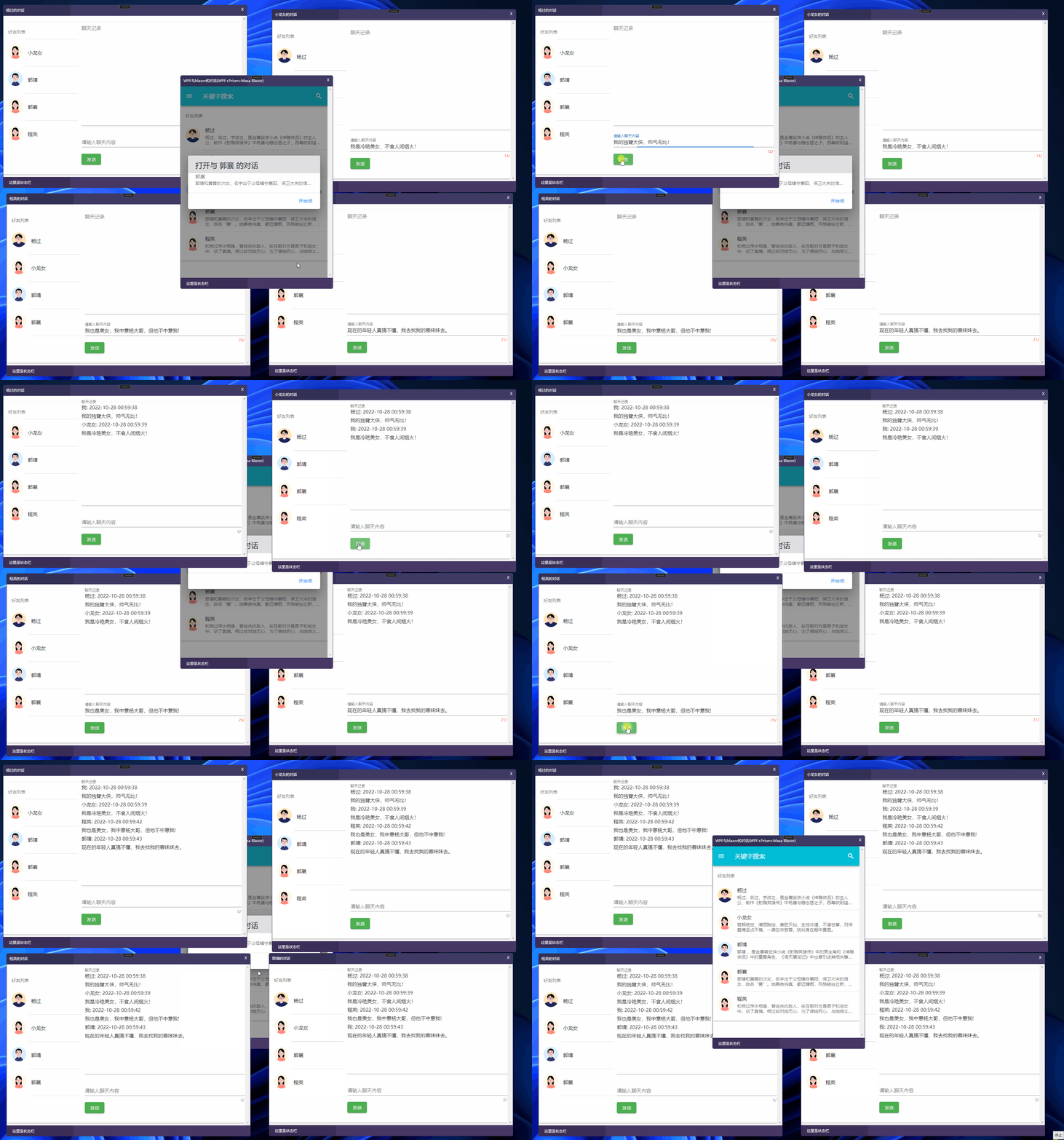
The list click event uses IEventAggregator to send an OpenUserDialogEvent. The event subscription method executes the action of opening a child window:

Open Window

Demonstrating Message Sending

When the send message button is clicked, IEventAggregator sends a SendMessageEvent. The event subscription method receives the message and appends it to the respective multi-line chat history display:

Demonstrate Send Message

Source Code

GitHub: https://github.com/dotnet9/WPFBlazorChat

The effect is decent, and I won't explain the code. Feel free to run it if you're interested. There are a few things I'd like to optimize later, but it's almost 2 AM now:

  • The custom window is still implemented in the WPF style

    The window is transparent, dragging is handled via the Border's mouse down event, and closing is done by a button in the upper-right corner. I'll try to implement it with Razor when I have time.

  • Two IoC containers – Prism.DryIoc and IServiceCollection – have duplicate registrations

    I thought hybrid development would be simple, but you run into issues when you actually try it. If modularization is needed, these two containers might handle similar dependency injections, e.g., IEventAggregator is registered by default in Prism, but if you use it in Razor, you also need to register it in IServiceCollection.

I'll add more points later. Today was just an experiment...

Keep Exploring

Related Reading

More Articles
Same category / Same tag 1/26/2025

Implementing Internationalization in WPF Using Custom XML Files

This article details the method of implementing internationalization in WPF applications using custom XML files, including installing the necessary NuGet packages, dynamically retrieving the language list, dynamically switching languages, using translated strings in code and XAML interfaces, and provides a source code link to help developers easily achieve internationalization in WPF applications.

Continue Reading
Same category / Same tag 11/6/2024

Why My Blog Website Returned to Blazor

The development of the blog website has gone through many hardships, with nearly 10 versions including MVC, Vue, Go, etc. Now it has returned to Blazor and adopted static SSR, resulting in a significant speed increase and successful launch.

Continue Reading