
引言
在.NET 的世界里,数据库选择至关重要。今天为大家揭秘一款轻量级 NoSQL 数据库——LiteDB,它小巧但功能强大,为你的项目提供快速、灵活的数据存储解决方案。无论你是初学者还是资深开发者,LiteDB 都将是你的得力助手!
LiteDB 简介
LiteDB 是一个开源的、嵌入式 NoSQL 数据库,完全用 C# 托管代码编写,专为.NET 设计。它基于 BSON(Binary JSON)格式存储数据,支持丰富的查询操作,且无需安装和管理复杂的服务器。LiteDB 非常适合小型项目、桌面应用程序和微服务架构中的数据存储需求。
LiteDB 功能
- • 简单的 API,类似于 MongoDB
- • 100% C# 代码,用于单个 DLL 中的 .NET 4.5 / NETStandard 1.3/2.0(小于 450kb)
- • 线程安全
- • 写入失败后的数据恢复(WAL 日志文件)
- • 使用 DES (AES) 加密技术对数据文件进行加密
- • 将 POCO 类映射到使用属性或 Fluent 映射器 APIBsonDocument
- • 存储文件和流数据(如 MongoDB 中的 GridFS)
- • 单个数据文件存储(如 SQLite)
- • 为文档字段编制索引以进行快速搜索
- • 对查询的 LINQ 支持
- • 用于访问/转换数据的类似 SQL 的命令
- • 开源,对所有人免费 - 包括商业用途
LiteDB 亮点
轻量级:LiteDB 无需安装服务器,直接集成到你的.NET 项目中,占用空间小,运行速度快。
高性能:支持索引、查询优化和异步操作,确保数据读写的高效性。
易于使用:提供简洁的 API 和丰富的文档支持,让你轻松上手。
支持 ACID 事务:确保数据的一致性和完整性。
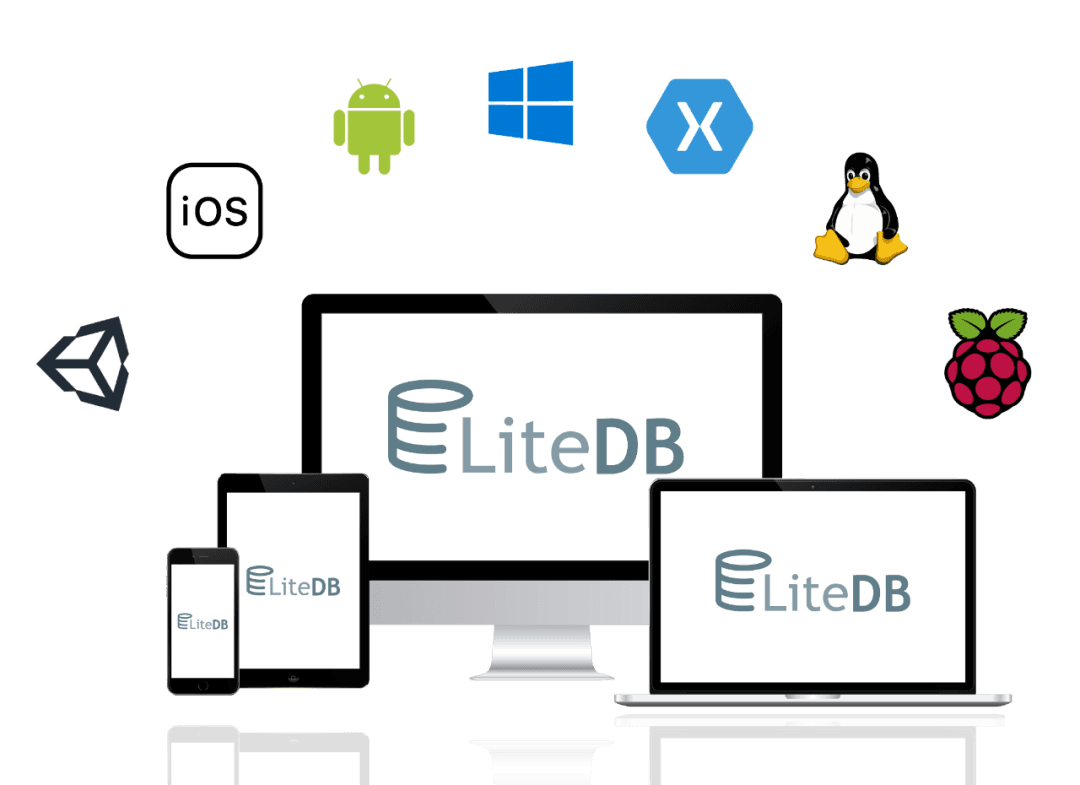
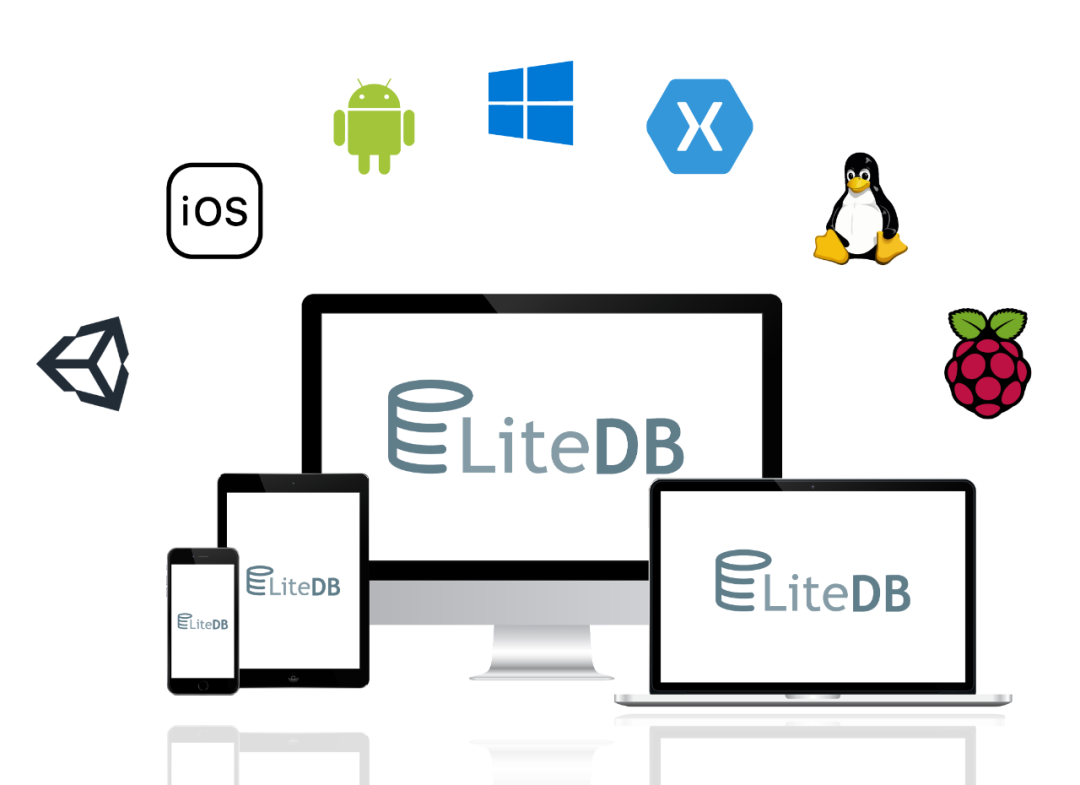
跨平台:LiteDB 可以在 Windows、Linux 和 macOS 等多个平台上运行。
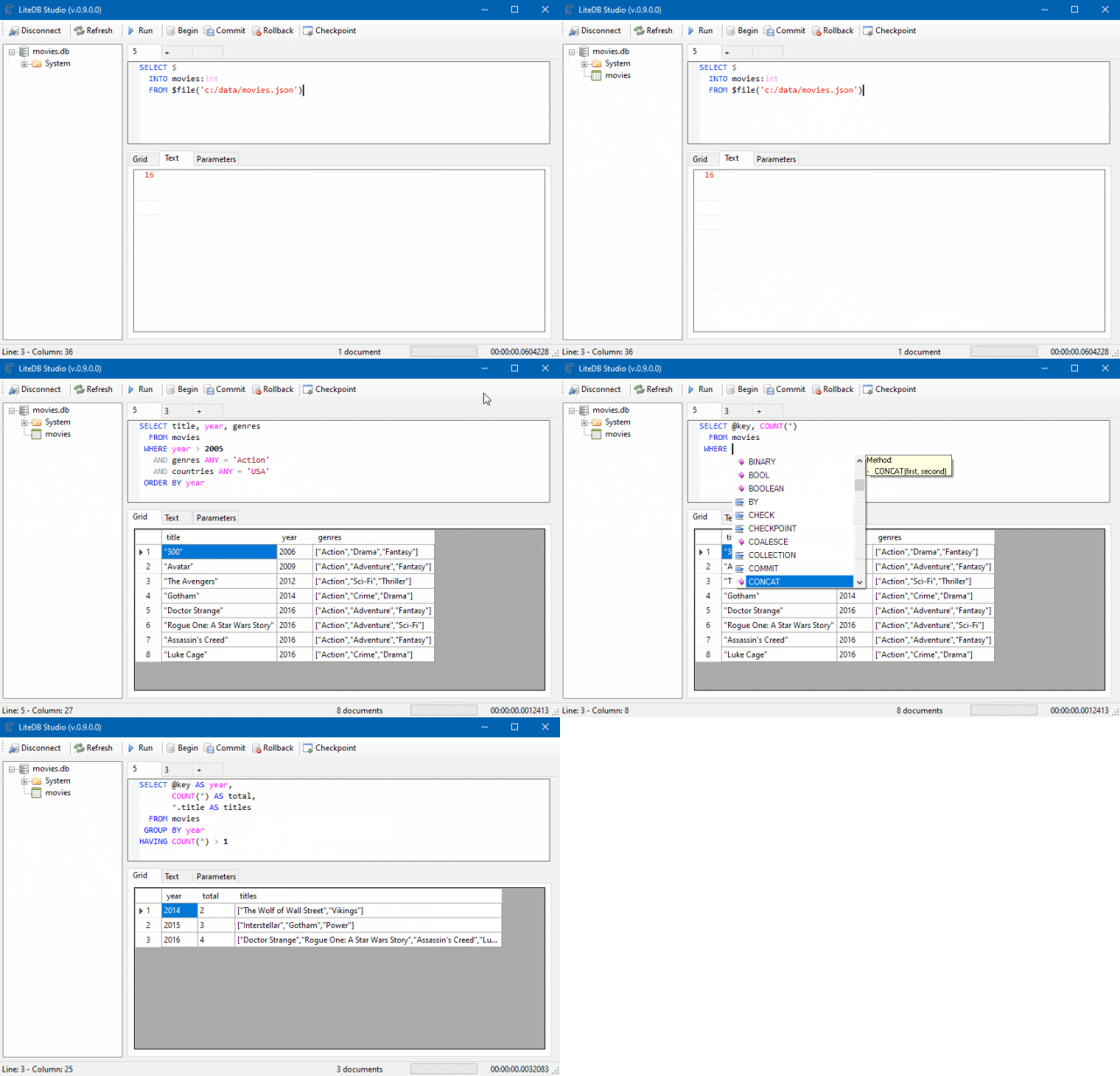
漂亮的 UI 支持:LiteDB Studio - 用于数据访问的漂亮用户界面。
如何使用 LiteDB
安装:通过 NuGet 包管理器轻松安装 LiteDB。
创建数据库:在你的项目中创建一个 LiteDatabase 实例,指定数据库文件路径。
定义模型:创建 C#类来定义你的数据模型。
存储和查询数据:使用 LiteDB 提供的 API 进行数据存储、查询和更新操作。
漂亮的 UI
Lite.Studio 用于管理和可视化数据库的新 UI
特征
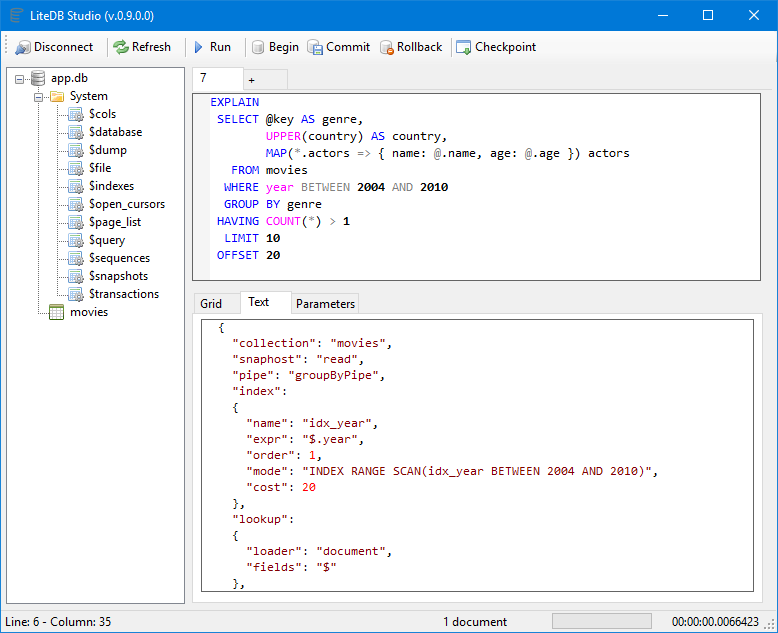
LiteDB 支持类似 SQL 的语言进行数据和结构操作。可以使用非常相似的 SQL 关系语言插入、更新、删除或查询数据库.
LINQ 表达式(lambda 函数)可用于在 C# 代码中创建流畅的 API 查询.
新的 LiteDB.Studio 管理工具支持所有 SQL 命令.
还可以从查询引擎获取详细的 EXPLAIN PLAN,以检查写的查询是否将以最佳性能运行
案例实战
通过一个简单的实战案例,展示如何使用 LiteDB 在.NET 项目中实现数据的增删改查操作。
// Create your POCO class
public class Customer
{
    public int Id { get; set; }
    public string Name { get; set; }
    public int Age { get; set; }
    public string[] Phones { get; set; }
    public bool IsActive { get; set; }
}

// Open database (or create if doesn't exist)
using(var db = new LiteDatabase(@"MyData.db"))
{
    // Get customer collection
    var col = db.GetCollection<Customer>("customers");

    // Create your new customer instance
    var customer = new Customer
    {
        Name = "John Doe",
        Phones = new string[] { "8000-0000", "9000-0000" },
        Age = 39,
        IsActive = true
    };

    // Create unique index in Name field
    col.EnsureIndex(x => x.Name, true);

    // Insert new customer document (Id will be auto-incremented)
    col.Insert(customer);

    // Update a document inside a collection
    customer.Name = "Joana Doe";

    col.Update(customer);

    // Use LINQ to query documents (with no index)
    var results = col.Find(x => x.Age > 20);
}
更复杂的数据模型使用
// DbRef to cross references
public class Order
{
    public ObjectId Id { get; set; }
    public DateTime OrderDate { get; set; }
    public Address ShippingAddress { get; set; }
    public Customer Customer { get; set; }
    public List<Product> Products { get; set; }
}

// Re-use mapper from global instance
var mapper = BsonMapper.Global;

// "Products" and "Customer" are from other collections (not embedded document)
mapper.Entity<Order>()
    .DbRef(x => x.Customer, "customers")   // 1 to 1/0 reference
    .DbRef(x => x.Products, "products")    // 1 to Many reference
    .Field(x => x.ShippingAddress, "addr"); // Embedded sub document

using(var db = new LiteDatabase("MyOrderDatafile.db"))
{
    var orders = db.GetCollection<Order>("orders");

    // When query Order, includes references
    var query = orders
        .Include(x => x.Customer)
        .Include(x => x.Products) // 1 to many reference
        .Find(x => x.OrderDate <= DateTime.Now);

    // Each instance of Order will load Customer/Products references
    foreach(var order in query)
    {
        var name = order.Customer.Name;
        ...
    }
}
总结
LiteDB 作为一款轻量级 NoSQL 数据库,凭借其小巧、高性能和易于使用的特点,在.NET 开发领域获得了广泛的认可。无论你是初学者还是资深开发者,都可以尝试使用 LiteDB 为你的项目提供数据存储解决方案。