Preface
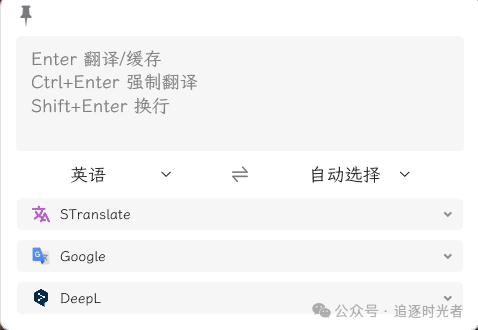
Today, DaYao shares with you a WPF open-source, free (MIT License), ready-to-use, instant translation and OCR tool: STranslate.
Introduction to WPF
WPF is a powerful desktop application framework used to build Windows applications with rich user interfaces. It provides flexible layout, data binding, styles and templates, animation effects, and other features, enabling developers to create attractive and highly interactive applications.
Tool Shortcuts
Global Shortcuts
Can be customized
Alt+A: Open the software interface, input content and press Enter to translateAlt+D: Copy the currently selected content with mouse and translate itAlt+S: Screenshot the selected area and translate the contentAlt+G: Open the main interfaceAlt+Shift+D: Enable mouse hover word selection, translate immediately when selecting textAlt+Shift+S: Fully offline text recognition (based on PaddleOCR)Alt+Shift+F: Silent OCR (automatically copy to clipboard after OCR)
In-App Shortcuts
Cannot be modified
ESC: Hide the interface (including canceling requests)Ctrl+,: Open settingsCtrl+Shift+A: Show/hide input boxCtrl+Shift+Q: Exit the programCtrl+Shift+T: Pin/unpin the windowCtrl+Scroll Up: Enlarge textCtrl+Scroll Down: Reduce textCtrl+ `: Restore default text sizeCtrl++: Enlarge interface (width, max height)Ctrl+-: Reduce interface (width, max height)Ctrl+0: Restore interface to configured size (width, max height)Ctrl+Alt++: Increase widthCtrl+Alt+-: Decrease widthCtrl+Shift++: Increase max heightCtrl+Shift+-: Decrease max heightCtrl+1...8: Copy translation service results in orderCtrl+9: Copy the last translation service result
Running the Tool Source Code
Set STranslate as the startup project to run:


Tool Download
Download from GitHub

Download from Gitee

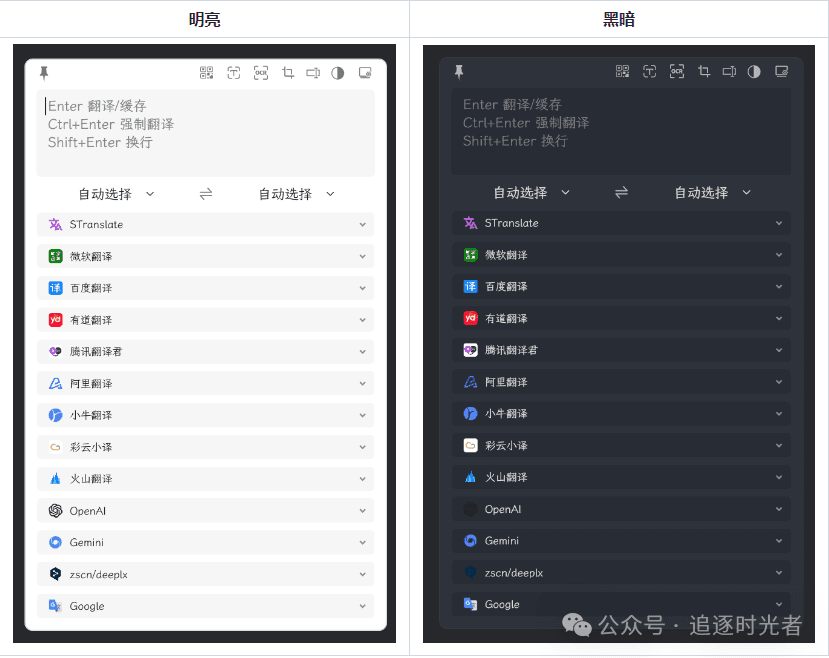
Screenshots of Tool Features


Project Source Code Address
For more practical features and functionalities, please visit the project's open-source address 👀. Don't forget to give the project a Star for support 💖.