Avalonia Tip: Adding Cancel Sorting to DataGrid
By default, clicking a column header only provides ascending and descending sorting, with no way to cancel
Can be used as a reference to implement other forms of TabItem borders
In-depth analysis of the implementation scheme of the Avalonia-based logging component, exploring the dual output mechanism of interface and file, and proposing points for optimization and improvement
This article details how to use PowerShell scripts and batch files to automate version updates and one-click publishing in .NET Avalonia UI projects. First, it explains the setup and modification of PowerShell execution policies to ensure scripts can run properly. Then, it introduces methods for adding scripts in Visual Studio pre-build events to automatically update version numbers, as well as using batch files to publish applications on multiple platforms. Finally, a PowerShell script example is provided that can automatically update program version information based on Git tags. These methods can improve the development efficiency and convenience of the publish process for .NET projects.
This article will detail how to use Markdown.AIRender for Markdown rendering in Avalonia UI, including installation, style referencing, example demonstrations, and various features (such as support for black/white themes, accent colors, etc.). It also delves into its ongoing internationalization features, aiming to help developers better integrate Markdown content into Avalonia applications, provide a better user experience, and enhance the application's global adaptation capabilities. Additionally, it compares related Markdown rendering libraries to provide users with a reference for choosing the right tool.
This article deeply explores the method and advantages of implementing internationalization in Avalonia using XML files. By comparing with Resx resource files, it provides developers with a basis for selection. XML-based internationalization is suitable for scenarios where users need to modify content, expect to leverage AI editing, and pursue clear language structure management. The article details the entire workflow from creating language files, strong-type generation, to specific usage and language management, and provides relevant resource links, such as XML language management packages, case demos, language management tools, Resx resource management extensions, etc., helping developers get started quickly and apply this internationalization solution in actual projects, enhancing the globalization adaptation capability and user experience of Avalonia applications.
In the current wave of globalized software development, internationalization (i18n) and localization (L10n) of applications have become particularly important. Avalonia UI, as a powerful cross-platform UI framework, offers developers multiple ways to achieve internationalization. Among them, using traditional Resx resource files for internationalization not only aligns with the usage habits in WinForms, WPF, ASP.NET Core, and other development scenarios, but also, with the help of some practical tools and specific development processes, makes the implementation of internationalization efficient and structured.
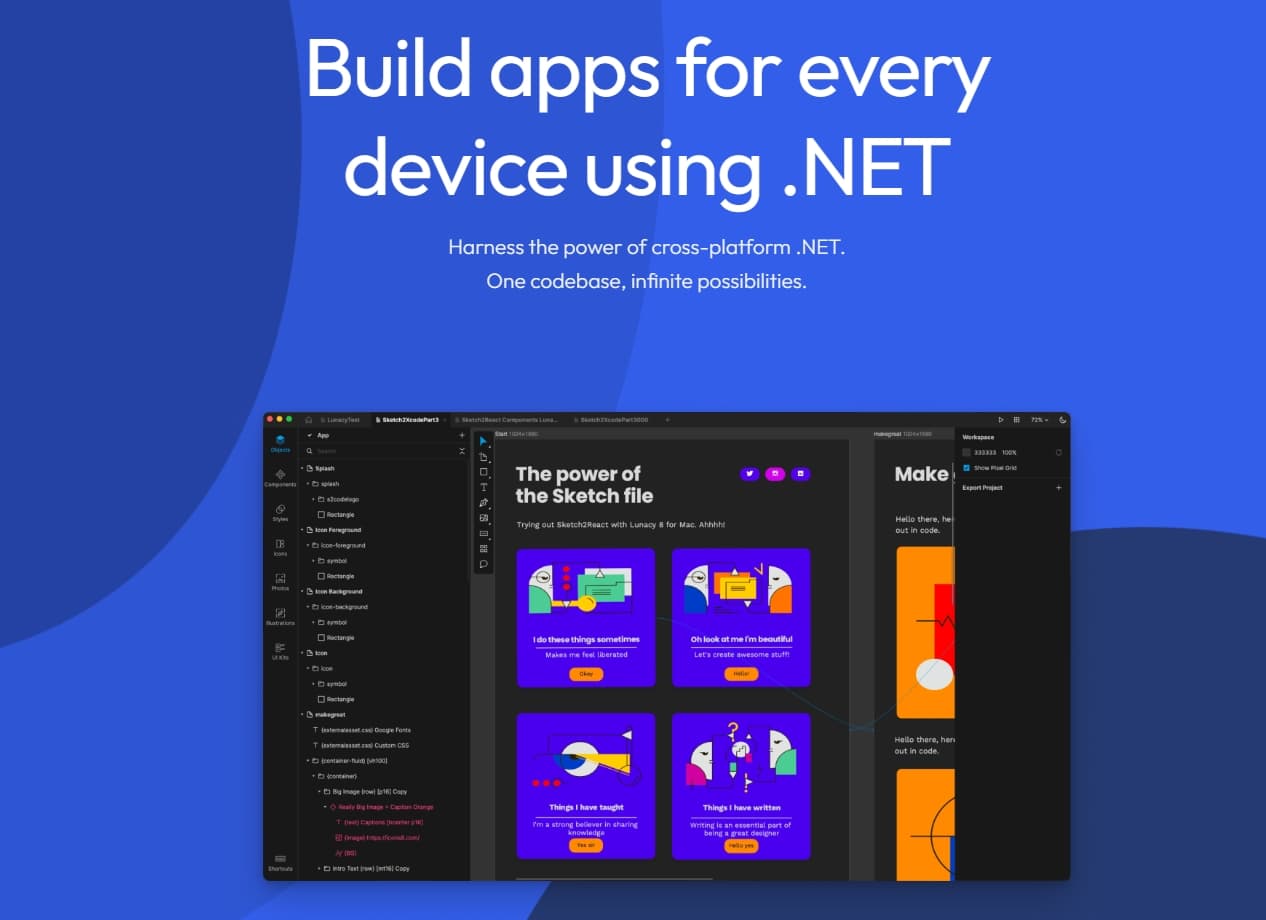
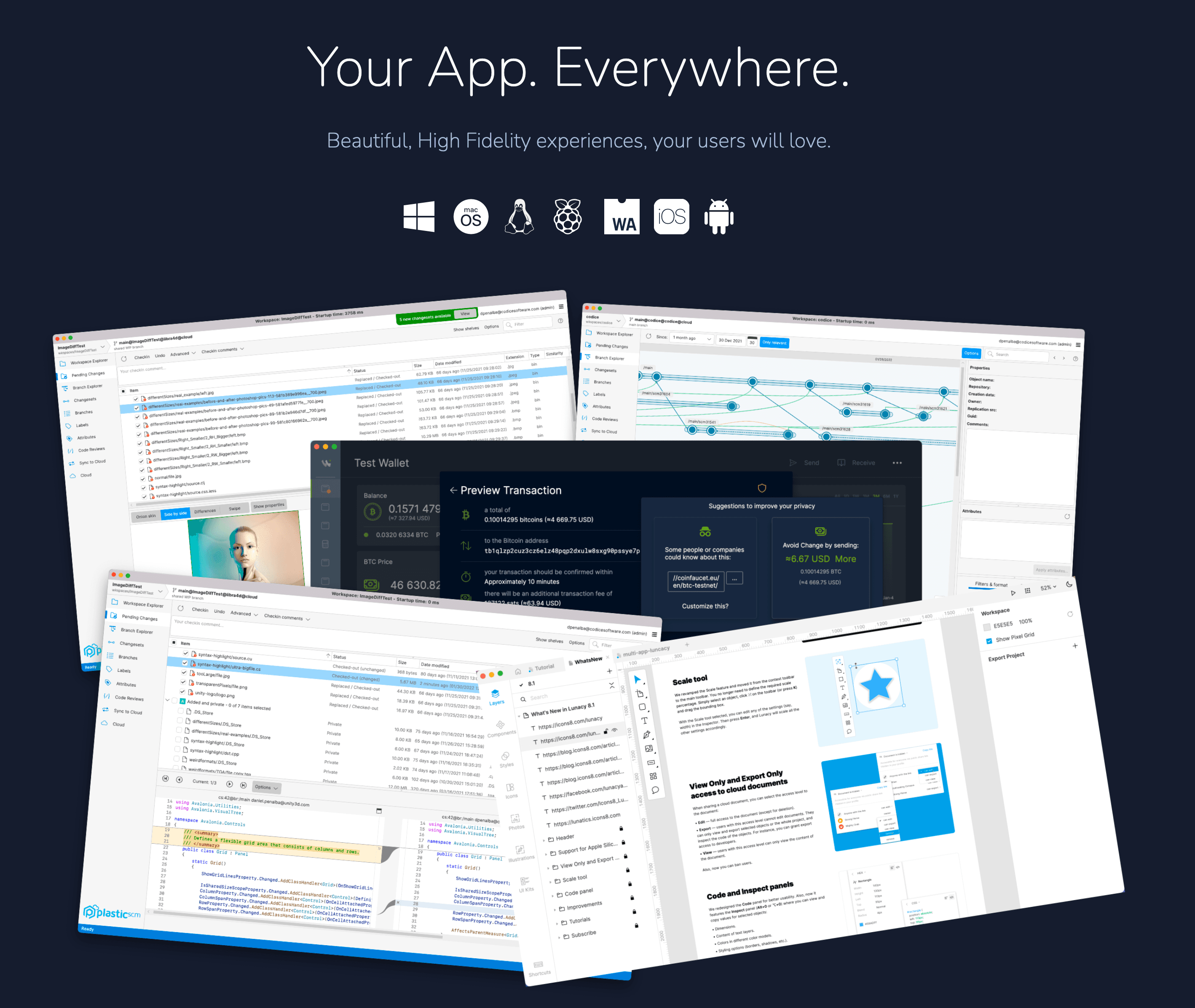
This is a cross-platform UI framework based on WPF XAML, supporting multiple operating systems (Windows (.NET Core), Linux (GTK), macOS, Android, and iOS), and Web (WebAssembly).
Starting with .NET 9, AOT supports Win7 and XP, not just SP1 versions.
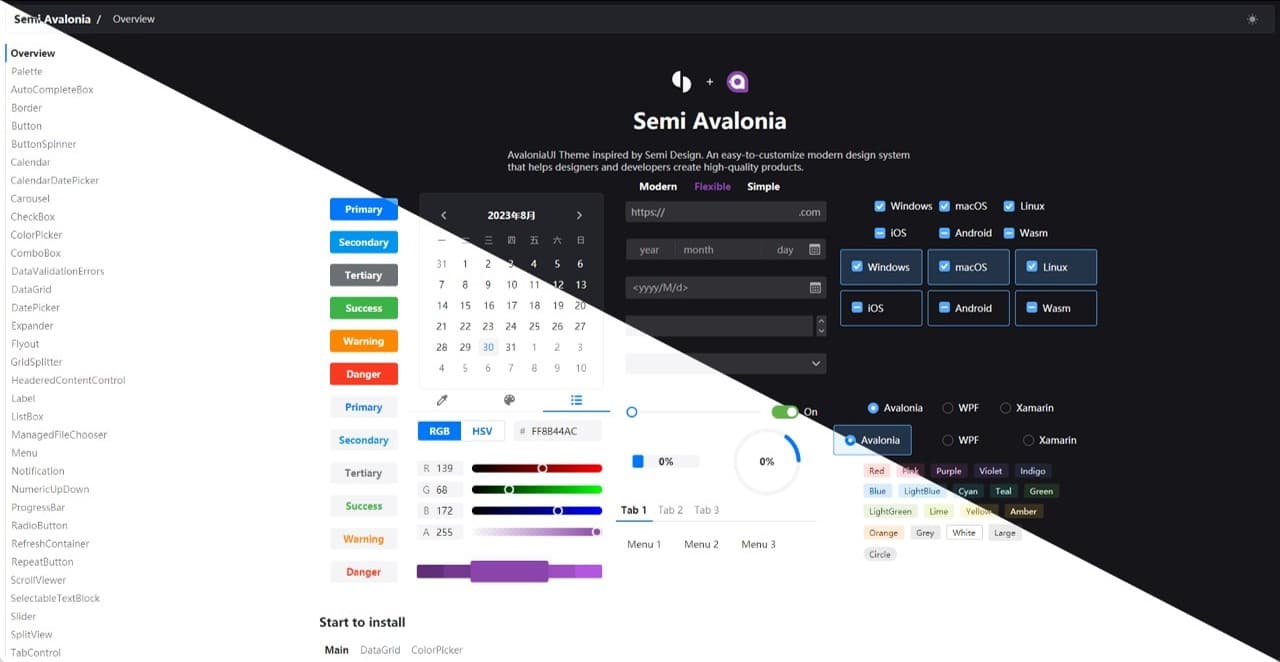
Semi.Avalonia is an open-source implementation of the Semi Design theme style under the Avalonia UI framework, released under the MIT license. Combined with the Ursa.Avalonia custom control library, it brings a new visual and functional experience to developers.