Simple Creation of a Watchdog Program Using C#
In some special projects, the software may be unattended. If the program crashes for no reason or the process is killed, it is very necessary to develop a watchdog program.
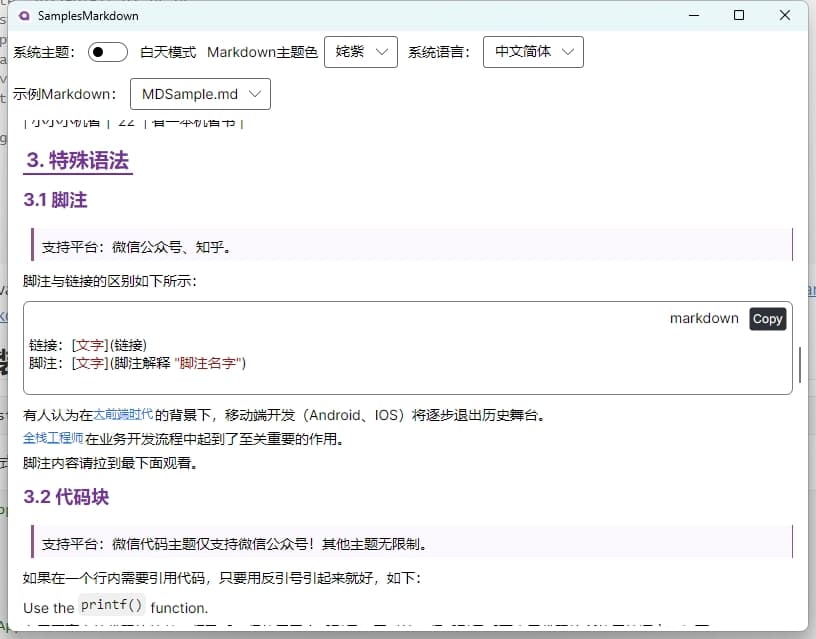
枝见 Zhijian: A Markdown Mind Map Editor Built with Avalonia
Browse by Topic Start with .NET193 articles, suitable for quickly filtering by technical direction
Continuous Reading Read WPF Open Source Projects as a topic25 articles, better for systematic reading
In some special projects, the software may be unattended. If the program crashes for no reason or the process is killed, it is very necessary to develop a watchdog program.
You don't even seem like a programmer; how can a programmer get off work so early?
In the process of developing Winform, data display functionality is often required. Previously, the gridcontrol control was commonly used. Today, through an example, I would like to introduce how to use the table component from Ant Design Blazor for data display in a Winform Blazor Hybrid application.
On the sixth day of learning C# programming, I studied loop control, ternary expressions, constants, enumerations, structures, arrays, and methods. As a developer who transitioned from nursing, I combine these programming concepts with nursing work experience to better understand and remember them.
On the fifth day of learning C# programming, I studied exception handling, variable scope, switch-case statements, and loop structures. As a nurse turned developer, I try to combine these programming concepts with nursing work experience.
Setting up an offline development environment is the most troublesome. This article details how to create an offline installation package for VS 2022 Preview, including complete download, installation steps and precautions
On the fourth day of learning C# programming, I began learning Markdown. As a nurse turned developer, I record my learning insights on this lightweight markup language.
As a nurse, I resolutely crossed over into C# programming. Here I share the content of the third day of learning, covering core knowledge such as type conversion, operators, and logical judgment.
Today .NET 10 Preview 1 was released. I downloaded it immediately, upgraded the Avalonia UI project and blog website. The former passed functional testing and AOT publishing successfully, the latter debugging went fine, but Docker has not been successful yet.
As a nurse, I resolutely crossed over into C# programming. Here I share the content of the second day of learning, covering key points such as variables, operators, and escape characters.
This article details how to use PowerShell scripts and batch files to automate version updates and one-click publishing in .NET Avalonia UI projects. First, it explains the setup and modification of PowerShell execution policies to ensure scripts can run properly. Then, it introduces methods for adding scripts in Visual Studio pre-build events to automatically update version numbers, as well as using batch files to publish applications on multiple platforms. Finally, a PowerShell script example is provided that can automatically update program version information based on Git tags. These methods can improve the development efficiency and convenience of the publish process for .NET projects.
The article tells the story of a nurse who resigned due to work pressure and family responsibilities. After facing difficulties in job hunting, she decided to learn programming, especially the C# language. She describes in detail what she learned on the first day, including .NET, .NET Framework, C# language concepts, types of C# development software, different UI frameworks, interaction modes, and the use of Visual Studio. She expresses her confidence and determination to learn programming and hopes to receive guidance and help from more people.
This article details the method of implementing internationalization in WPF applications using custom XML files, including installing the necessary NuGet packages, dynamically retrieving the language list, dynamically switching languages, using translated strings in code and XAML interfaces, and provides a source code link to help developers easily achieve internationalization in WPF applications.