A WPF Open Source Project Worth Learning: Accelerider.Windows

A WPF Open Source Project Worth Learning: Accelerider.Windows

This project applies the Prism MVVM framework. The displayed data comes from other service programs and uses WebAPI communication. To run this program normally, you need to create a WebAPI program yourself, with the API interface providing data driving. In fact, it is most straightforward to directly view the code; those who need it can easily extract it, even if the project cannot run.

Last updated 12/5/2019 1:45 PM
沙漠尽头的狼
3 min read
Category
WPF
Topic
WPF开源项目
Tags
.NET WPF Prism MVVM WPF开源项目

Project Introduction

This project uses the Prism MVVM framework. The project's display data comes from other service programs and communicates via WebAPI. To run this program normally, you need to create your own WebAPI program, with the API interface providing data. In fact, looking directly at the code is the most straightforward approach; if needed, it's easy to extract the necessary parts, even if the project cannot run.

Project Features

  1. This project supports internationalization, switching among Chinese, English, and Japanese via resource files. T4 templates are supported, but not very well. When modules are loaded dynamically (i.e., without adding references), the internationalization of the modules does not take effect.

  2. The controls use MaterialDesignInXamlToolkit, an excellent open-source WPF control library. Previously, my own projects used native controls plus custom modules, custom controls, and third-party controls (DevExpress/Telerik), etc. Now there is another option.

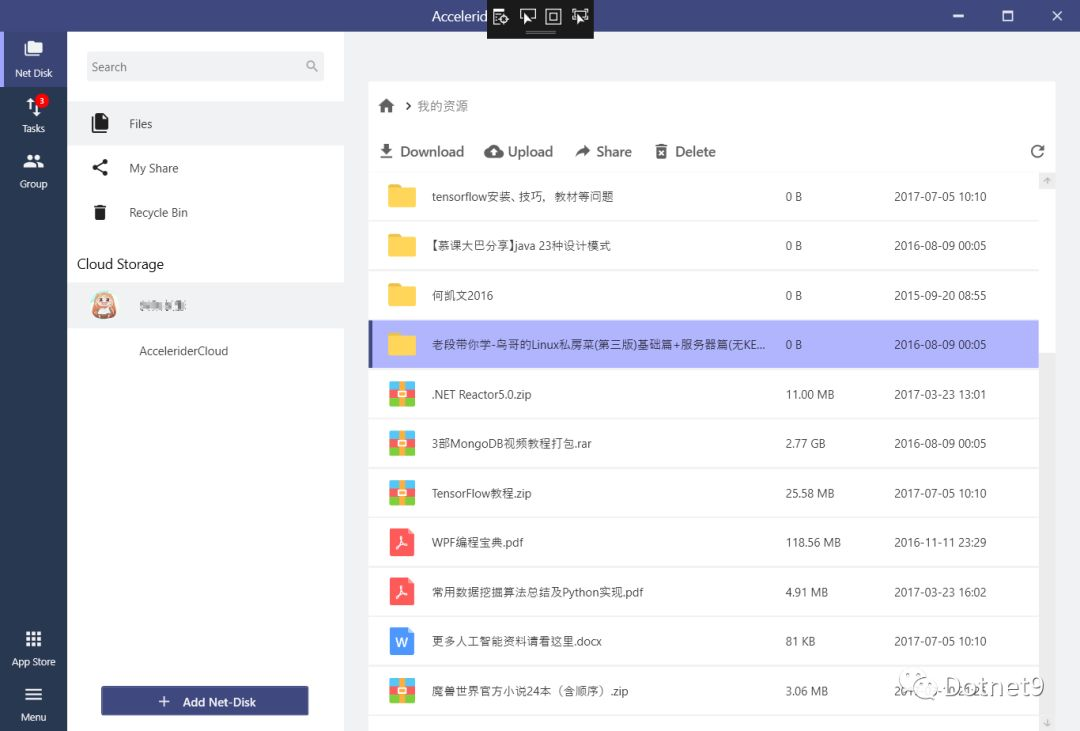
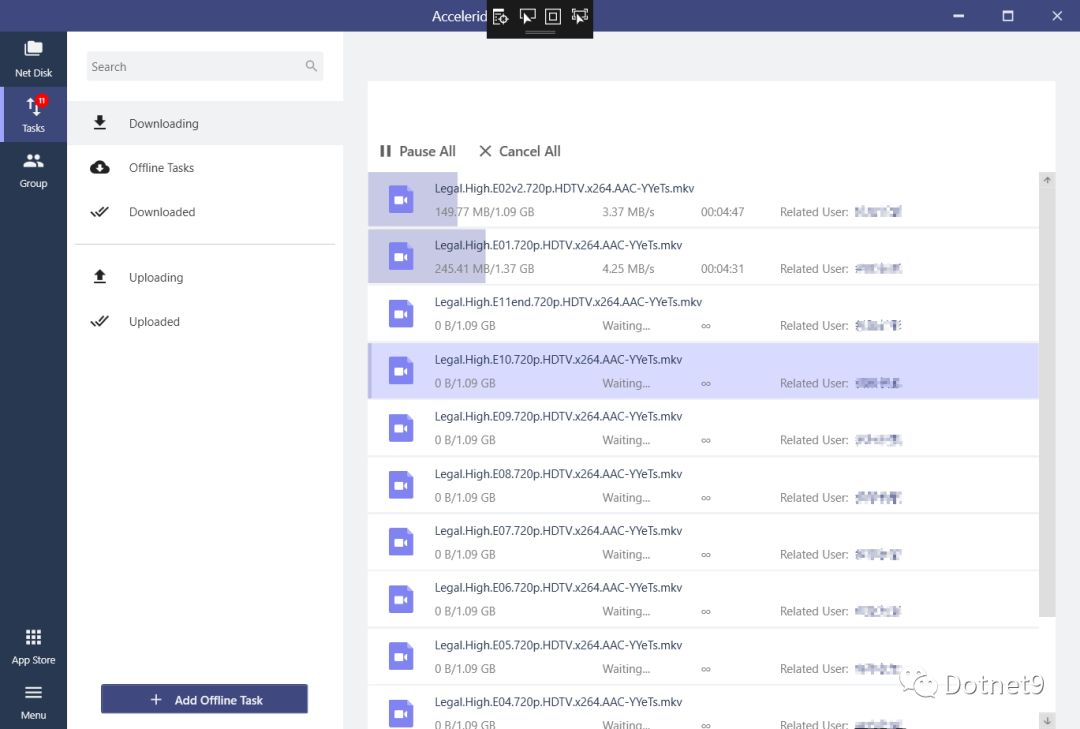
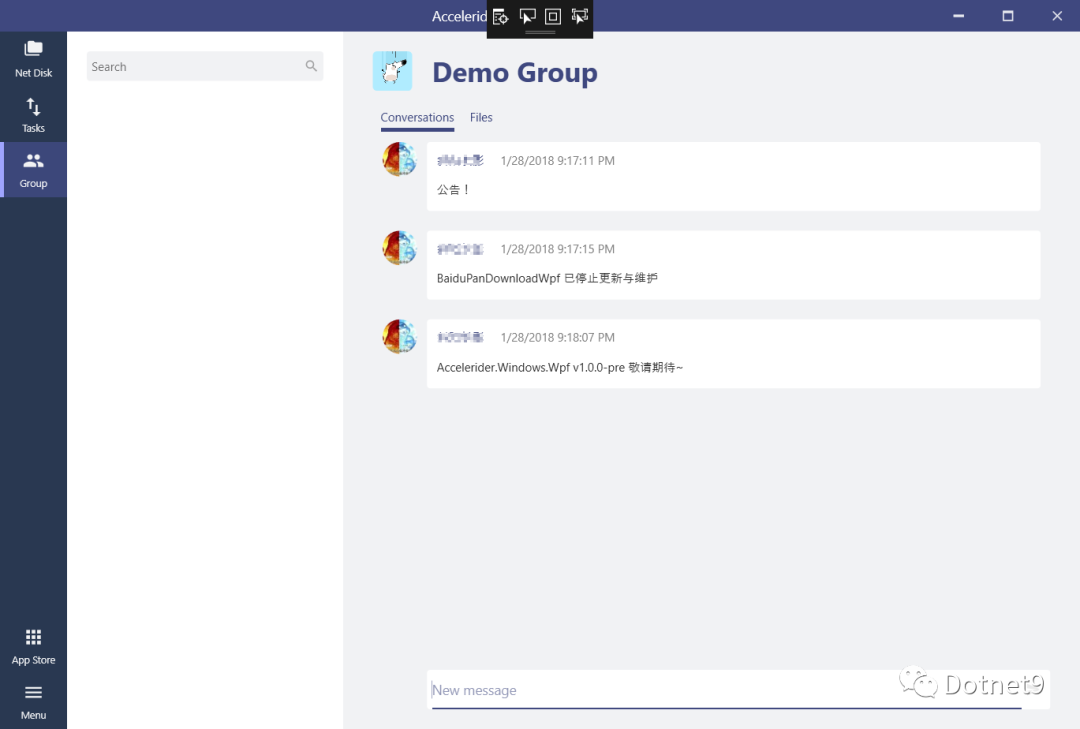
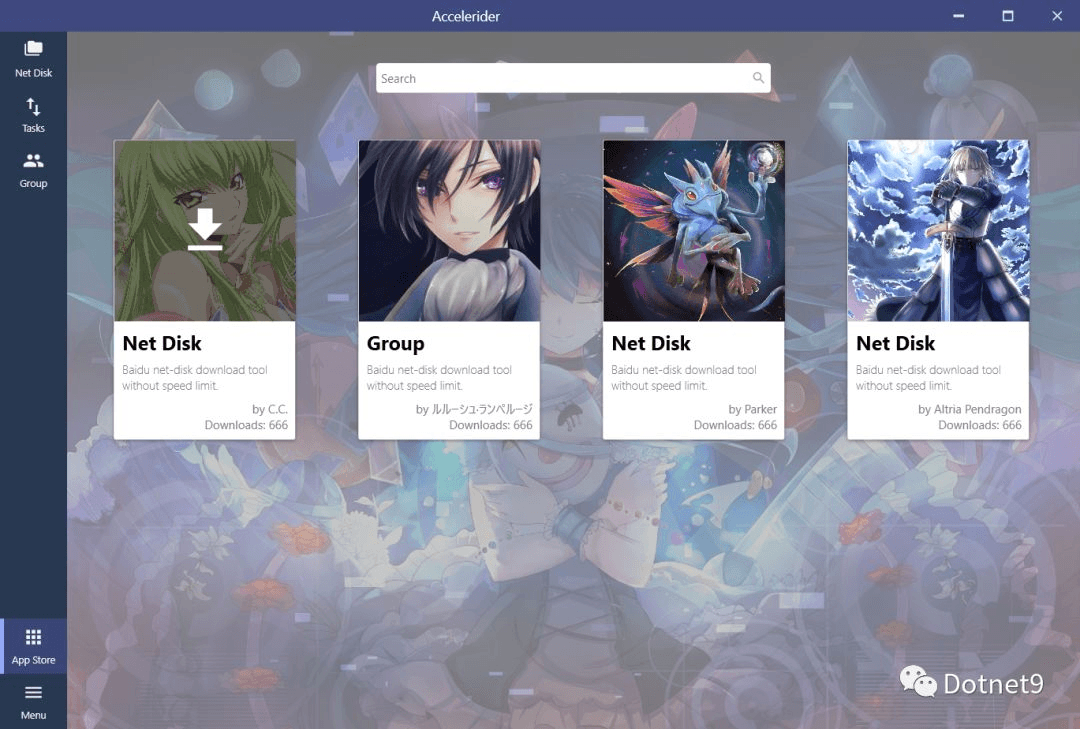
  3. This project adopts a modular approach, making it easy to dynamically extend and remove features. Each module is loaded as a DLL. See the screenshots below for the UI effects.

  4. This project is not a complete project. The author has only open-sourced some features. I feel the author has held back, with quite a few missing parts. You can see clues from the screenshots below. Some functional modules on GitHub have not been uploaded, and the uploaded ones have also been more or less trimmed. However, it is still an excellent open-source project. I am very grateful to the author. I have developed a project using .NET Core 3.0, drawing inspiration from this project. How I discovered this excellent project.

  5. One library, refit, is very well utilized and is very practical for calling WebAPI.

I regret that I only recently saw such an excellent project. I only searched for this project on GitHub after 2019; I hadn't browsed GitHub much before. My own WPF project was built with a "haphazard" framework. Although I started using Prism in 2015, implemented MVVM, added service dependency injection, and used modularization, I always felt it was not perfect. It was only after paying attention to this project that I understood the shortcomings of my own framework. I recommend that friends study and reference it.

Screenshots

I'm being lazy; the screenshots below are copied directly from the project's readme.md file. If you need to study this project, please go directly to: Accelerider.Windows

Operation Animation

File Browsing

File Transfer

Left Side Grouping

App Store

Dependencies

  • MaterialDesignInXamlToolkit
  • Unity Container
  • Prism
  • refit
  • Newtonsoft.Json
Keep Exploring

Related Reading

More Articles
Same category / Same topic 3/18/2023

Open-source WPF project for quickly building and customizing network topology diagrams - NodeNetwork

In modern software development, data visualization and interactivity are gaining more attention. To achieve this, various controls such as charts, tables, and network topology diagrams are often needed. NodeNetwork is one such custom approach. It is an open-source project based on C# WPF that helps us quickly build and customize network topology diagrams.

Continue Reading