
介绍
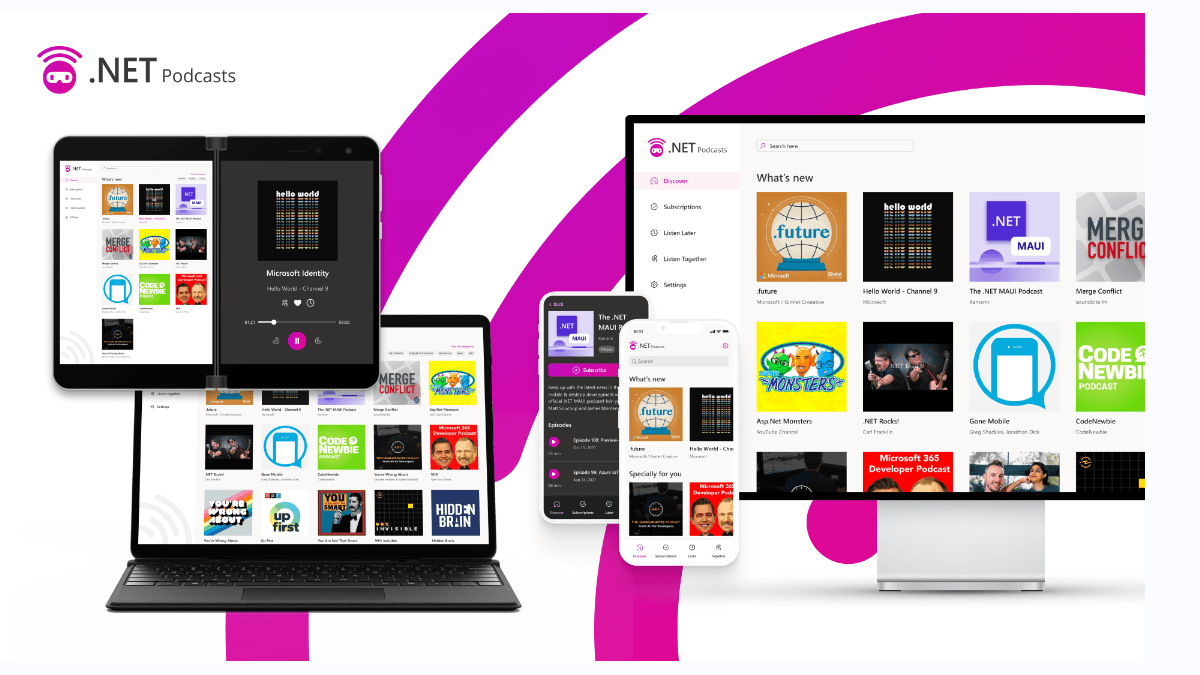
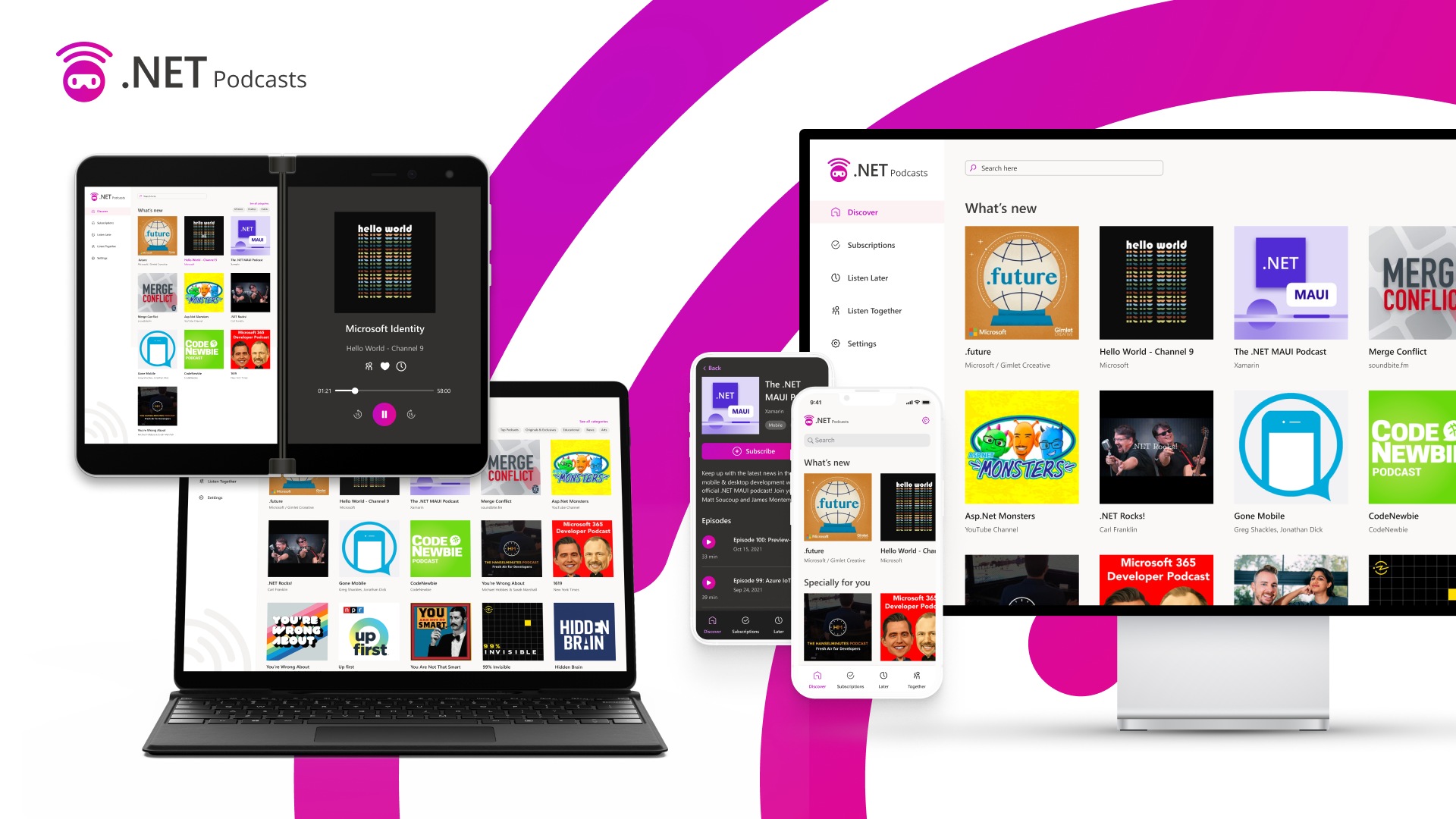
在.NET Conf 2021 大会上,微软展示了基于.NET6 跨平台应用程序, 具有 ASP.NET Core、Blazor、.NET MAUI、微服务等功能。 浏览由 ASP.NET Core 和 Blazor 提供支持的 .NET Podcasts 应用的实时运行版本:https://dotnetpodcasts.azurewebsites.net/。
项目体系
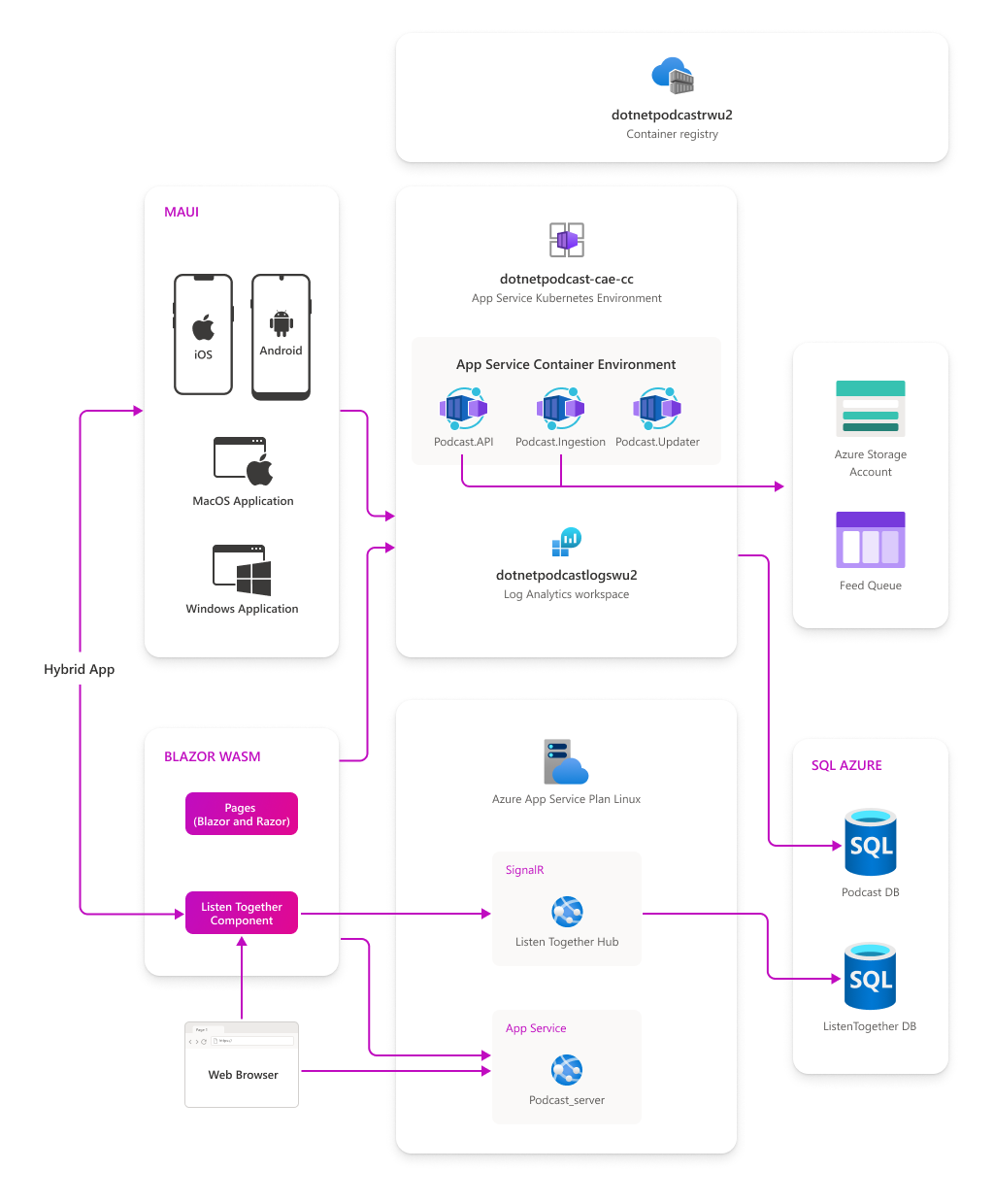
移动端和桌面:适用于 iOS、Android、macOS 和 Windows 的原生 .NET MAUI 应用程序
- Web:Blazor WebAssembly 应用程序和 ASP.NET Core Blazor 网站
- API:ASP.NET Core Web API 、injestion worker 和 podcast update worker
- Blazor 混合应用程序:.NET MAUI 与 Blazor 的混合应用程序示例。
MAUI 项目
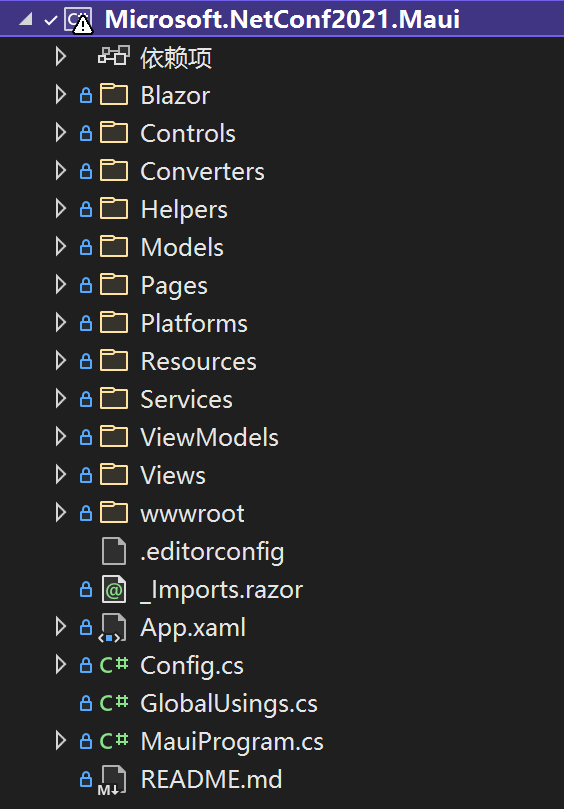
单个代码库的跨平台项目解决方案, 适用于 Android、iOS、macOS 以及 Windows 的原生.NET 应用程序, 解决方案如下:
特征介绍
- Global Usings
全局引用, 只需要在任何 using 语句之前添加 Global 关键字, 即可使该引用成为全局
global using Microsoft.Maui;
- 内置主题
通过 UserAppTheme 修改基于不同平台的主题设置, Light/Dark
switch (Settings.Theme)
{
    default:
    case OSAppTheme.Light:
        App.Current.UserAppTheme = OSAppTheme.Light;
        break;
    case OSAppTheme.Dark:
        App.Current.UserAppTheme = OSAppTheme.Dark;
        break;
}
- 消息中心
使用过类似 mvvmlight 中的 Messenger 类似, 可以通过 Subscribe/Send/Unsubscribe 来完成订阅、发布、取消订阅等功能。
//订阅
MessagingCenter.Instance.Subscribe<string>("","",async (sender) =>
				{
		                    //...
				});

//取消订阅
MessagingCenter.Instance.Unsubscribe<string>("", "");

//发布
MessagingCenter.Instance.Send<string>("", "");
- 内置容器
MAUI 中提供的统一注册以及容器服务, 通过 MauiAppBuilder 添加自定服务以及通过 MauiWinUIApplication 获取对应服务。
//注册服务
public static MauiAppBuilder ConfigureServices(this MauiAppBuilder builder)
{
    builder.Services.TryAddSingleton<PlayerService>();
}

//调用平台的容器服务
public static class ServicesProvider
{
    public static TService GetService<TService>()
        => Current.GetService<TService>();

    public static IServiceProvider Current
        =>
#if WINDOWS10_0_17763_0_OR_GREATER
        MauiWinUIApplication.Current.Services;
#elif ANDROID
        MauiApplication.Current.Services;
#elif IOS || MACCATALYST
        MauiUIApplicationDelegate.Current.Services;
#else
        null;
#endif
}
统一资源管理
MAUI 中统一了资源的管理以及访问,例如: 字体、图标、样式、本地资源文件等。
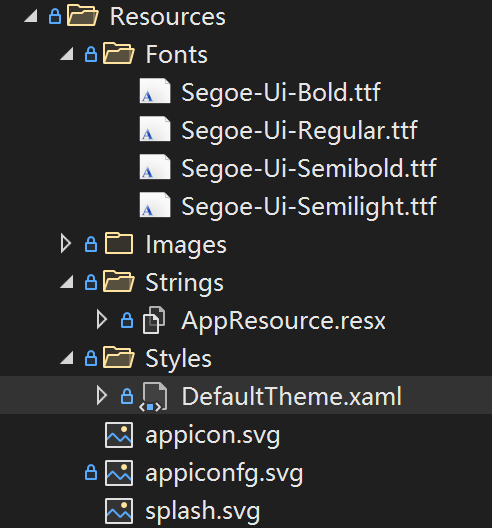
访问字体
<Setter Property="FontFamily" Value="SegoeUiSemibold" />
访问图片资源
<image Source="xxx.png" />
本地化资源
xmlns:res="clr-namespace:Microsoft.NetConf2021.Maui.Resources.Strings"

<label Text="{x:Static res:AppResource.Categories}" />
平台化
在 XAML 以及代码中, 你可以通过平台化处理不同的 UI 以及业务逻辑, 可以通过 OnPlatform 以及 OnIdiom 来区分平台及类型。
不同平台下的字体设置
<label FontSize="{OnPlatform UWP=24, macOS=24, Android=14,iOS=14}" />
不同设备的设置
<GridItemsLayout Span="{OnIdiom Phone=2, Tablet=3, Desktop=3}" />
Essentials
内置的 Essentials 提供访问本机网络 WIFI、蓝牙等等。
//验证是否联网
var current = Connectivity.NetworkAccess;
if (current != NetworkAccess.Internet)
{
    //...
}

//验证是否存在WIFI连接
var profiles = Connectivity.ConnectionProfiles;
var hasWifi = profiles.Contains(ConnectionProfile.WiFi);

if (hasWifi)
{
    //...
}
混合模式
在 XAML 当中, 使用 BlazorWebView
xmlns:b="clr-namespace:Microsoft.AspNetCore.Components.WebView.Maui;assembly=Microsoft.AspNetCore.Components.WebView.Maui"

<b:BlazorWebView
  x:Name="MyWebView"
  Margin="10,0"
  HostPage="wwwroot/index.html"
  BackgroundColor="{AppThemeBinding Light={StaticResource Grey1}, Dark={StaticResource Grey9}}"
>
  <b:BlazorWebView.RootComponents>
    <b:RootComponent
      Selector="app"
      ComponentType="{x:Type pages:ListenTogetherComponent}"
    />
  </b:BlazorWebView.RootComponents>
</b:BlazorWebView>
总结
项目已在 GitHub 发布, https://github.com/microsoft/dotnet-podcasts, 更多特性探索源代码。