Preface
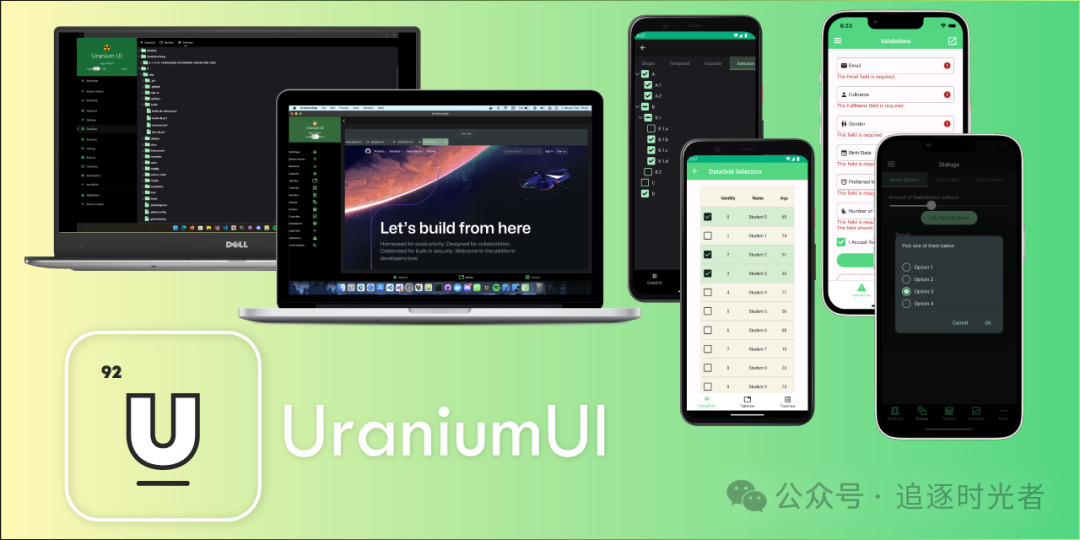
Some followers have been messaging me on the WeChat public account to share .NET MAUI-related UI frameworks. Today, Da Yao shares an open-source, free .NET MAUI UI toolkit: Uranium.

Uranium Introduction
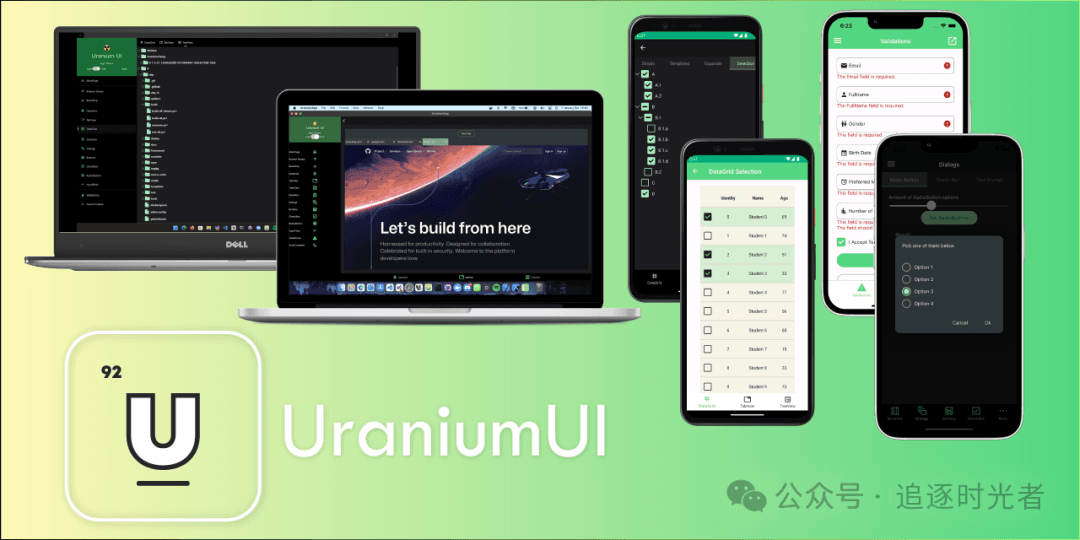
Uranium is an open-source, free UI toolkit for .NET MAUI. It provides a set of controls and utilities for building modern applications. It is built on top of the .NET MAUI infrastructure and offers a range of controls and layouts to construct modern UI. It also provides the infrastructure for building custom controls and themes on top of it.
What is .NET MAUI?
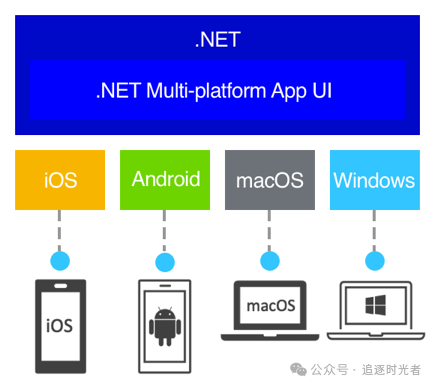
.NET Multi-platform App UI (.NET MAUI) is a cross-platform framework for creating native mobile and desktop applications using C# and XAML. With .NET MAUI, you can develop apps that run on Android, iOS, macOS, and Windows from a single shared codebase.

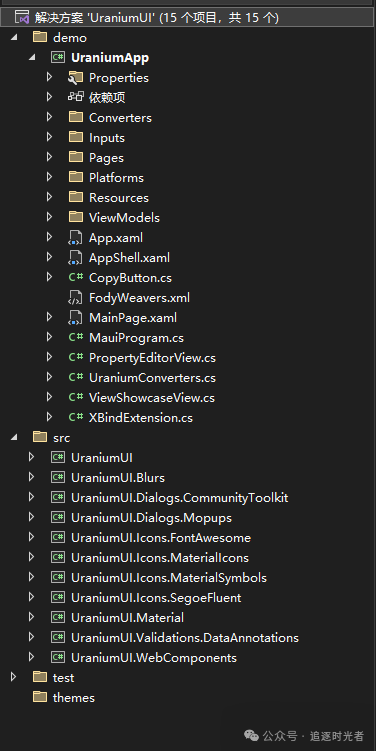
View the UraniumUI Project Source Code

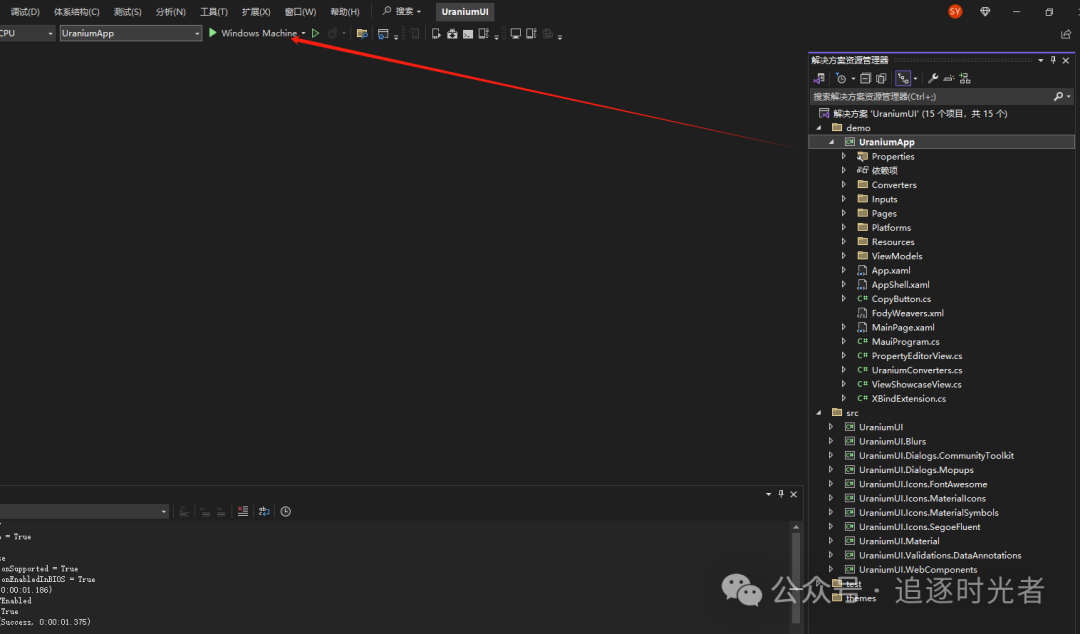
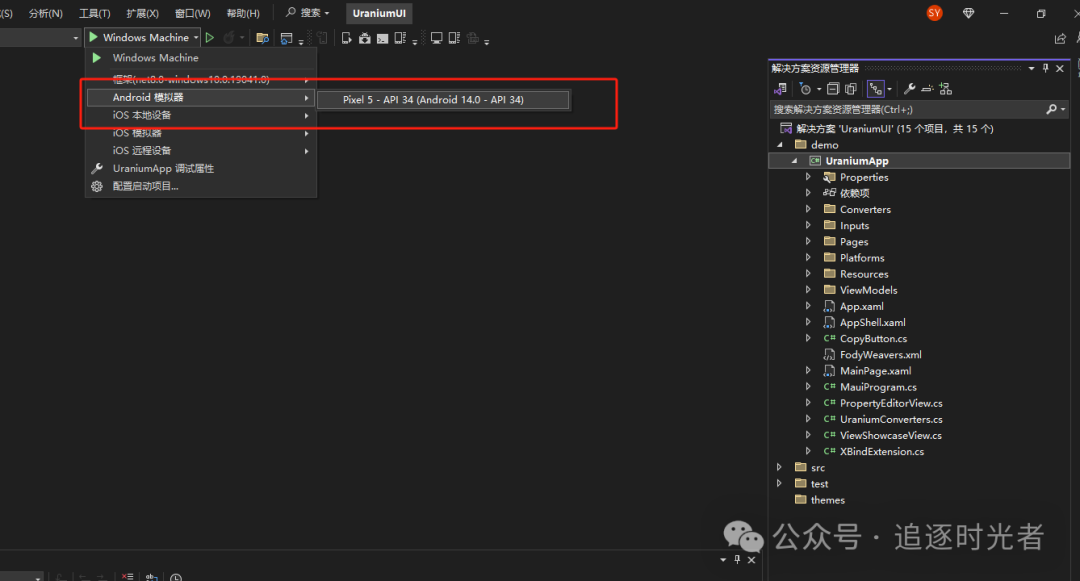
Set UraniumApp as the Startup Project and Run
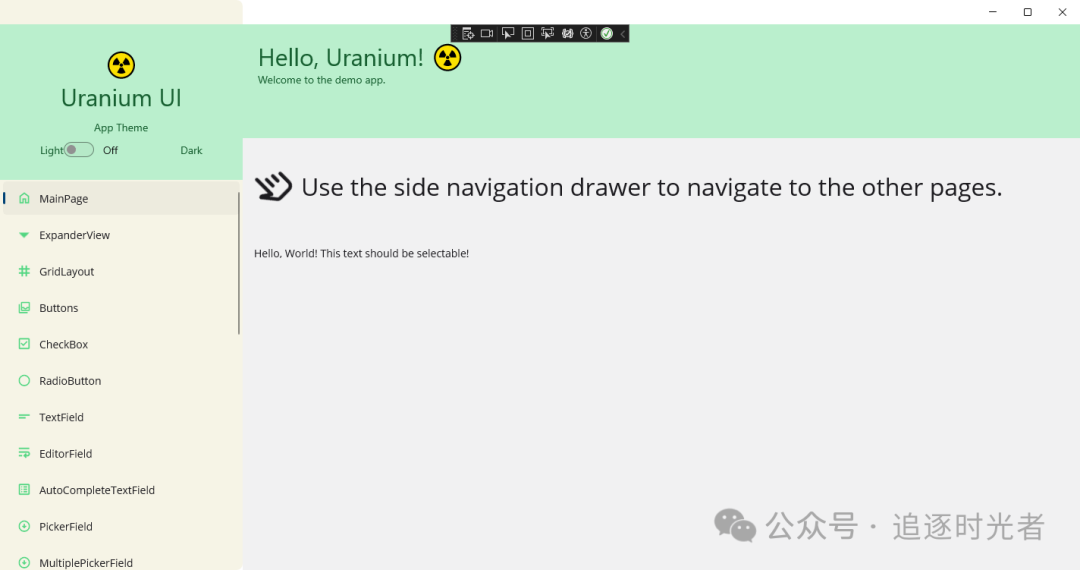
Run on Windows Machine:


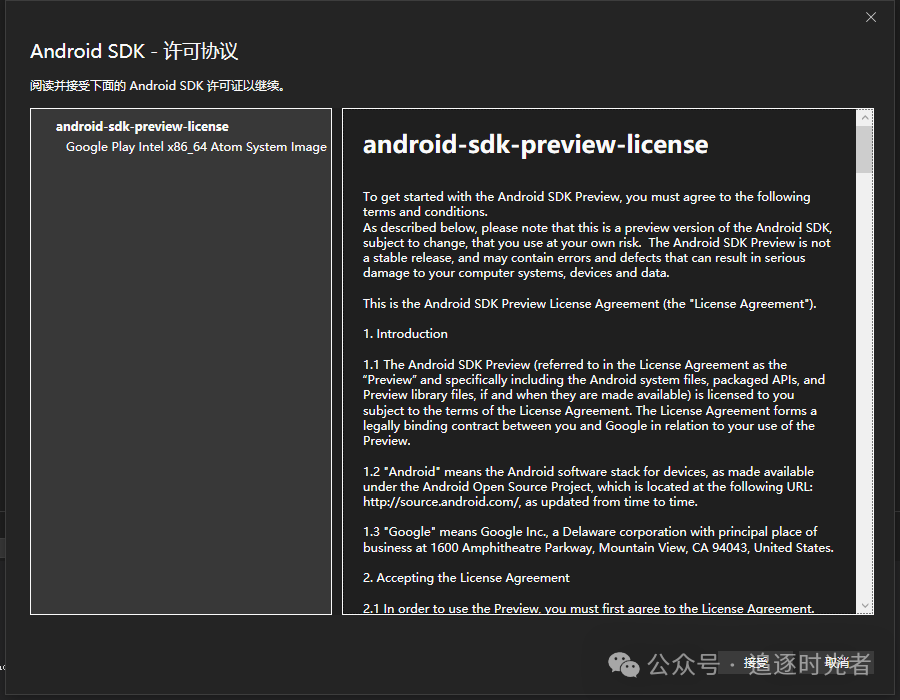
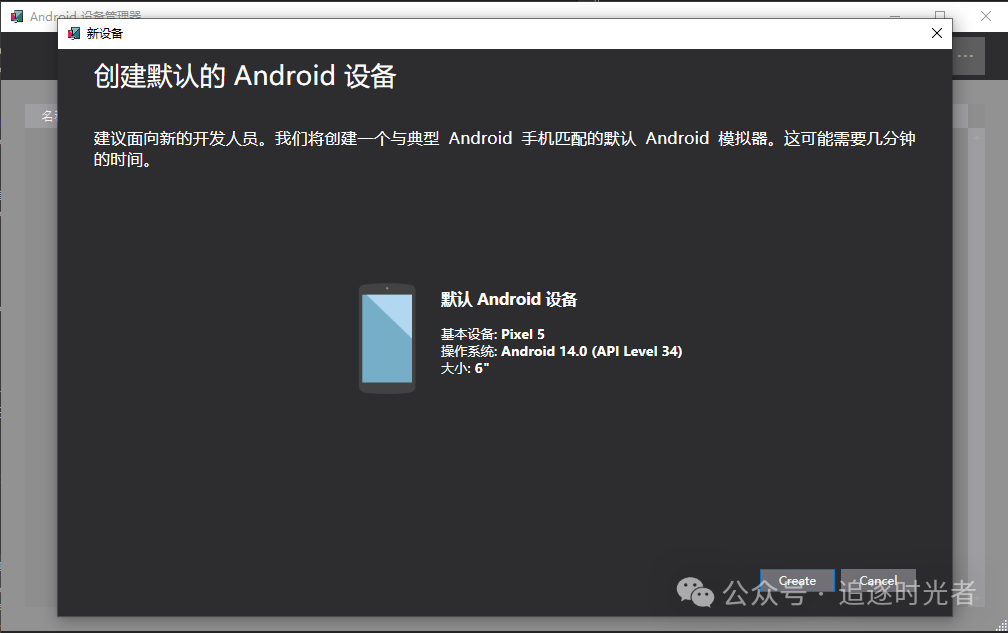
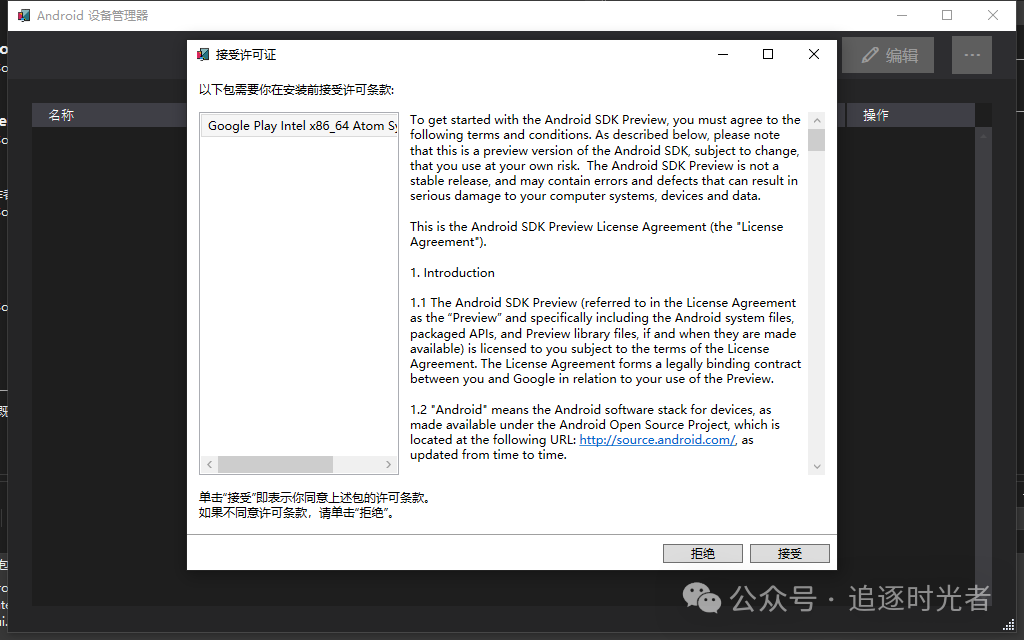
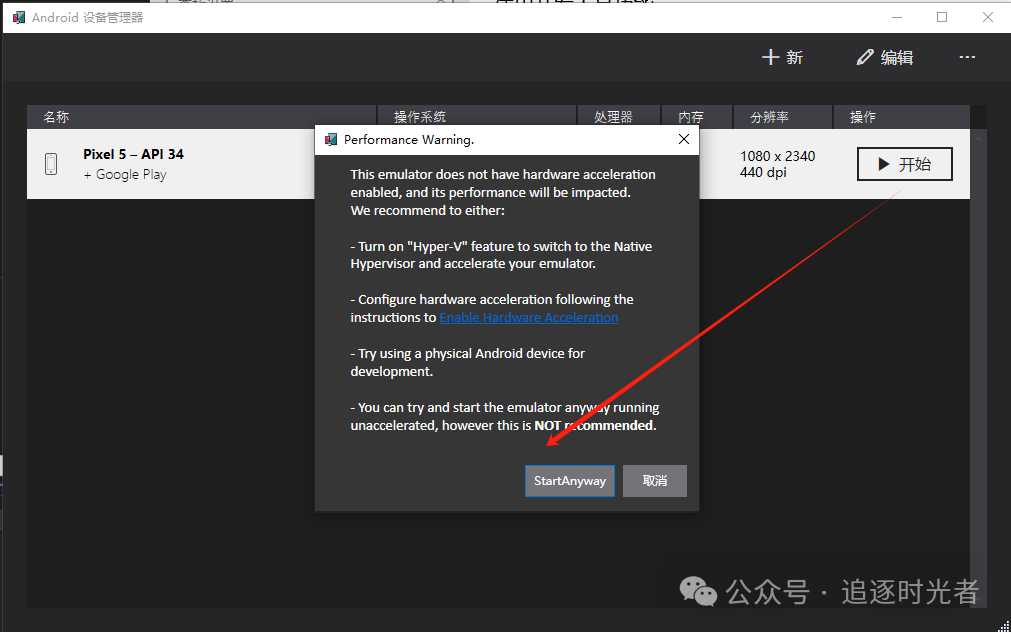
Run on Android Emulator:


Android Emulator Stuck:
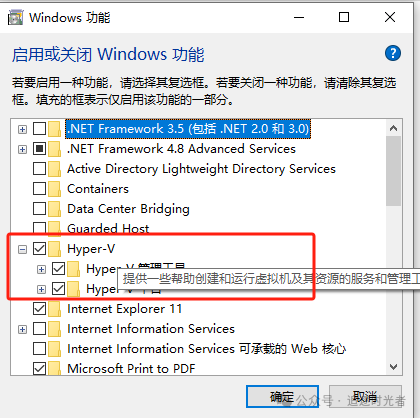
In some cases, enabling Hyper-V and the Windows Hypervisor Platform in the "Turn Windows features on or off" dialog may not properly enable Hyper-V.

I enabled Hyper-V to get the Android emulator running.

- If it still doesn't work, check the official Microsoft tutorial: https://learn.microsoft.com/en-us/dotnet/maui/android/emulator/troubleshooting?view=net-maui-8.0
Error APT2000: The system cannot find the file specified:
The file path must not contain Chinese characters!!!

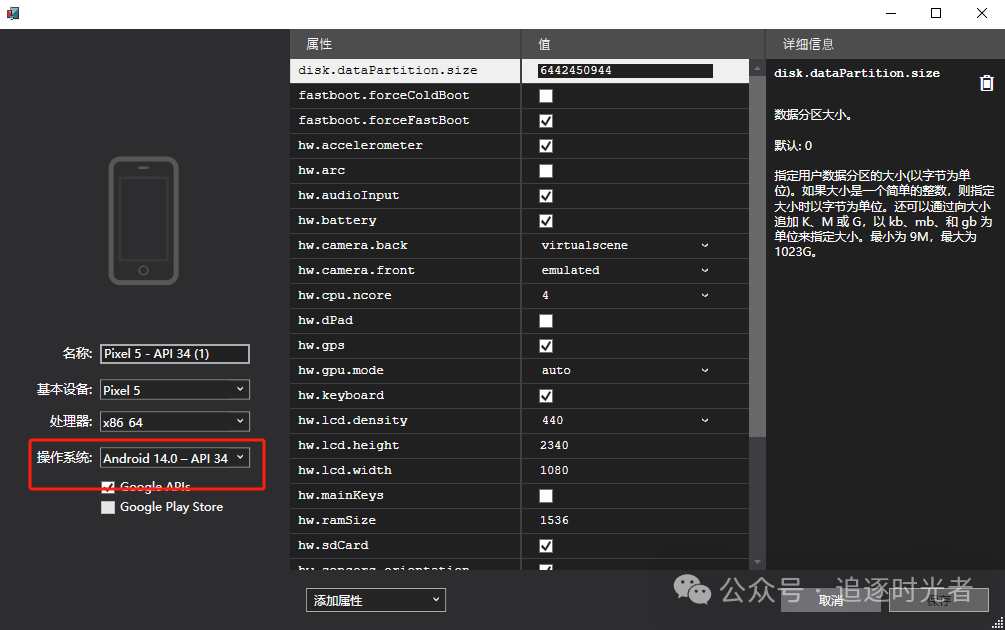
Require a High Version of Android Emulator System:
Note that if the Android emulator system version is too low, it may not run. I selected the latest version!!!

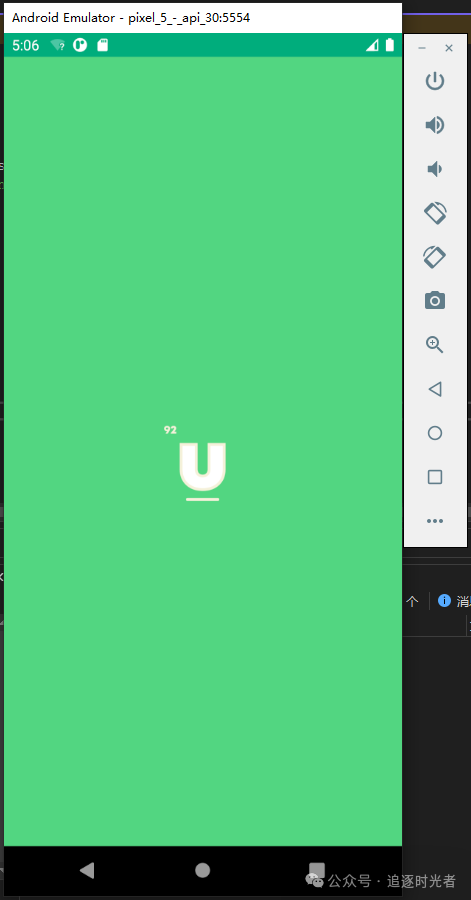
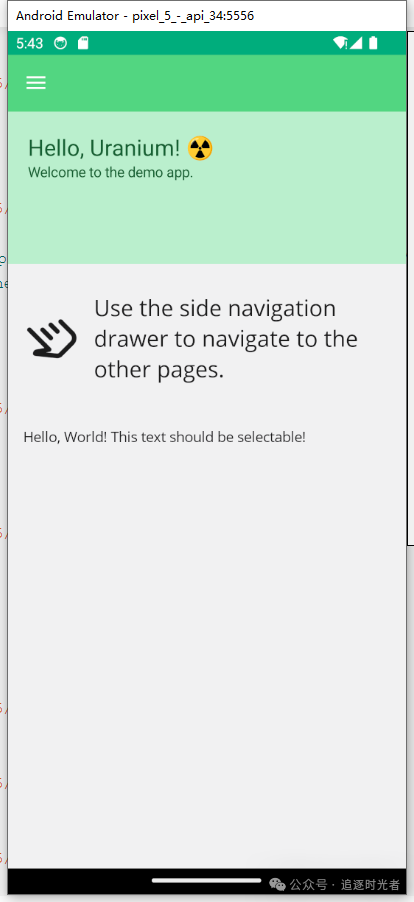
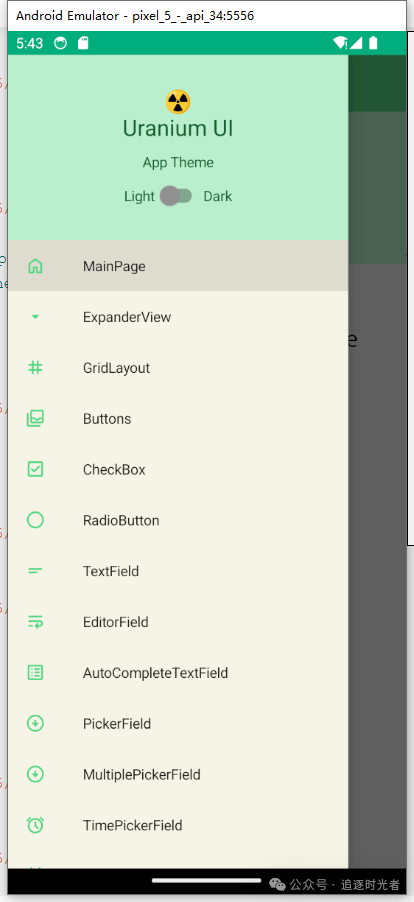
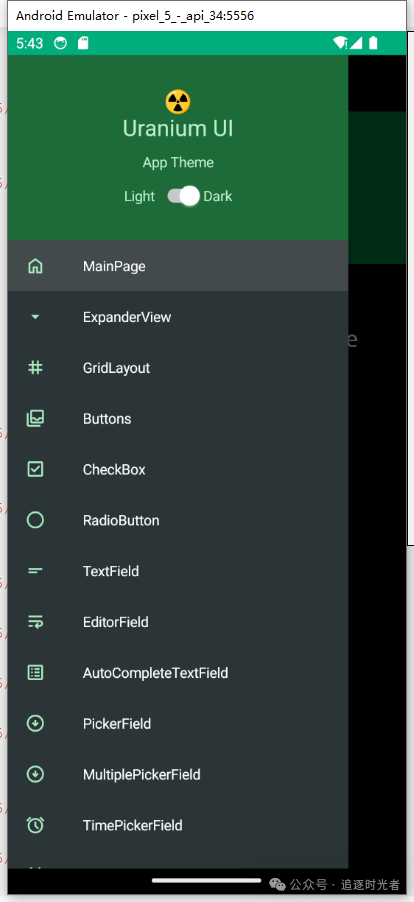
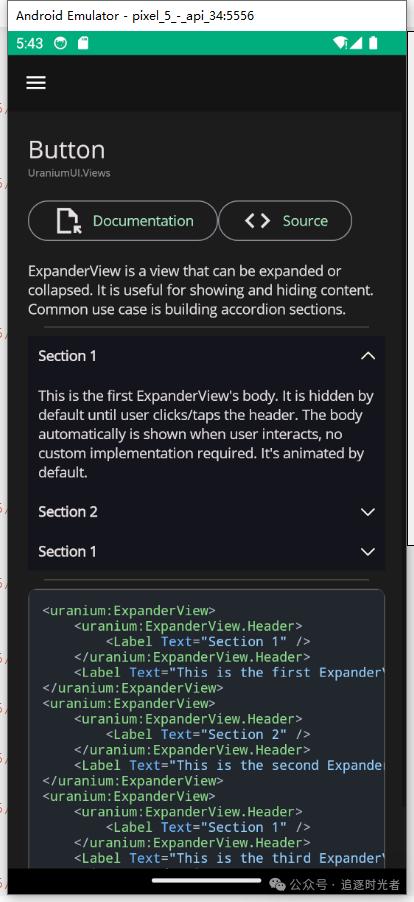
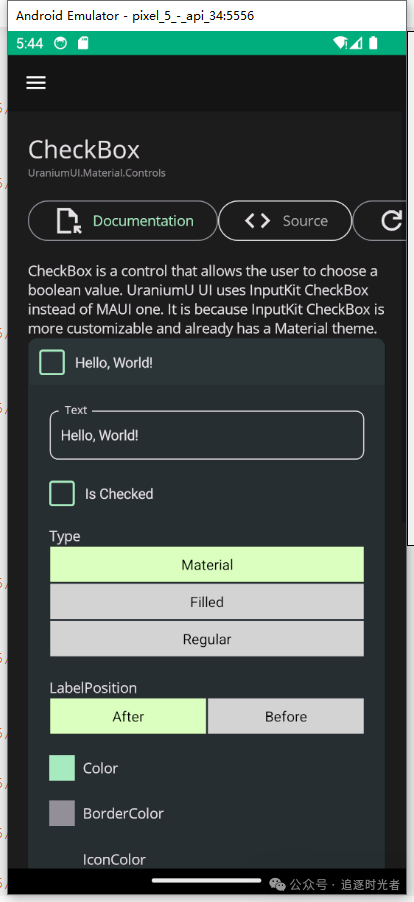
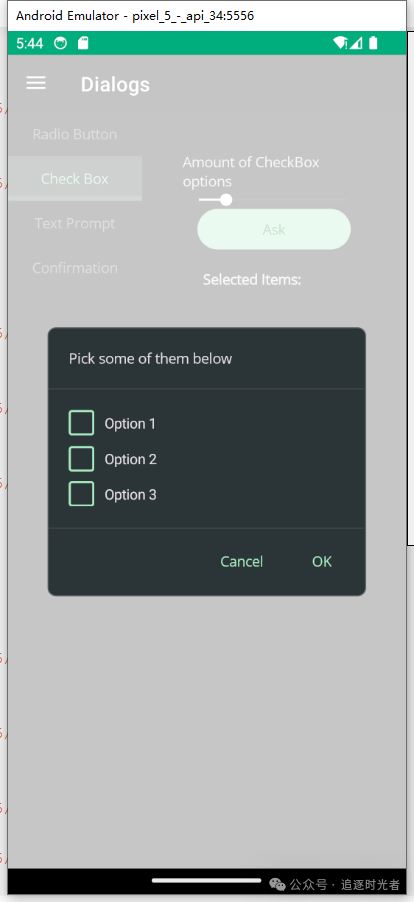
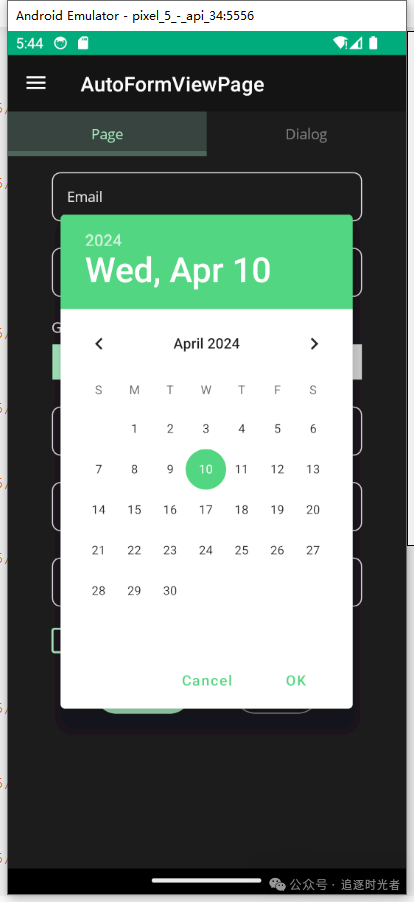
Android Emulator Running Effect:


Partial Screenshots of Android Emulator Running Effect


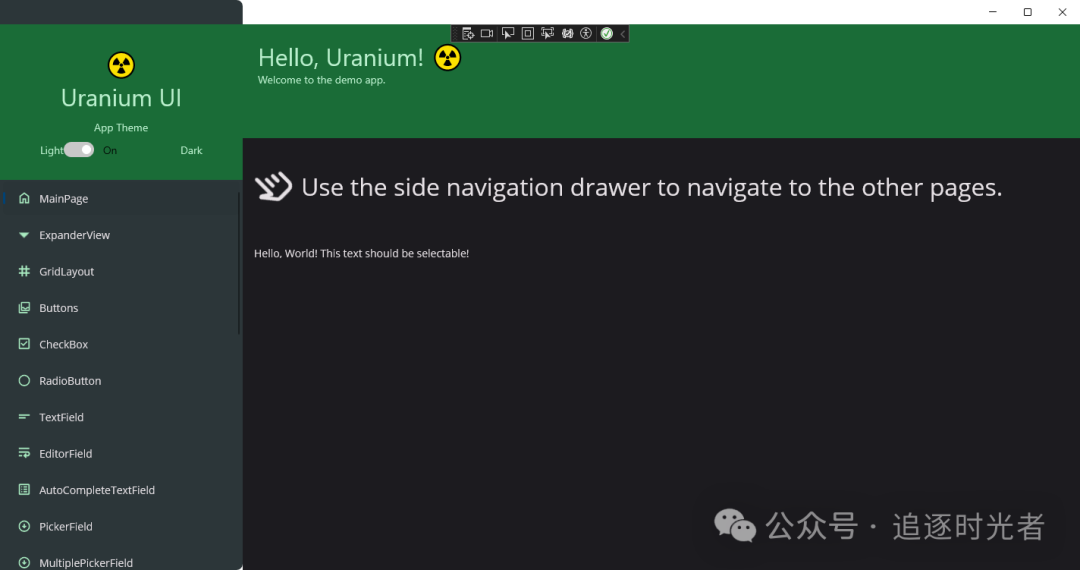
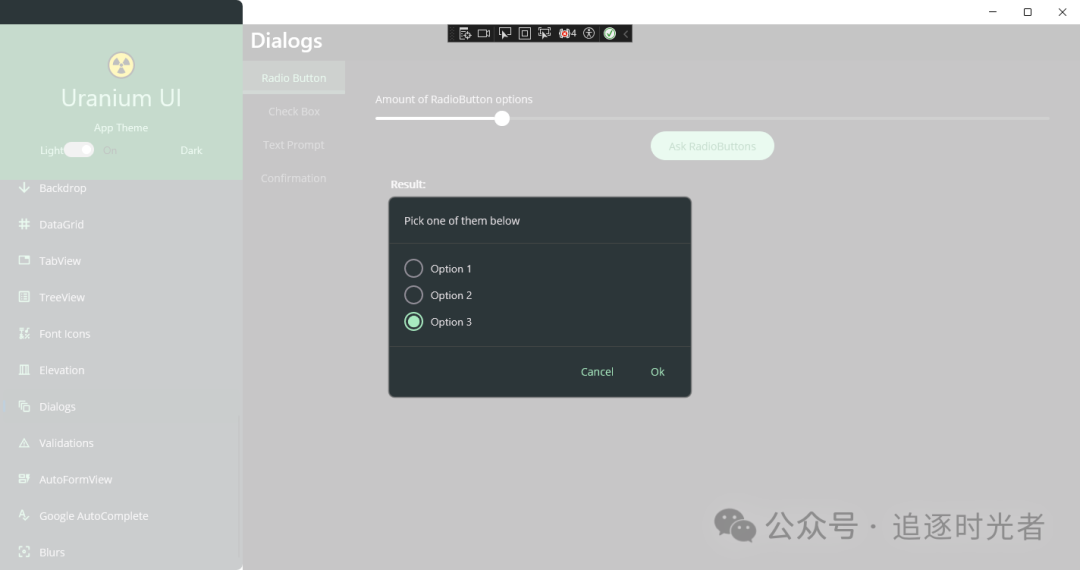
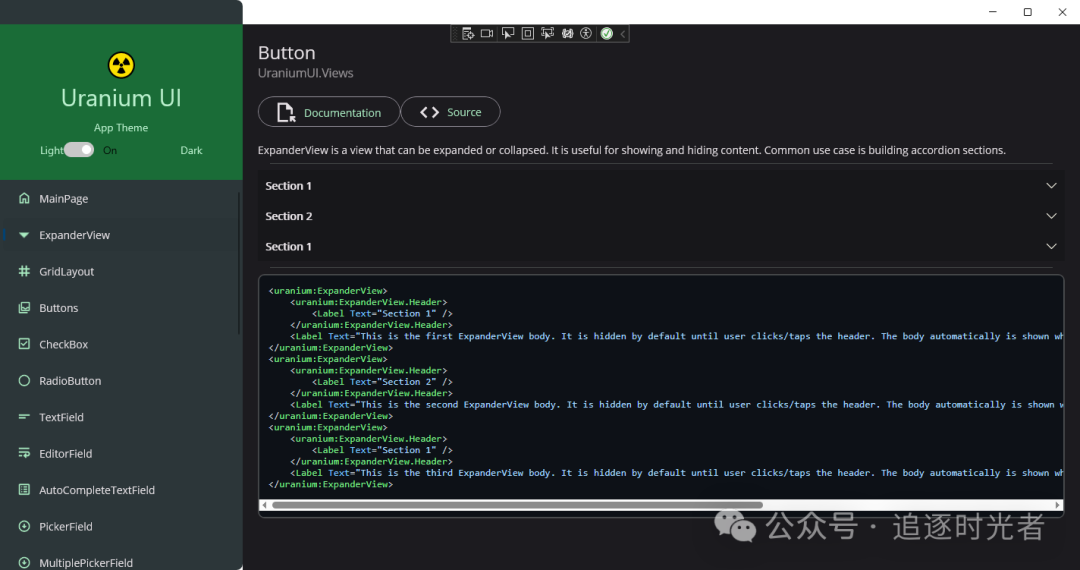
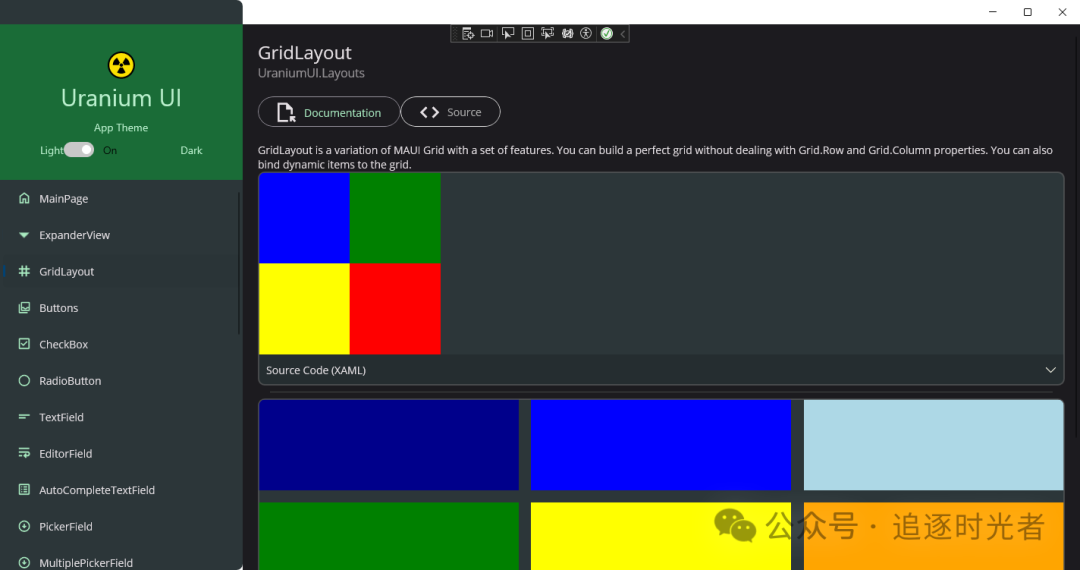
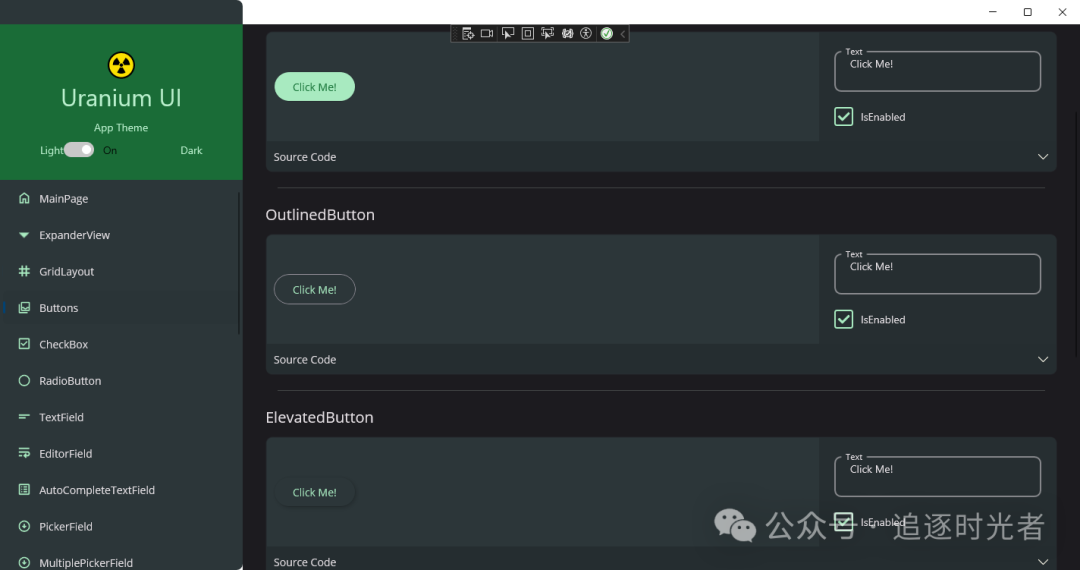
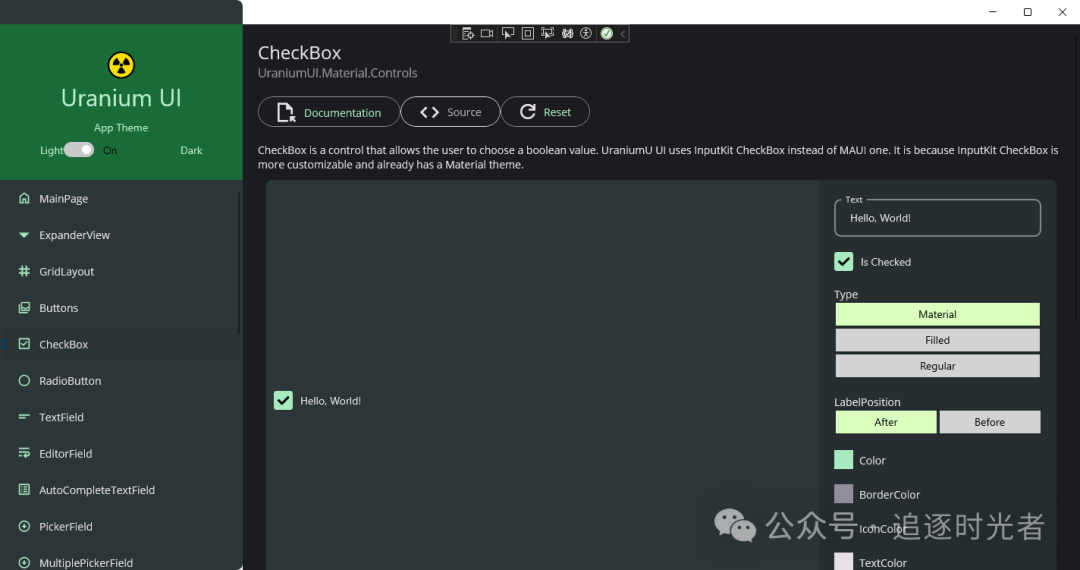
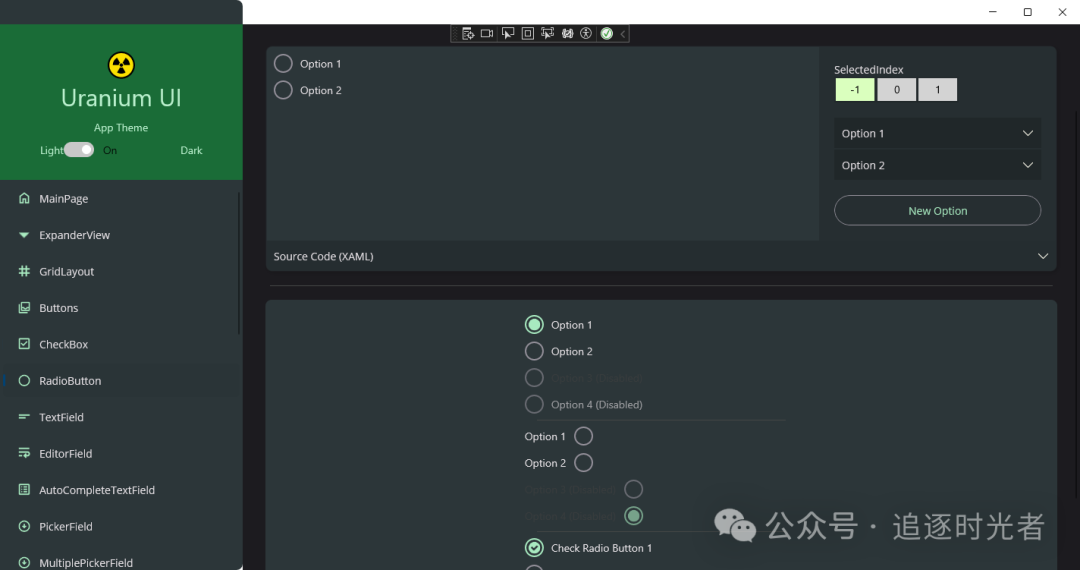
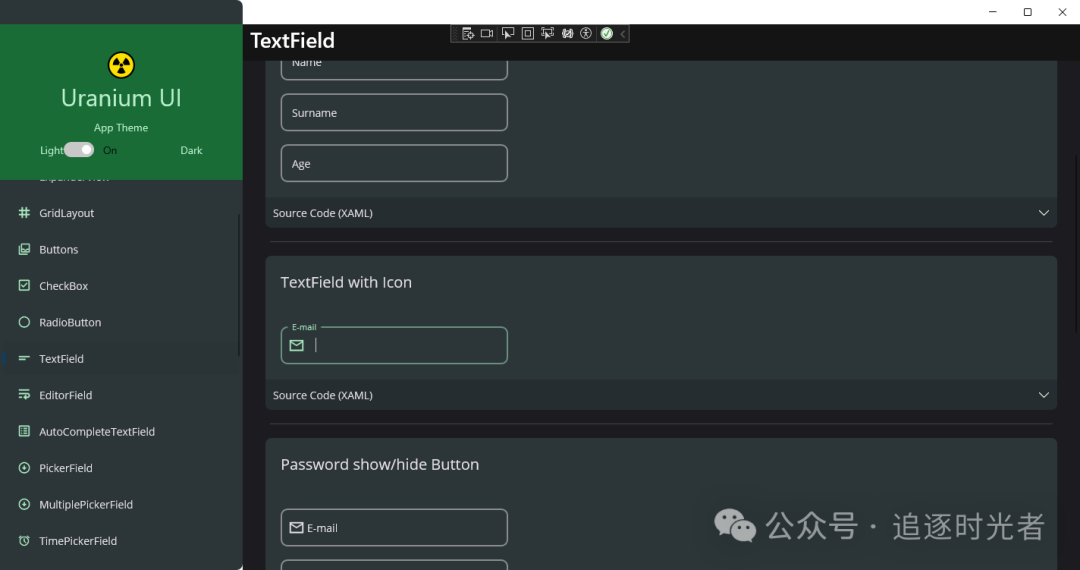
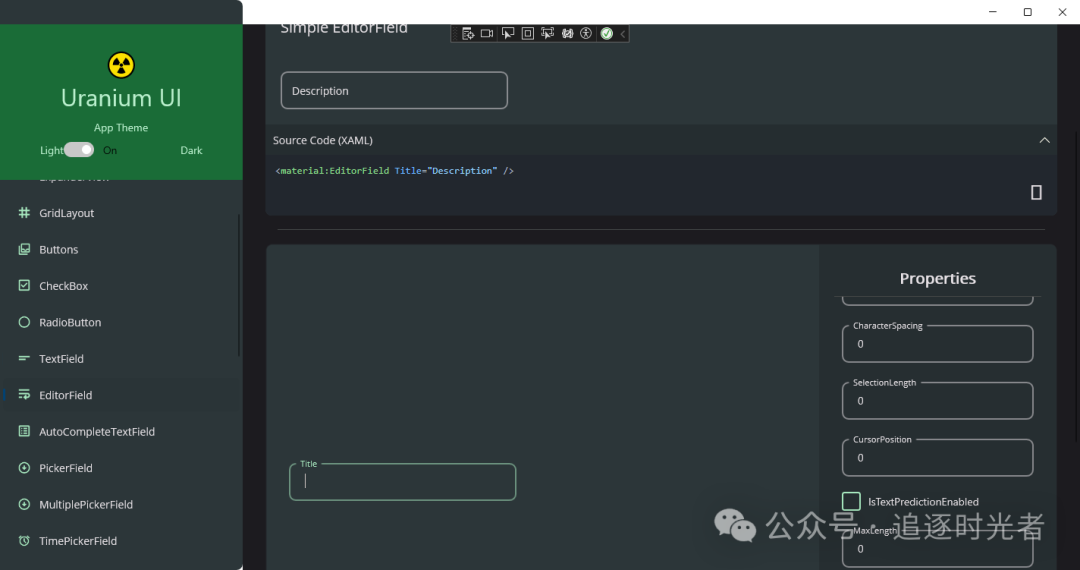
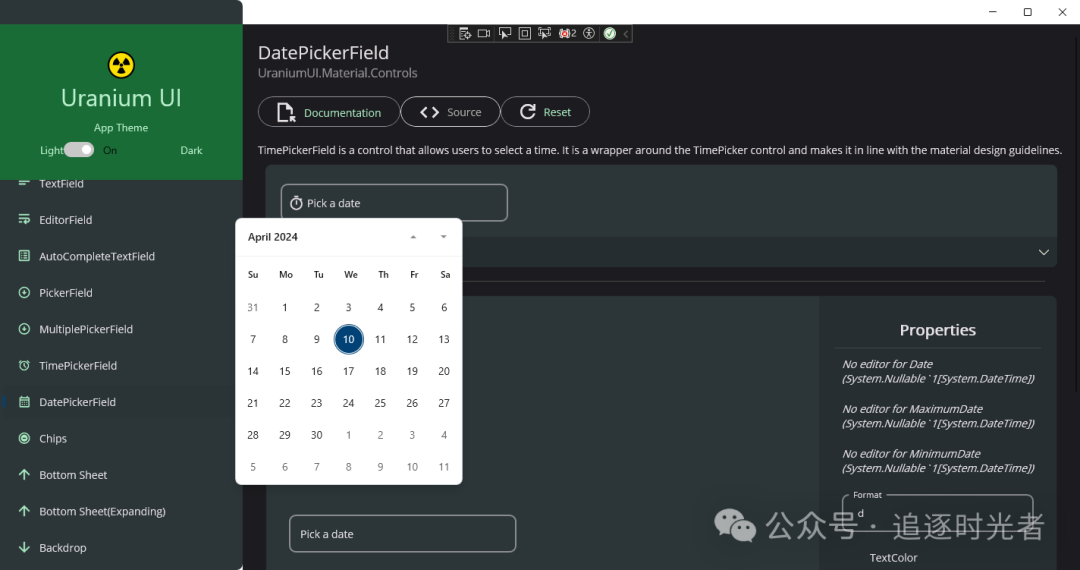
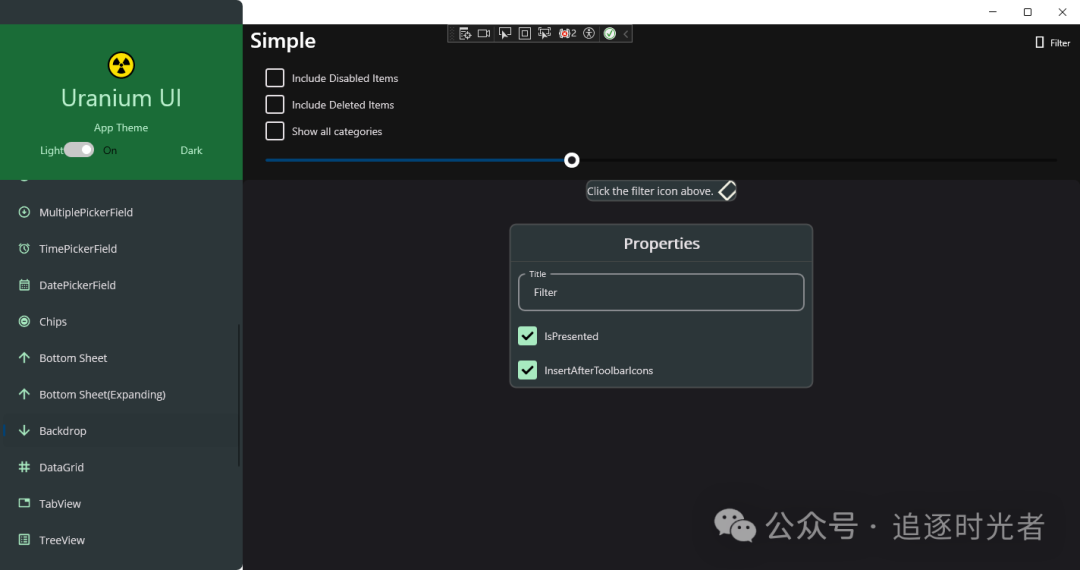
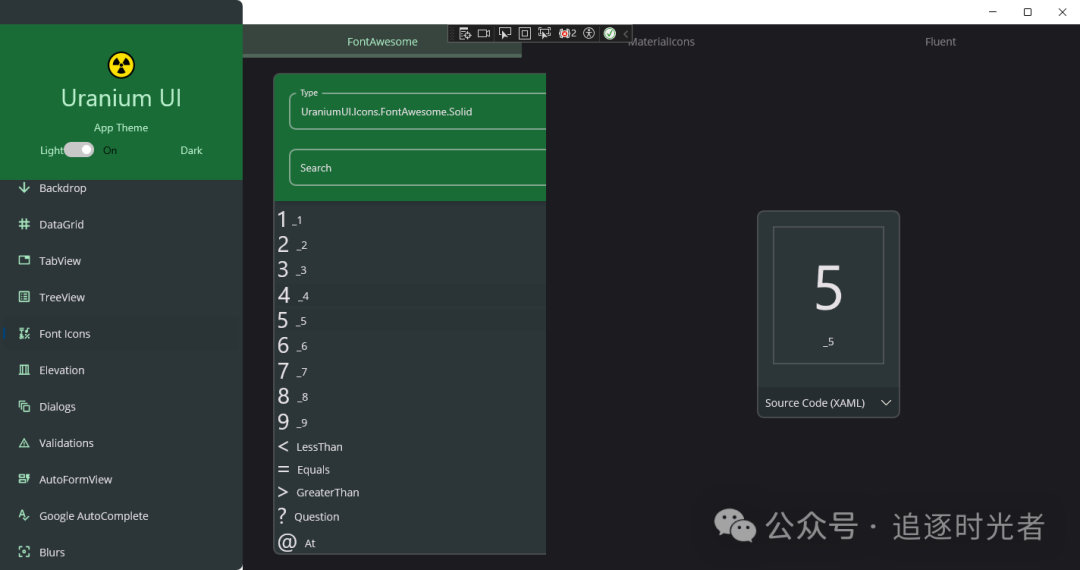
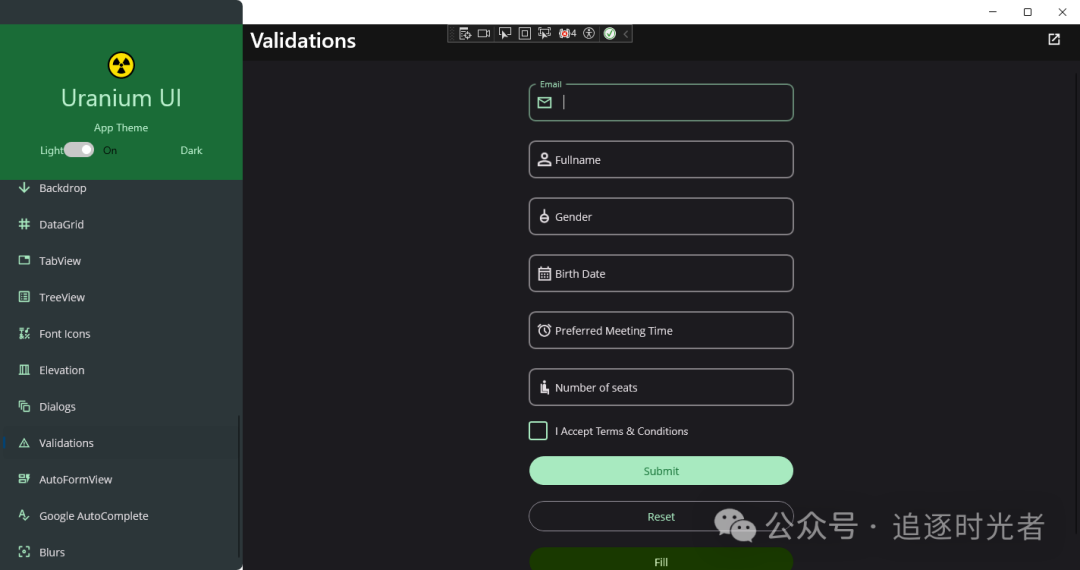
Partial Screenshots of Windows Running Effect


Project Source Code Address
For more practical features and functionalities of the project, feel free to visit the project's open-source address 👀. Don't forget to give the project a Star for support 💖.