Online Audio and Video Chat Project Based on .NET 6

Online Audio and Video Chat Project Based on .NET 6

Online audio and video chat project developed based on .NET 6, with WPF client and .NET API backend.

Last updated 4/3/2022 5:34 PM
王_先_生
4 min read
Category
.NET
Topic
WPF Open Source Projects
Tags
.NET C# WPF WPF Open Source Projects Open Source

An online audio/video chat project developed based on .NET 6, with the client using WPF and the backend using .NET Core Web API.

I. Project Introduction

An online audio/video chat project developed based on .NET 6, with the client using WPF and the backend using .NET Core Web API.

Repository address: https://github.com/qian-o/Dimension

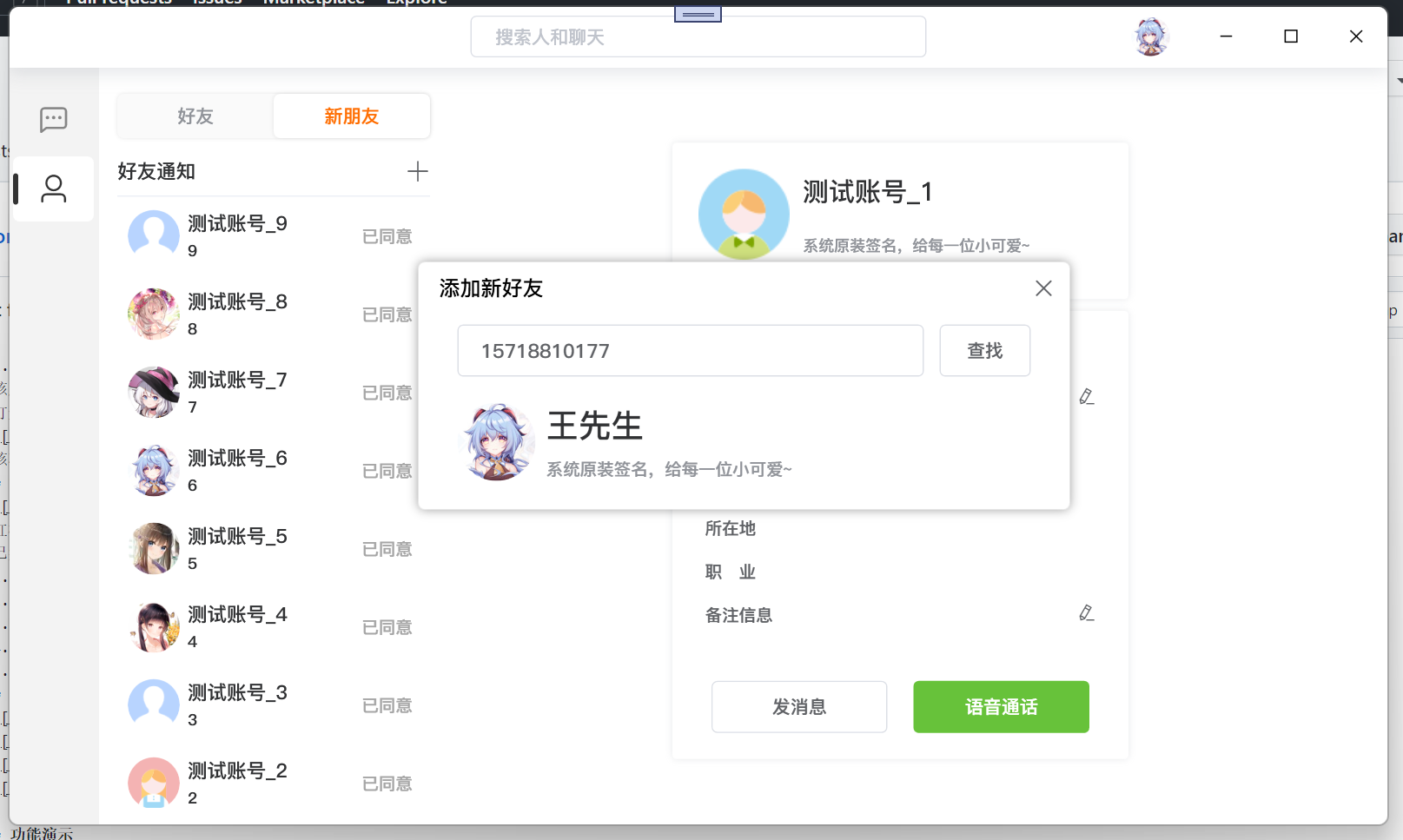
Repository screenshot:

Project code structure:

II. Third-party Dependencies

Common dependencies

  1. log4net logging.
  2. SignalR for communication between server and client; used for friend requests, message notifications, announcements, chat, and audio/video calls.
  3. EntityFrameworkCore ORM for database operations; server uses SqlServer, client uses Sqlite.
  4. Newtonsoft.Json for JSON serialization and deserialization.

Server side

  1. TencentCloudSDK to interact with Tencent Cloud service APIs, used for managing call rooms.
  2. aliyun-net-sdk-core to interact with Alibaba Cloud service APIs, used for SMS services.
  3. CHSPinYinConv to obtain Chinese pinyin.
  4. Portable.BouncyCastle for TRTC encryption.
  5. SixLabors.ImageSharp for image processing; because image processing in C# requires GDI from Microsoft, but on Linux it requires the mono libgdiplus library, which is not ideal.

WPF client

  1. TXLiteAV to interact with Tencent Cloud TRTC service for local device audio/video streaming and obtaining audio/video data from other users in the room.
  2. XamlAnimatedGif for playing GIFs; due to device efficiency issues, the author modified the source code and repackaged it for use.

III. Project Configuration

To run this project properly, please understand the related configuration.

3.1 Backend Configuration:

The backend is developed with .NET Core Web API. Configuration is as follows:

  1. Third-party service configuration

Modify the ClassHelper class under the DimensionService.Common namespace.

Please fill in the paid services marked in the red box. This program uses Alibaba Cloud's SMS service and Tencent Cloud's TRTC service. Refer to official documentation for details.

  1. Database

This service uses SQL Server 2019 as the database and EF Core as the primary ORM framework. The database needs to be migrated for first-time use.

Open the Package Manager Console and enter:

Update-Database InitialCreate

The project provides an online test service address: http://47.96.133.119:5000 (Note from site admin: this address is currently inaccessible)

3.2 Client Configuration

The client is developed with WPF as shown below:

The content in the red box must be consistent with the server side.

Implemented features

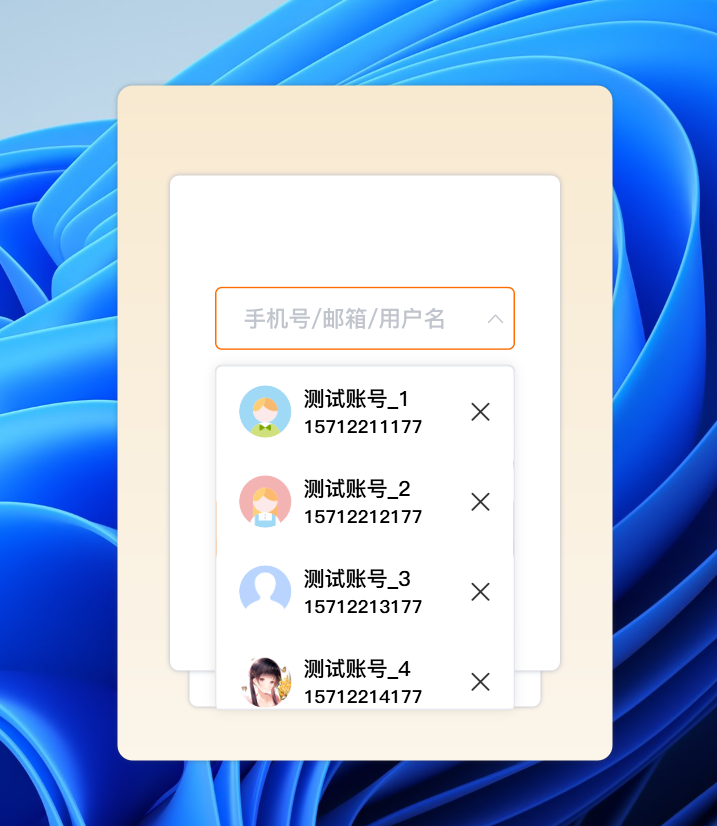
  1. Login | Registration
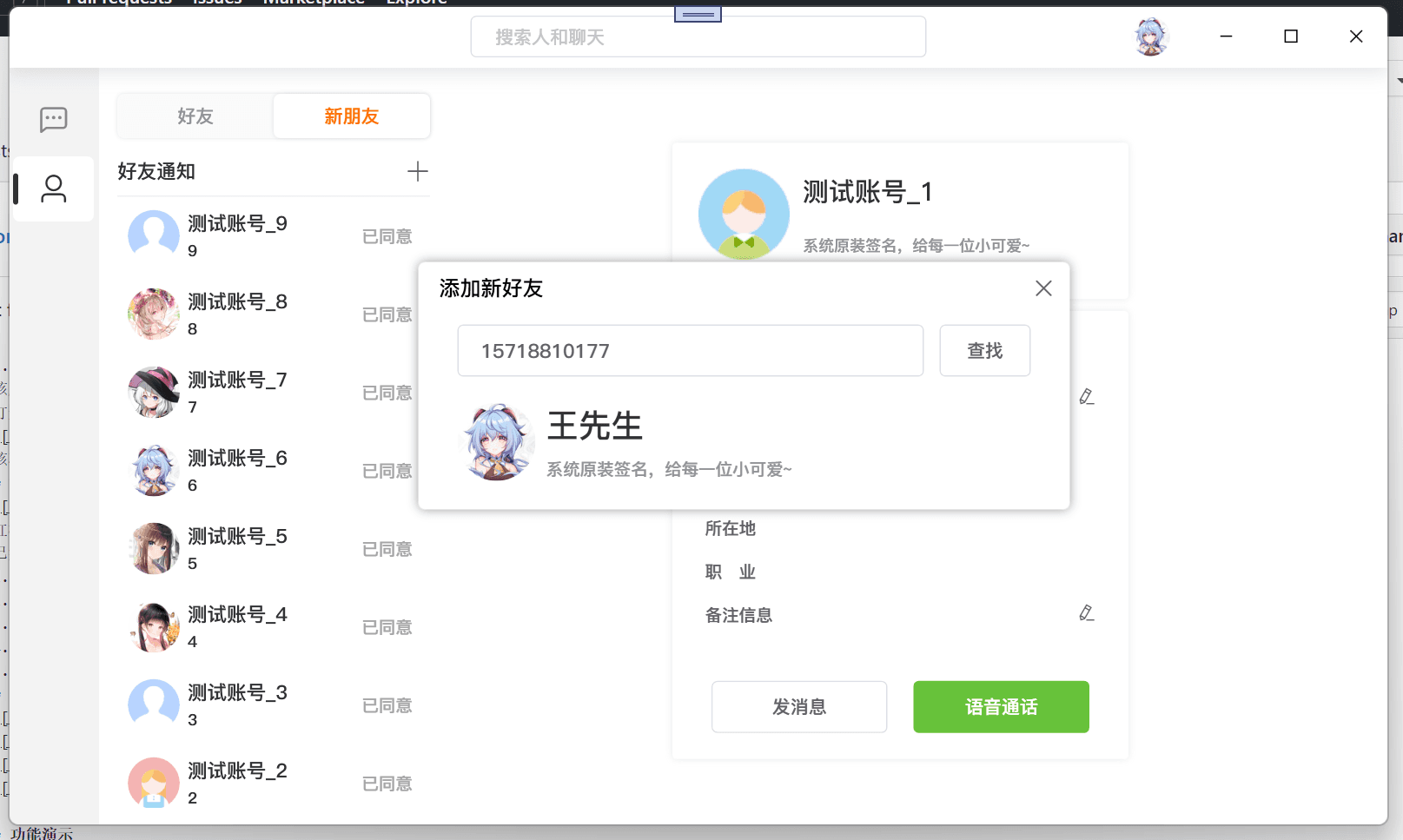
  2. Add friends
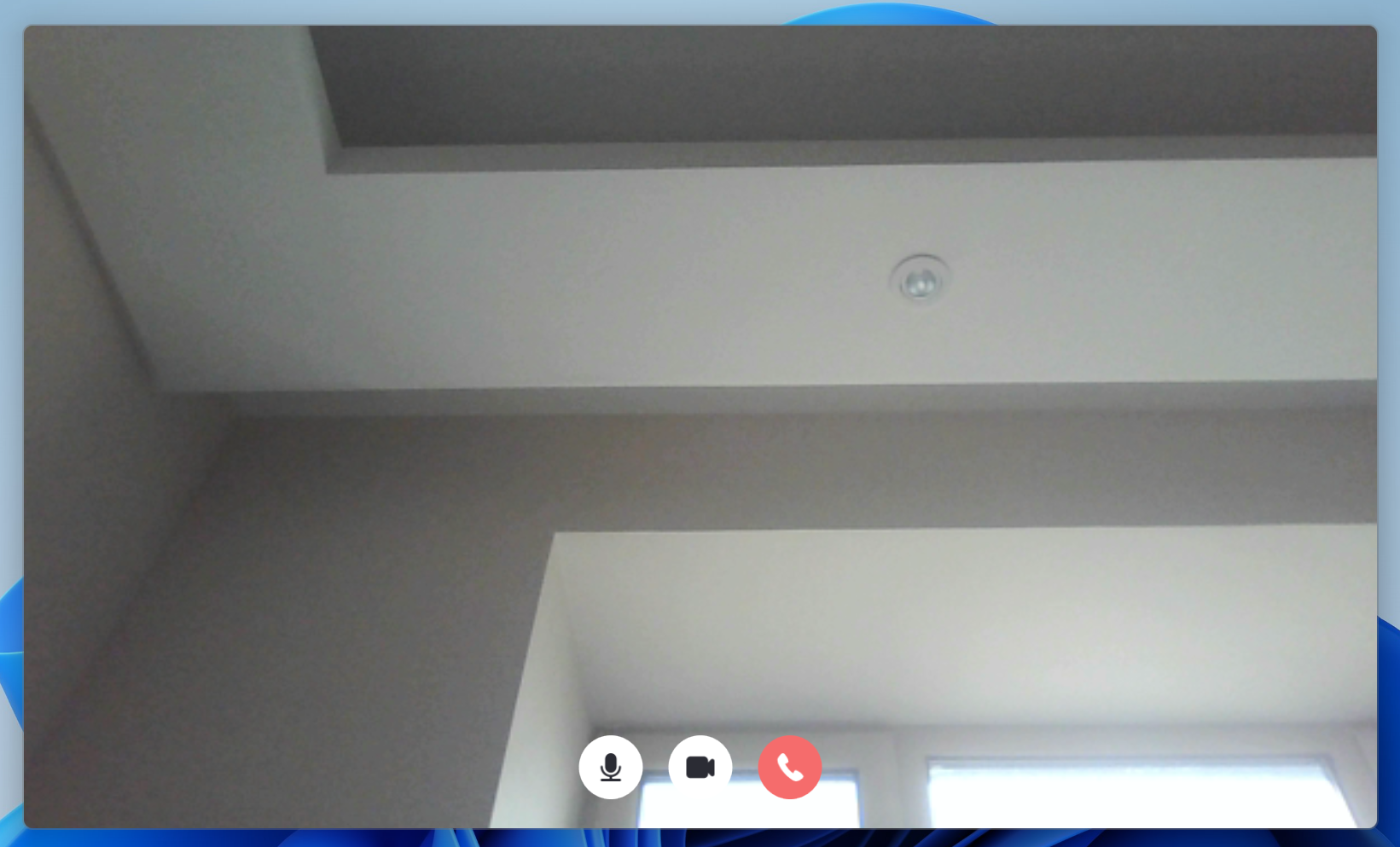
  3. Online audio/video calls
  4. Chat (images, text, rich text)
  5. Screenshot (supports multiple monitors with different DPI)

Client screenshots:

The site admin lacks the conditions, but recorded a login animation (lol):

Below are images from the author's readme and blog:

IV. Feature Demo

The author is too lazy to write more details now!

I will provide test accounts and program addresses.

But first, you need to install .NET 6 desktop runtime. Here is the download link: .NET 6 Desktop Runtime

Test Users

1571221{1 ~ 9}177,

Password is uniformly 12345678.

I have placed all user login information in the program package and added myself as a friend. 😄

V. Program Package

Link: https://pan.baidu.com/s/1aTh_710GpKIIHOHpvVCpBw?pwd=cp4o

Extraction code: cp4o

-- Shared from Baidu Netdisk Super Member V4

VI. Demo Video

Link: https://pan.baidu.com/s/1n-sQZFgO9GEhS80jHLVouA?pwd=85x3

Extraction code: 85x3

-- Shared from Baidu Netdisk Super Member V4

VII. Project Repository

GitHub address: https://github.com/qian-o/Dimension

Keep Exploring

Related Reading

More Articles
Same category / Same tag 5/27/2025

WPF Achieve a Danger Reminder Effect

When our program is released and users are performing dangerous operations, our software should provide some reminder effects, such as a red border edge, similar to the warning effect in Amap.

Continue Reading
Same category / Same tag 6/20/2024

CodeWF.EventBus: Lightweight Event Bus for Smoother Communication

CodeWF.EventBus is a flexible event bus library that enables decoupled communication between modules. It supports various .NET project types such as WPF, WinForms, ASP.NET Core, etc. With a clean design, it easily implements command publishing and subscribing, as well as requests and responses. Through orderly event handling, it ensures events are properly processed. Simplify your code and improve system maintainability.

Continue Reading