Today is May 1st. Have fun, everyone!
1. Introduction
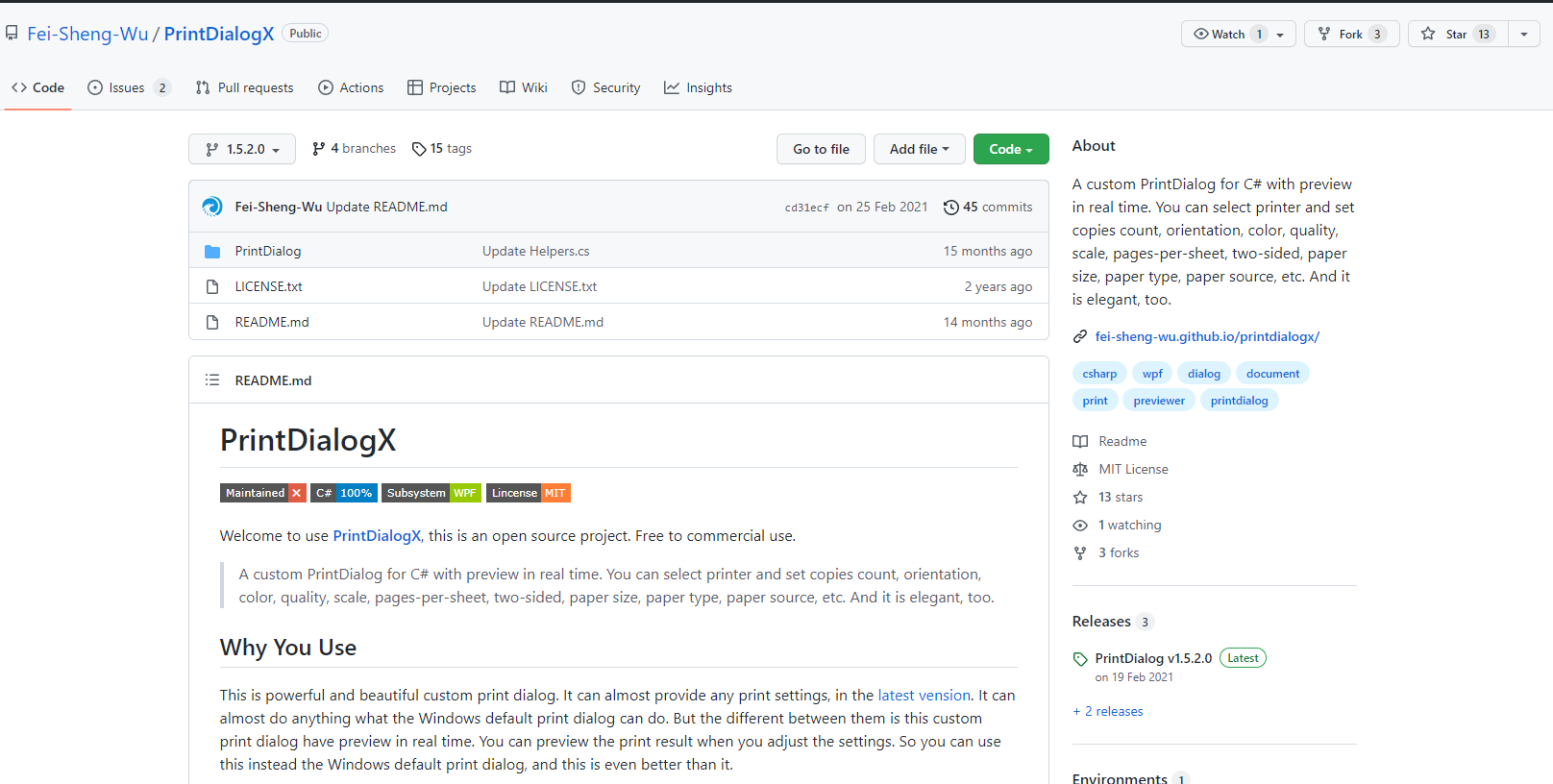
Today I'd like to introduce a WPF-developed print dialog open-source project - PrintDialogX, recommended by the author of 《WPF Open Source Project: AIStudio.Wpf.AClient》.
Welcome to PrintDialogX, an open-source project. Free for commercial use.
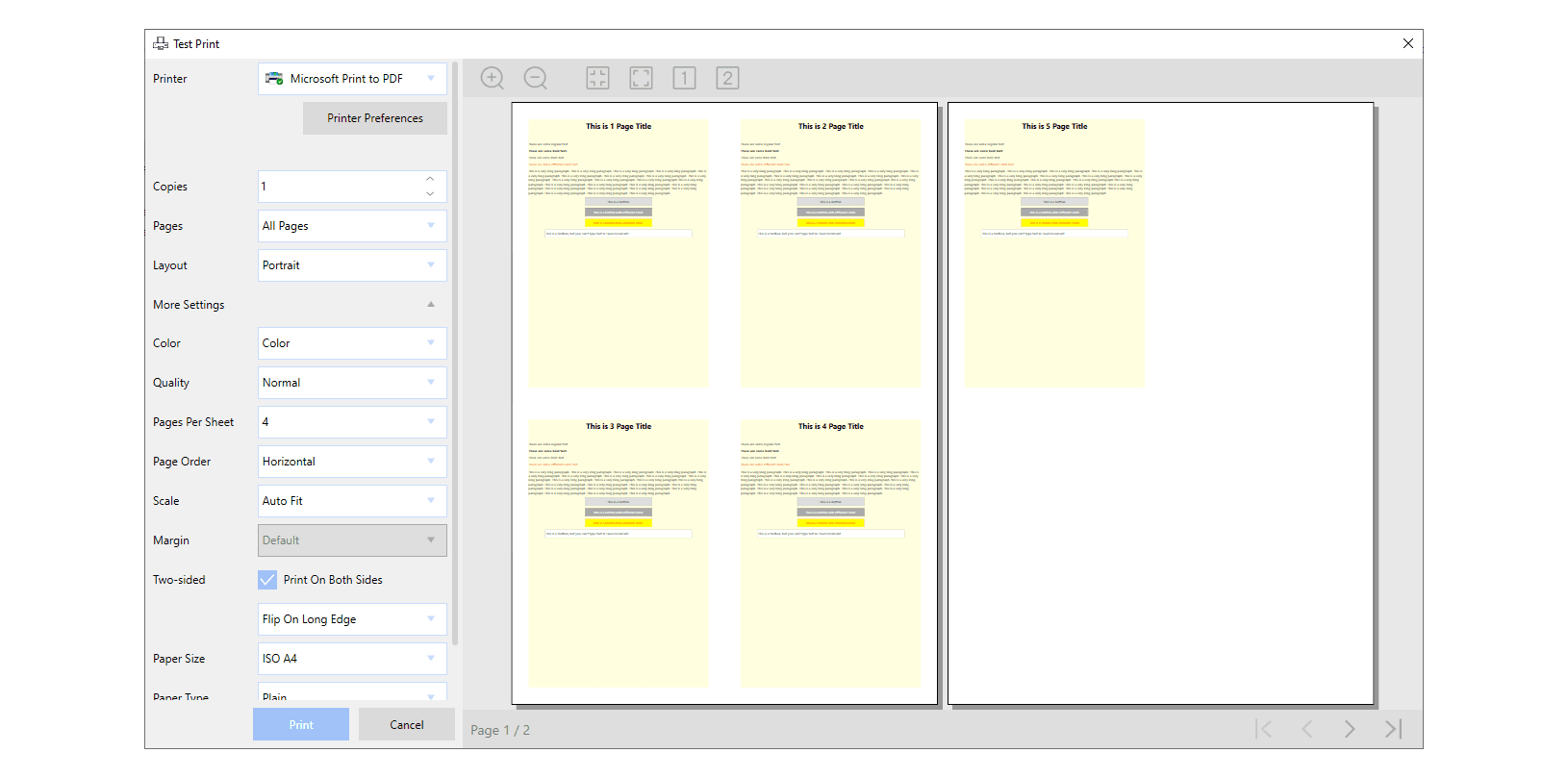
A custom print dialog for C# with live preview. You can select a printer and set copies, orientation, color, quality, scale, pages per sheet, duplex, paper size, paper type, paper source, etc. It's also elegant.
2. Why Use It
This is a powerful and beautiful custom print dialog. In the latest version, it can provide almost any print setting. It can do almost everything the Windows default print dialog can do. But the difference is that this custom print dialog has a live preview feature. You can preview print results while adjusting settings. Therefore, you can use it to replace the Windows default print dialog, which is even better.
3. Screenshot

4. How to Use
PrintDialogX is easy to use. You can find a sample in the code folder. The screenshot below is just the example text replaced with Chinese by the site owner, but it doesn't affect your reference.

5. License
The project is based on the MIT License.
Reference: MIT License
The MIT license originates from the Massachusetts Institute of Technology (MIT), also known as the "X License" or "X11 License".
The MIT content is quite similar to the 3-clause BSD license, but grants licensees greater rights and fewer restrictions.
6. Project Information
Repository address: https://github.com/Fei-Sheng-Wu/PrintDialogX