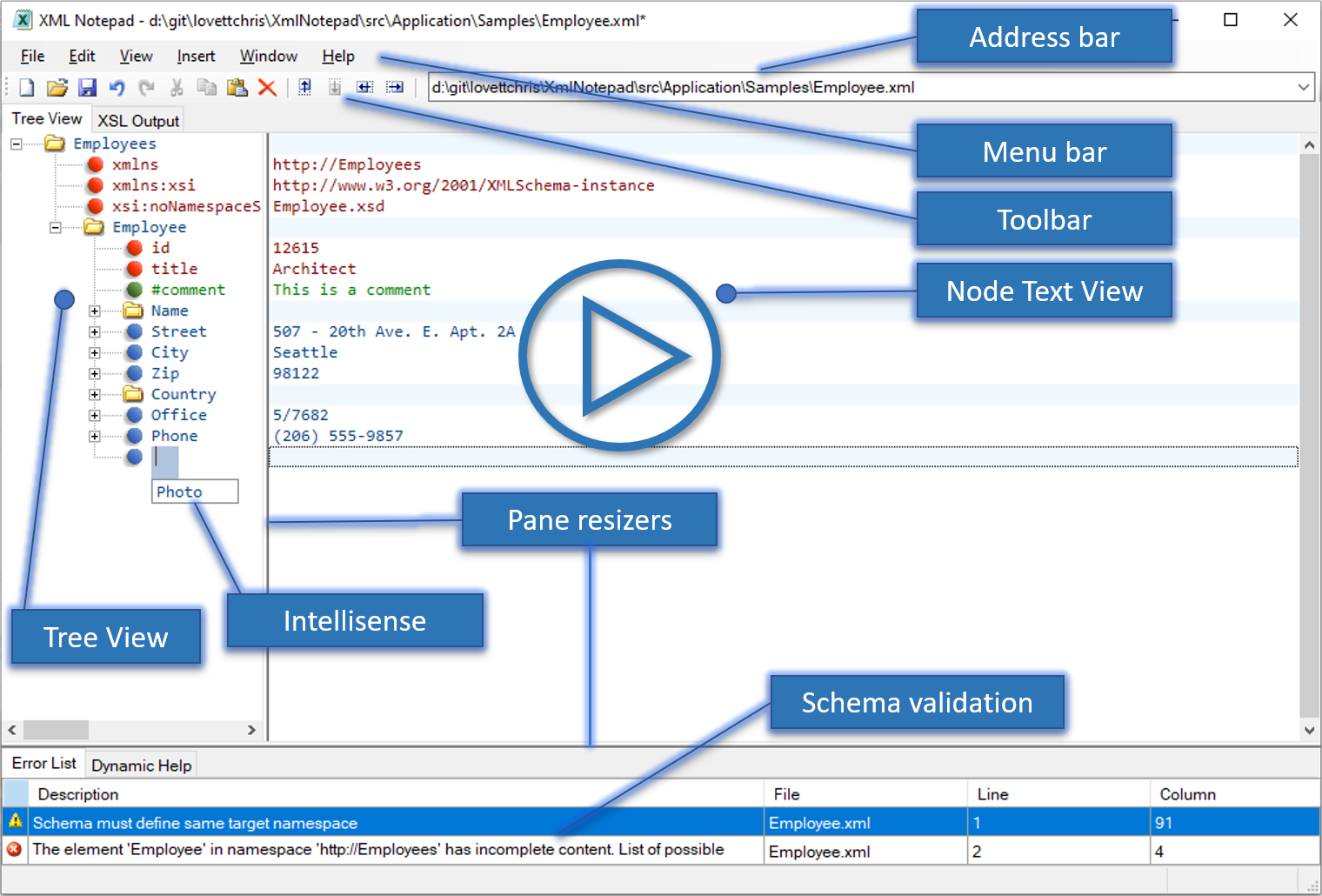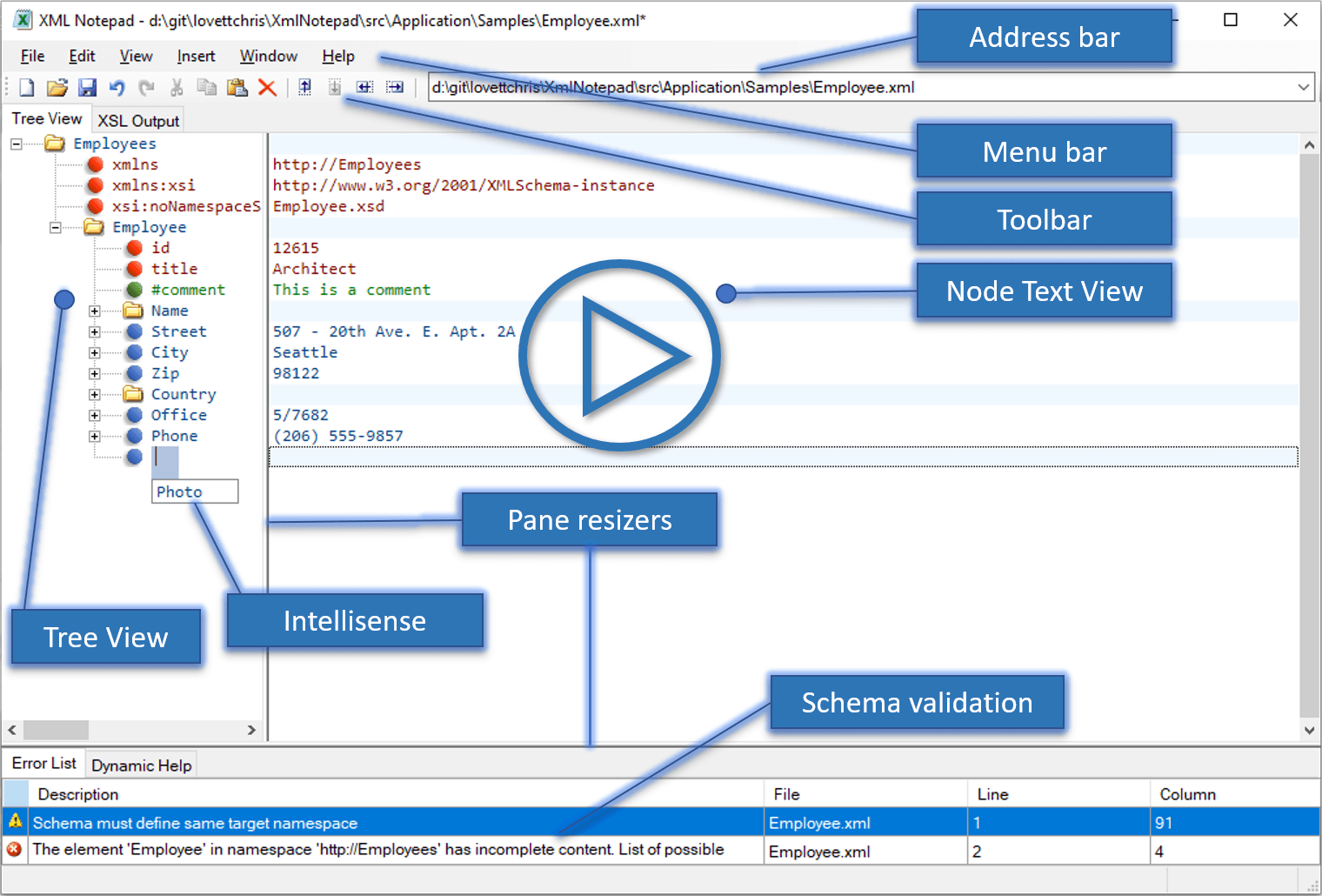
Today I recommend a WPF open-source project: XmlNotepad. This repository is recommended by WPF Developers, and the site owner has briefly translated and shared it.
Introduction
XML Notepad is a Windows program that provides a simple and intuitive user interface for browsing and editing XML documents. There are four installation methods:
- ClickOnce® Installer: This is the most convenient, installed directly from the web browser.
The site owner recommends trying the ClickOnce installation:

- Standalone Download: If you need to use it offline, you can download the standalone installer. Simply download the zip file, copy it to the machine where you want to install it, unzip the file on that machine, and run
XmlNotepadSetup.msi. - Windows MSIX Installer: If you need a trusted Windows installer.
- You can also use WinGet as follows:
winget install XmlNotepad

XML Notepad provides the following useful features:
- XML Schema aware IntelliSense
- Support for XPath find dialog
- Support for XInclude
- XSLT transformation support with inline viewer for XSLT output
- Automatic conversion of .csv files
- Useful statistics about XML documents
- XML diff to compare 2 similar XML documents
- A vibrant community with many updates and bug fixes.
For information on how to build this application, see XML Notepad Design.
This project has adopted the Microsoft Open Source Code of Conduct.
For more information, see the Code of Conduct FAQ or contact opencode@microsoft.com with any additional questions or comments.
Change History
For a list of new features and bug fixes, see Change History.
Help
See the Help page.
Repository Address

Repository address: https://github.com/microsoft/XmlNotepad