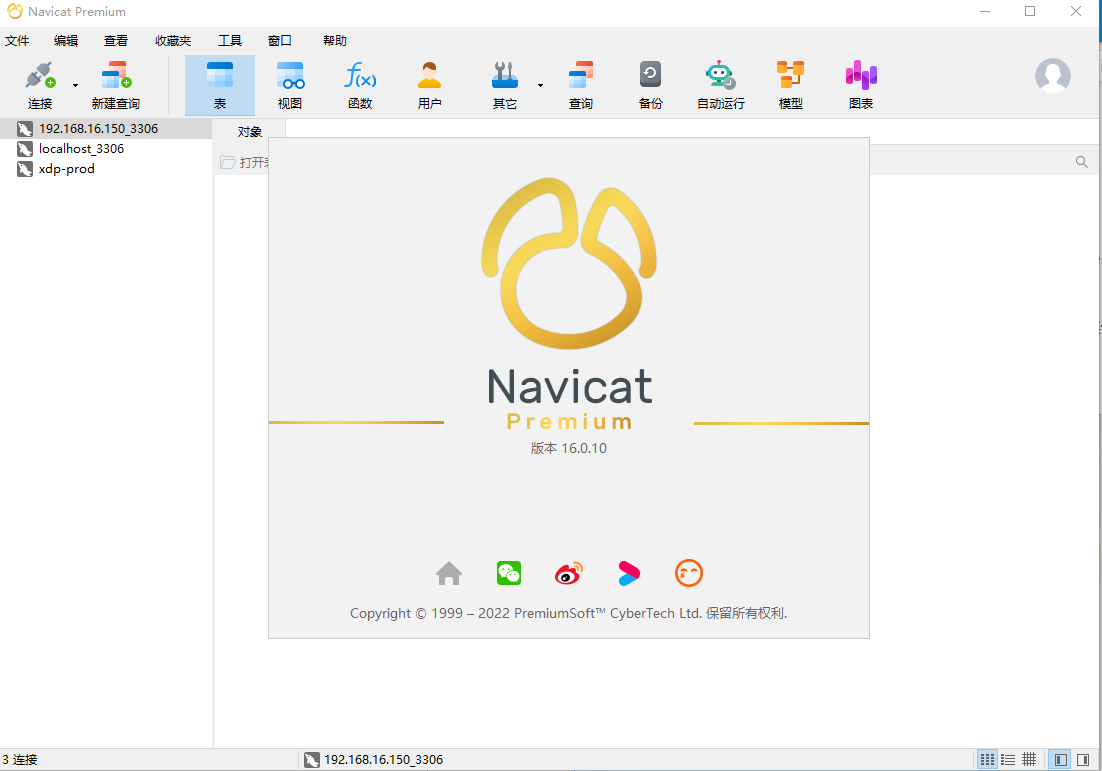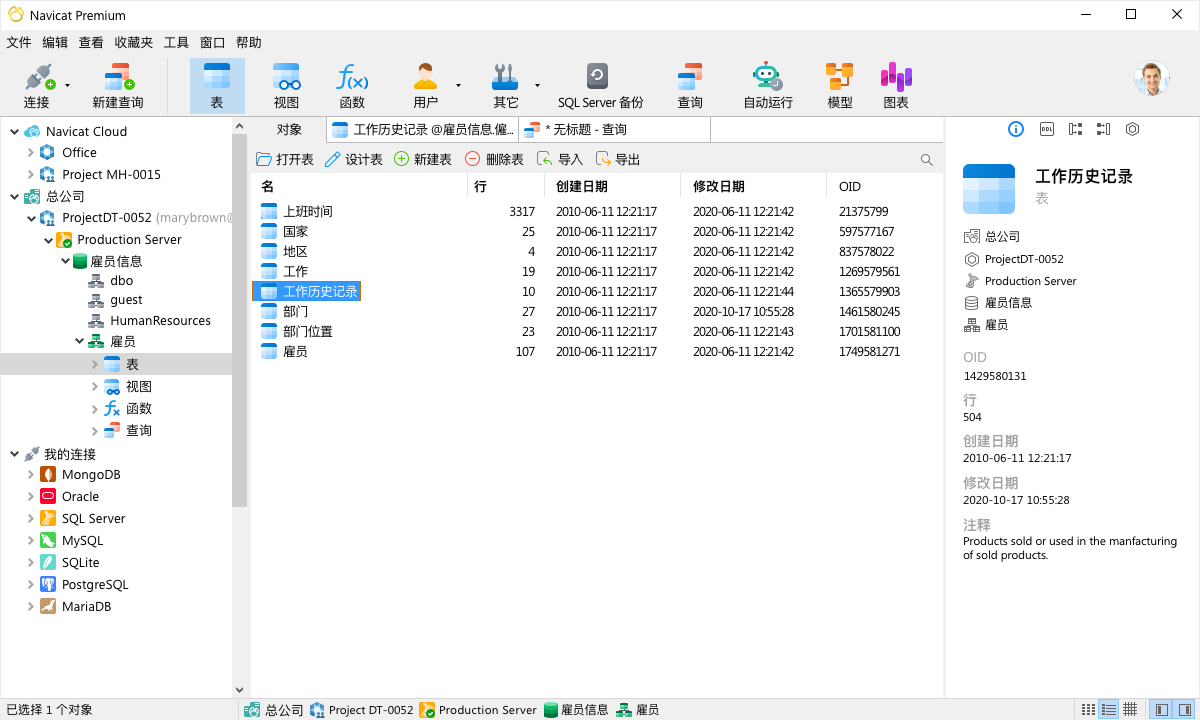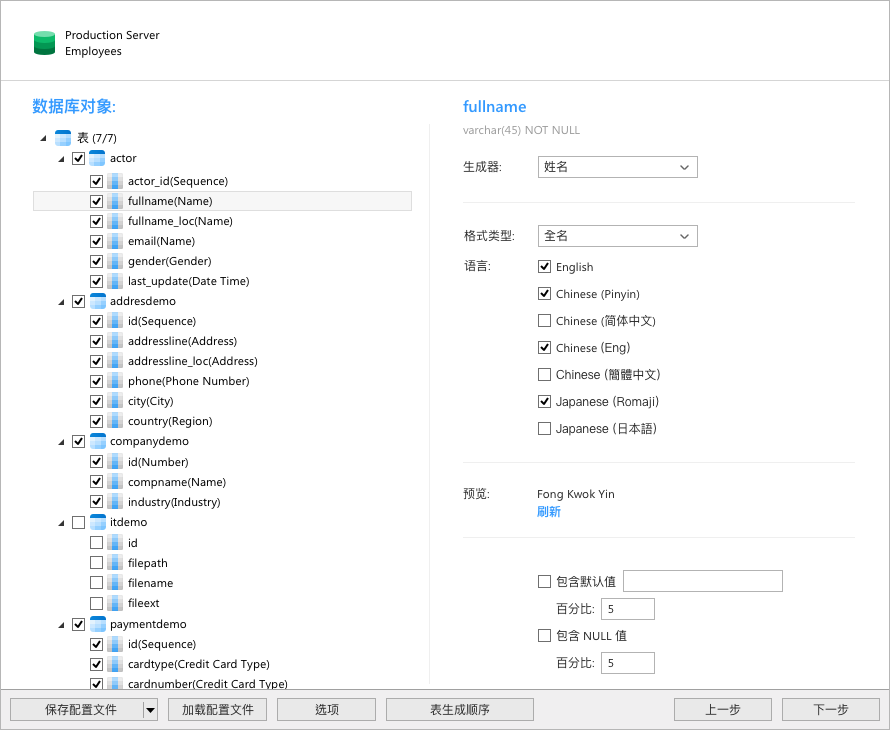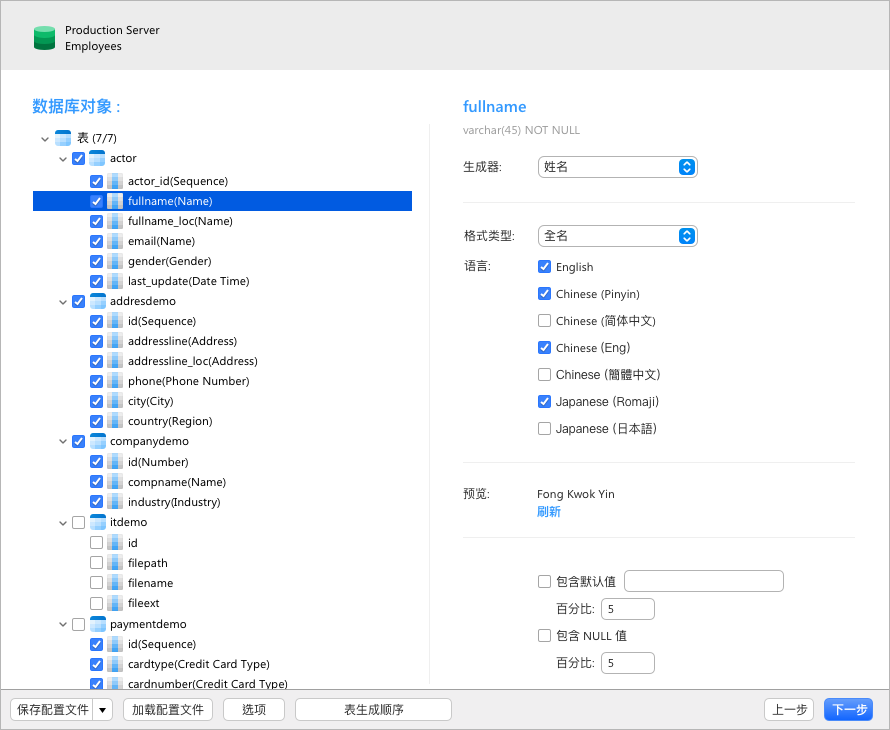
Database Management Tool — Navicat Premium v16.0.12 Learning Edition (Windows+macOS+Linux)

Database Management Tool — Navicat Premium v16.0.12 Learning Edition (Windows+macOS+Linux)

Navicat Premium is a database management tool that allows you to connect to MySQL, MariaDB, SQL Server, SQLite, Oracle and PostgreSQL databases with a single program.

Last updated 5/6/2022 7:12 AM
懒得勤快
3 min read
Category
Sharing
Tags
MySQL SQLite

Navicat Premium is a set of database management tools that allows you to simultaneously connect to MySQL, MariaDB, SQL Server, SQLite, Oracle, and PostgreSQL databases from a single program. Additionally, it is compatible with Drizzle, OurDelta, and Percona Server, and supports cloud databases such as Amazon RDS, Amazon Aurora, Amazon Redshift, SQL Azure, Oracle Cloud, and Google Cloud.

Combining the features of other Navicat members, Navicat Premium supports most functions used in today's database management systems, including stored procedures, events, triggers, functions, views, and more.

Navicat Premium enables you to quickly transfer data between various database systems, or export it to a plain text file with a specified SQL format and encoding. Schedule batch jobs across different databases to run at specified times. Other features include an Import Wizard, Export Wizard, Query Creation Tool, Report Creation Tool, Data Synchronization, Backup, Job Scheduling, and more.

Navicat's capabilities are sufficient to meet all the needs of professional developers, yet it is easy enough for beginners to learn about database servers.

New Features

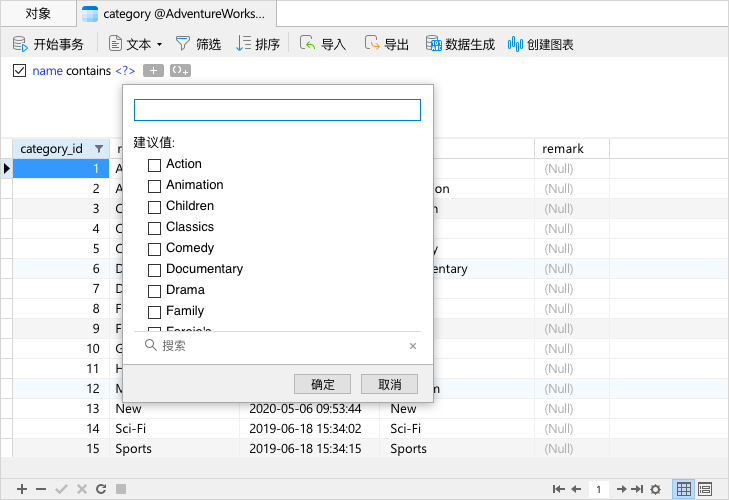
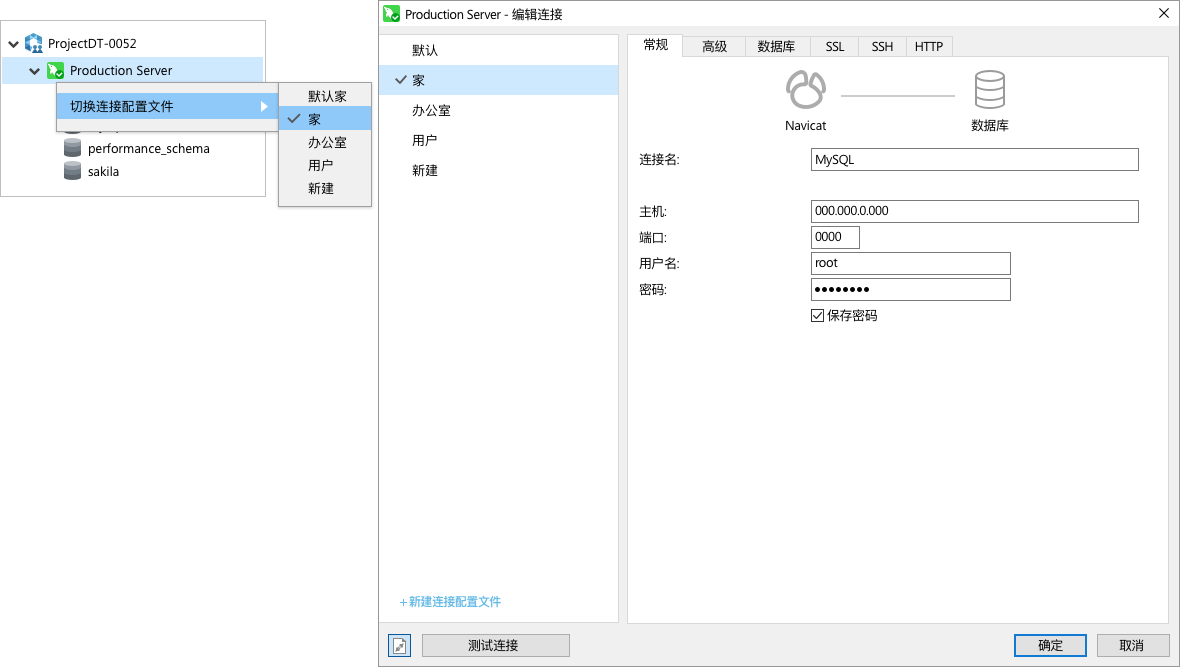
Compared to the previous version, Navicat 16 brings many UI/UX improvements. We are committed to providing professional UX design to enhance usability and accessibility. As a result, you can complete complex tasks faster than ever before.

Official Windows installer: http://download.navicat.com.cn/download/navicat160_premium_cs_x64.exe

You can use the infinite trial script—copy the following code into Notepad, save it as a .bat file, and run it:

@echo off

echo Delete HKEY_CURRENT_USER\Software\PremiumSoft\NavicatPremium\Registration[version and language]
for /f %%i in ('"REG QUERY "HKEY_CURRENT_USER\Software\PremiumSoft\NavicatPremium" /s | findstr /L Registration"') do (
    reg delete %%i /va /f
)
echo.

echo Delete Info folder under HKEY_CURRENT_USER\Software\Classes\CLSID
for /f %%i in ('"REG QUERY "HKEY_CURRENT_USER\Software\Classes\CLSID" /s | findstr /E Info"') do (
    reg delete %%i /va /f
)
echo.

echo Finish

pause

For more details, please click the link below to visit the Lazy & Diligent official website—especially if the links in the article are broken, haha.

Keep Exploring

Related Reading

More Articles
Same tag 10/14/2024

From Failure to Success: How to Delete SQLite Database File in C#

SQLite, as a lightweight embedded database, is popular for its ease of use and deployment. However, when trying to delete an SQLite database file, developers may encounter some challenges. This article will share a case from failure to success, demonstrating how to successfully delete an SQLite database file in C#.

Continue Reading