

简介
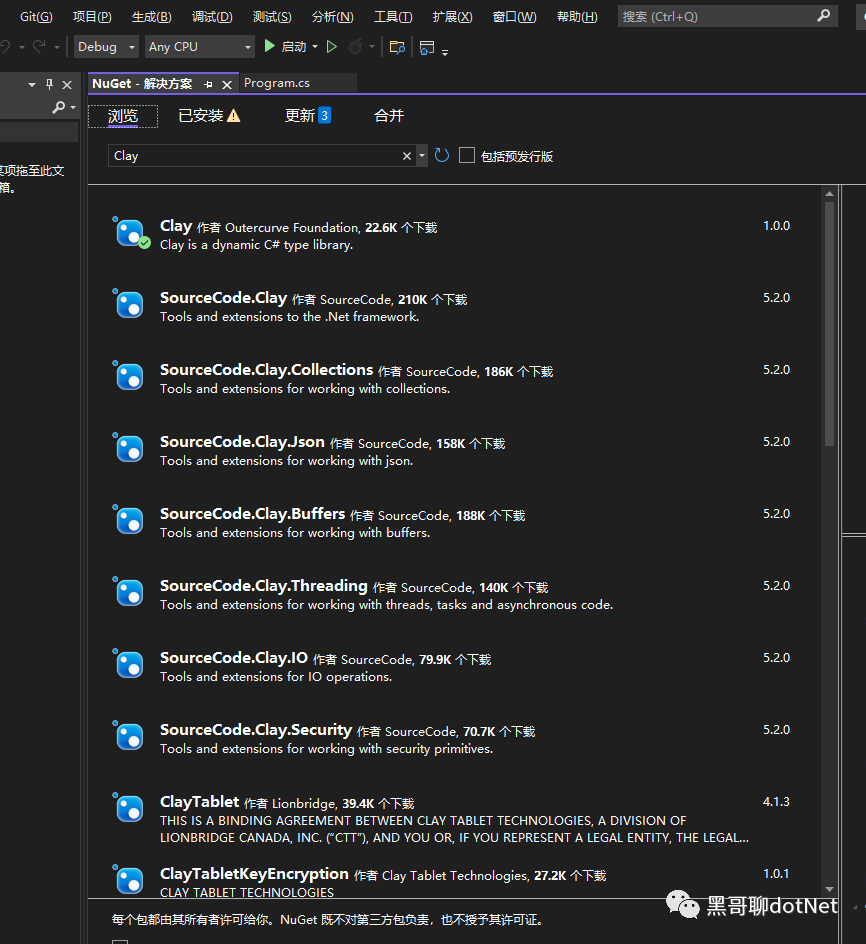
Clay 非常类似于 ExpandoObject, 可以看做是 ExpandoObject 的加强版. 它们能够让我们在不需要定义类的情况下,就构建出我们想要的对象。Clay 和 ExpandoObject 相比,提供了更加灵活的语法支持,让我们像写 javascript 代码一样写 C#代码,同时还能够用于构建多层级的复杂对象。
多种方式初始化对象
1, 最简单的对象构建和初始化
dynamic New = new ClayFactory();
var person = New.Person();
person.FirstName = "Louis";
person.LastName = "Dejardin";
注意这里的 Person 并不是一个具体的,实际存在的类或者结构体。我们在不需要定义 Person 类的情况下,就构建了一个具有 FirstName 和 LastName 属性的对象。
2, 使用索引器的方式初始化
var person = New.Person();
person["FirstName"] = "Louis";
person["LastName"] = "Dejardin";
3, 使用匿名对象的方式实现初始化
var person = New.Person(new {
    FirstName = "Louis",
    LastName = "Dejardin"
});
4,使用命名参数方式实现初始化
var person = New.Person(
    FirstName: "Louis",
    LastName: "Dejardin"
);
5,链式方式初始化
var person = New.Person()
               .FirstName("Louis")
               .LastName("Dejardin");
读取属性方式
person.FirstName
person[“FirstName”]
person.FirstName()
上面三种都是访问 FirstName 属性,它们都是等价的。
多种多样的初始化对象和读取属性的方式,让dynamic变得更加灵活. 这些都是ExpandoObject所做不到的。
构建神奇的 Array
我们可以创建 JavaScript 风格的 Array:
dynamic New = new ClayFactory();
          var people = New.Array(
              New.Person().FirstName("Louis").LastName("Dejardin"),
              New.Person().FirstName("Bertrand").LastName("Le Roy")
          );
- 构建的 Array, 具有 Count 属性
Console.WriteLine("Count = {0}", people.Count);
- 可以通过索引访问
Console.WriteLine("people[0].FirstName = {0}", people[0].FirstName);
- 支持 foreach 遍历
foreach (var person in people) {
     Console.WriteLine("{0} {1}", person.FirstName, person.LastName);
}
- 简单方便地为对象添加 Array 属性
person.Aliases("bleroy", "BoudinFatal");
这里是为person这个动态对象添加了一个Array属性,属性的名字叫Aliases, 所以这里Aliases可以替换成任何名称,并没有特定含义。
下面的代码和上面的作用是等价的:
persons.Aliases1(new[] {"bleroy", "BoudinFatal"});
- Array 中的元素类型是 dynamic,而不是普通类型
因为Array元素的类型是dynamic, 所以可以有这样的 Array:
var people = New.Array(
     New.Person().FirstName("Louis").LastName("Dejardin"),
     "Peter"
);
为对象动态添加方法
和 ExpandoObject 一样,你也可以为其扩展方法,只是方法调用的时候,需要多添加一个().
这可能是 Clay 支持用()来访问对象属性导致的。
var person = New.Pserson();
person.FirstName = "Louis";
person.LastName = "Dejardin";
person.SayFullName = new Func<string, string>(x => person.FirstName + person.LastName + x);

Console.WriteLine(person.SayFullName()(" Here!"));
动态的实现接口
假设我们定义了这个接口,用动态类型创建一个对象,而且这个对象是实现了该接口,这看起来是不是不可完成的任务? Clay 能办到!
public interface IPerson
{
       string FirstName { get; set; }
       string LastName { get; set; }
}

dynamic New = new ClayFactory();
var people = New.Array(
New.Person().FirstName("Louis").LastName("Dejardin"),
New.Person().FirstName("Bertrand").LastName("Le Roy"));
IPerson lou = people[0];
var fullName = lou.FirstName + " " + lou.LastName;
Clay 应用背景
想通过一种构建一个可以自由扩展的,灵活的dynamic对象来一劳永逸的解决问题,这就是 Clay 的初衷。
Clay 是一个独立的开源项目,它无所不能的能力,一定能够帮助你简化很多类定义和反射代码。