
Open Source C# Winform Control Library - SunnyUI

Open Source C# Winform Control Library - SunnyUI

A C# WinForm open-source control library, utility class library, extension class library, and multi-page development framework based on .NET Framework 4.0+, .NET 5, and .NET 6.

Last updated 12/5/2020 1:21 PM
Sunny
3 min read
Category
Winform
Topic
Winform Control Library C# Open Source Projects
Tags
.NET C# Winform Control Library Winform Open Source Project

SunnyUI

Welcome to communicate, QQ Group: 56829229 (SunnyUI Technical Communication Group), please give the source project a Star!!!
Free for personal learning and communication, commercial use requires authorization, contact QQ: 17612584 for authorization matters.

Thanks to Gitee

SunnyUI

Special Statement

SunnyUI.Net project has joined the dotNET China organization.

SunnyUI

Software Introduction

  • SunnyUI.Net is a C# WinForm open-source control library, utility class library, extension class library, and multi-page development framework based on .NET Framework 4.0+, .NET 5, and .NET 6 frameworks.

  • Source code compilation environment:

    1. VS2019 16.8+ (16.8.0 is the minimum version supporting .Net5)
    2. VS2022, method to install .NetFramework4.0 target pack: https://www.cnblogs.com/yhuse/p/15536393.html
  • Dynamic library application environment:

    VS2010 and above are all supported:

    1. .NetFrameWork projects, reference SunnyUI from NuGet, or directly reference the two pre-compiled Dlls (SunnyUI.dll, SunnyUI.Common.dll)
    2. .Net5, .Net6 projects, reference SunnyUI from NuGet
    3. Not supported (.NET Framework 4 Client Profile).
    4. Recommended installation via NuGet: Install-Package SunnyUI, or search for SunnyUI in NuGet to install.

Software Framework

SunnyUI

Support Open Source

1 Open Source Control Library

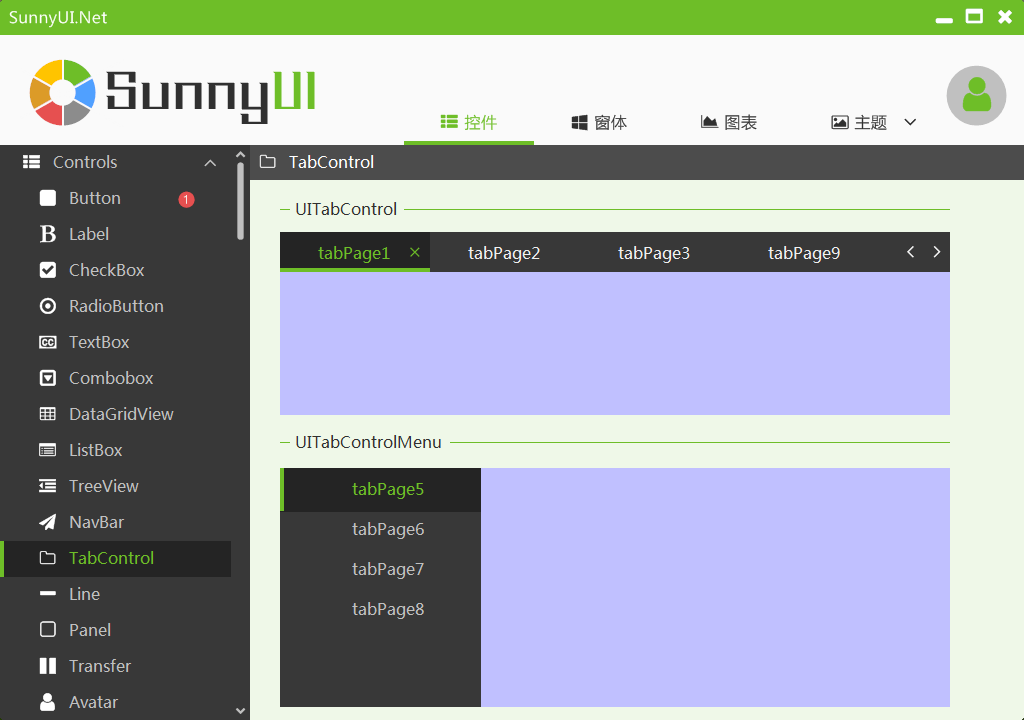
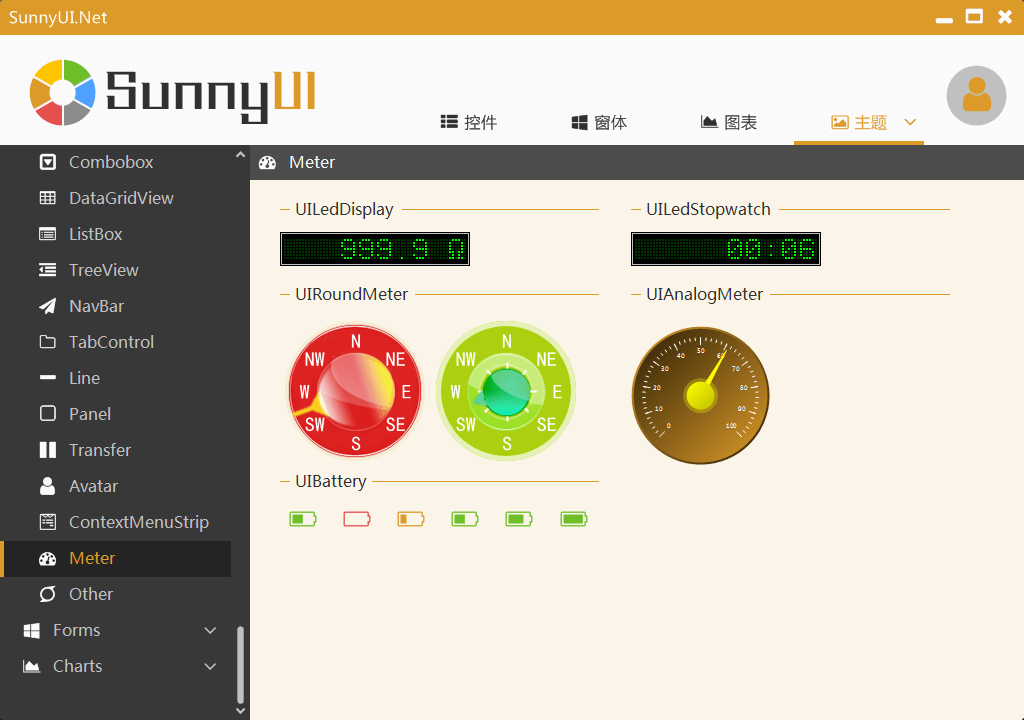
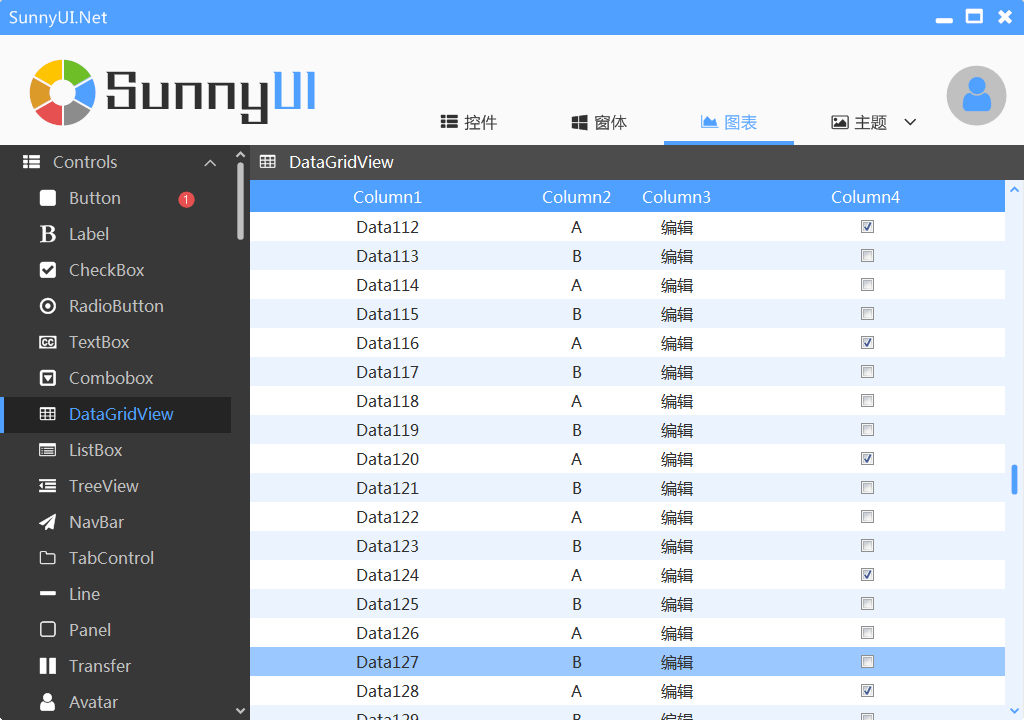
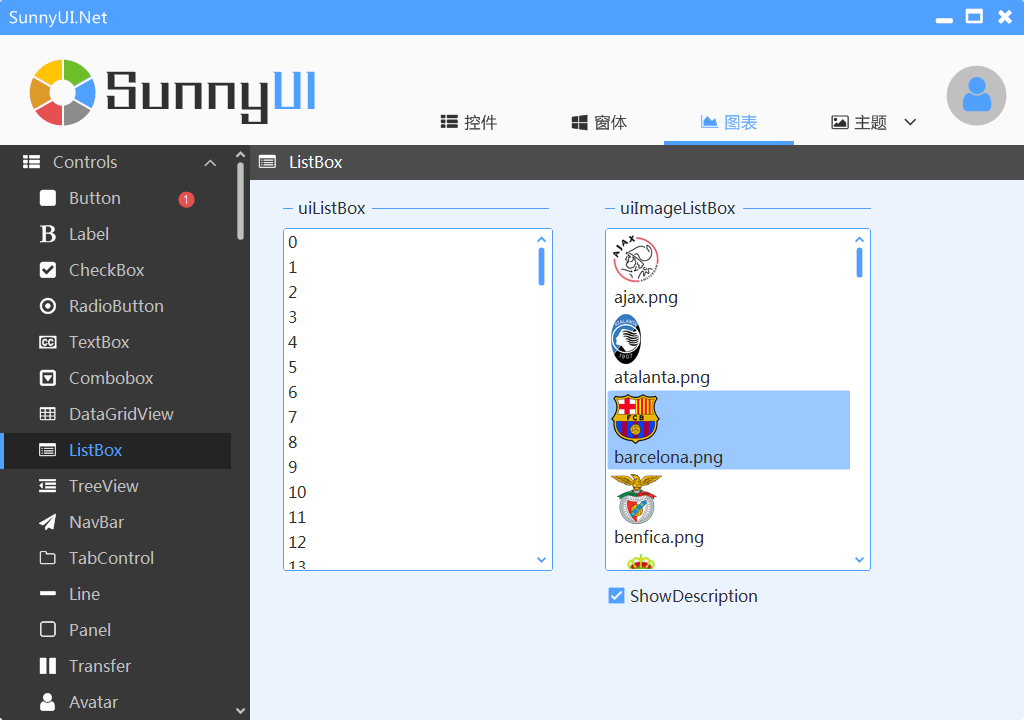
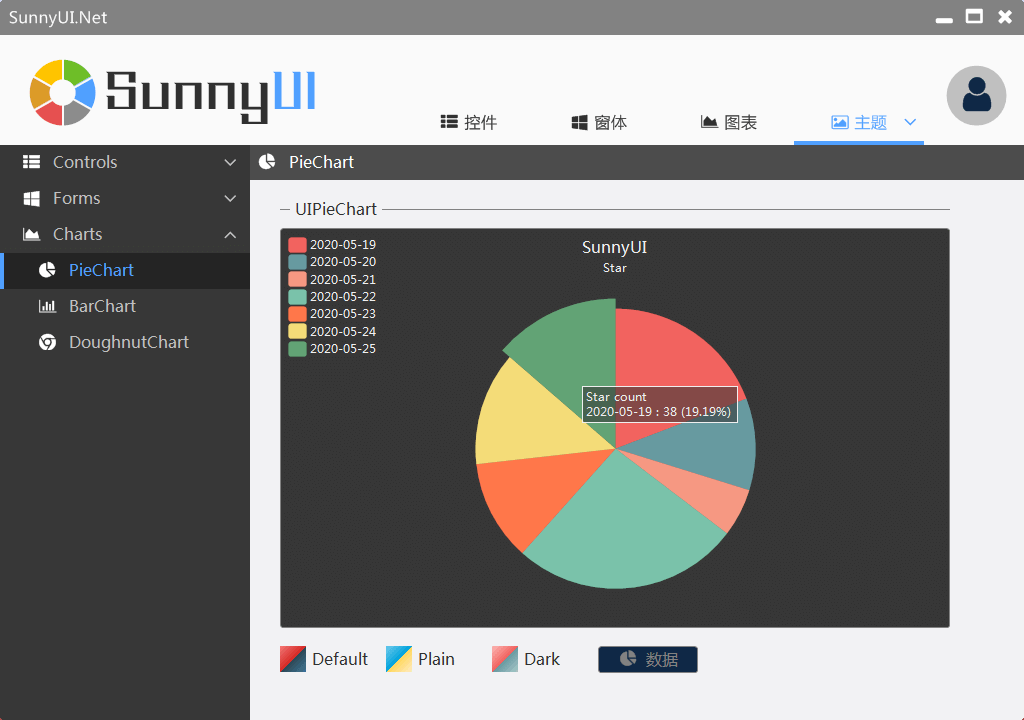
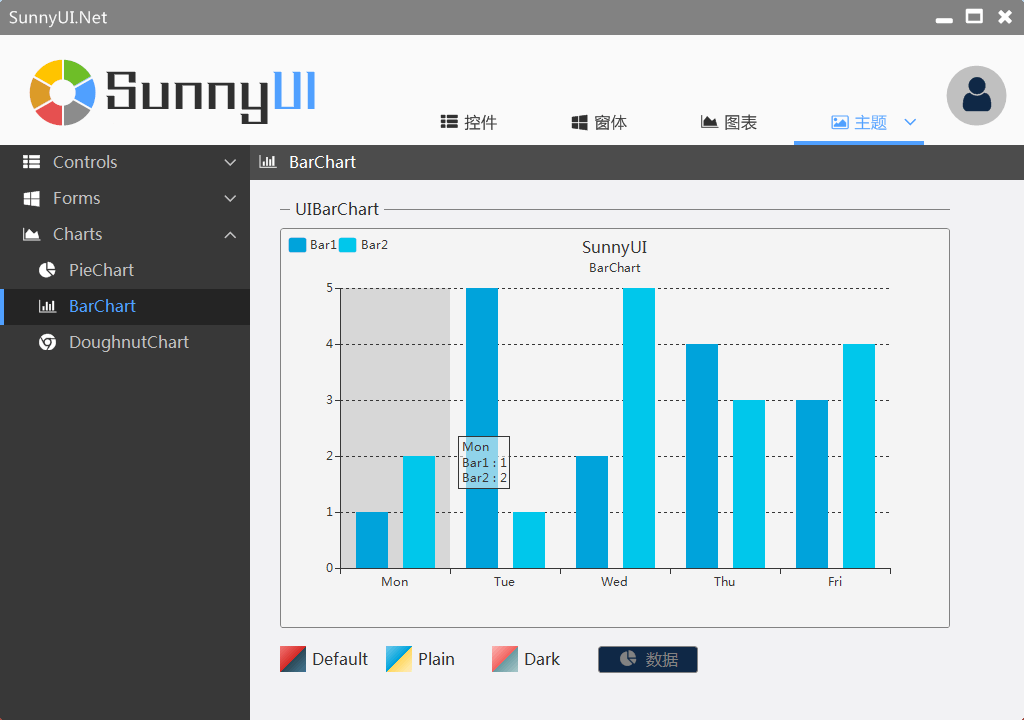
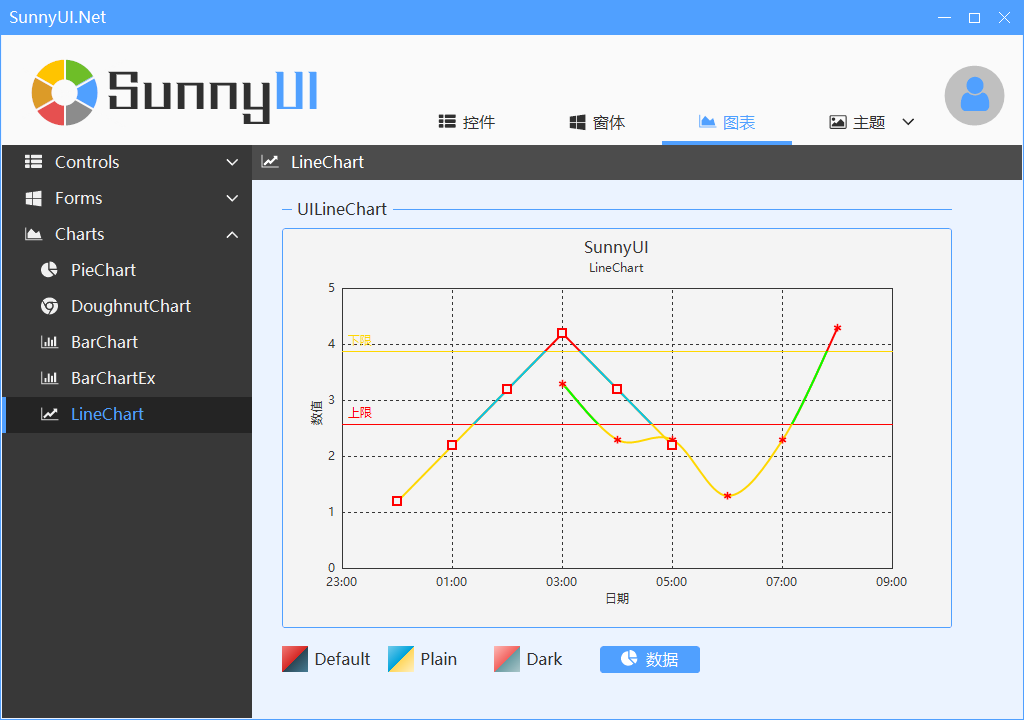
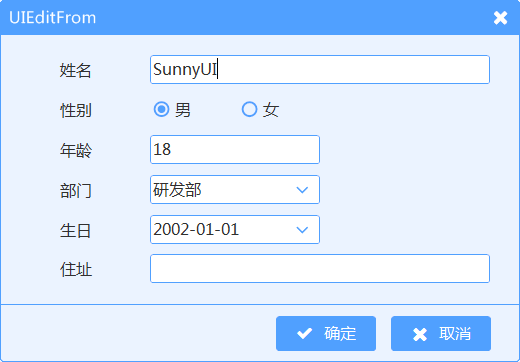
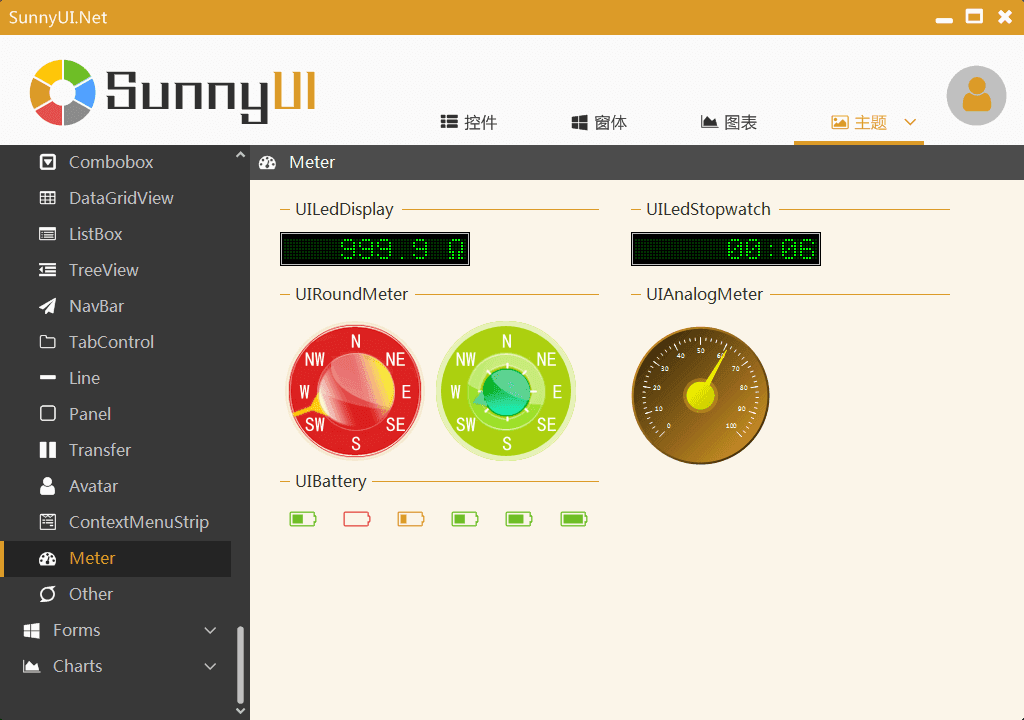
  • Based on .NET Framework 4.0, native control development, referencing the Element theme style, including over 70 commonly used controls such as buttons, edit boxes, dropdown boxes, data tables, industrial control instruments, statistical charts, meeting regular development needs. Each control is meticulously crafted with attention to detail;
  • Includes 11 Element-style themes and 6 other themes, allowing custom theme definition through the colorful theme mode. Includes the theme management component UIStyleManager for freely switching themes.

SunnyUI

SunnyUI

SunnyUI

SunnyUI

SunnyUI

SunnyUI

SunnyUI

SunnyUI

SunnyUI

SunnyUI

SunnyUI

SunnyUI

2 Utility Library

  • Collect and organize utility class libraries commonly used during development.

3 Extension Library

  • Collect and organize extension class libraries commonly used during development.

4 Multi-page Framework

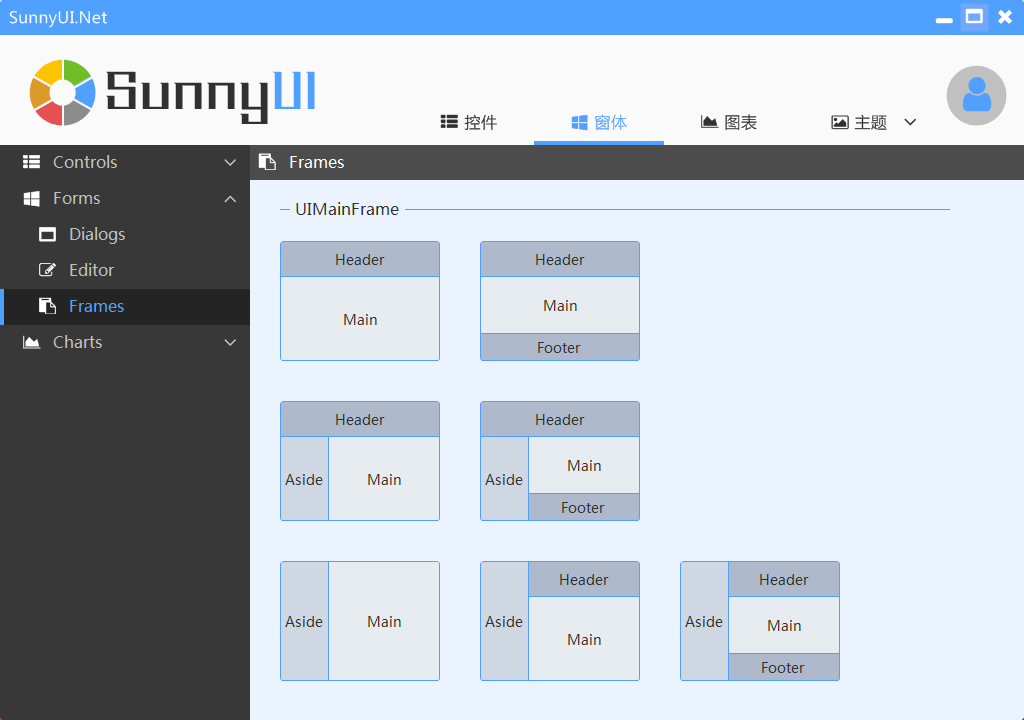
  • Referencing Element, including 7 commonly used framework styles, requiring only a few lines of simple code to create multi-page programs. Its supporting components include UIForm, UIPage, UIFrame, combined with commonly used control libraries to quickly develop WinForm applications.

SunnyUI

Keep Exploring

Related Reading

More Articles
Same category / Same tag 2/29/2024

Data Display Can Also Be Done Like This in Winform

In the process of developing Winform, data display functionality is often required. Previously, the gridcontrol control was commonly used. Today, through an example, I would like to introduce how to use the table component from Ant Design Blazor for data display in a Winform Blazor Hybrid application.

Continue Reading
Same category / Same tag 2/29/2024

Can the Winform interface also look good?

A few days ago, I introduced using Blazor Hybrid in Winform, and mentioned that with the Blazor UI, our Winform programs can be designed to look better. Next, I will illustrate with an example of drawing in Winform Blazor Hybrid, hoping it helps you.

Continue Reading
Same category / Same tag 11/21/2021

Open Source Winform Control Library: Mulan Control Library

This project can be compiled. Except for the animation functions extracted from Silverlight and the ColorEditorExt.cs color panel view designer extension modified from online examples, all other controls are written based on native controls without using any third-party libraries, so feel free to use it without any copyright infringement issues.

Continue Reading