Article Navigation
-
- Foreword
-
- Introduction to HZHControls
- 2.1 Controls
- 2.1.1 Form Controls 2.1.2 Buttons 2.1.3 Tabs 2.1.4 Tree 2.1.5 Tile List 2.1.6 Navigation 2.1.7 Horizontal List 2.1.8 Custom Table 2.1.9 Progress Bar 2.1.10 Step Control 2.1.11 Breadcrumb Navigation 2.1.12 Tooltip 2.1.13 Scrolling Text 2.1.14 Slider 2.1.15 Water Ripple 2.1.16 Panel 2.1.17 Icons 2.1.18 Scrollbar 2.1.19 Image Sampling 2.1.20 Timeline 2.1.21 Transfer Box 2.1.22 Blockquote 2.1.23 Form Validation 2.1.24 Divider Label
- 2.2 Forms 2.2.1 Dialog Form 2.2.2 Multi-Input Form 2.2.3 Waiting Window
- 2.3 Charts 2.3.1 Organizational Chart 2.3.2 Scrolling Chart 2.3.3 Radar Chart 2.3.4 Pyramid Chart 2.3.5 Live Charts
- 2.4 Industrial Controls 2.4.1 LED Text 2.4.2 Gauge 2.4.3 Pipe 2.4.4 Valve 2.4.5 Blower 2.4.6 Conveyor Belt 2.4.7 Warning Light 2.4.8 Arrow 2.4.9 Thermometer
-
- Obtaining HZHControls
- 3.1 Official Help Documentation, Blog
- 3.2 Technical Exchange Group
- 3.3 Source Code Acquisition
-
- Closing Remarks
I. Foreword
After the editor published the first three articles introducing open-source C# WPF control libraries, the response was enthusiastic. Thank you all for your support.

In the comment section of the article, a reader left a message: "I recommend a traditional Winform control library." The editor was torn (not because of gender), although I have over 4 years of experience developing with Winform, I usually use paid control libraries such as DevExpress and Telerik. I haven't used many custom control libraries for two reasons:
- There are very few excellent open-source Winform control libraries.
- Custom Winform controls are much more cumbersome compared to WPF custom controls.
- Our customers' requirements are not strong.

By chance, a group member in a WPF group posted the GitHub address (the global gay dating site) of the Winform control library "HZHControls" (to download the library, please click GitHub link). The editor of course immediately clicked to take a look, hence this article.
HZHControls GitHub Repository

HZHControls Gitee Repository

The editor recommends the HZHControls library for the following reasons:
- It is a .NET Framework 4.0-based, flat, beautiful, open-source C# Winform control library.
- It is purely native, containing no third-party plugins or libraries. It includes commonly used forms and controls, as well as industrial tools and web-like controls. Using this library allows you to quickly build a beautiful application.
- Beautiful: The UI of the controls is modeled after beautiful web controls, making your applications more web-like, more flat, and more beautiful.
- Open source: The controls are fully open source, allowing you to freely extend or modify the controls according to your needs.
- Is the control library paid? Based on the GPL-3.0 license, it is completely free for non-commercial use, and also offers lower commercial licensing fees.
II. Introduction to HZHControls
2.1 Controls
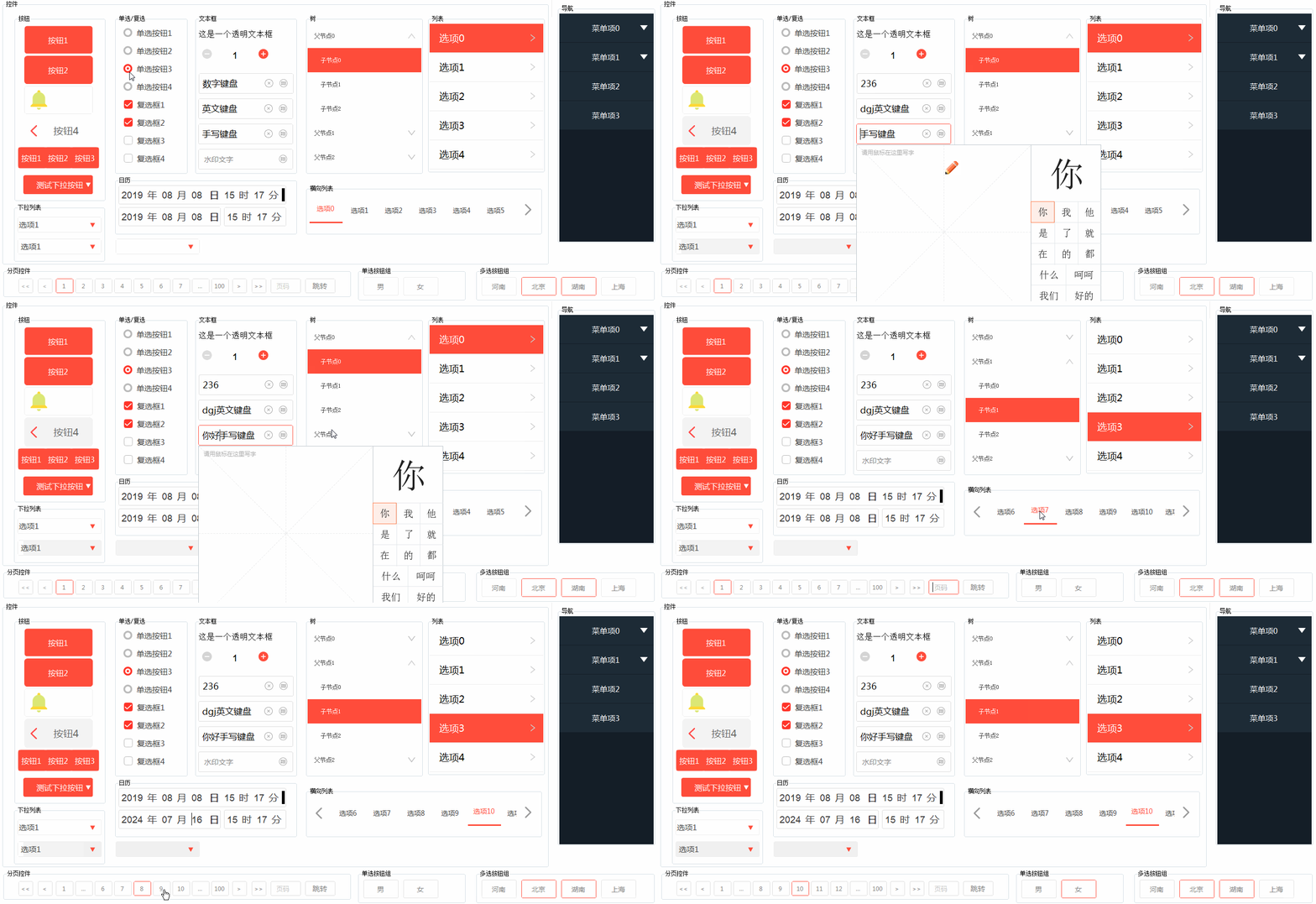
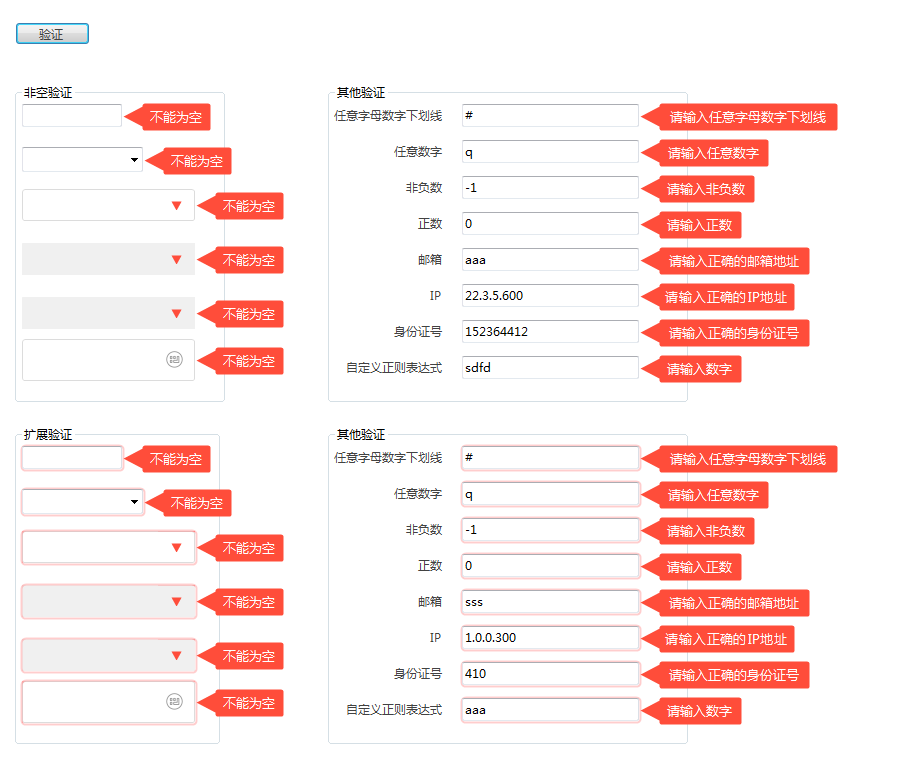
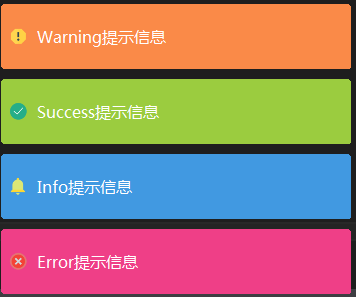
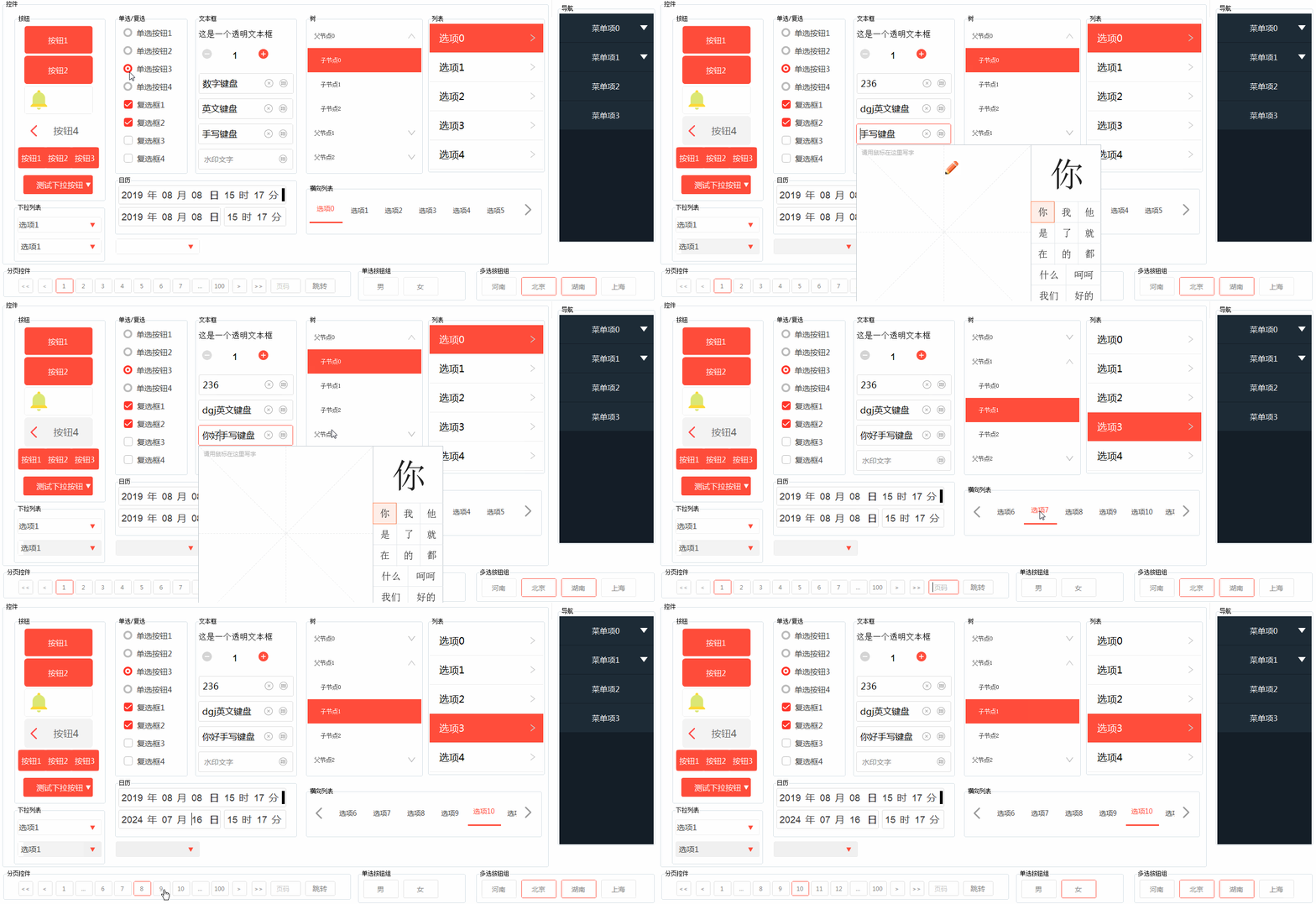
Includes common text boxes, watermark text, numeric fields, input validation, form validation, drop-down lists, time pickers, sliders, tooltips, panels, etc.
2.1.1 Form Controls

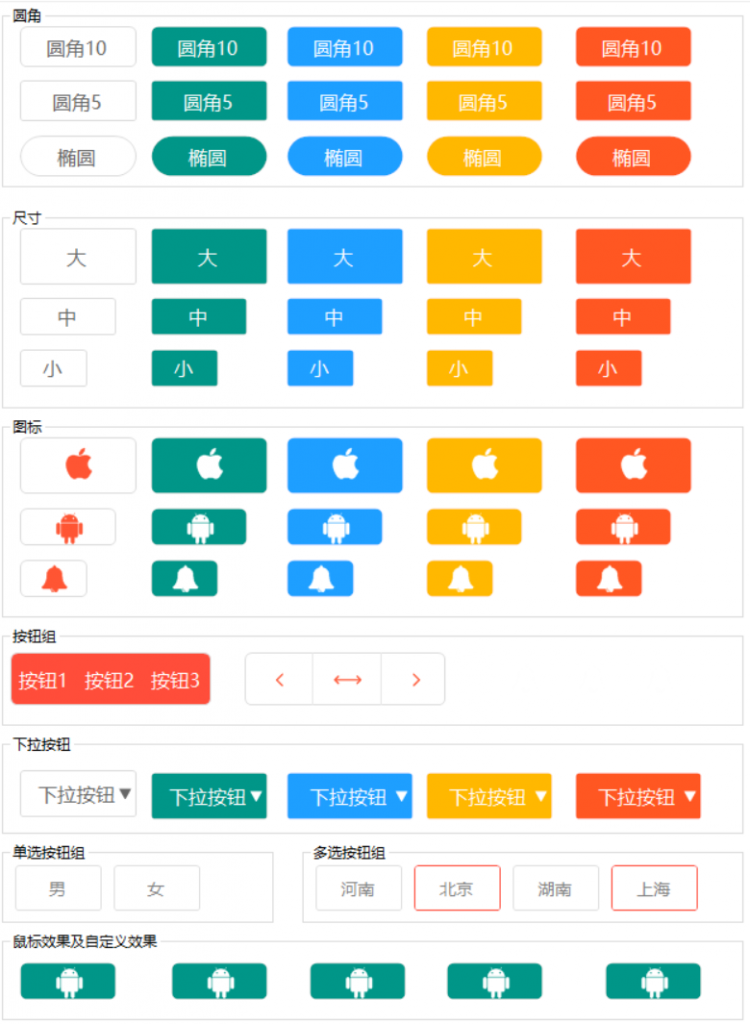
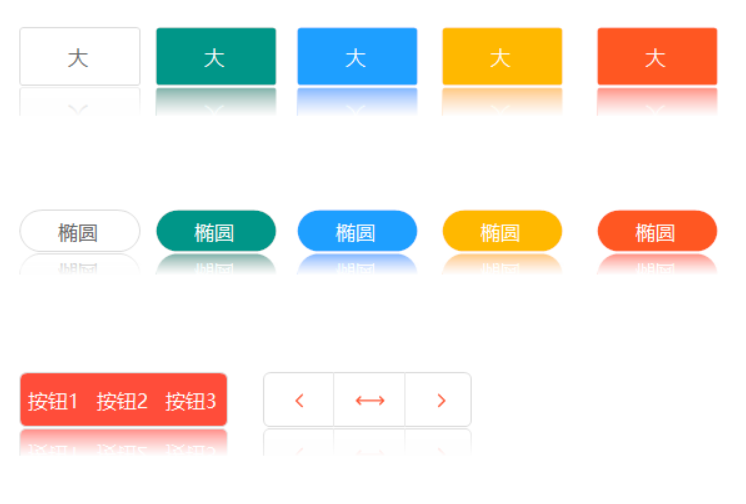
2.1.2 Buttons


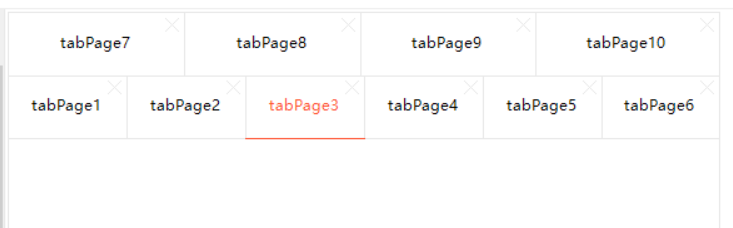
2.1.3 Tabs

2.1.4 Tree
Tree and list controls are similar. Below is the tree control in the HZC library:

2.1.5 Tile List

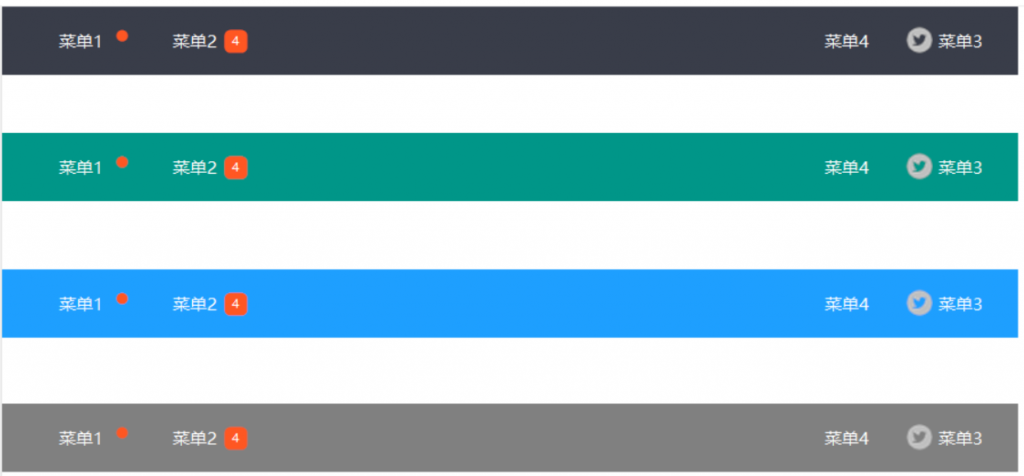
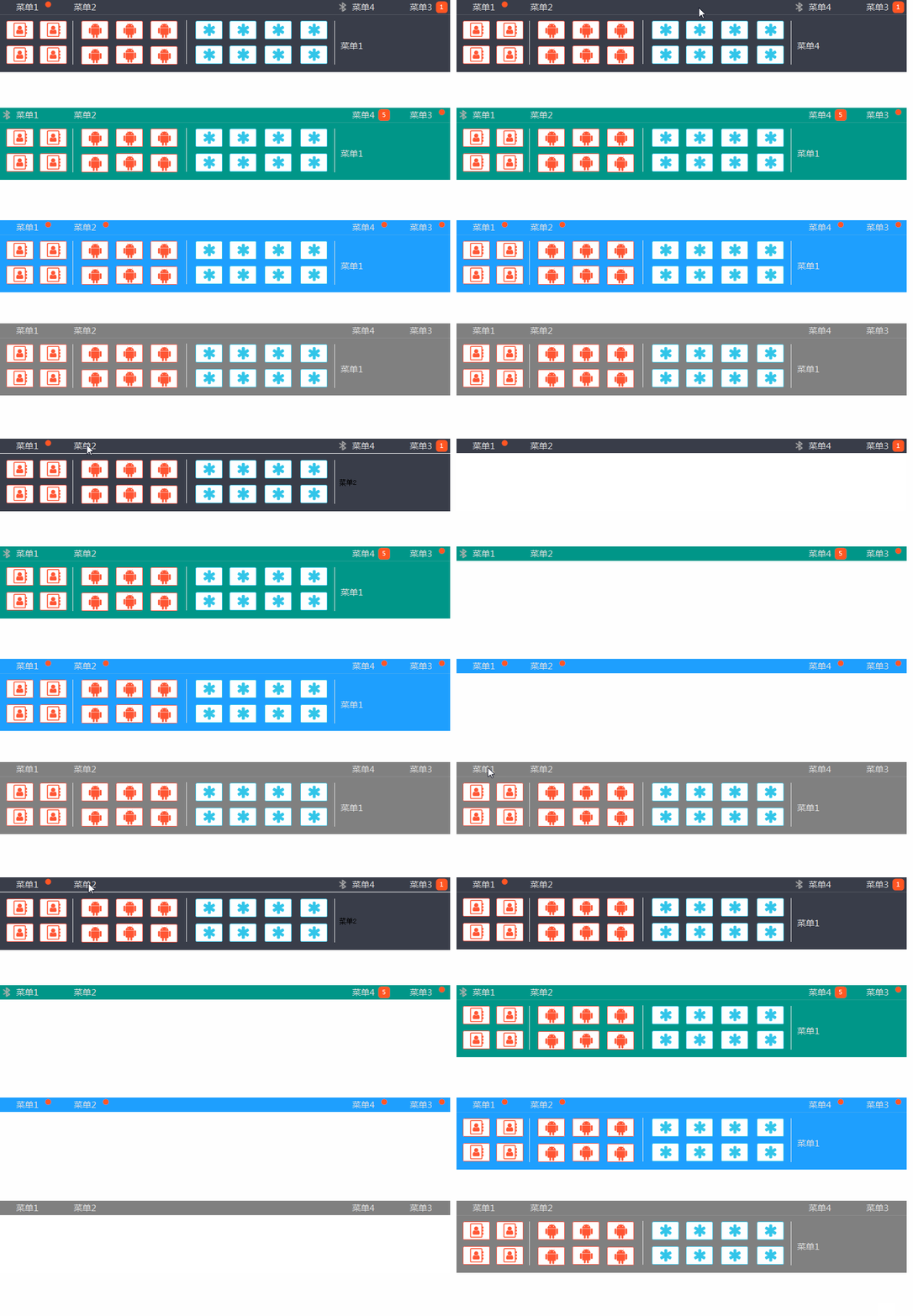
2.1.6 Navigation
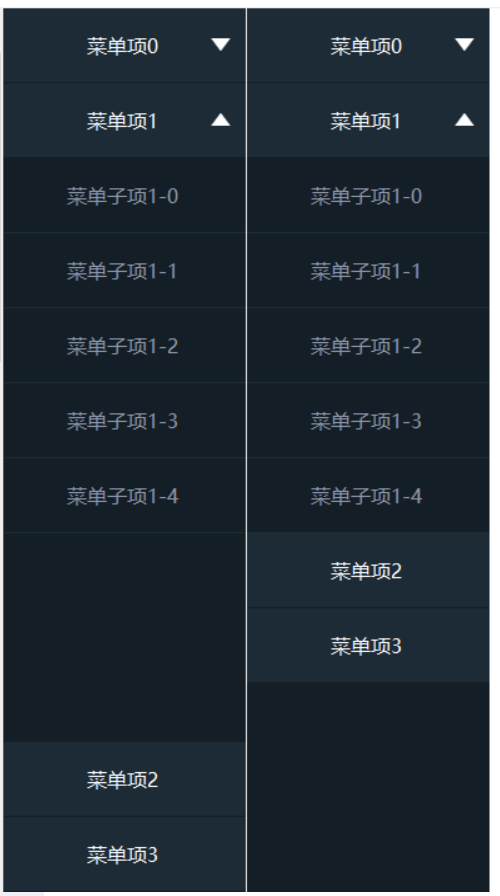
Includes horizontal and vertical navigation menus:

HZH Navigation Menu

HZH Vertical Navigation

2.1.7 Horizontal List

2.1.8 Custom Table
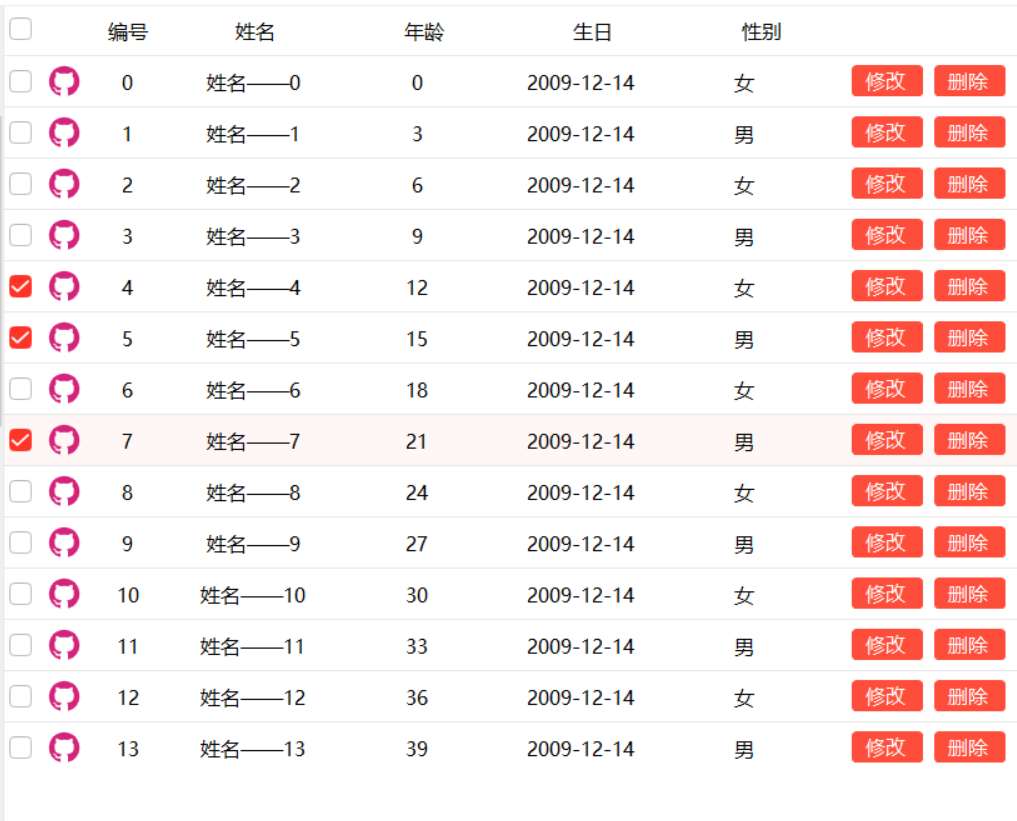
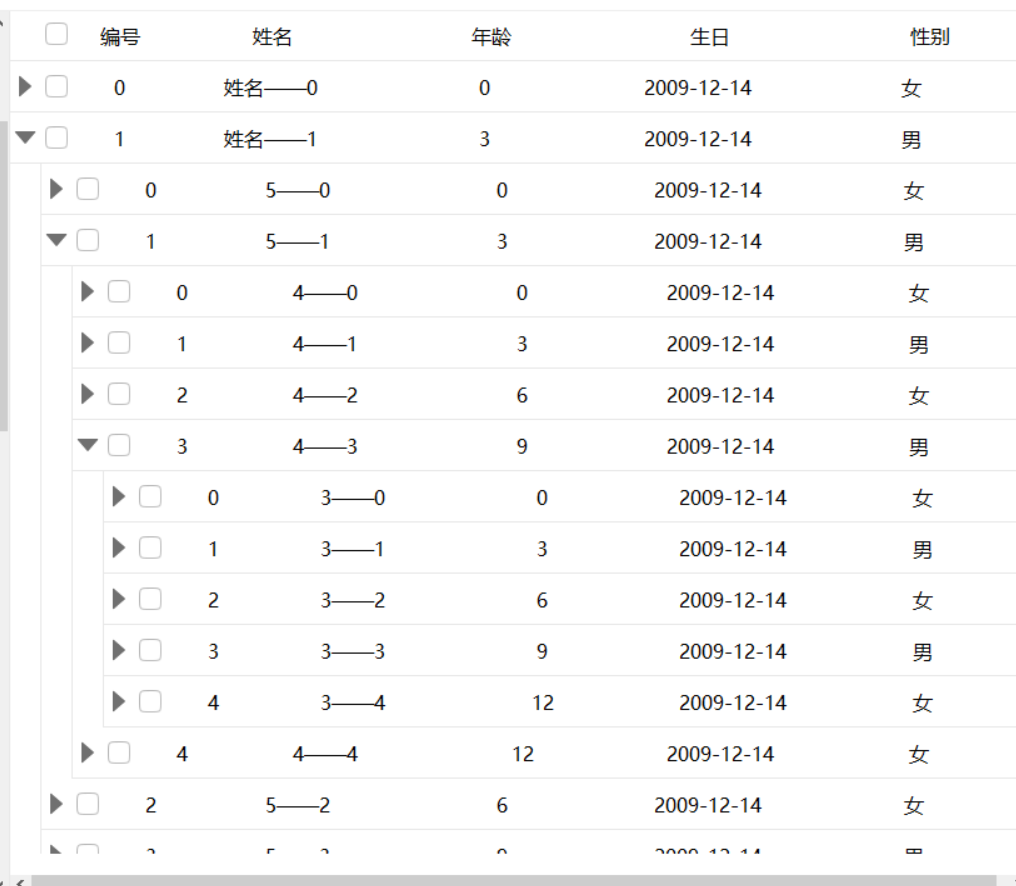
Standard tables and tree tables:

HZH Custom Table

HZH Tree Table
2.1.9 Progress Bar
Various cool progress bars:

2.1.10 Step Control

2.1.11 Breadcrumb Navigation

2.1.12 Tooltip

2.1.13 Scrolling Text

2.1.14 Slider

2.1.15 Water Ripple

2.1.16 Panel

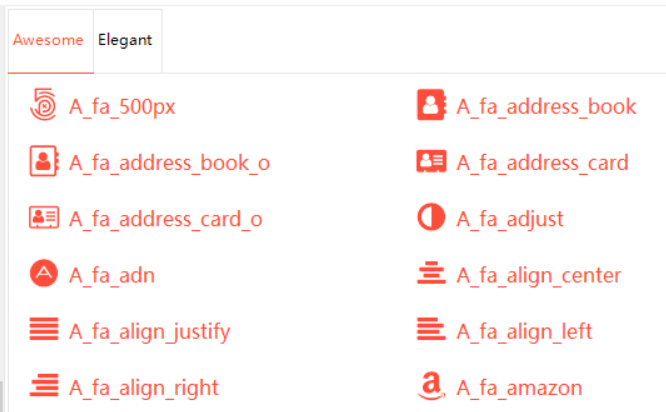
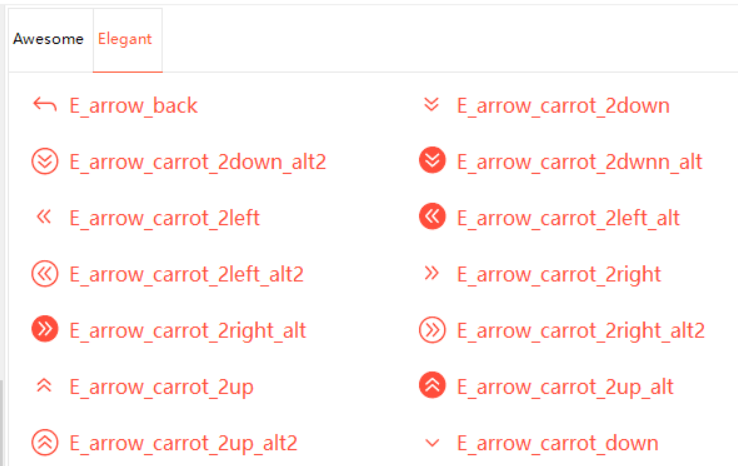
2.1.17 Icons
HZHControls includes two icon sets: Awesome and Elegant.
HZH Awesome Icons

HZH Elegant Icons

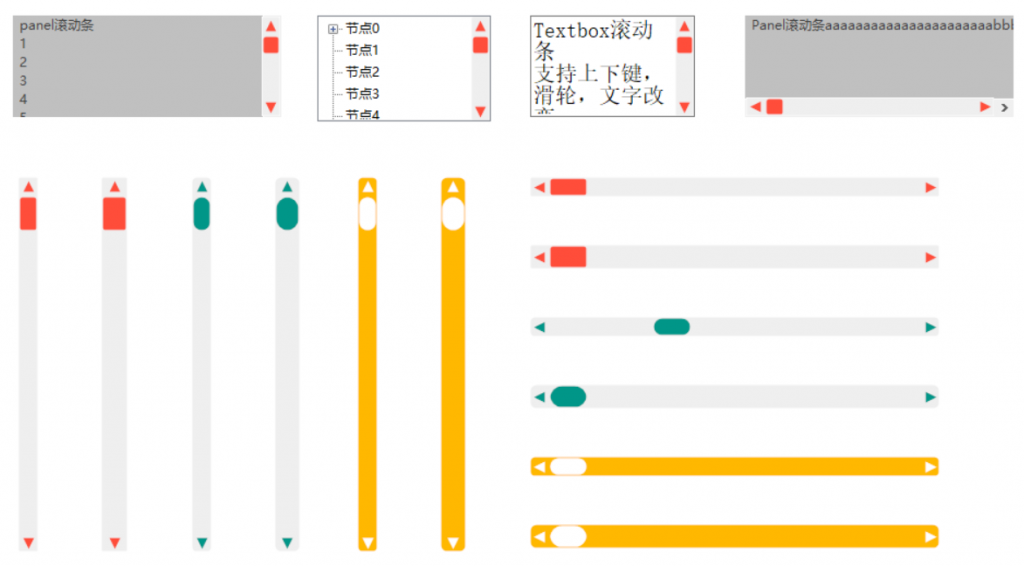
2.1.18 Scrollbar
Includes list, text box, horizontal/vertical scrollbars:

2.1.19 Image Sampling

2.1.20 Timeline

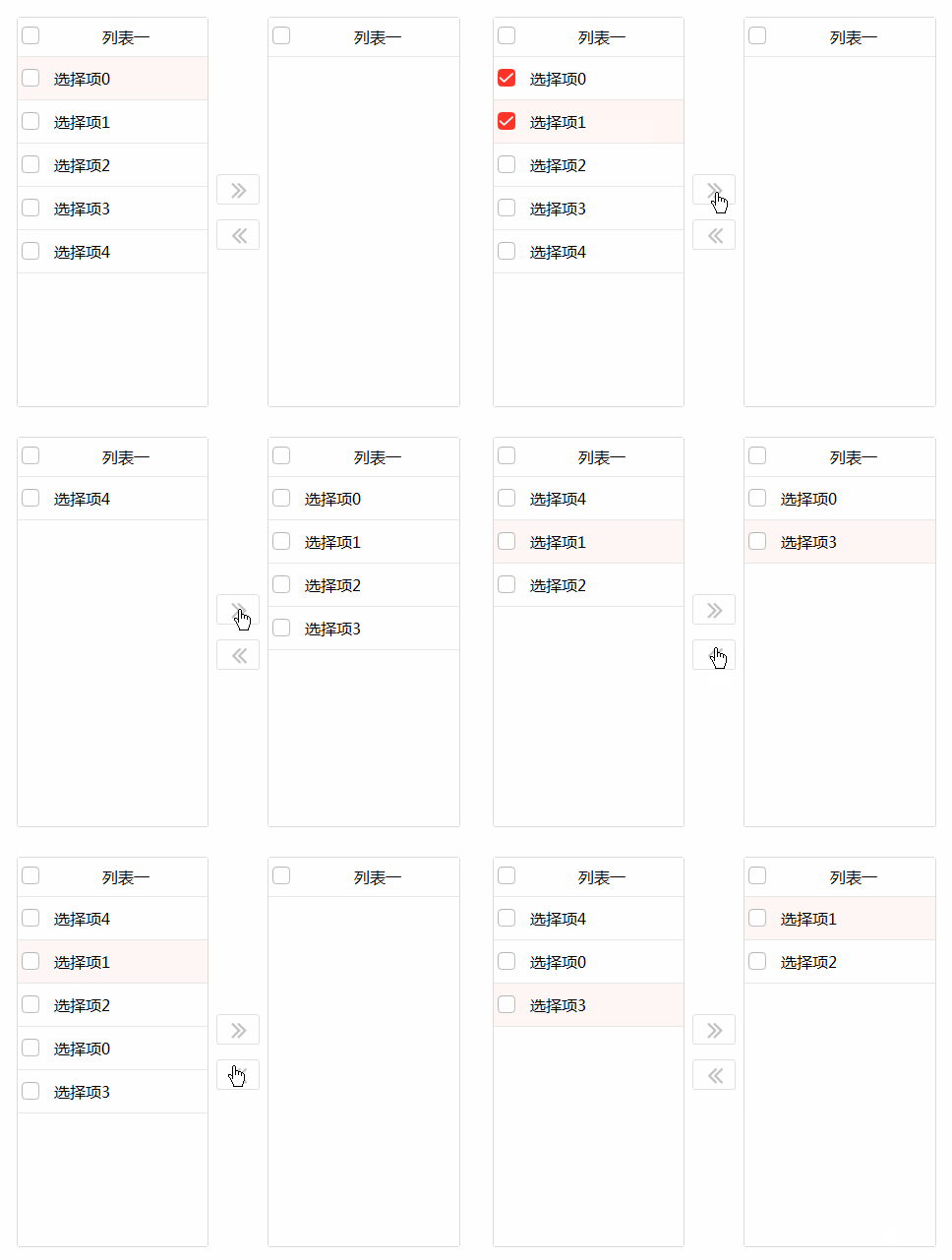
2.1.21 Transfer Box

2.1.22 Blockquote

2.1.23 Form Validation

2.1.24 Divider Label

2.2 Forms
Forms include common dialog boxes, forms with a back button, forms with OK/Cancel buttons, multi-threaded waiting forms, resource loading forms, etc. Only some screenshots are shown below.
2.2.1 Dialog Form

2.2.2 Multi-Input Form

2.2.3 Waiting Window

2.3 Charts
Includes dynamic charts, multi-coordinate charts, bar charts, pie charts, line charts, organizational charts, etc., meeting your data display needs.
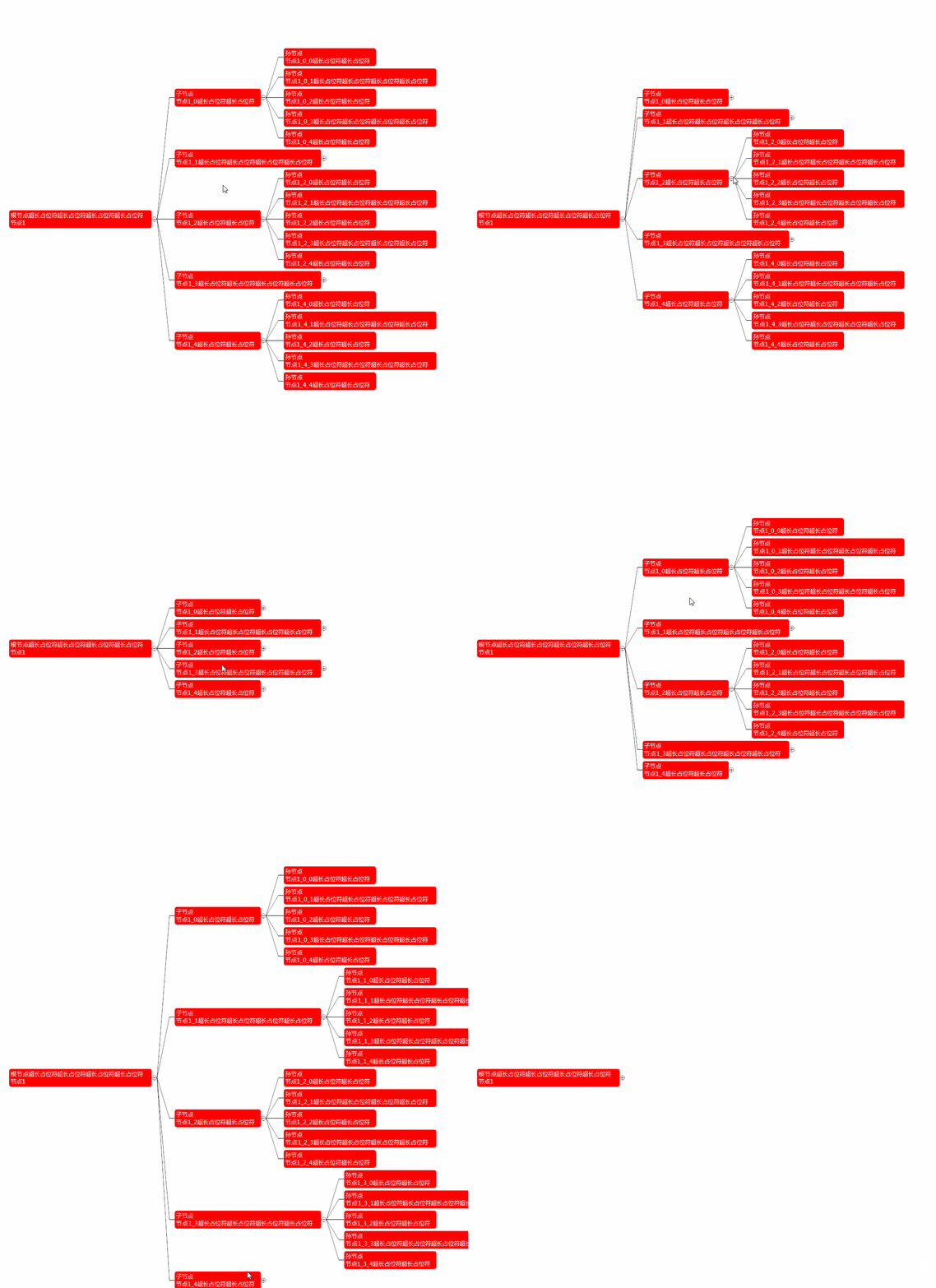
2.3.1 Organizational Chart

2.3.2 Scrolling Chart

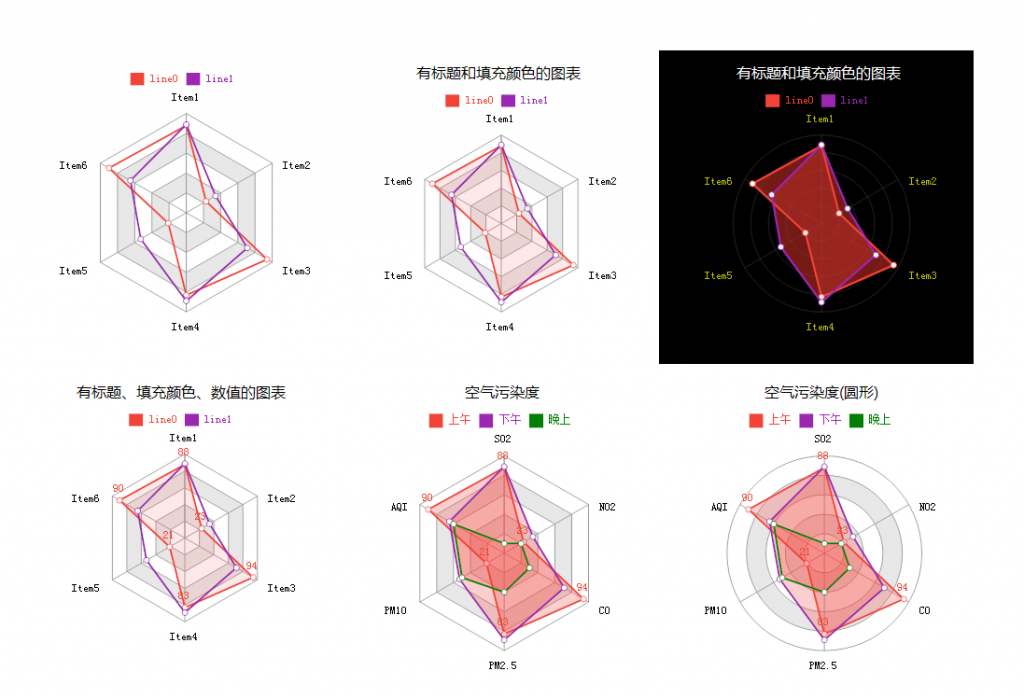
2.3.3 Radar Chart

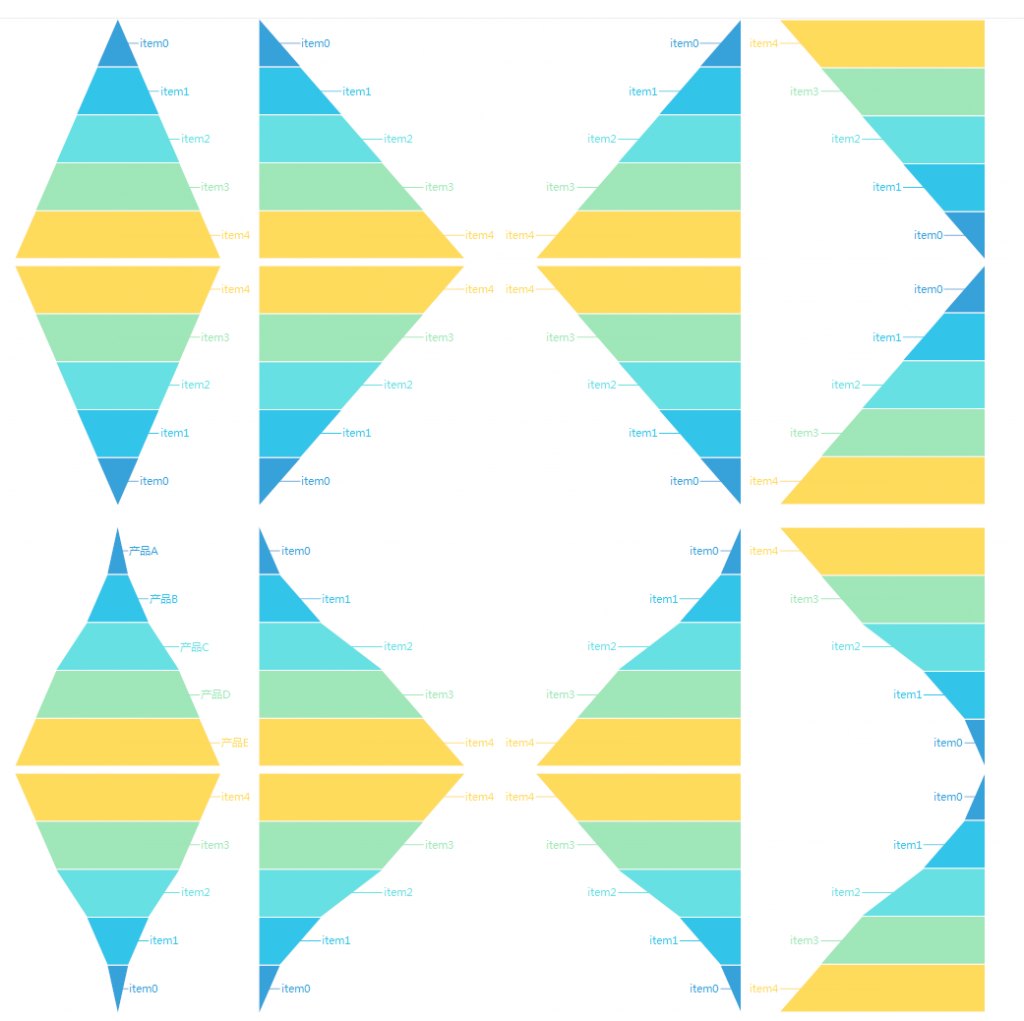
2.3.4 Pyramid Chart

2.3.5 Live Charts
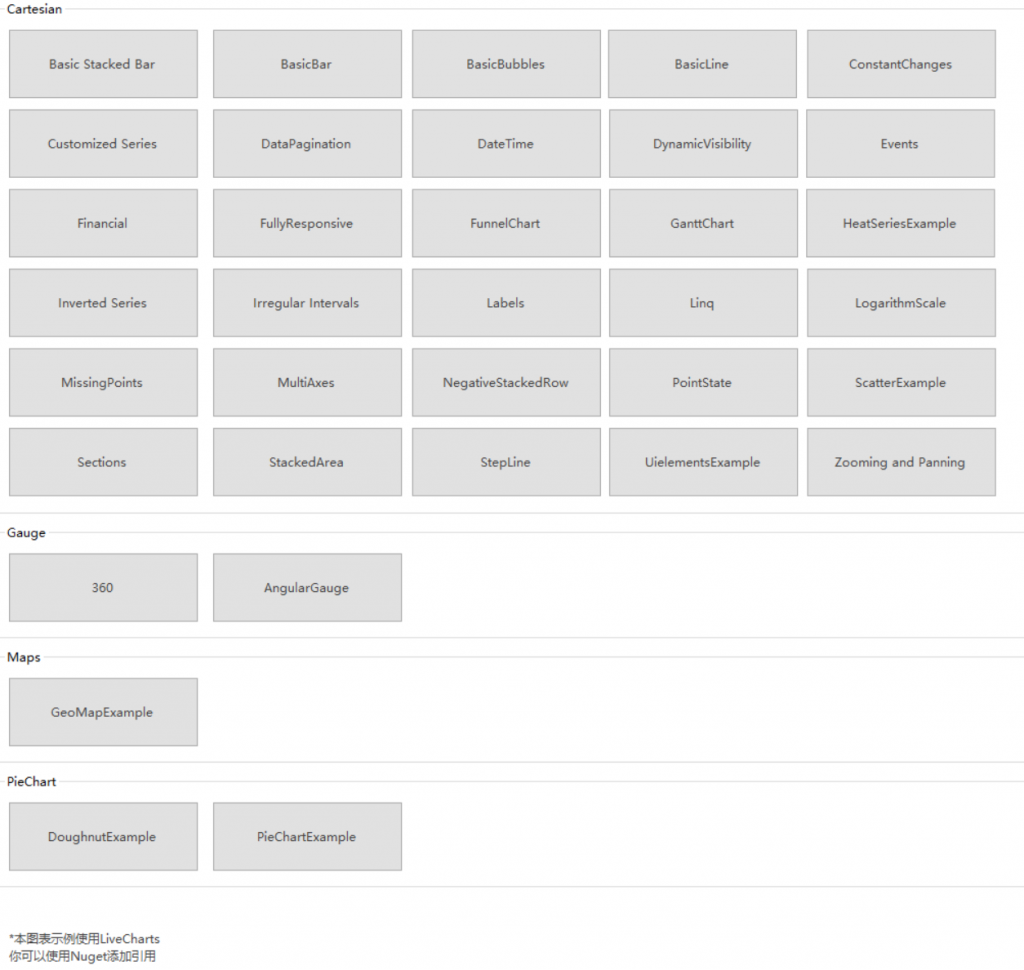
Up to 29 Live Charts:

Existing Live Charts Demo
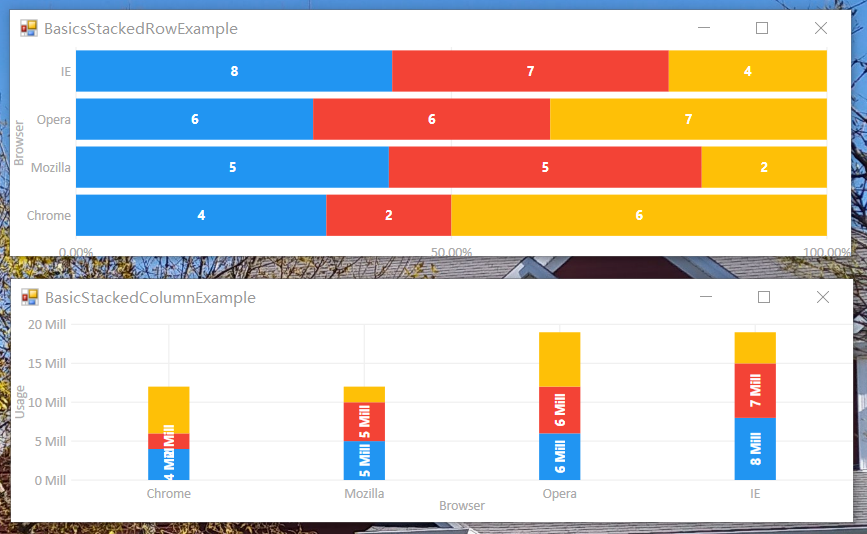
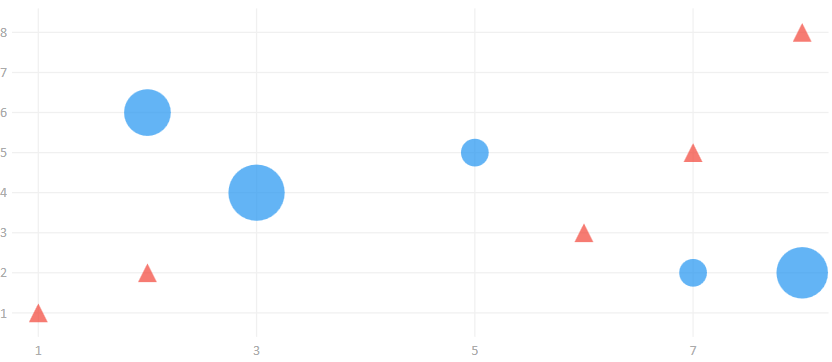
Below are some Live Charts examples. For more samples, please download from Gitee or GitHub:
Basic Stacked Bar

BasicBubbles

BasicLine

Financial

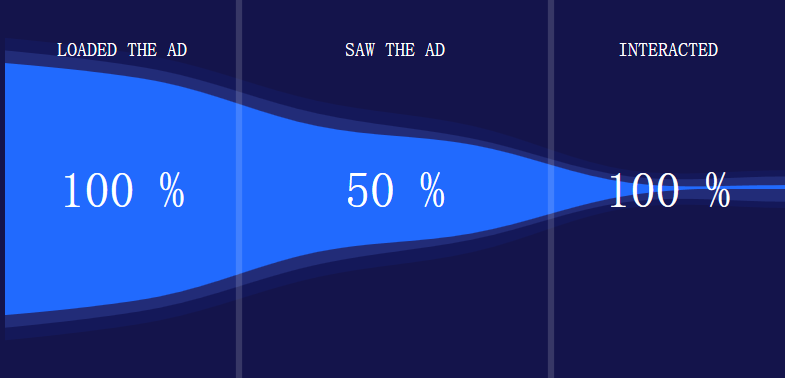
FlunnelChart
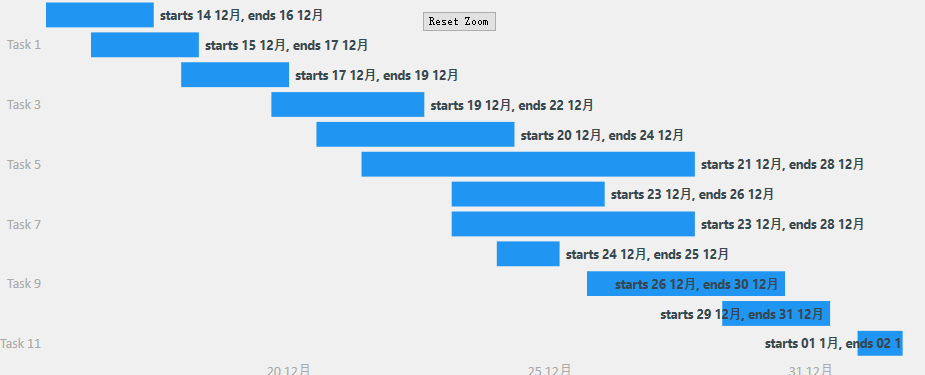
GanttChart
Although GanttChart is not as powerful as Office Project, it is impressive that it is implemented in Winform:

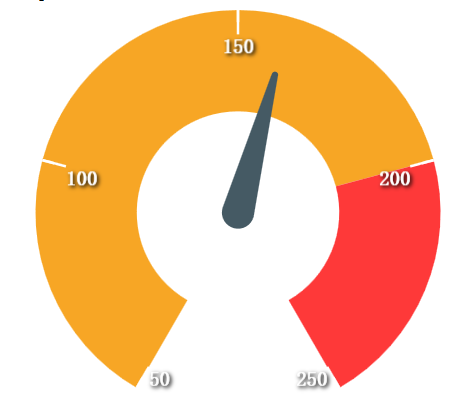
Gauge-360

AngularGauge

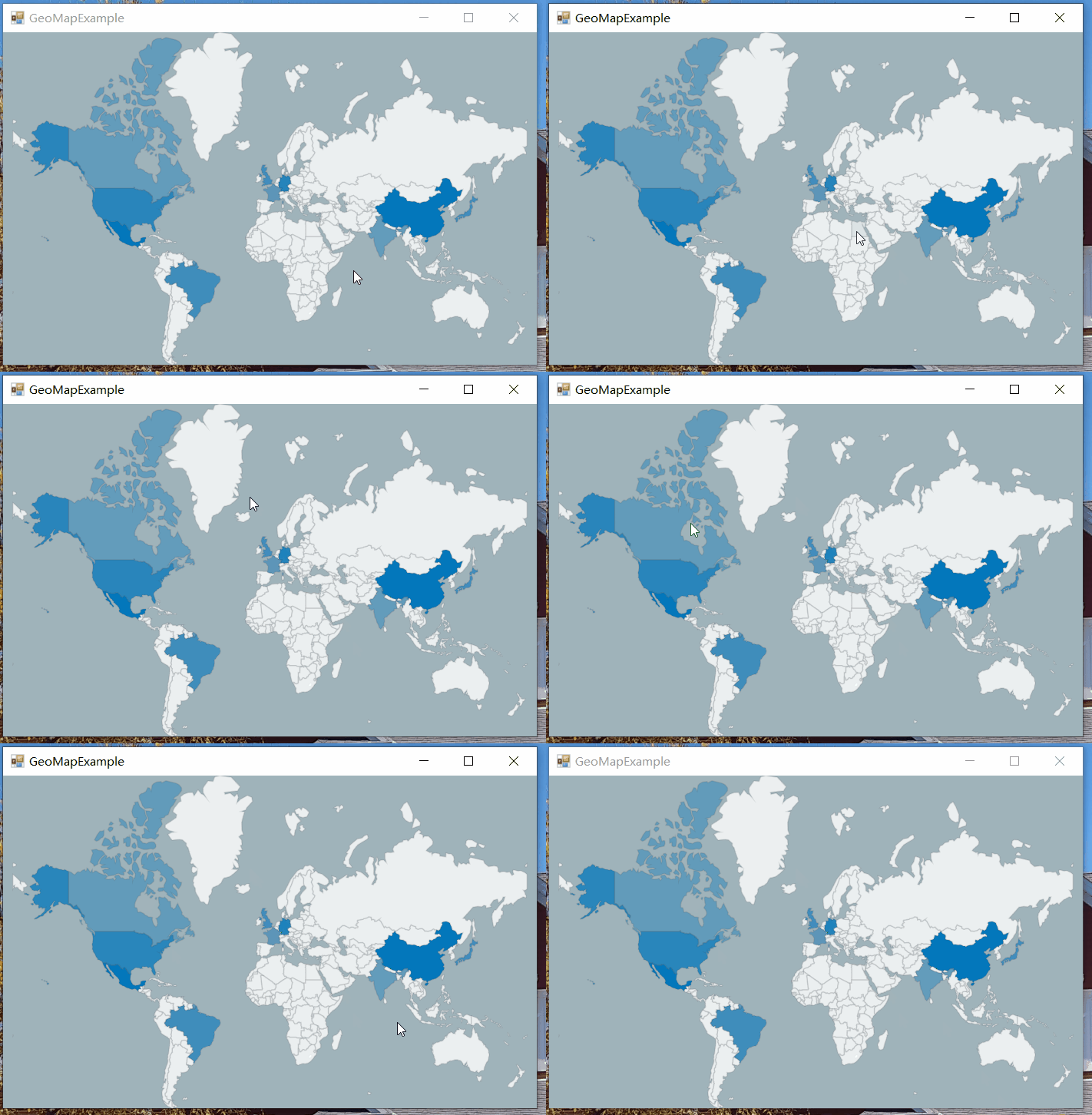
GeoMapExample
DoughnutExample
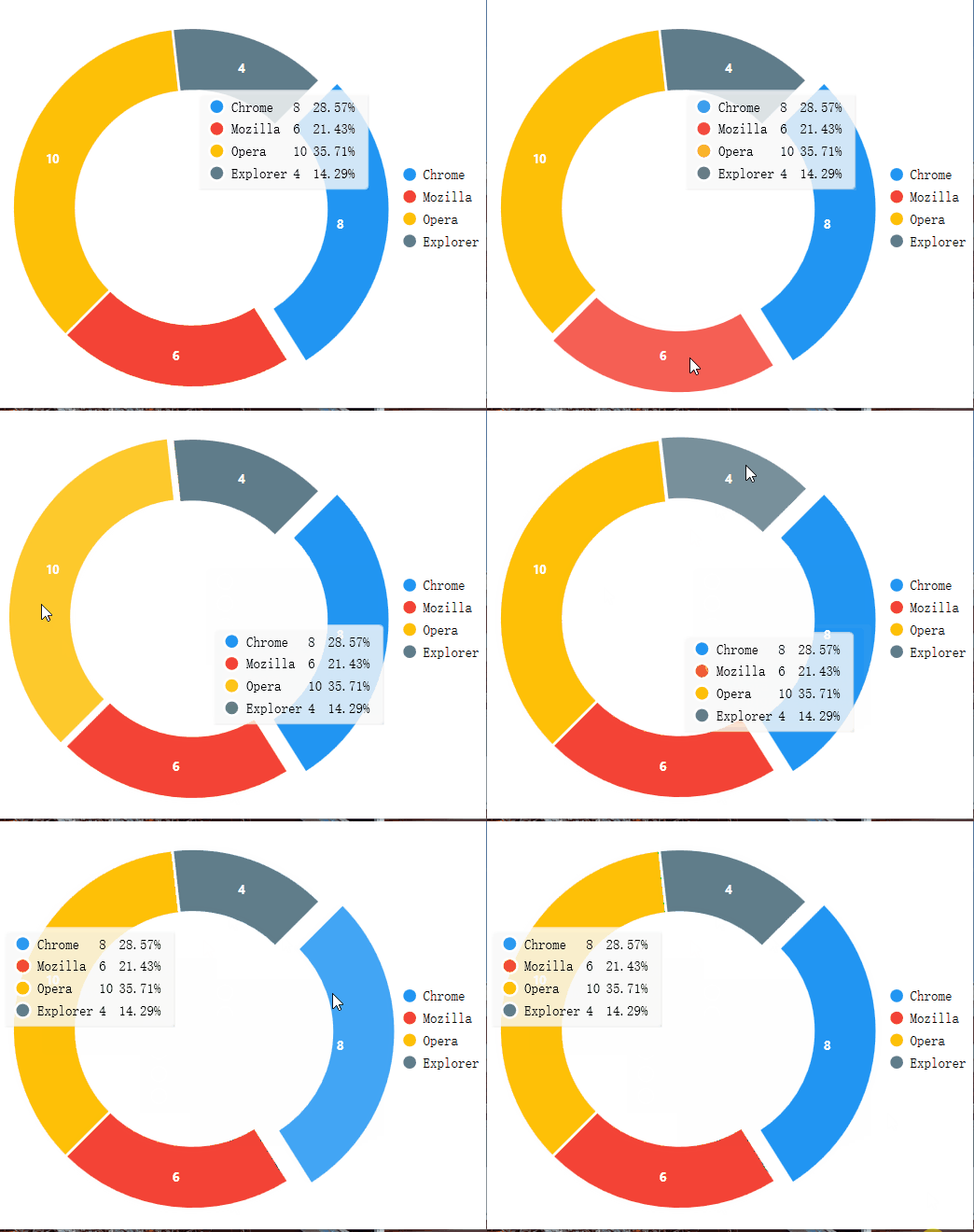
PieChartExample

2.4 Industrial Controls
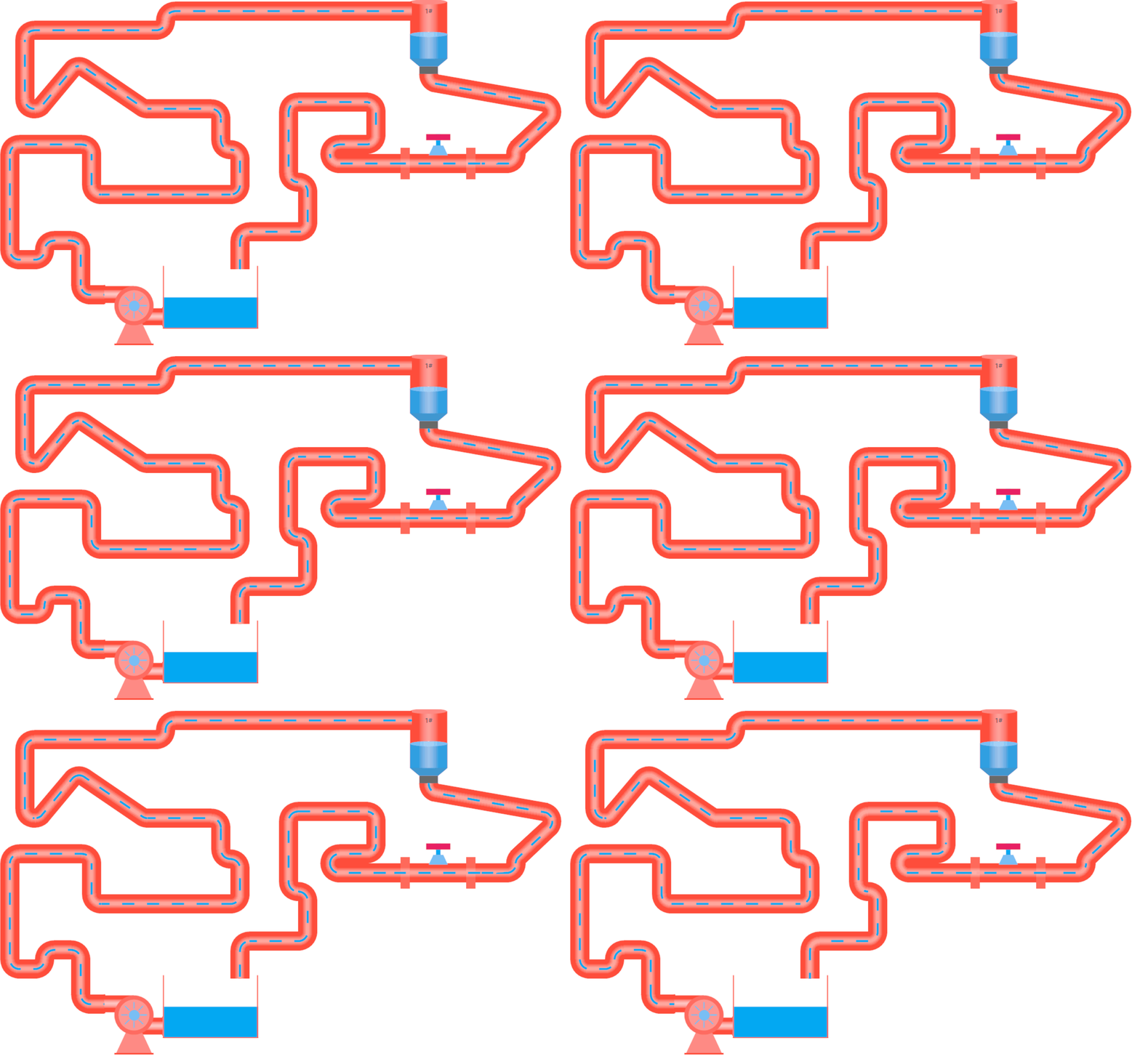
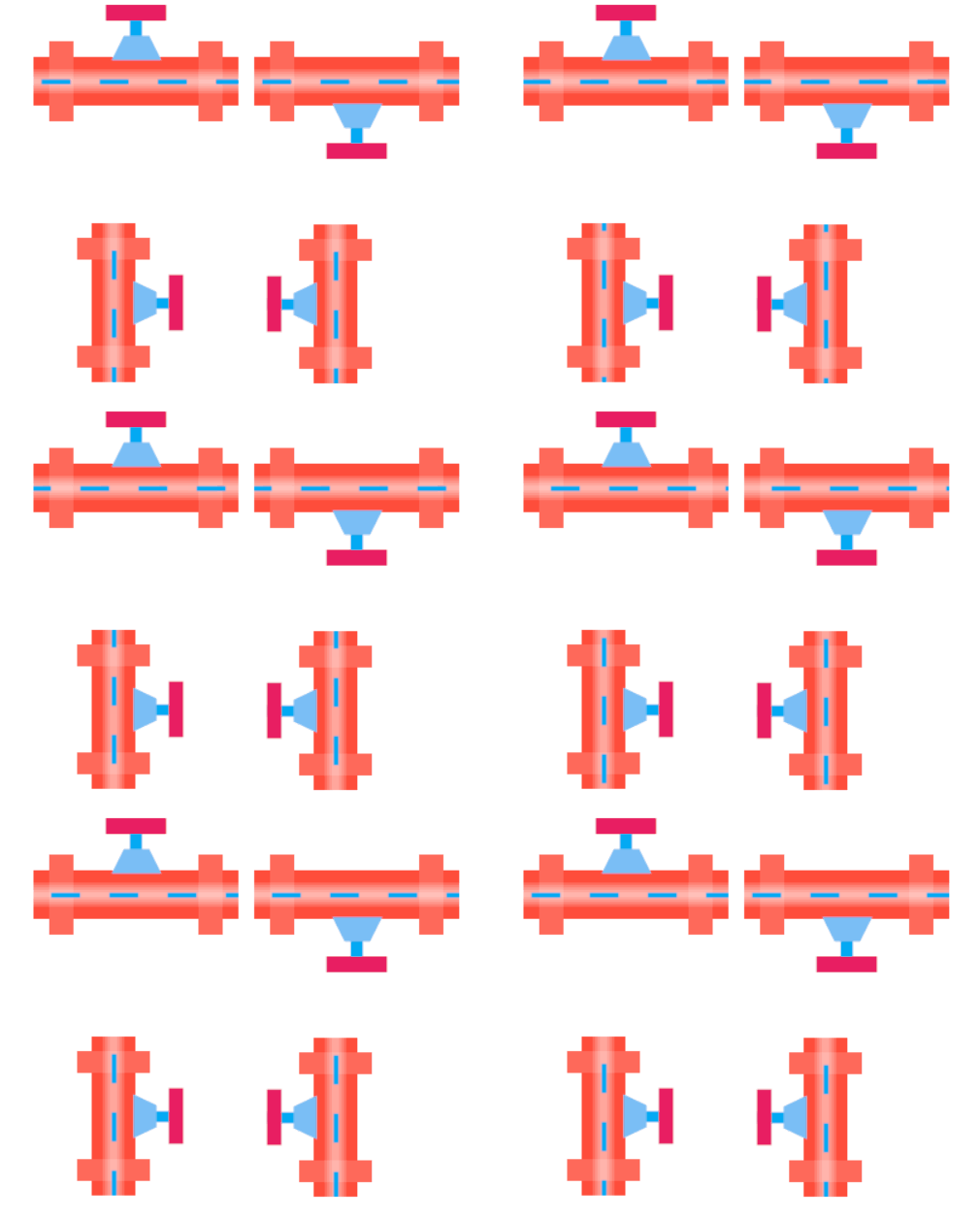
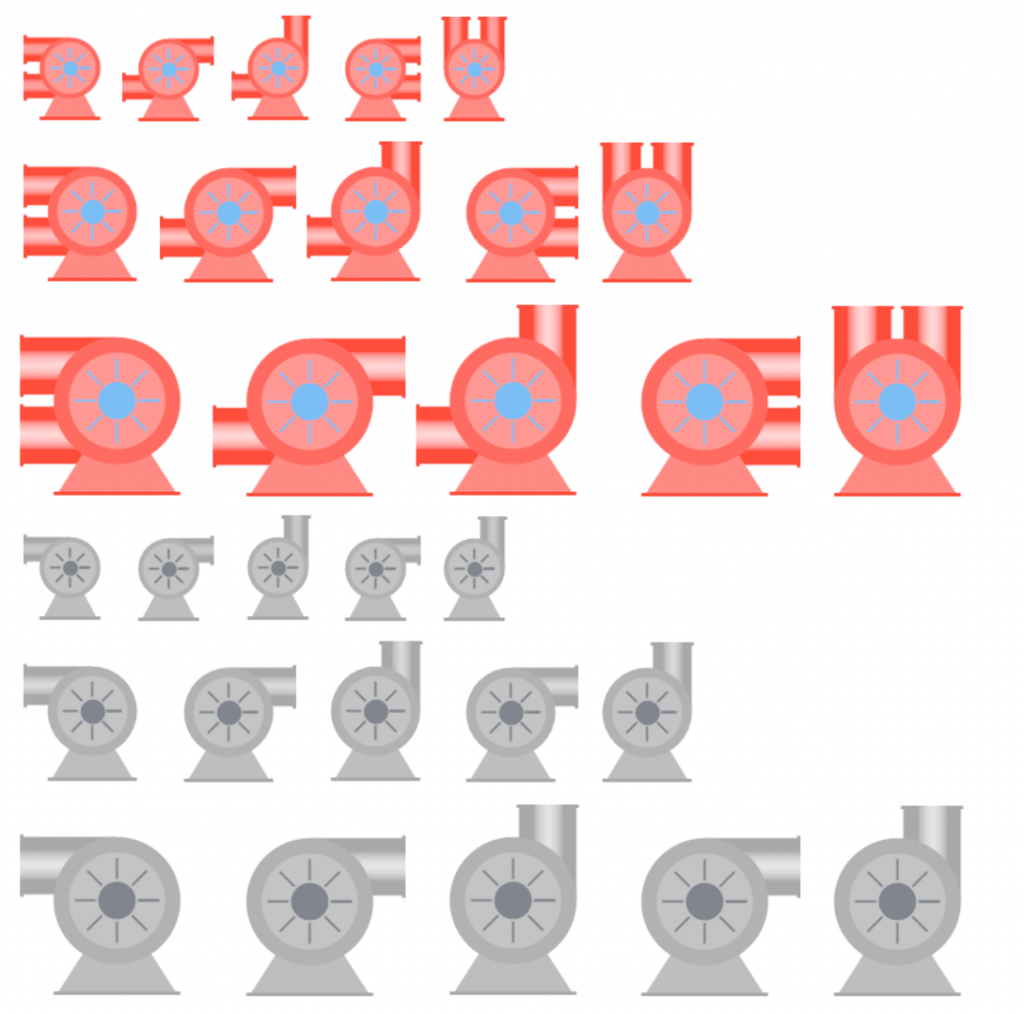
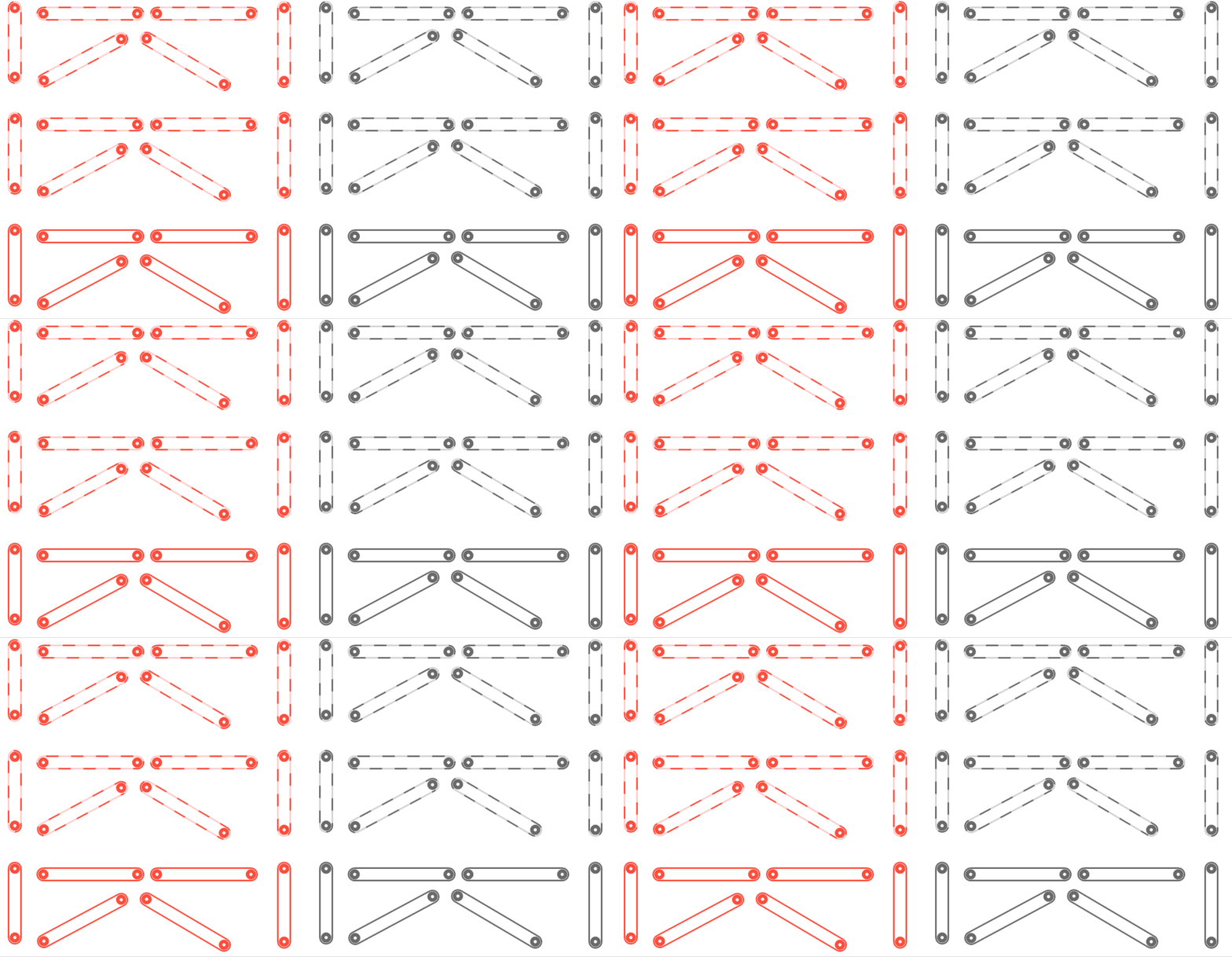
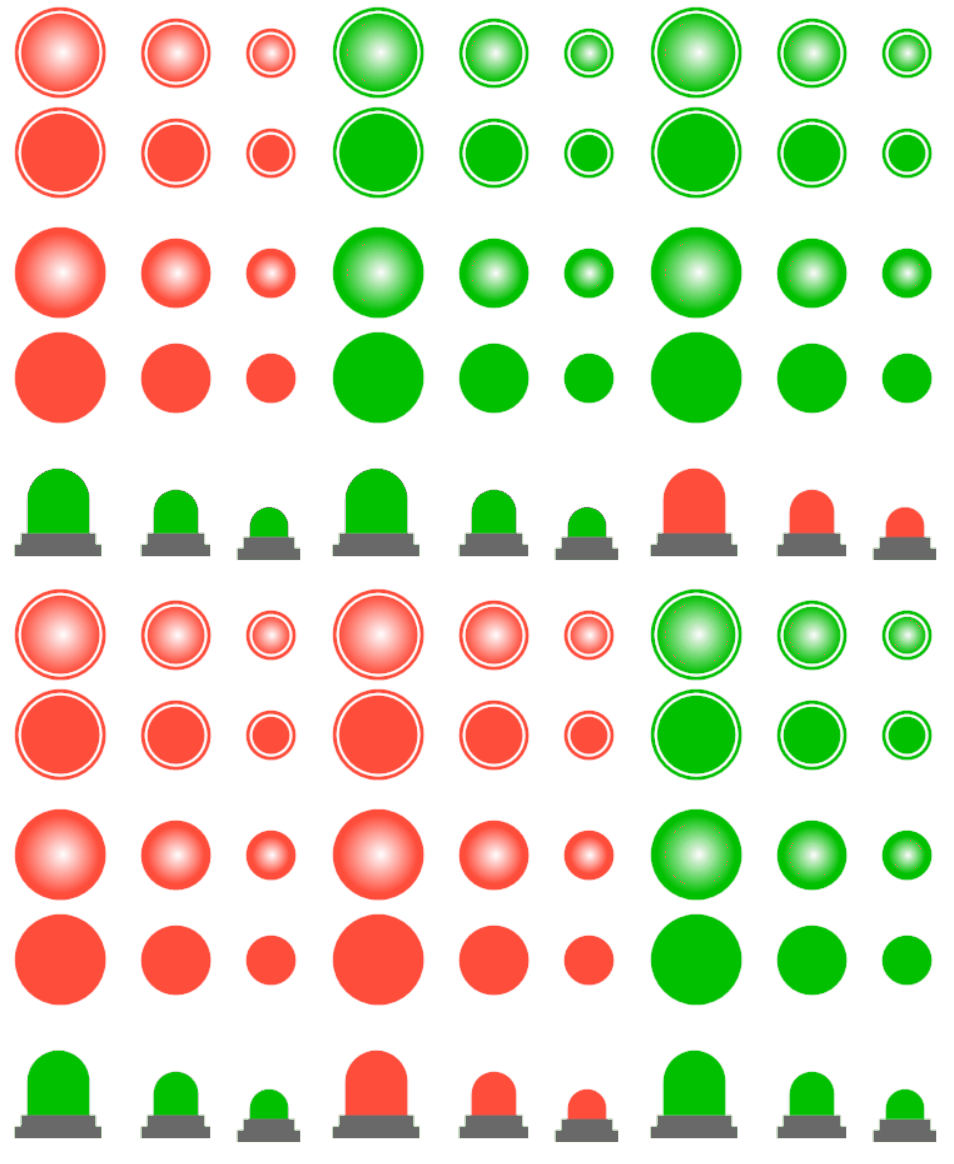
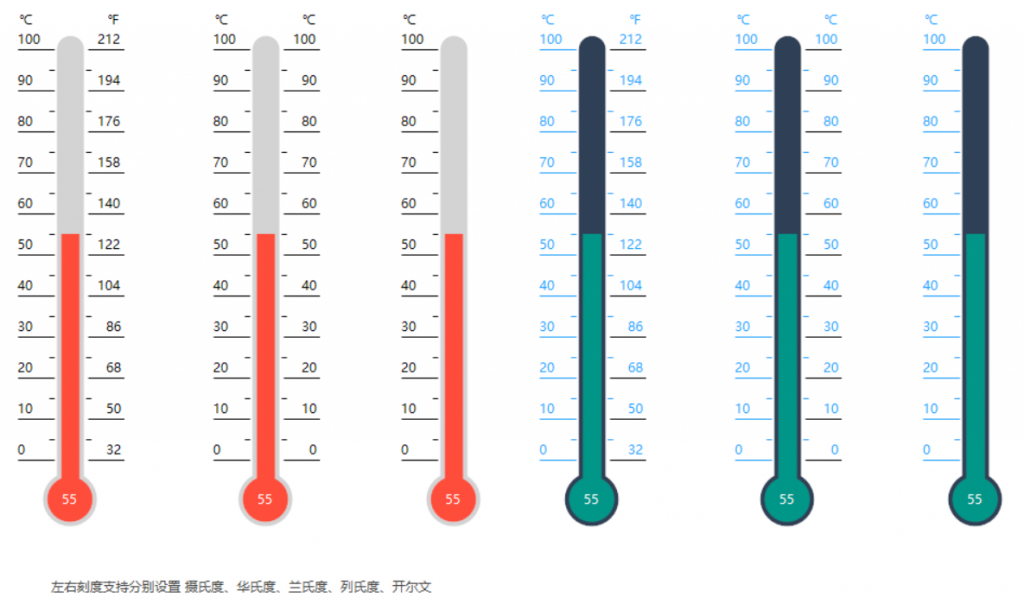
Includes pipes, fans, warning lights, valves, LED text, gauges, conveyor belts, thermometers, and sampling controls, covering all aspects.
2.4.1 LED Text

2.4.2 Gauge

2.4.3 Pipe

2.4.4 Valve

2.4.5 Blower

2.4.6 Conveyor Belt

2.4.7 Warning Light

2.4.8 Arrow

2.4.9 Thermometer

III. Obtaining HZHControls
3.1 Official Help Documentation, Blog
Official website: http://www.hzhcontrols.com/ .

Control help documentation: http://www.hzhcontrols.com/doc.html .

HZH Controls Help Documentation
Author's Blog Park: https://www.cnblogs.com/bfyx/ .

3.2 Technical Exchange Group
Author's QQ: 623128629.
QQ Group: 568015492 .
3.3 Source Code Acquisition
GitHub: https://github.com/kwwwvagaa/NetWinformControl .

Gitee: https://gitee.com/kwwwvagaa/net_winform_custom_control .

IV. Closing Remarks
There are not many open-source C# Winform control libraries. This library is indeed excellent. Winform developers can refer to and learn from it, especially the author's blog, which is a great place to learn about custom Winform controls.
Even the best control libraries may have bugs. It's not easy for the author to open-source the control library, given limited personal capabilities. If you encounter usage issues or find bugs in the controls, please feel free to contact the author or ask questions in the QQ technical exchange group. The author of the control library and the editor welcome everyone to learn and discuss together.