Open Source Winform Control Library: Mulan Control Library

Open Source Winform Control Library: Mulan Control Library

This project can be compiled. Except for the animation functions extracted from Silverlight and the ColorEditorExt.cs color panel view designer extension modified from online examples, all other controls are written based on native controls without using any third-party libraries, so feel free to use it without any copyright infringement issues.

Last updated 11/21/2021 7:48 PM
沙漠尽头的狼
6 min read
Category
Winform
Topic
Winform Control Library
Tags
.NET C# Winform Control Library Winform Open Source Project

Recommended by a WeChat friend, this is a pretty nice Winforms control library. Let's take a look.

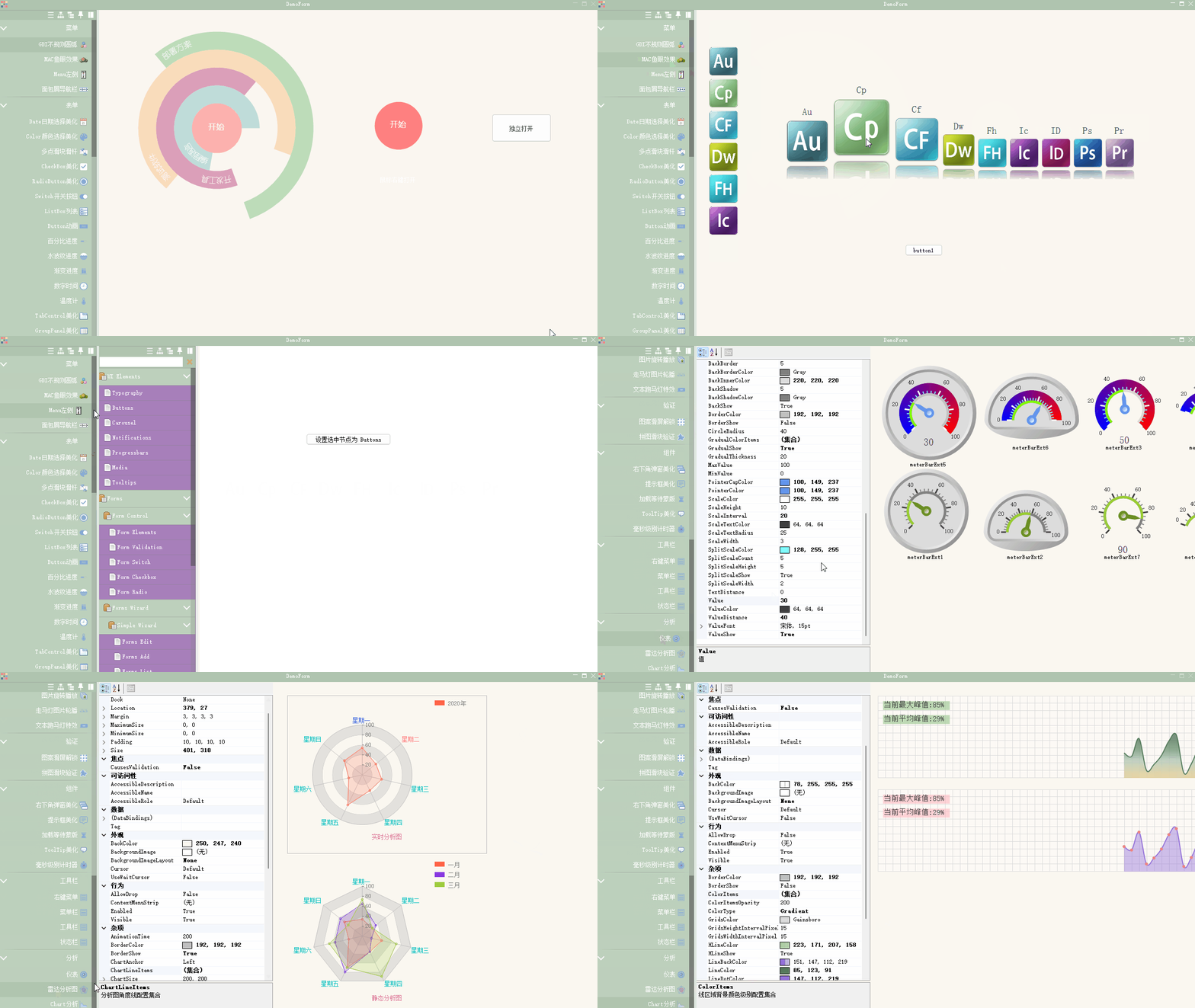
Screenshot of Hua Mulan Control Library on Gitee

Introduction

  • A Winforms control library developed based on C# 4.0, VS2019, Net Framework 4.0 (excluding Net Framework 4.0 Client Profile). To ensure compatibility, C# 4.0 was used, so lower versions of VS can also compile the project. Apart from the animation functions extracted from Silverlight and the ColorEditorExt.cs color panel view designer extender modified from online examples, all other controls were written from scratch based on native controls, without using any third-party libraries. So feel free to use it – there is no issue of copyright infringement.

  • These controls were originally published individually on a blog, and this is their first full release on Gitee. Because the original controls were developed independently, many of them use sliding effects, leading to excessive timer consumption. Therefore, before the full release, most controls were modified, but there may still be bugs. Hence, this control library is suitable for those with basic knowledge of control development. The controls themselves are not complicated; they use minimal Windows messages and mostly rewrite the Paint method. Also, all controls currently use a full refresh drawing method, so you can further optimize them. These controls were developed out of curiosity and have never been used in a real project. If you use them in your own project, it's best to test them for bugs first. Why? Because during development, I encountered bugs that caused VS to crash and close automatically when operating the visual designer. Developing controls with a visual designer is quite troublesome – you must understand the principles of the VS visual designer.

About Licensing

  • There are 3 licensing options: (None of the following include bug-fixing services, nor have I intentionally left any bugs)

    1. 30 RMB (Renminbi) perpetual license (applicable to all future versions). The control library can be integrated into your commercial system, but it cannot be resold or licensed to others. For secondary development, see option 2 below.

    2. Free perpetual license (applicable to all future versions). You can use it for learning but any commercial use is prohibited. However, if you perform secondary development on these controls, and your control library's functionality is at least twice as powerful as my free licensed source code, with code similarity below 50%, you may independently publish and sell your source code. In that case, you must add a description to your source code copyright stating: "This control library is developed based on the Hua Mulan control library." If your secondary development results in a source code that is 90% dissimilar from my free licensed source code, you don't need to add that description, because I acknowledge that a successful imitation can be original.

    3. Free perpetual license (applicable to all future versions). You may freely integrate the control library into your commercial system, but it cannot be resold or licensed to others. Also, all files in your system that use this control library must include my copyright notice, especially the Ballad of Mulan (木兰诗) which must not be deleted – don't ask why.

Repository Introduction

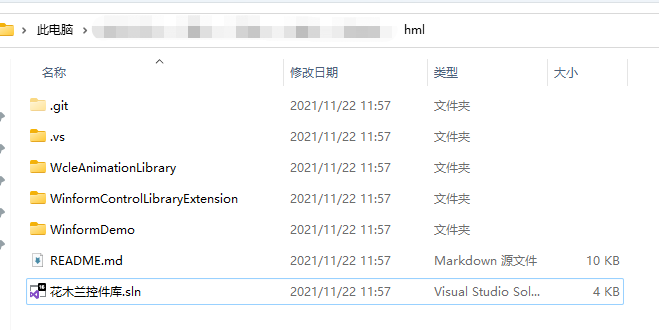
After cloning from the Gitee repository Hua Mulan Control Library, the overall directory structure is as follows:

Hua Mulan Control Library Directory

The author used Chinese names for the solution – no problem there.

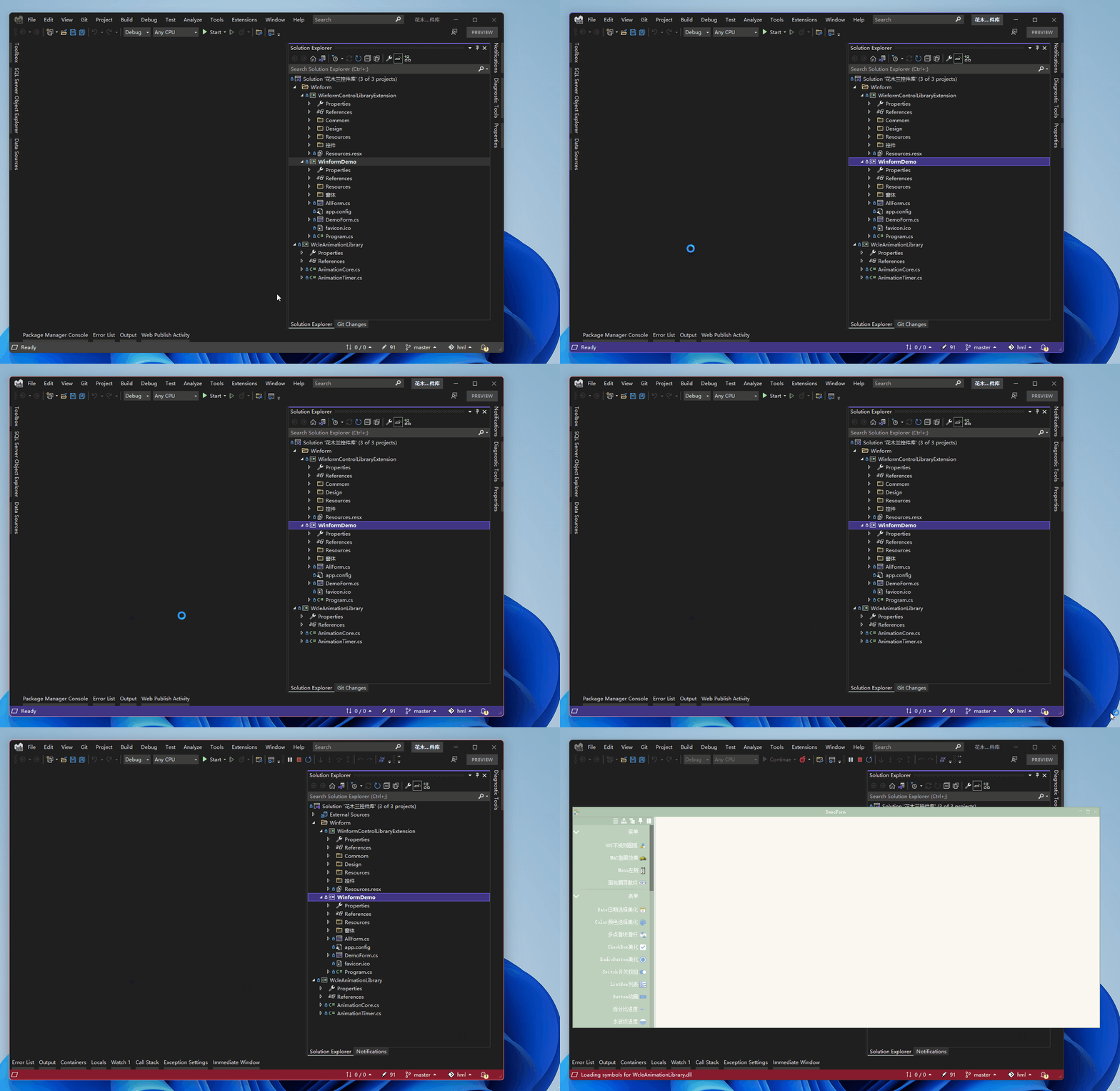
Open the solution with [Microsoft Visual Studio Enterprise 2022 (64-bit) - Preview]. Why use the VS 2022 preview? Hasn't the official version already been released? (...)

Solution structure:

Solution structure

We won't look at the source code here – feel free to study it if you're interested. Select the WinfromDemo project as the startup project, press F5 to run, and let's showcase a few effects (Note: The author mentioned in the repository README that exceptions may occur during runtime; use at your own risk):

Running the WinformDemo project:

Running WinformDemo project

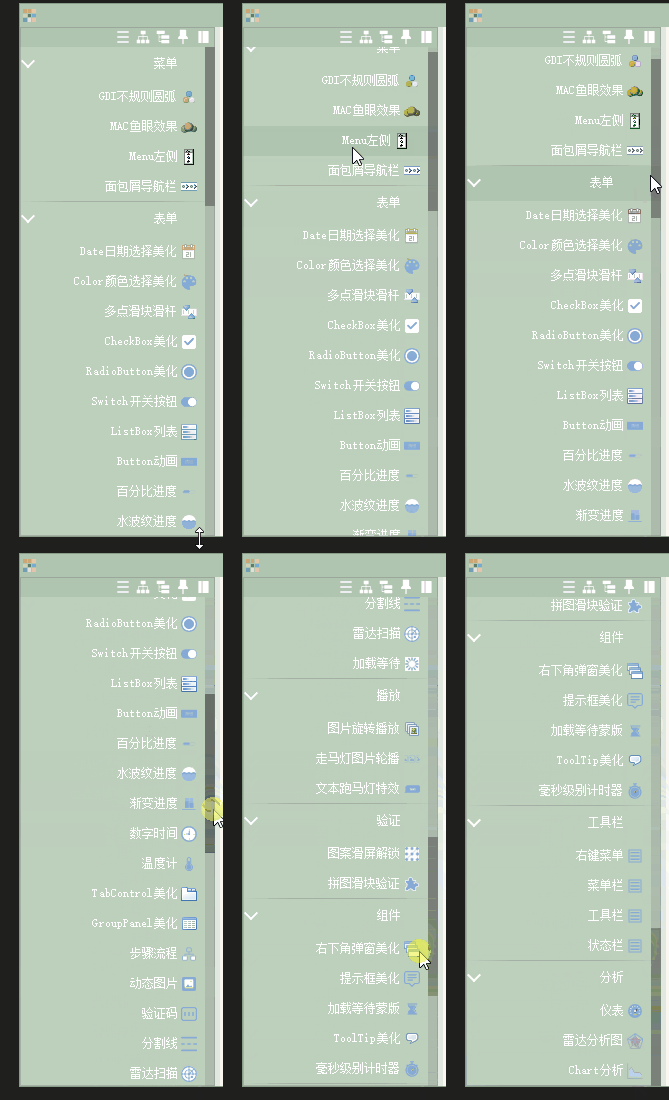
First, let's see what controls are available. Below is the control list:

Control list

  1. Menu

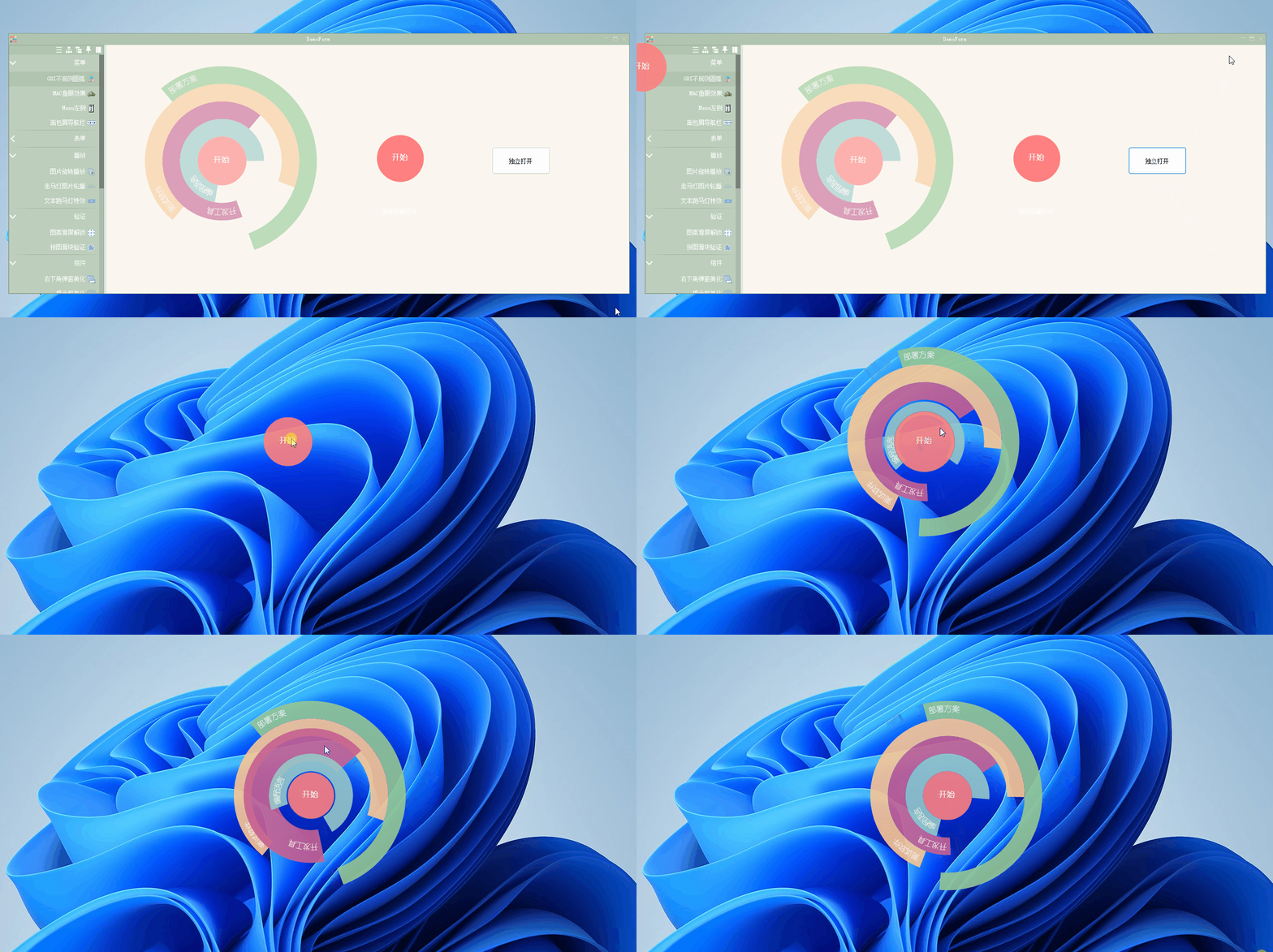
GDI irregular arc:

Right-click to expand/collapse

Irregular arc

See the "Open Independently" button next to it? Click it:

Irregular arc

You can move it around – use your imagination for how to use this.

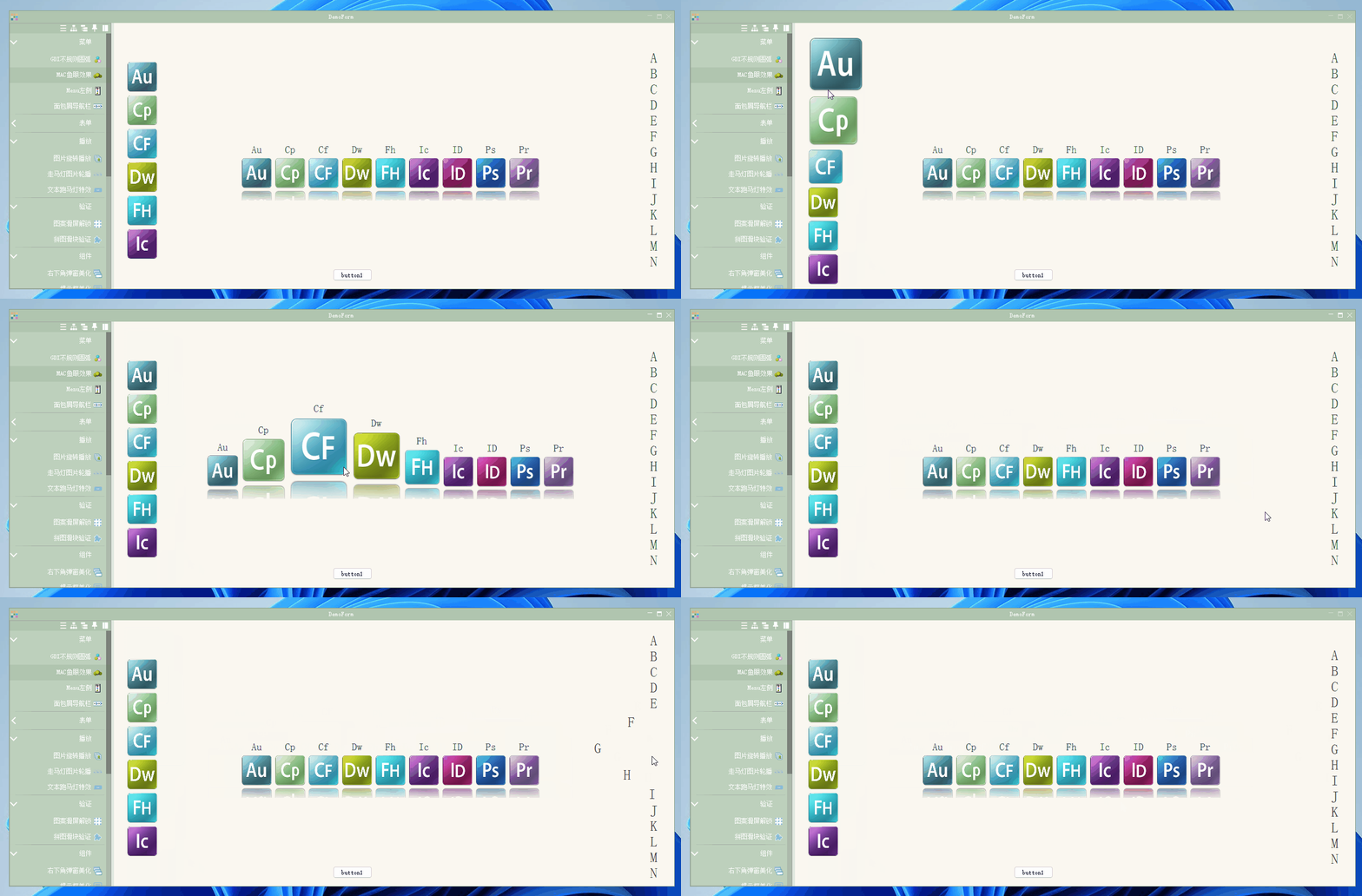
MAC fisheye effect:

A pretty cool MAC fisheye effect menu:

MAC fisheye effect

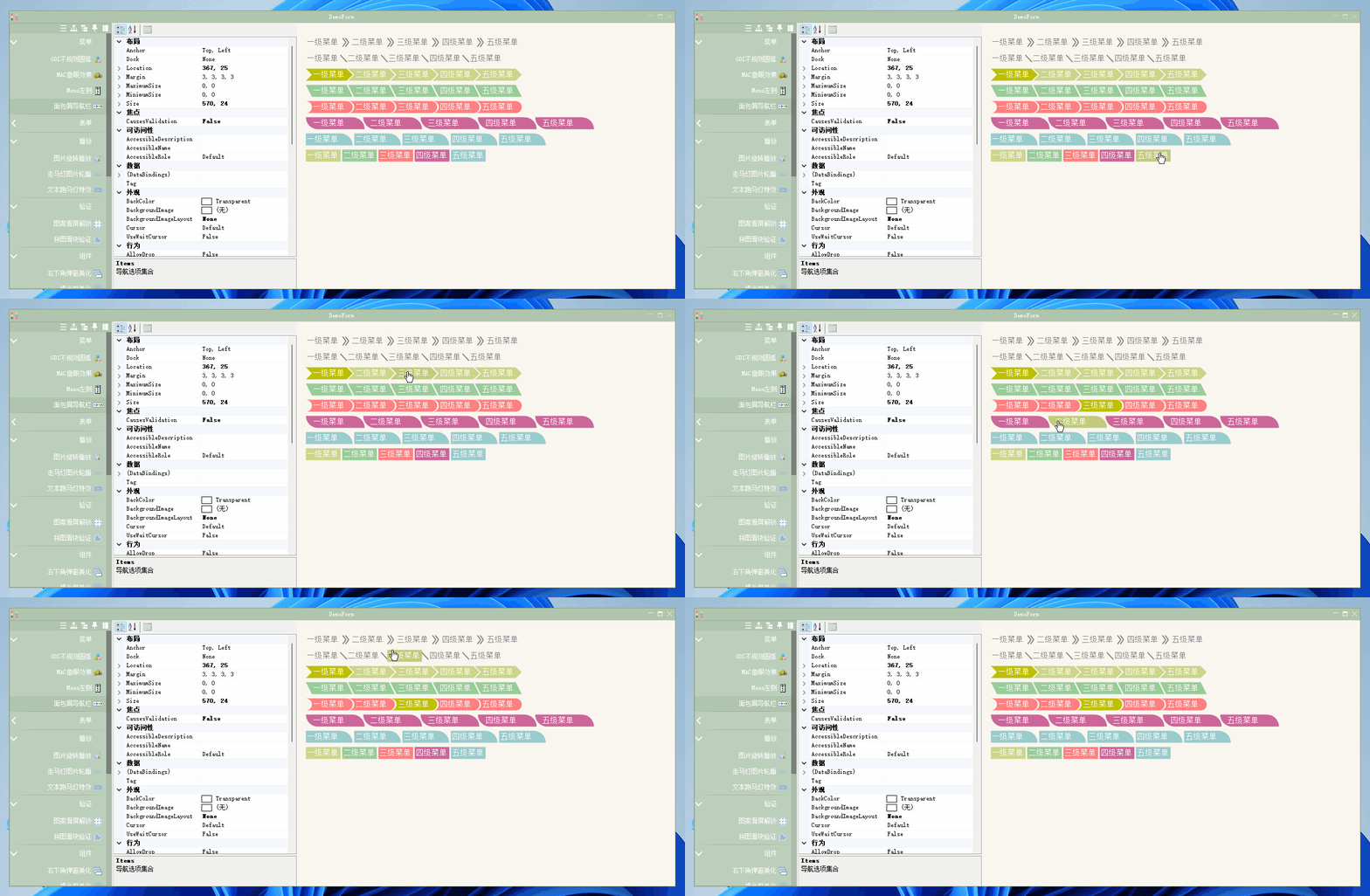
Breadcrumb navigation bar:

Breadcrumb navigation bar

  1. Forms

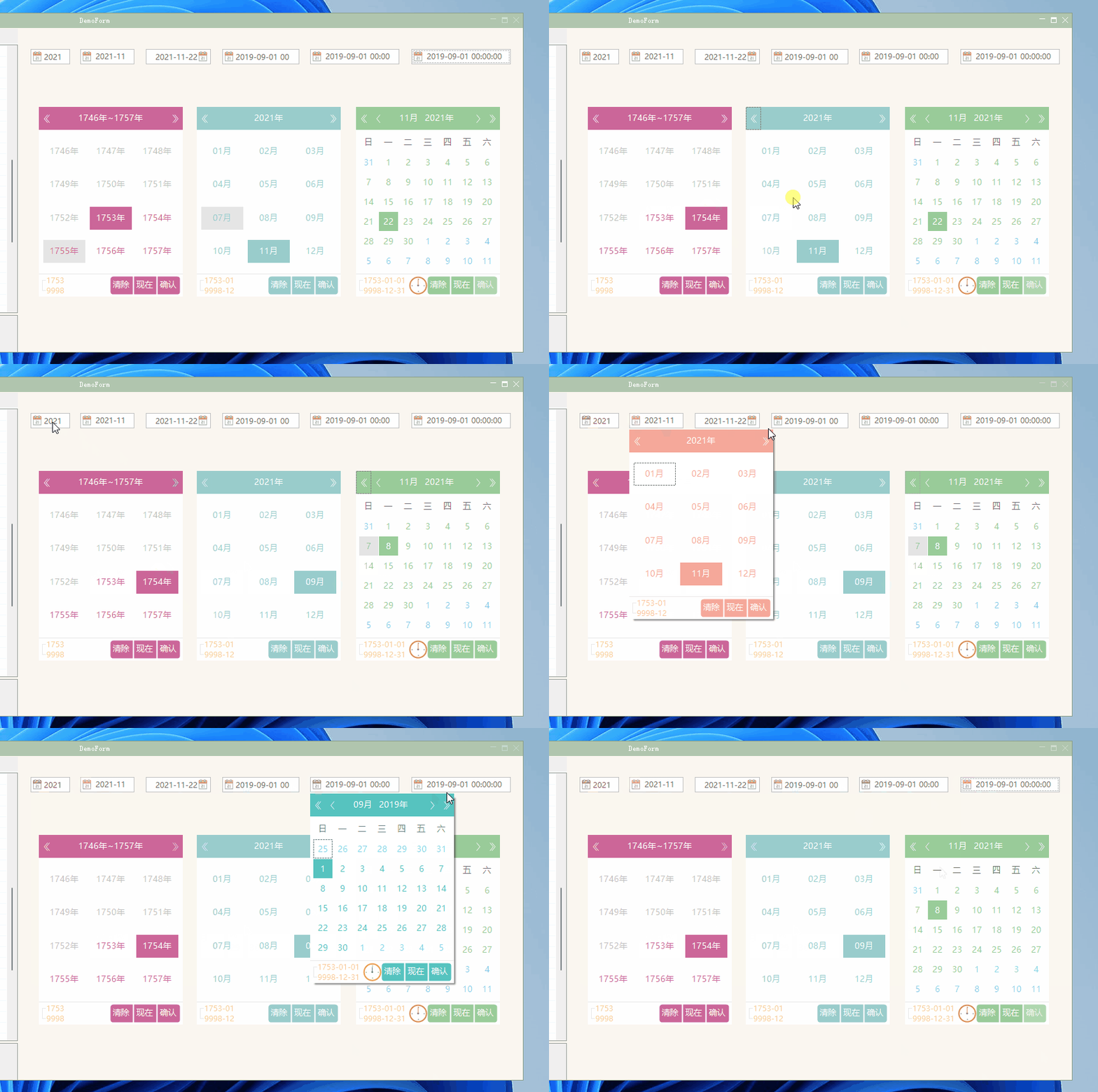
Date selection beautification:

Date selection beautification

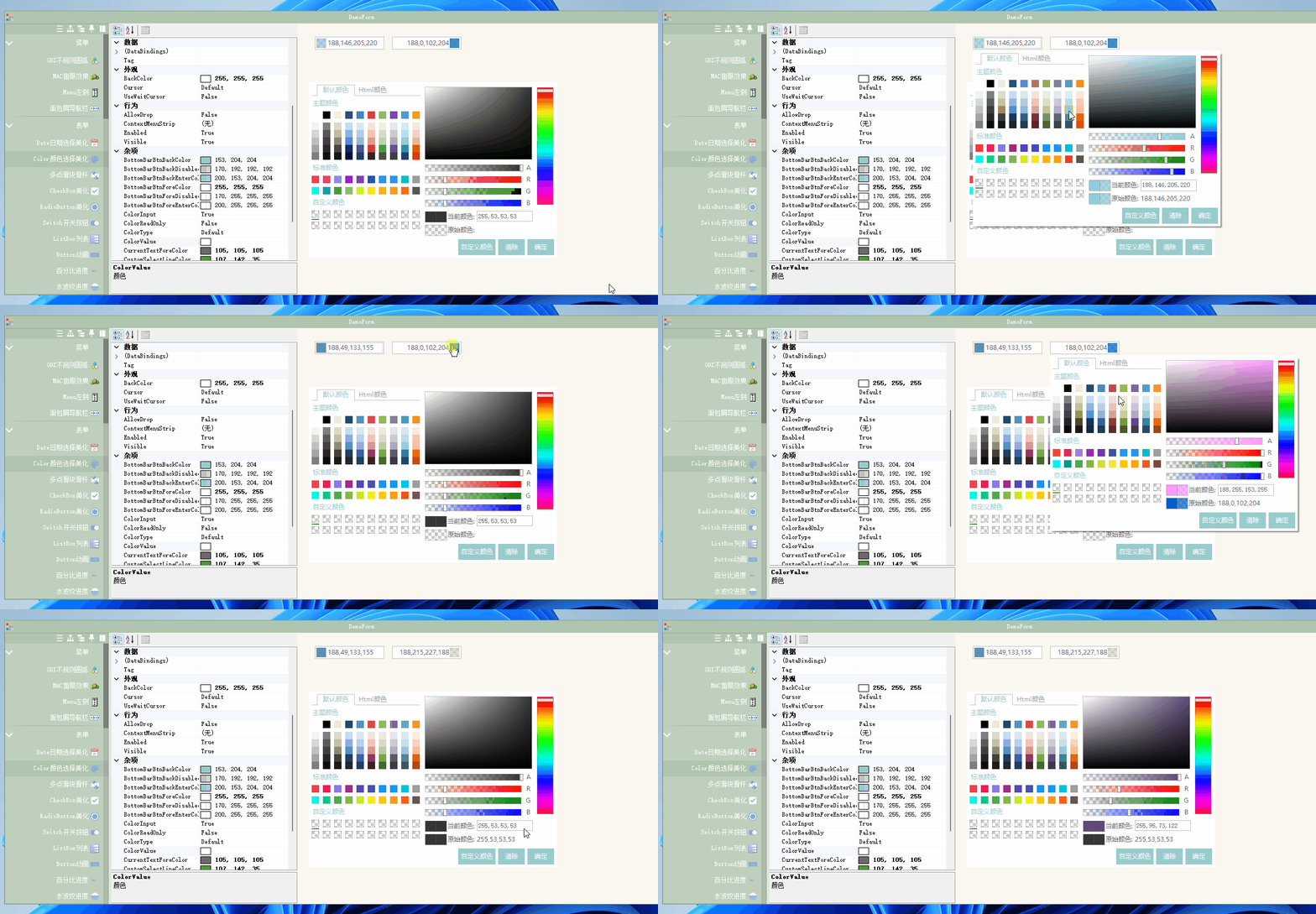
Color selection beautification:

Color selection beautification

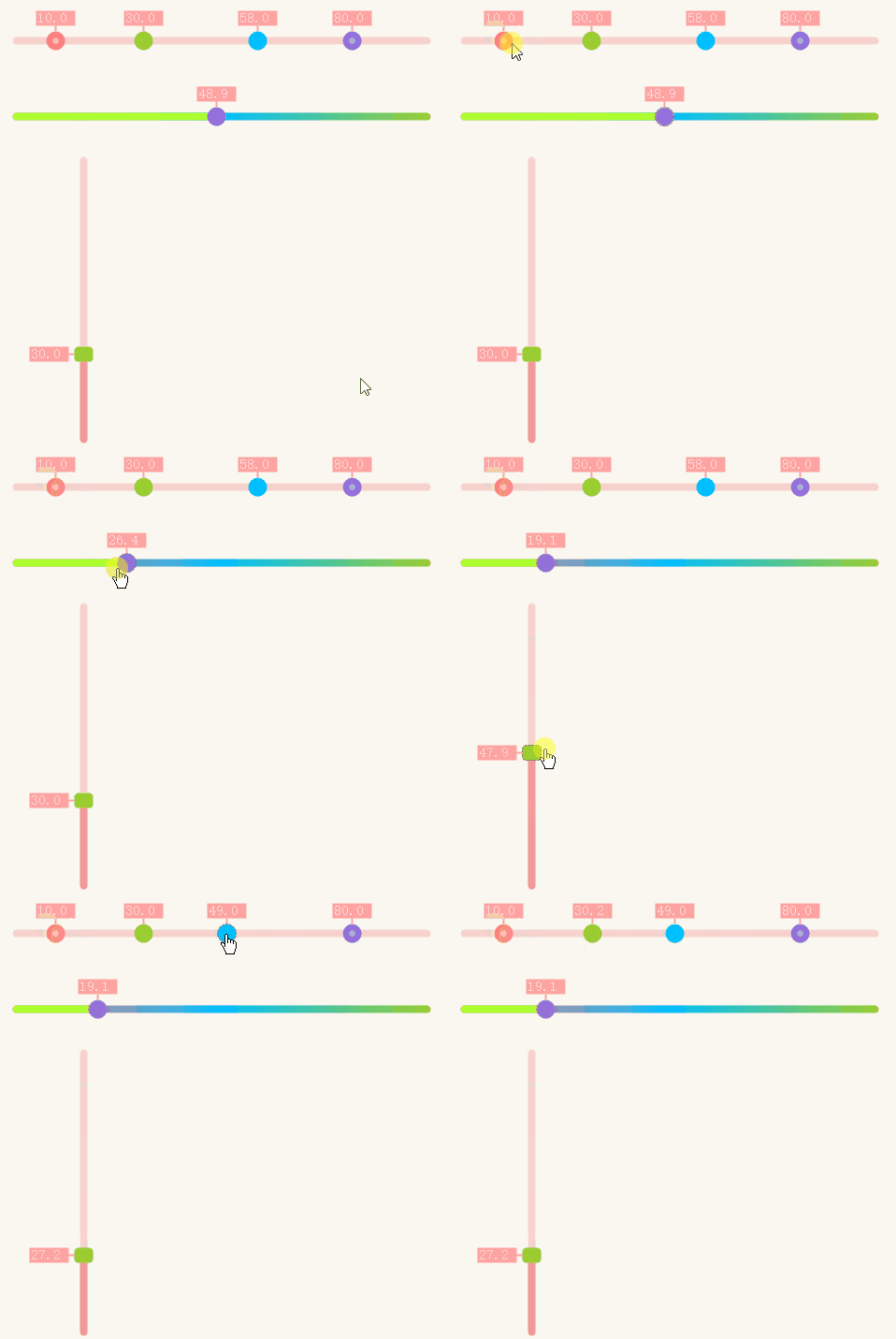
Multi-point slider:

Multi-point slider

CheckBox:

CheckBox

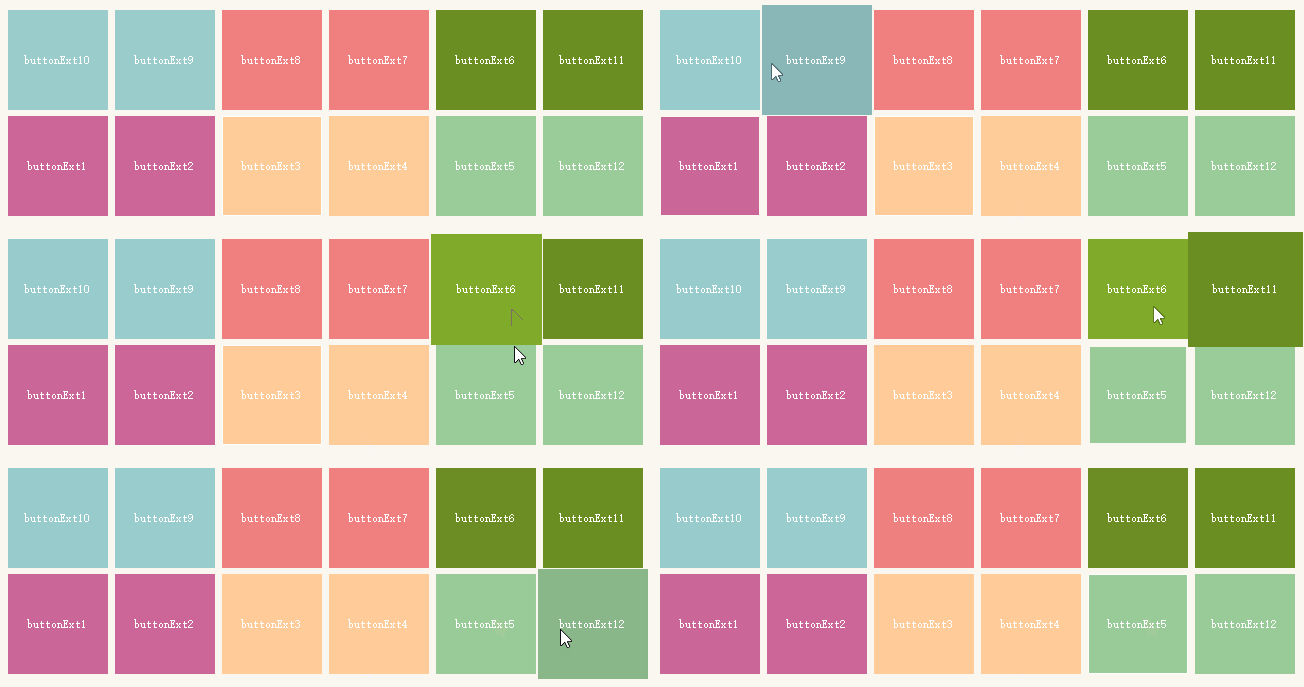
Button animation:

Button animation

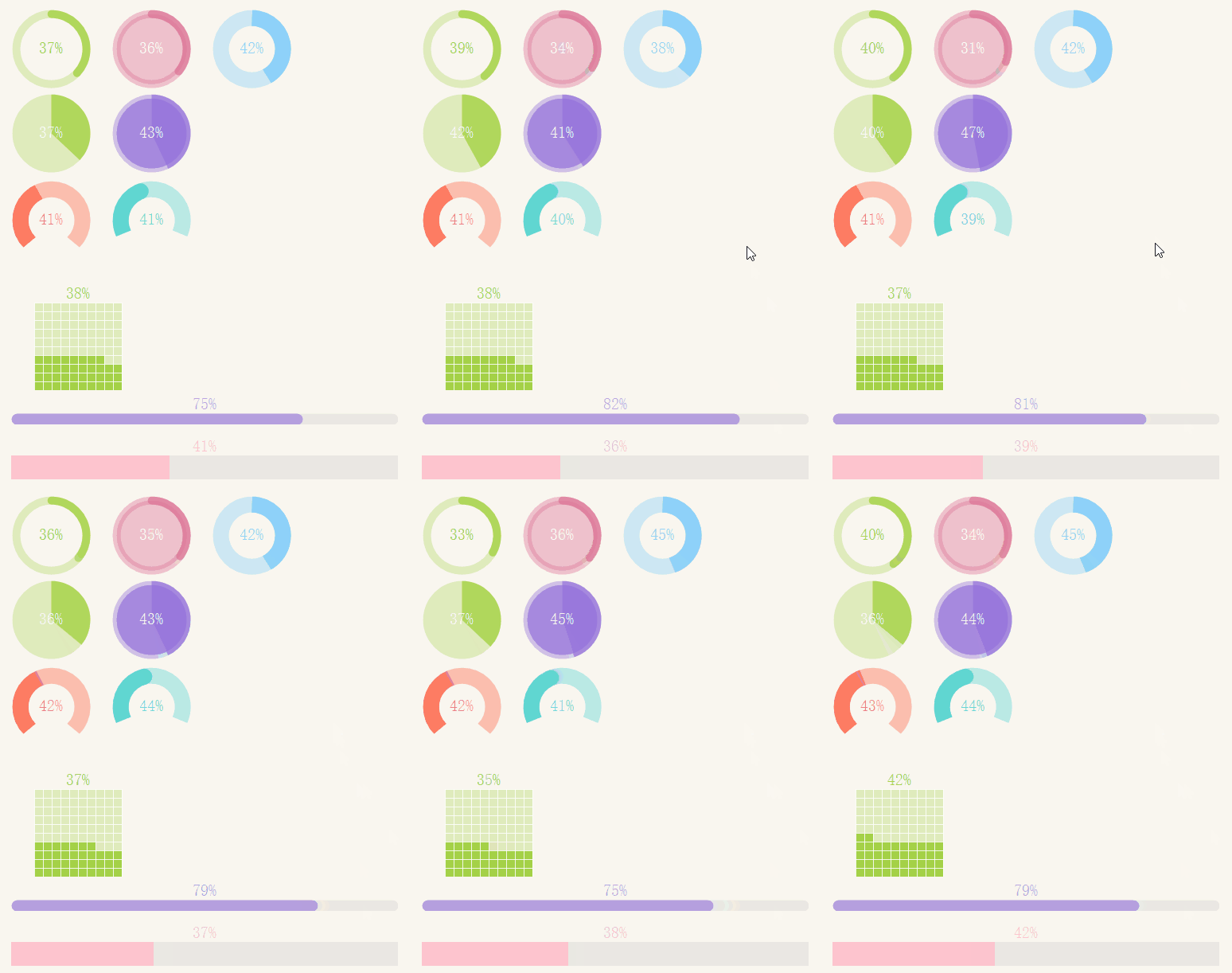
Percentage progress:

Percentage progress

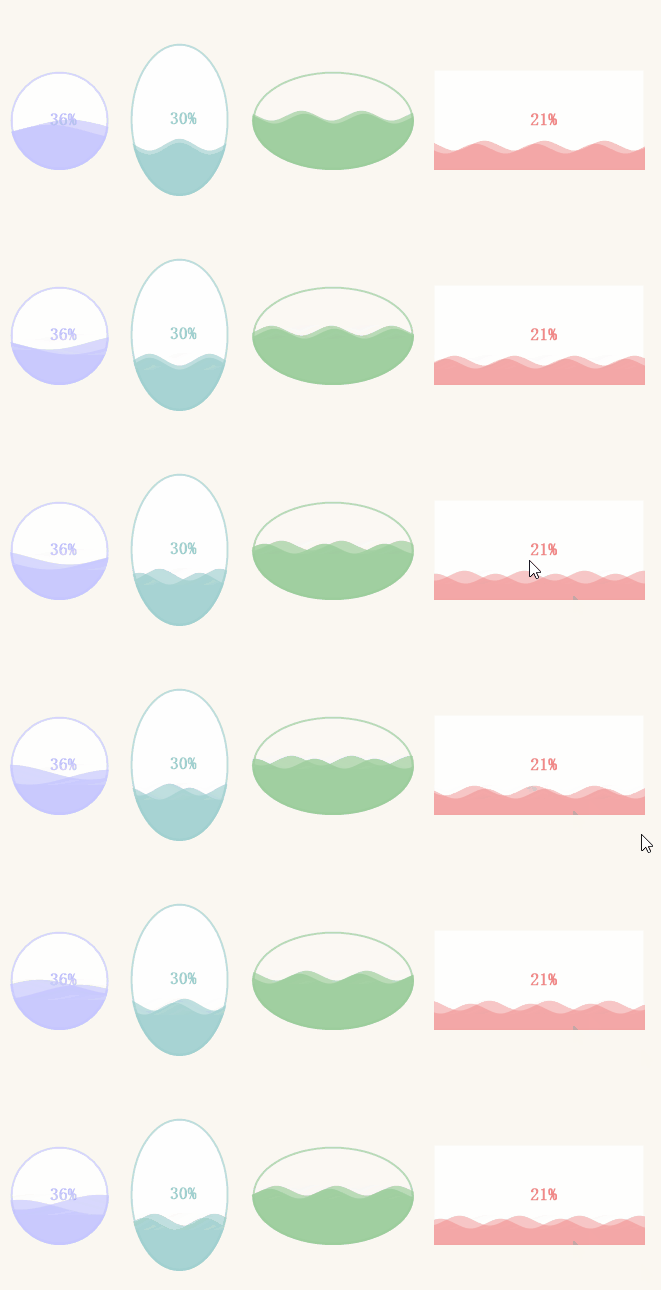
Ripple progress:

Ripple progress

Gradient progress:

This one is quite nice for real-time data monitoring.

Gradient progress

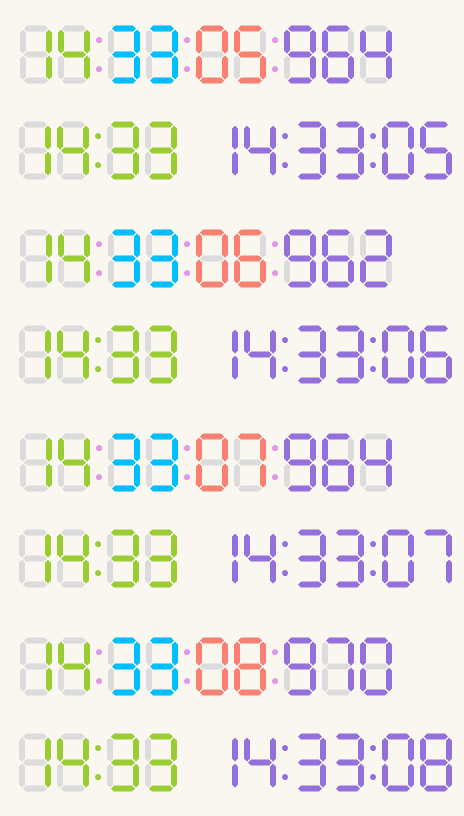
Digital clock:

Digital clock

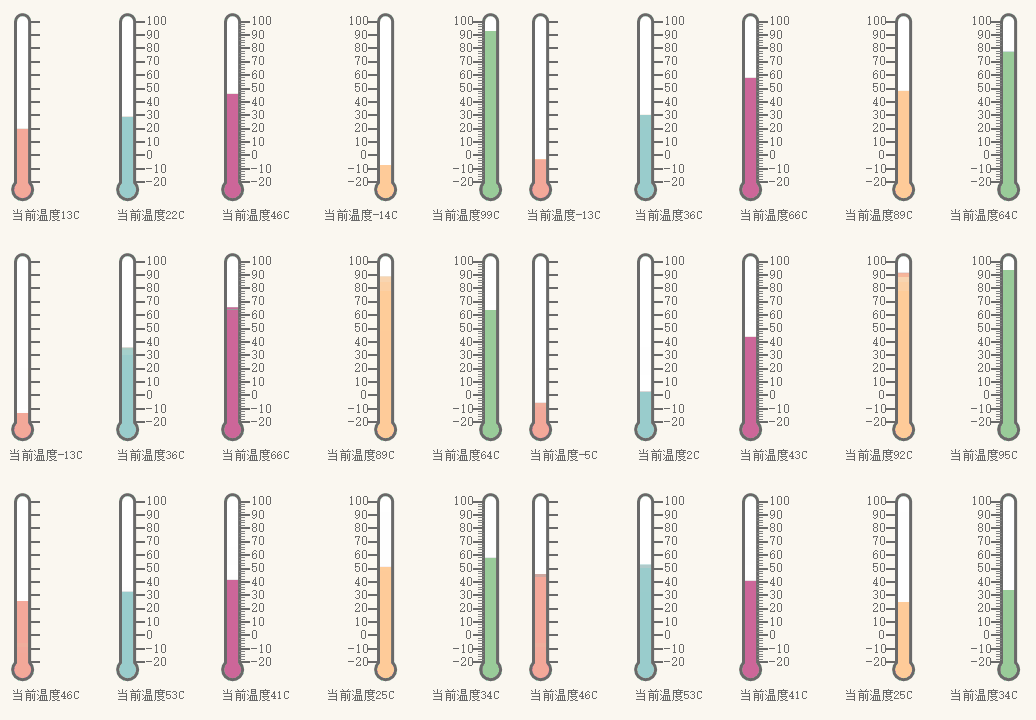
Thermometer:

Thermometer

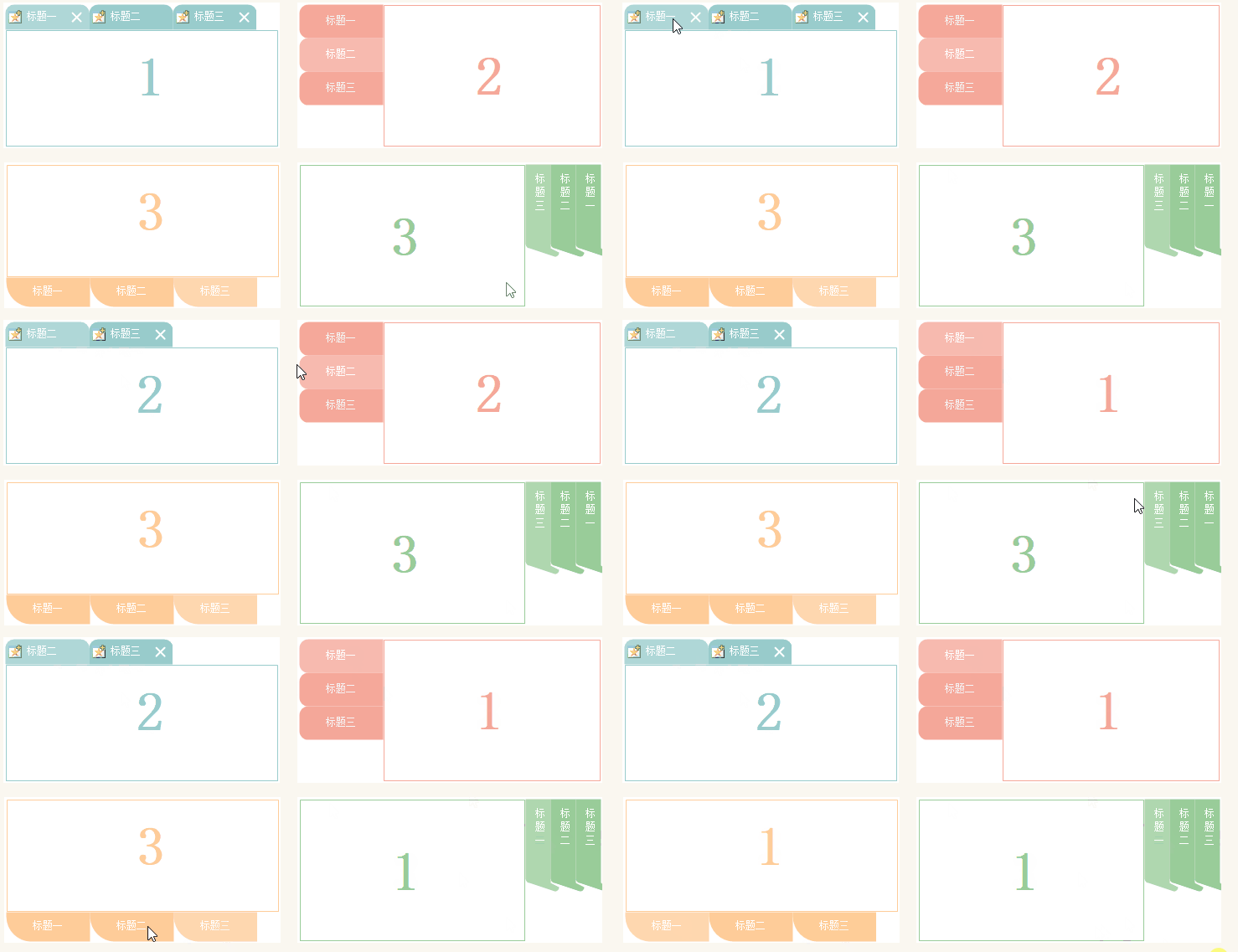
TabControl beautification:

TabControl beautification

CAPTCHA:

CAPTCHA

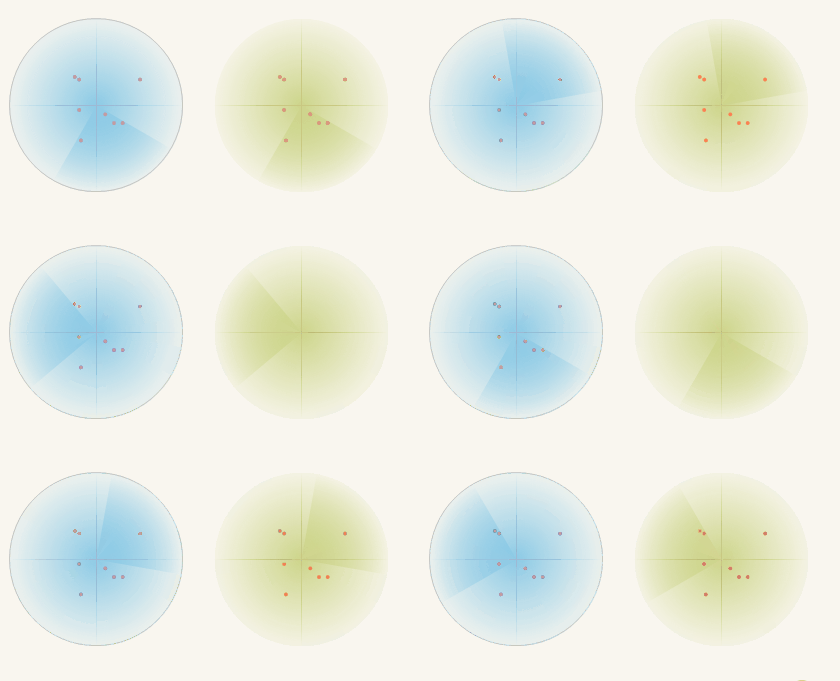
Radar scan:

Radar scan

Loading spinner:

Loading spinner

  1. Playback

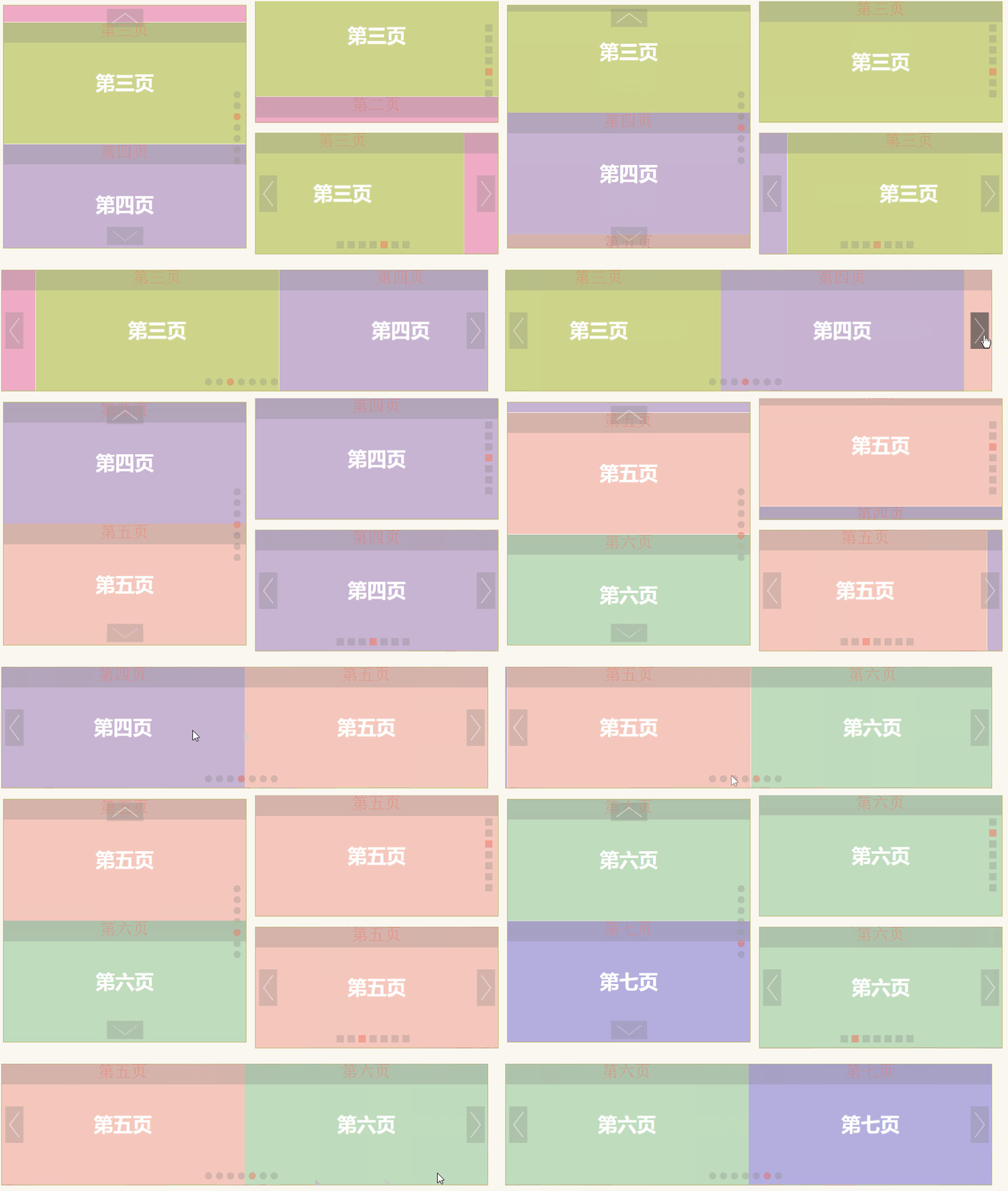
Image rotating carousel:

Image rotating carousel

Marquee image slider:

Marquee image slider

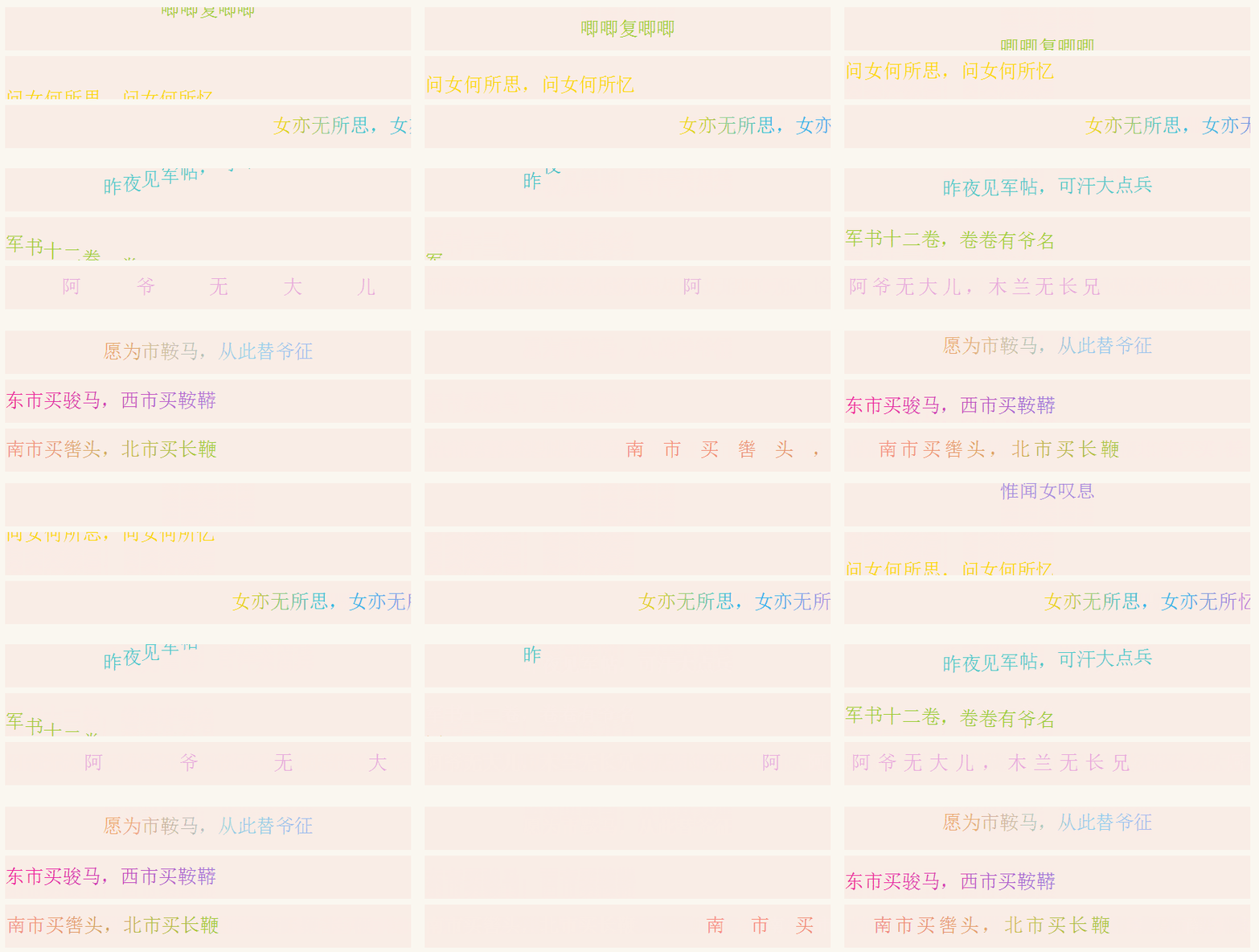
Text marquee effect:

Text marquee effect

  1. Verification

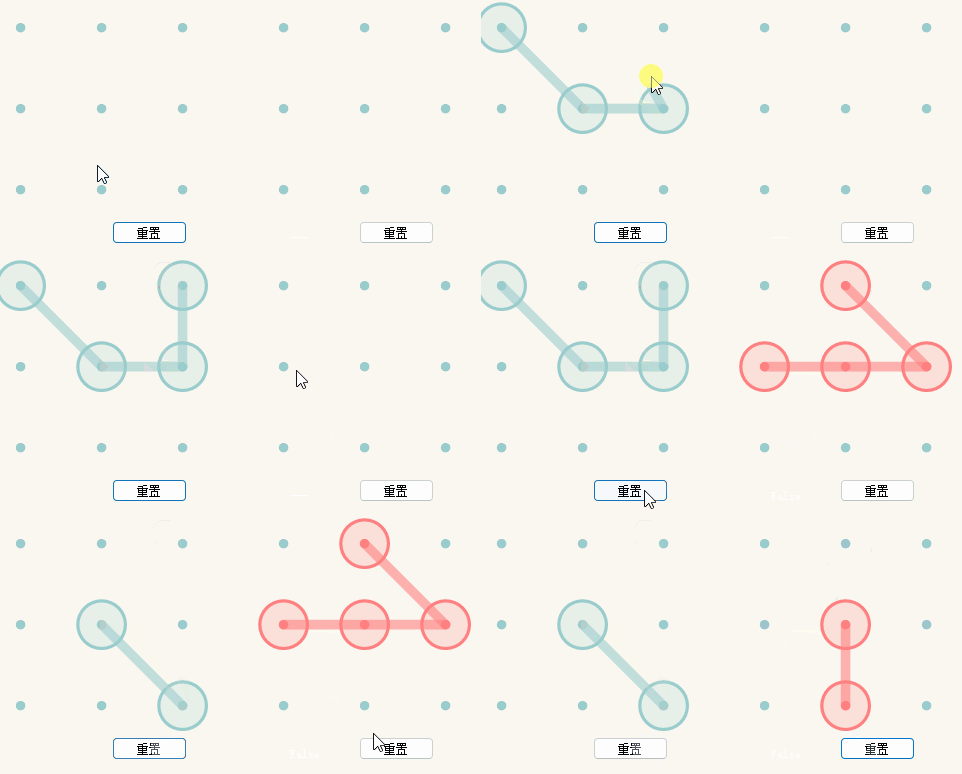
Pattern slide unlock:

Pattern slide unlock

Jigsaw slider verification:

This one is interesting – you can select multiple sliders to increase verification complexity.

Jigsaw slider verification

  1. Toolbar

These are quite common, so no GIF recording needed...

  1. Components

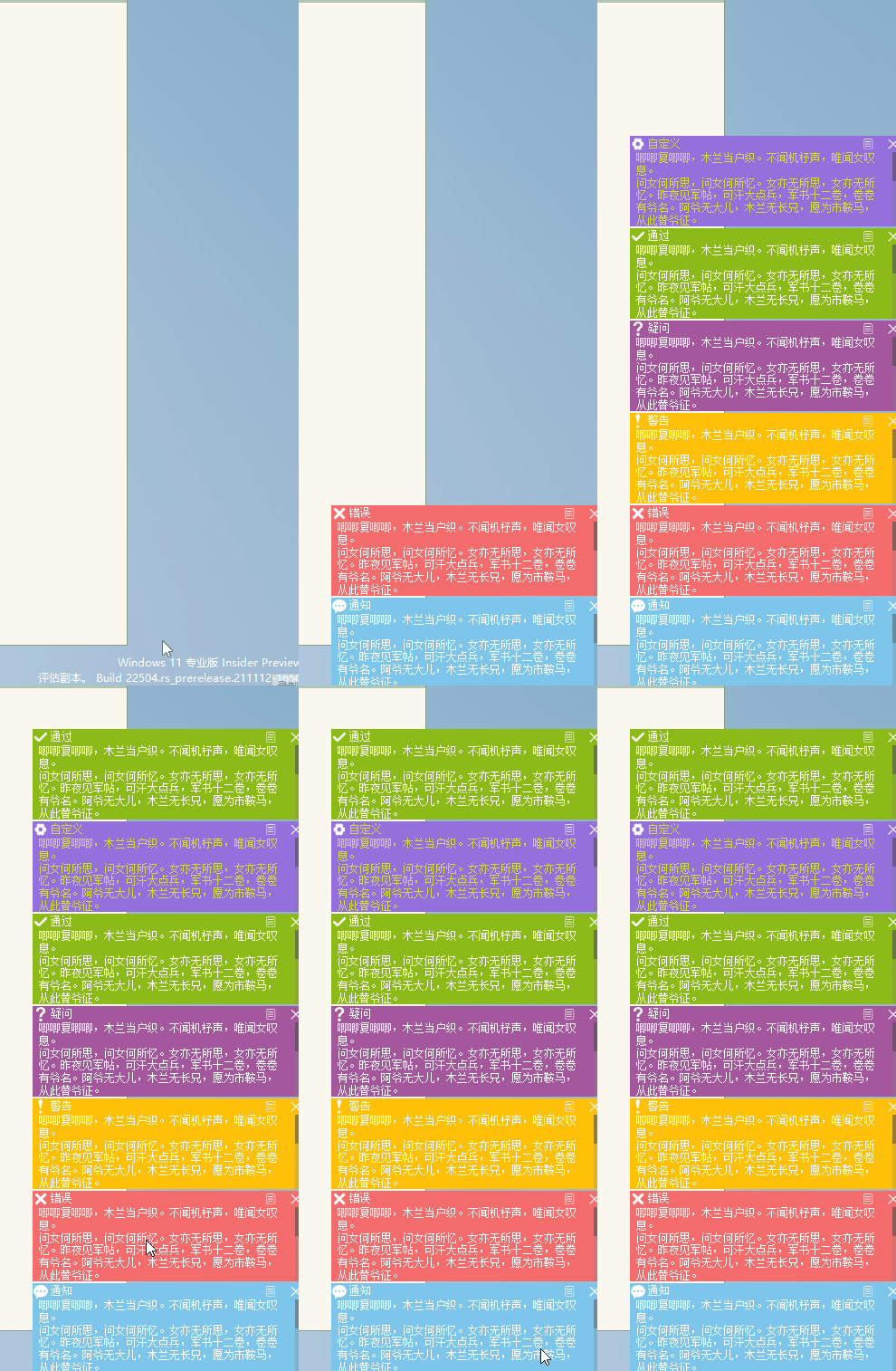
Bottom-right corner popup notification:

Bottom-right corner popup notification

Other components – you'll have to check them out yourself.

  1. Analysis

The last major category – already recorded nearly 30 GIFs...

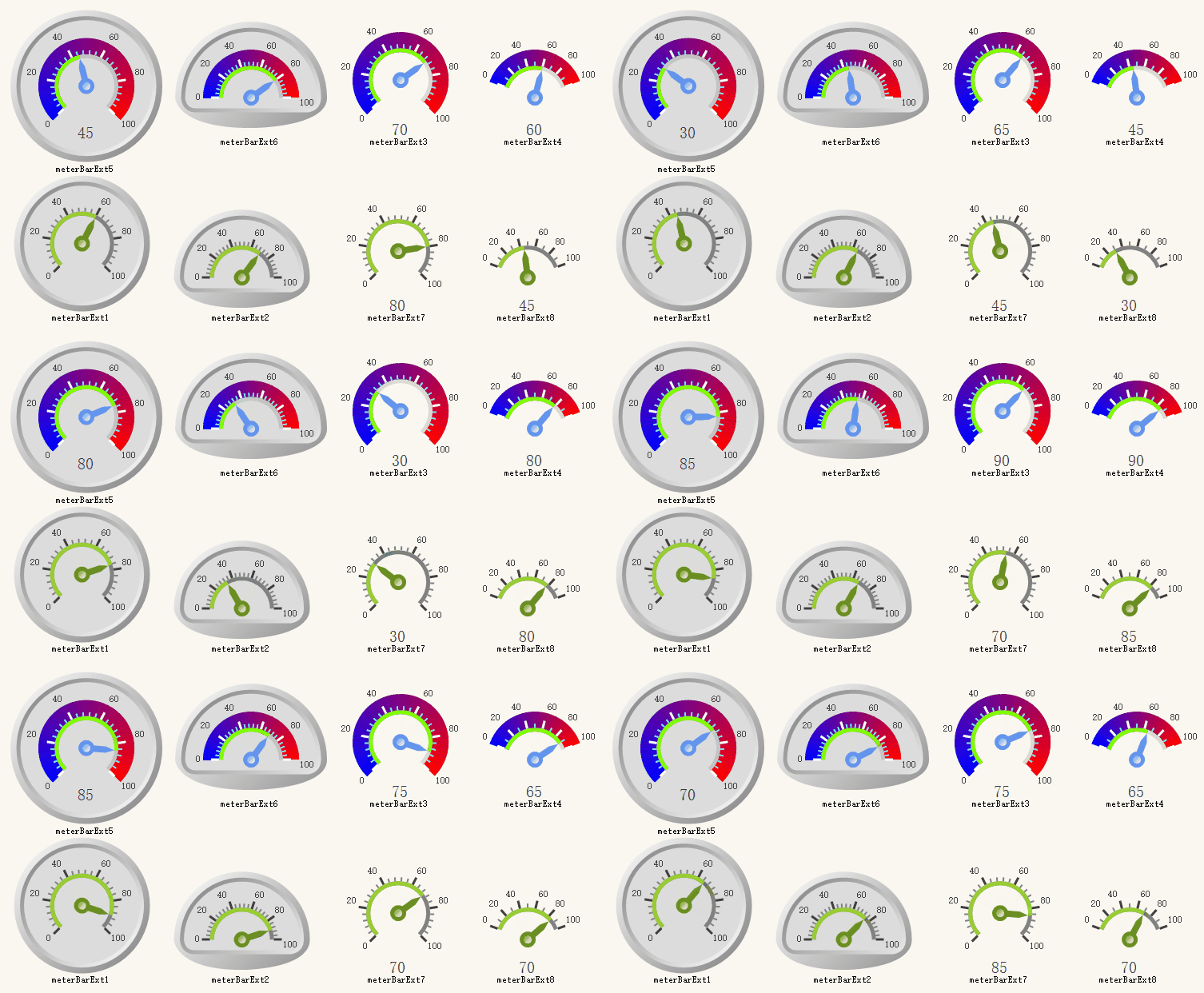
Gauge:

Gauge

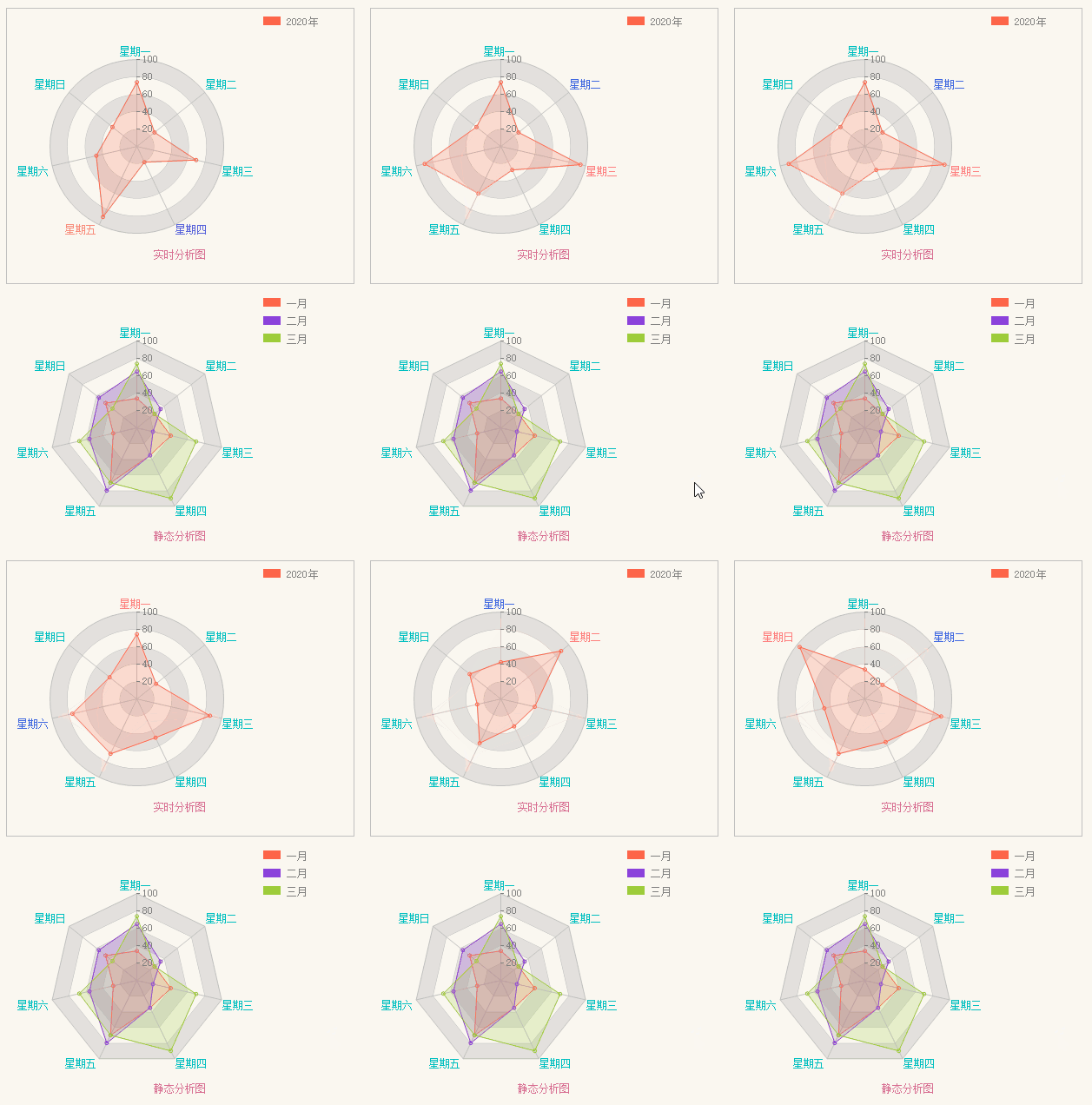
Radar analysis chart:

Radar analysis chart

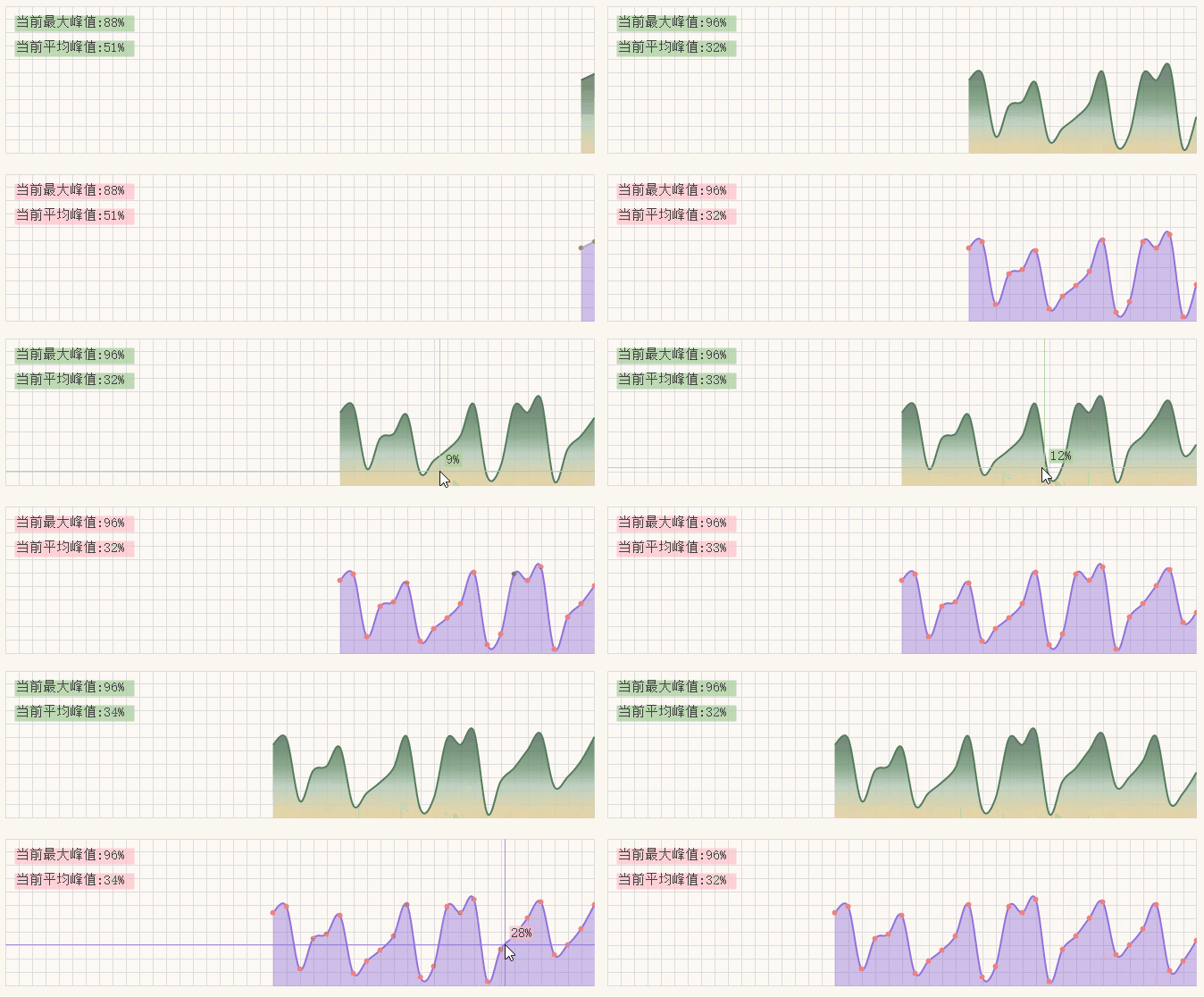
Chart analysis:

Chart analysis

That's all for the introduction. Recording those GIFs was quite a workout.

About the Author

Keep Exploring

Related Reading

More Articles
Same category / Same tag 2/29/2024

Data Display Can Also Be Done Like This in Winform

In the process of developing Winform, data display functionality is often required. Previously, the gridcontrol control was commonly used. Today, through an example, I would like to introduce how to use the table component from Ant Design Blazor for data display in a Winform Blazor Hybrid application.

Continue Reading
Same category / Same tag 2/29/2024

Can the Winform interface also look good?

A few days ago, I introduced using Blazor Hybrid in Winform, and mentioned that with the Blazor UI, our Winform programs can be designed to look better. Next, I will illustrate with an example of drawing in Winform Blazor Hybrid, hoping it helps you.

Continue Reading