
VS 2026 Download Available
As the title says
As the title says
Setting up an offline development environment is the most troublesome. This article details how to create an offline installation package for VS 2022 Preview, including complete download, installation steps and precautions
This article details how to use PowerShell scripts and batch files to automate version updates and one-click publishing in .NET Avalonia UI projects. First, it explains the setup and modification of PowerShell execution policies to ensure scripts can run properly. Then, it introduces methods for adding scripts in Visual Studio pre-build events to automatically update version numbers, as well as using batch files to publish applications on multiple platforms. Finally, a PowerShell script example is provided that can automatically update program version information based on Git tags. These methods can improve the development efficiency and convenience of the publish process for .NET projects.
The article tells the story of a nurse who resigned due to work pressure and family responsibilities. After facing difficulties in job hunting, she decided to learn programming, especially the C# language. She describes in detail what she learned on the first day, including .NET, .NET Framework, C# language concepts, types of C# development software, different UI frameworks, interaction modes, and the use of Visual Studio. She expresses her confidence and determination to learn programming and hopes to receive guidance and help from more people.
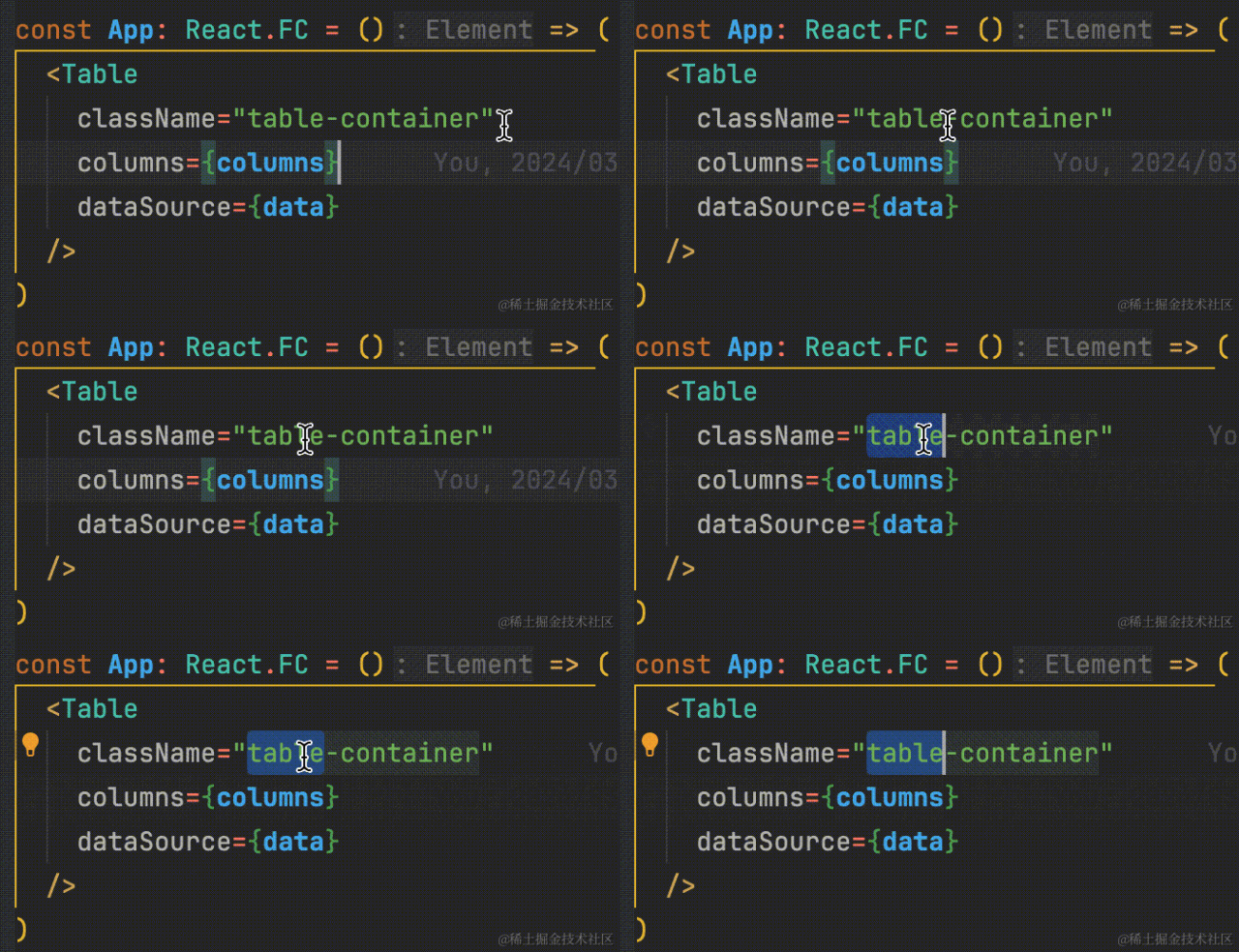
VS Code usage tips sharing
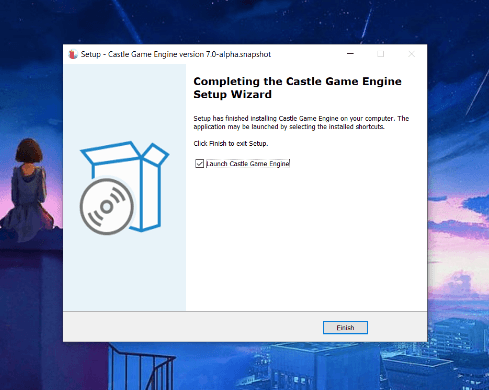
Many students in the C/S development field may encounter scenarios where they need to create installation packages, and there are various packaging tools.
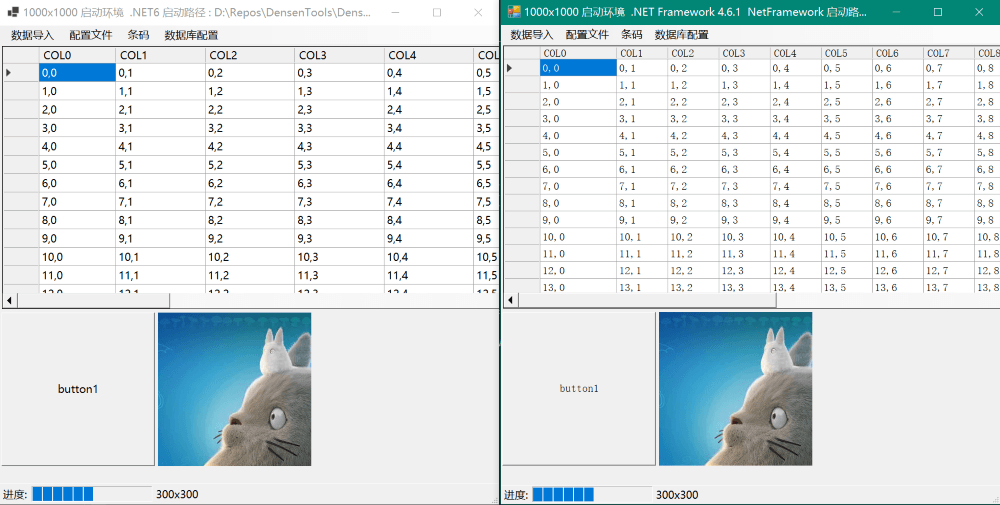
Under high DPI (scaling >100%), the UI designer constantly prompts to scale to 100%. If you do not restart to 100%, the designed controls will scatter.
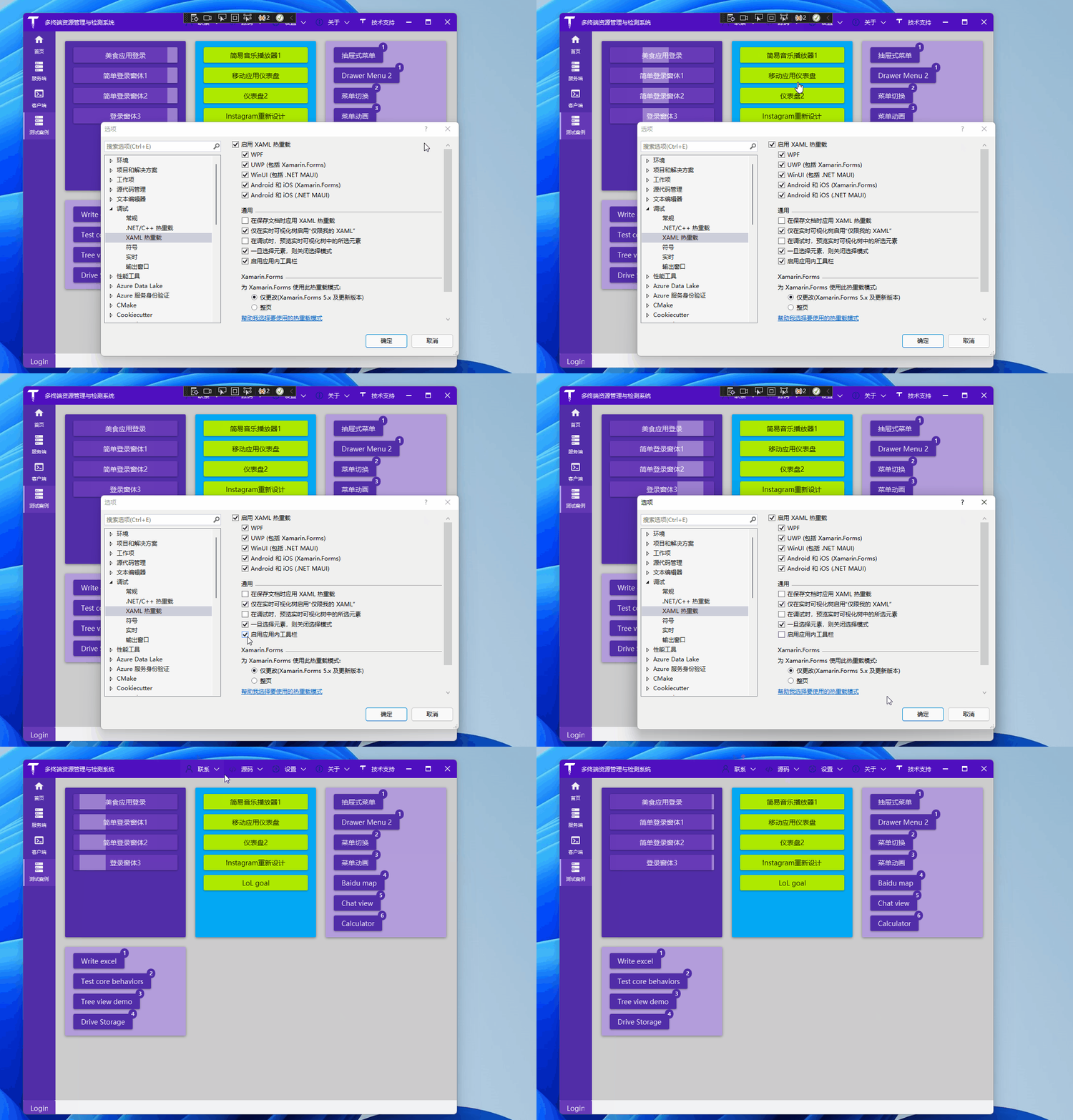
Two practical tips
We are excited to announce that C# 10 has been released as part of .NET 6 and Visual Studio 2022.
After downloading Visual Studio, first create a Blazor solution and establish a Blazor Server project inside it. You can choose the project location yourself. (Note: The new version of Visual Studio has separated the project templates for Blazor Server and Blazor WebAssembly, making it more intuitive.)