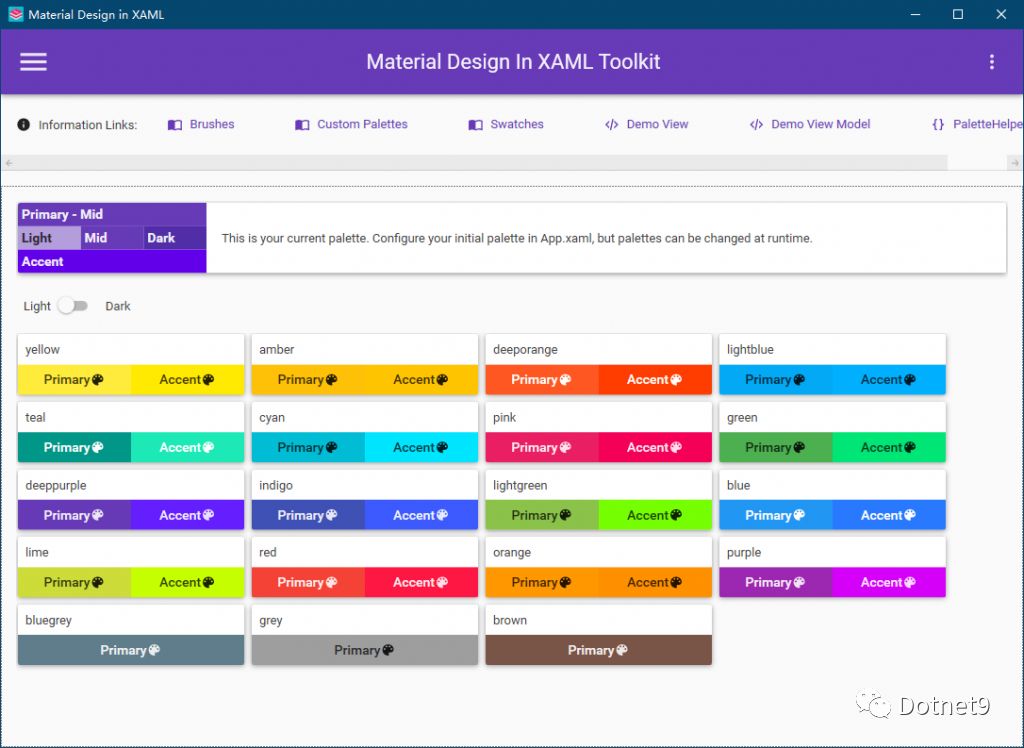
Open Source C# WPF Control Library - MaterialDesignInXAML
Today I introduce an open-source C# WPF control library, very beautiful, and importantly, it's open-source!
Today I introduce an open-source C# WPF control library, very beautiful, and importantly, it's open-source!
This article was contributed by a netizen and organized by the Dotnet9 webmaster. The webmaster thinks this little tool is very practical and is trying to use it at home and work.

When uploading files, usually an upload button is provided. Click to upload, a file (or directory selection dialog) pops up. After selecting a file (or directory), the file path is obtained from the dialog object, and then the upload operation is performed.

It has a very beautiful interface, entirely in Win10 style. The interface portion is similar to the default UWP. This library supports .NET Framework 4.5 and above, as well as .NET Core 3.0 and above, and can run on Windows Vista SP2 and above.

Found this open source project based on a blog post shared by a netizen. This open source project has 8 interface designs, all of which look good and can serve as a reference for WPF development.

A UI Design

Common tray effects should be satisfied, right? And the code we need to write to achieve these effects is really not much.

The previous article briefly introduced the internationalization of the main project, implemented using resource dictionaries (XAML). In the past few days, I added several Prism modules and found that using resource dictionaries for internationalization and localization in submodules is not easy, and I couldn't find good reference articles. So I switched to using resource files instead.
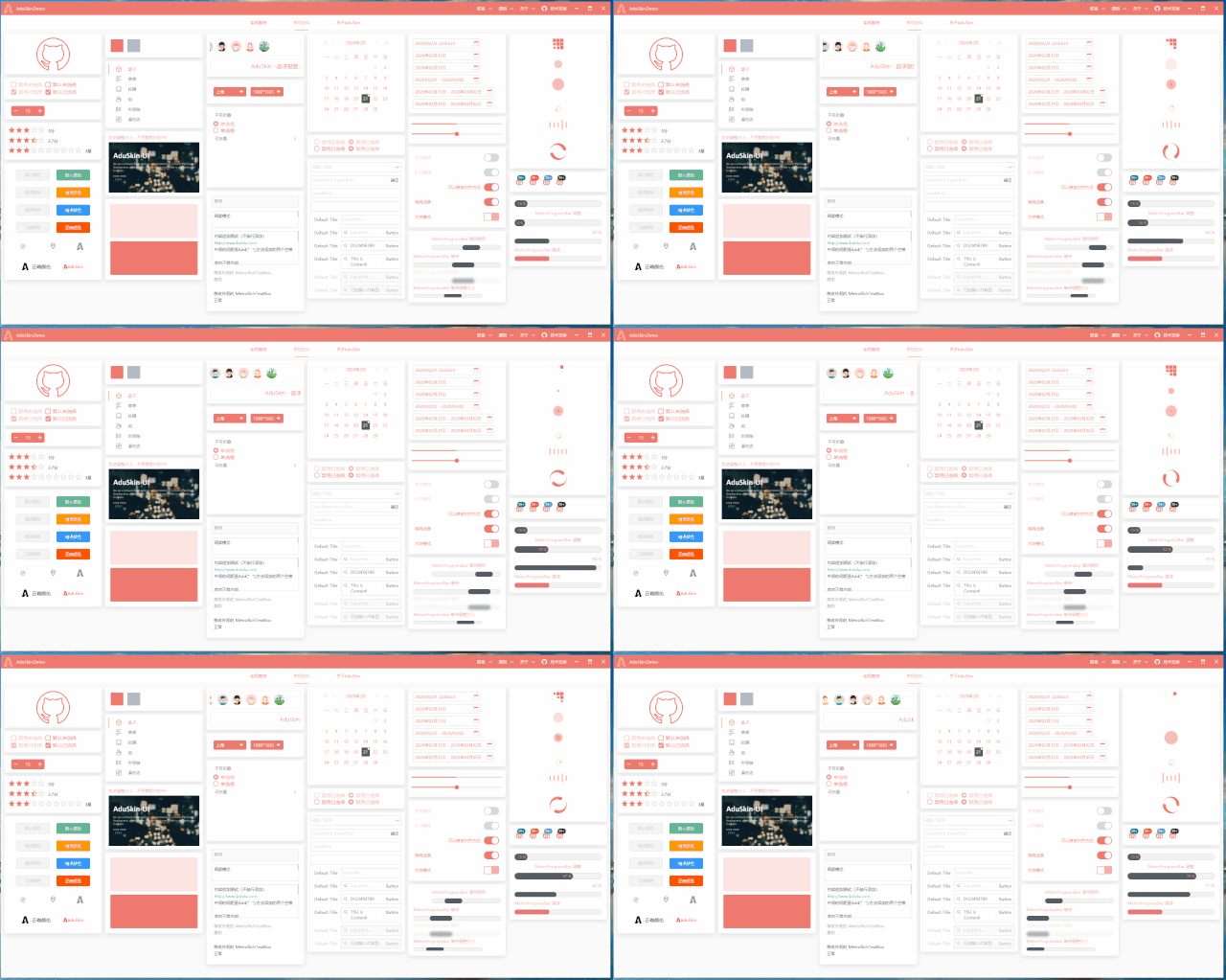
A simple and beautiful WPF UI that incorporates components from some open-source frameworks. It is a customized UI for individuals and can be used as a reference for learners.

Just a simple login interface layout, without any important functionality.